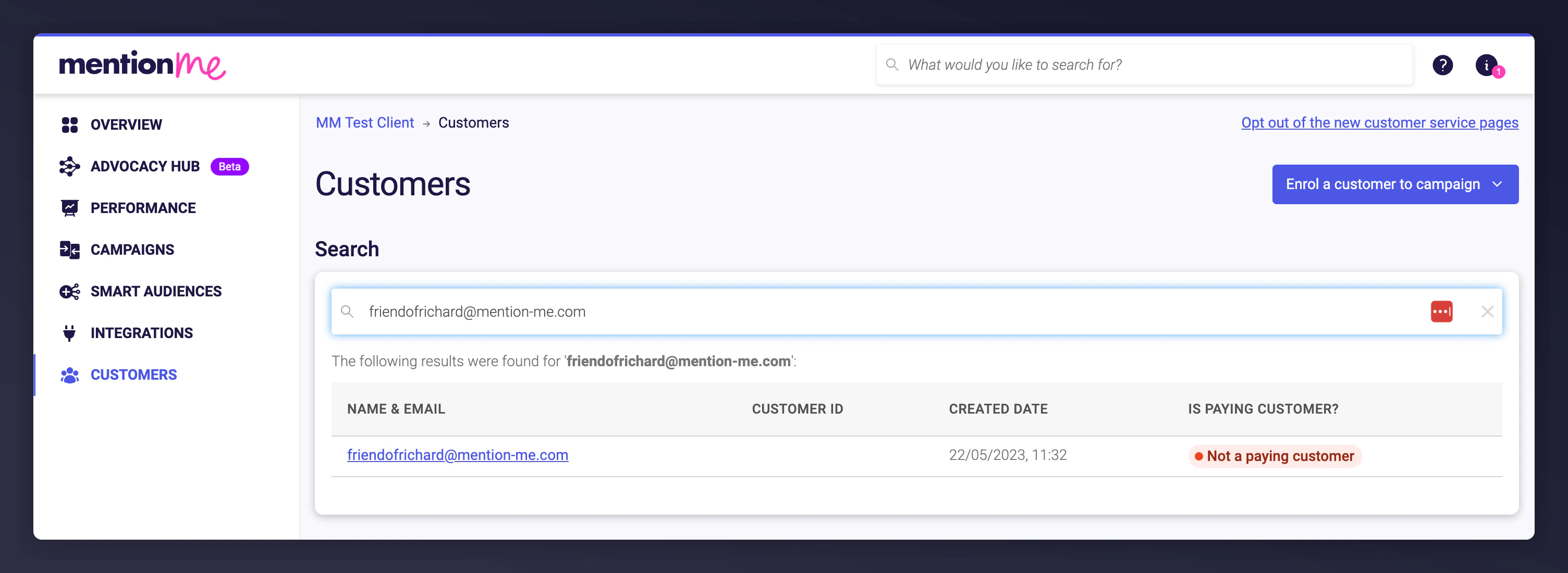
Go to the Customers section in the platform. Search for the customer using name, email, or customer ID, then click the customer’s name to open their profile.
Customer search results and profile selection.
2
Purge the account
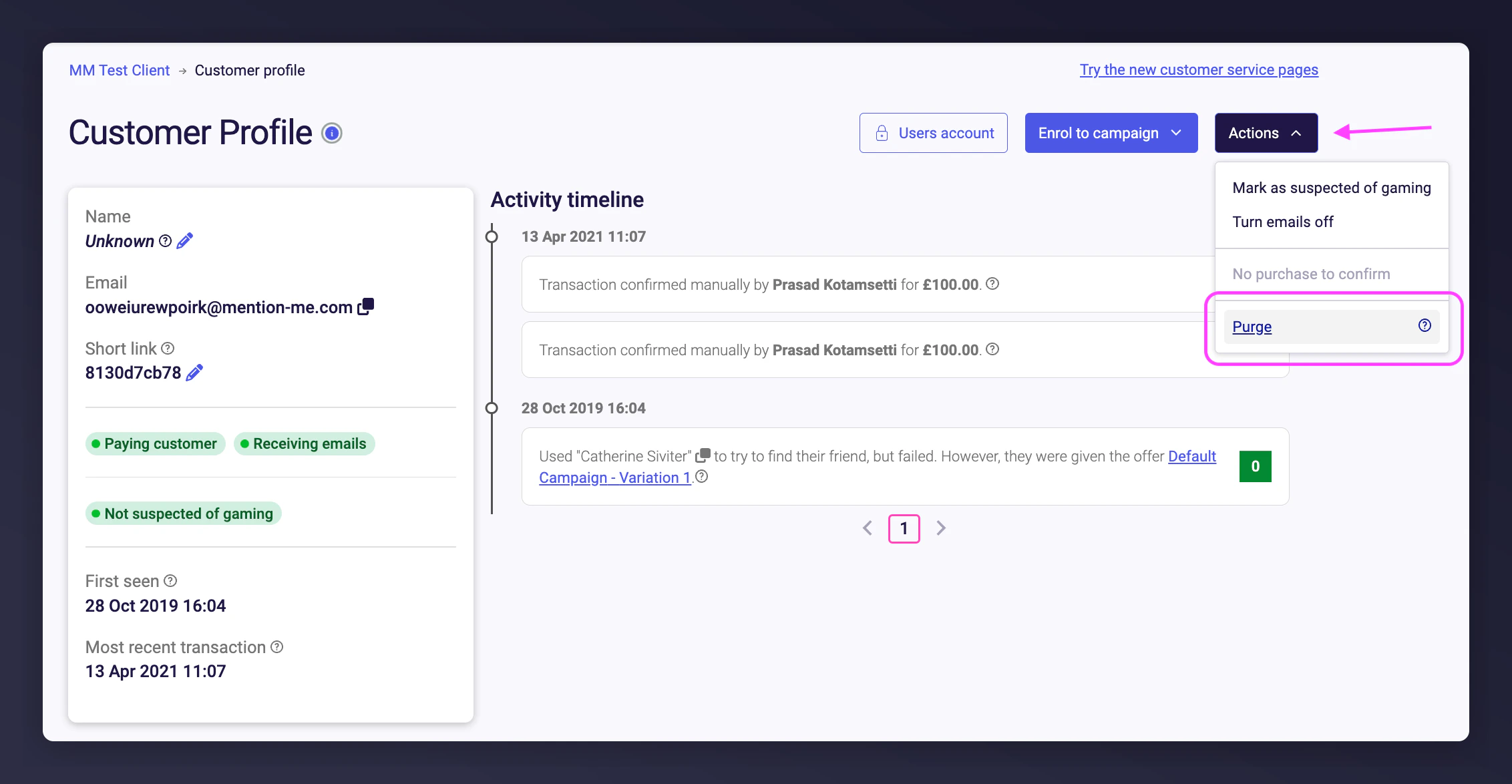
Click Actions > Purge.
The Actions menu showing the Purge option.
3
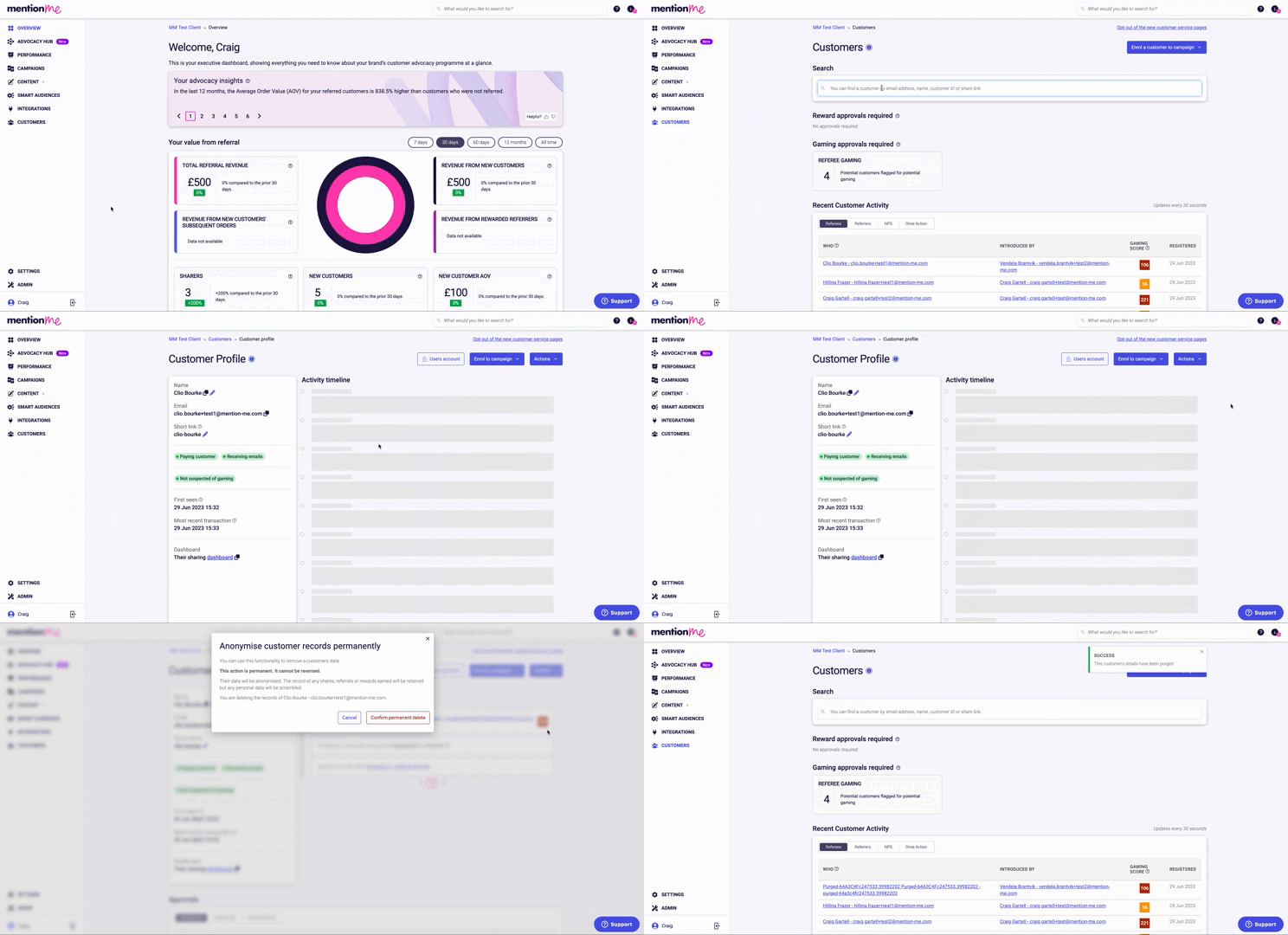
Confirm deletion
Confirm. Once confirmed, the account is permanently deleted.
Confirming permanent deletion of a customer account.
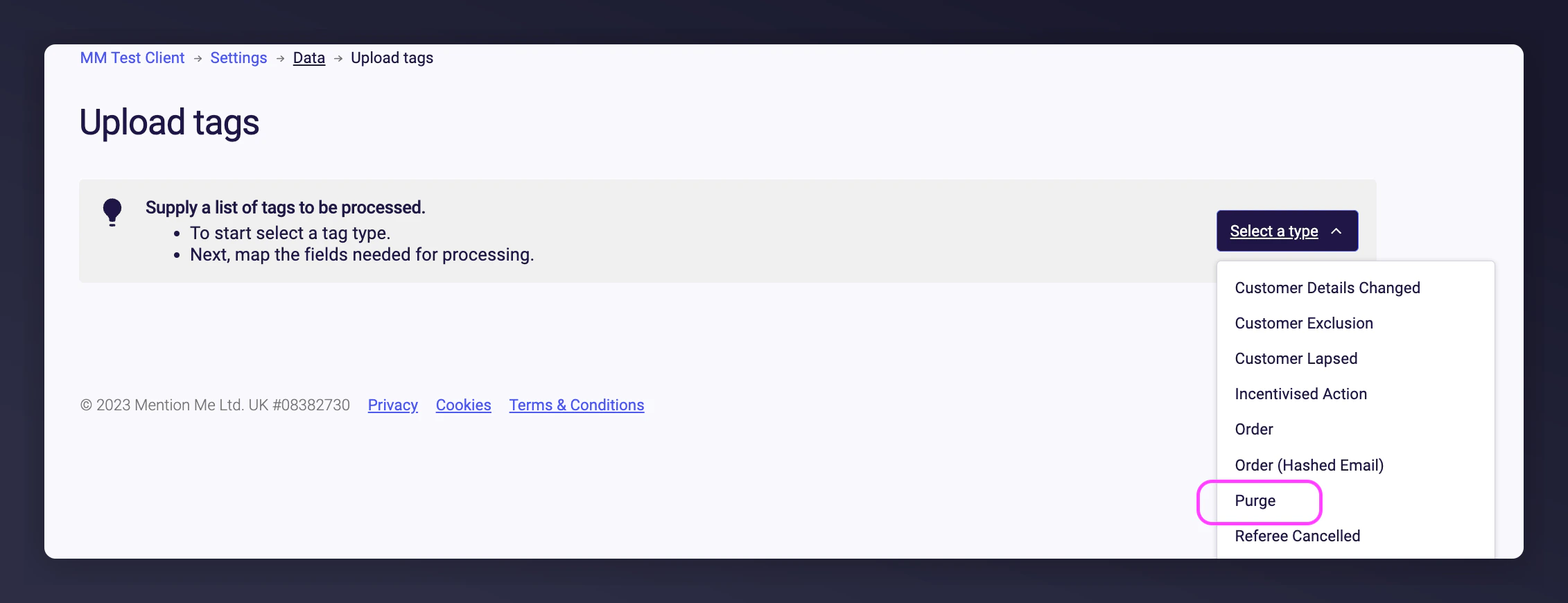
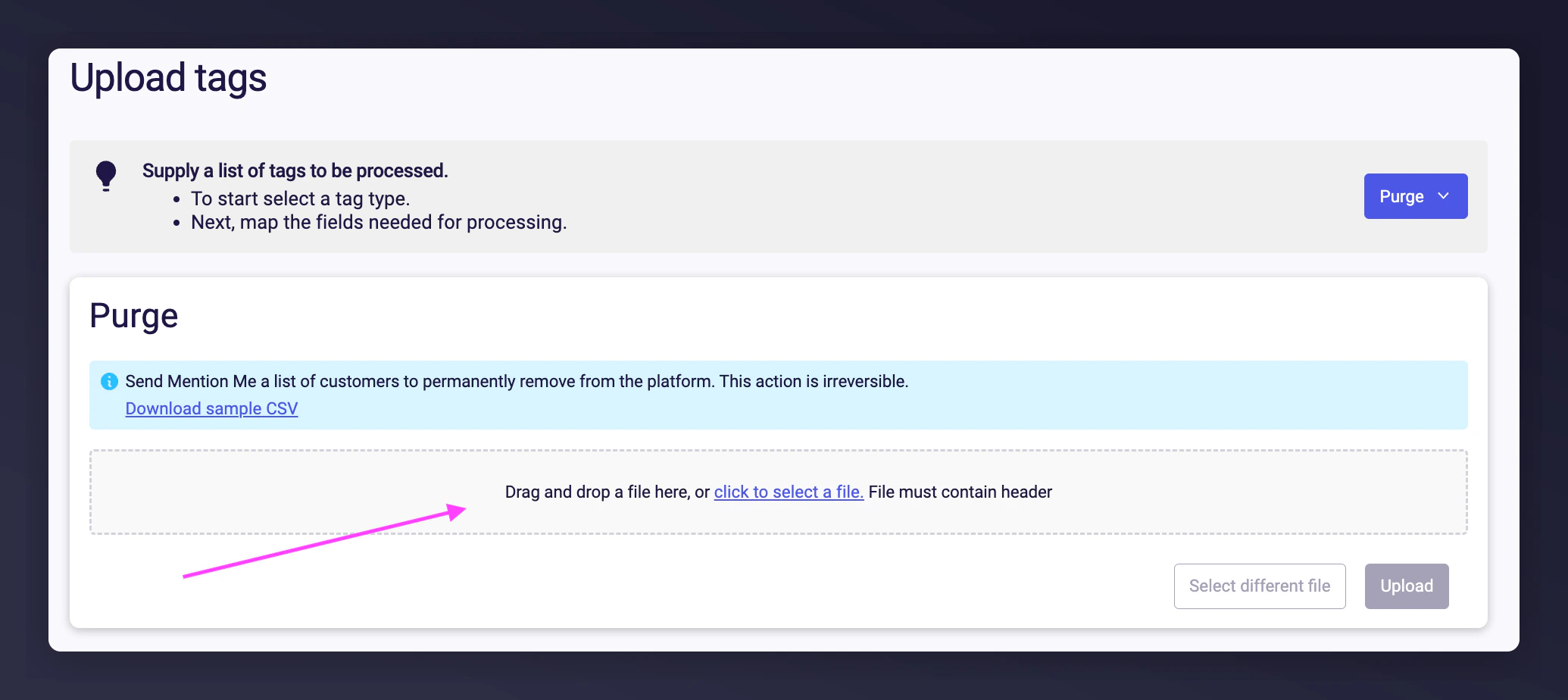
A field mapping step will validate the first ~100 rows. Errors (e.g. an invalid email) will be shown immediately in red. If validation passes, click Upload to continue. Invalid rows will be skipped during processing.
5
Review confirmation
After processing, you’ll see a summary of total rows processed, number of successful deletions, and any failed rows. Valid entries will be added to the purge queue and processed.
You can automate customer deletion by uploading a CSV file to our SFTP server. Once received, we permanently delete listed users. No additional input is required from your team.
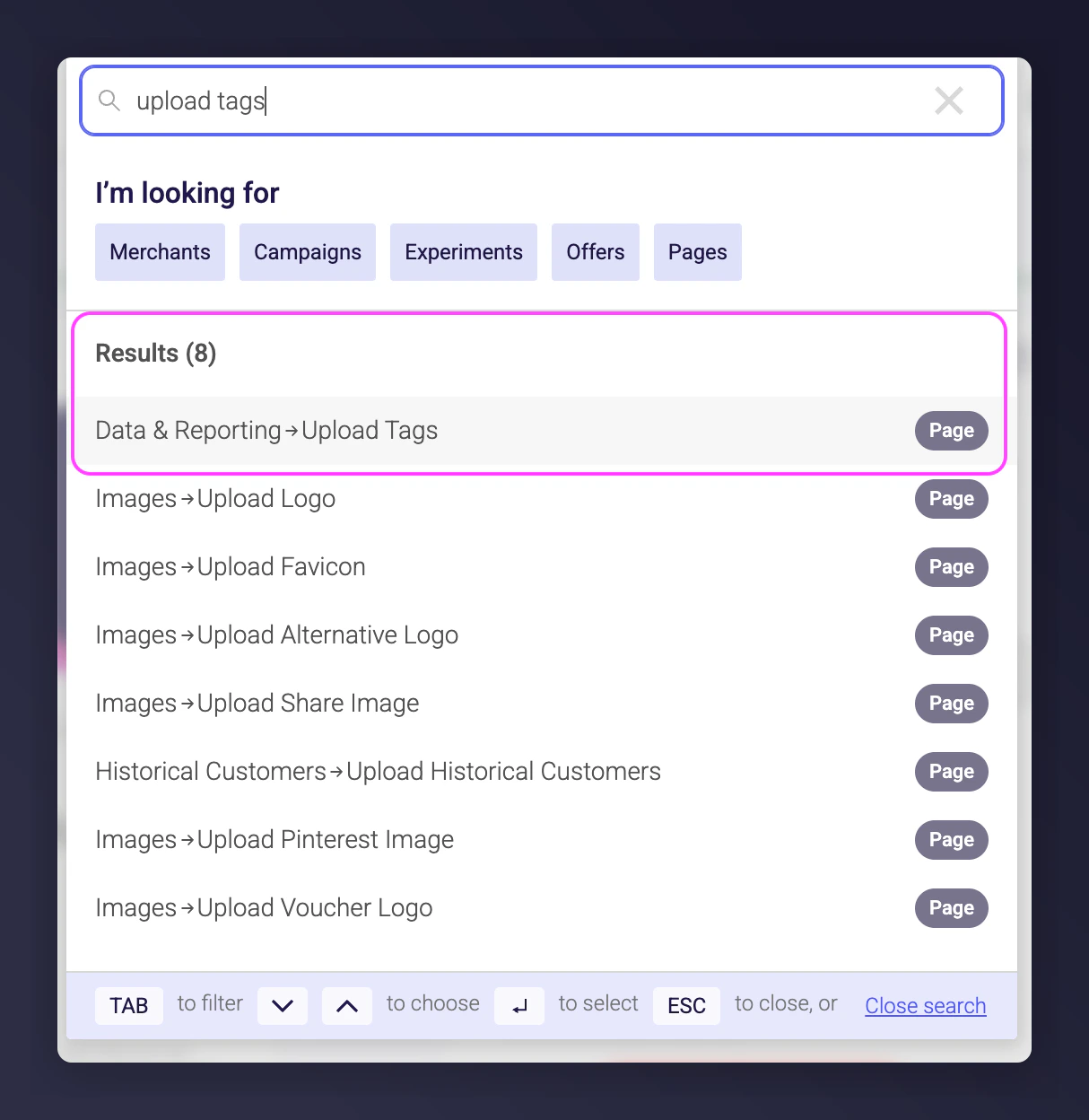
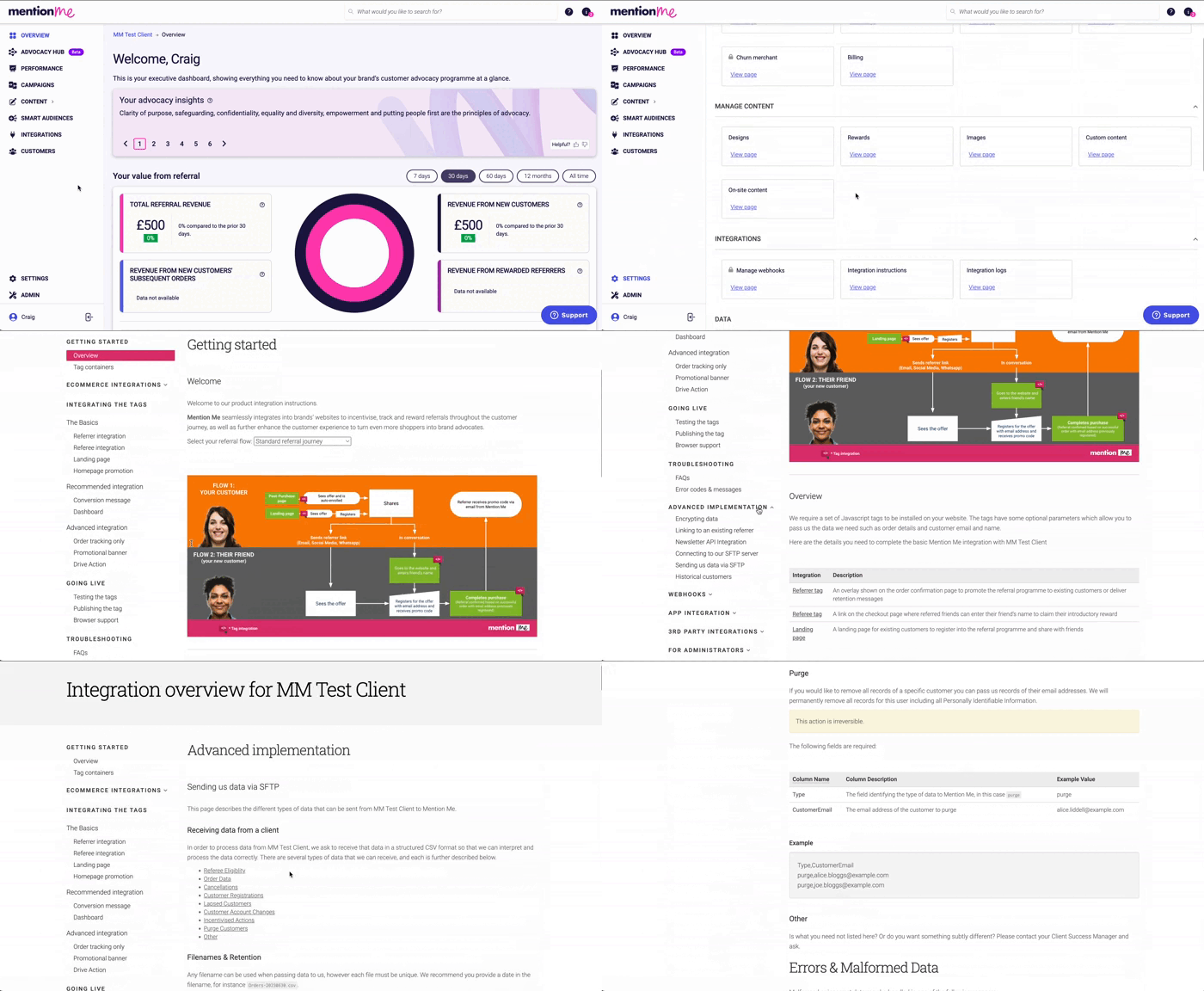
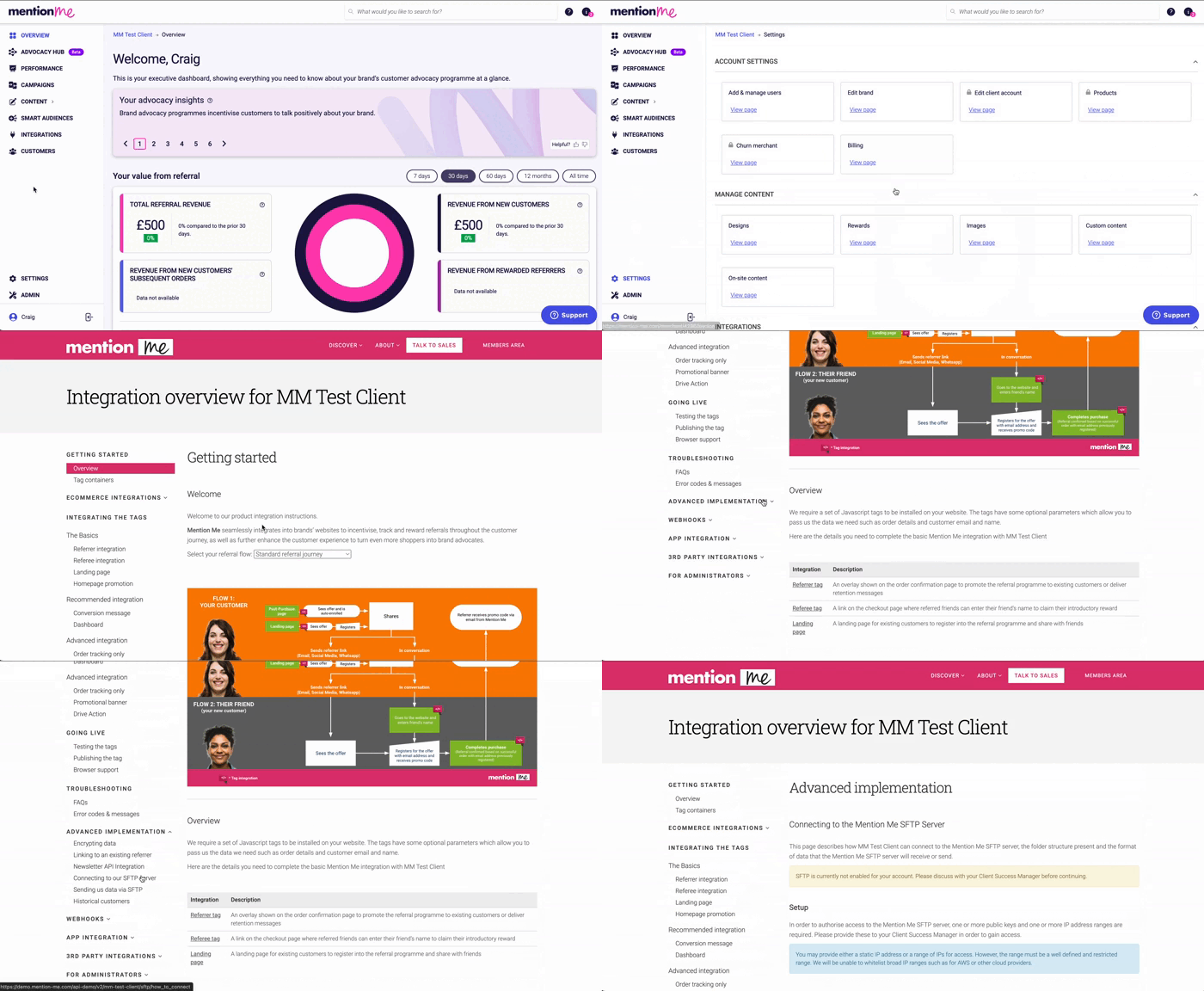
Follow the format outlined in your integration instructions: Settings & Tools > Integration Instructions > Advanced Implementation > Sending Data via SFTP > Purge Customers
Upload your files using the agreed format
We will begin deleting the users as soon as the data is received
SFTP purge instructions within the integration settings.