

A walkthrough of the full Mention Me customer journey, from referrer purchase to referee reward.
Two flows in the customer journey.
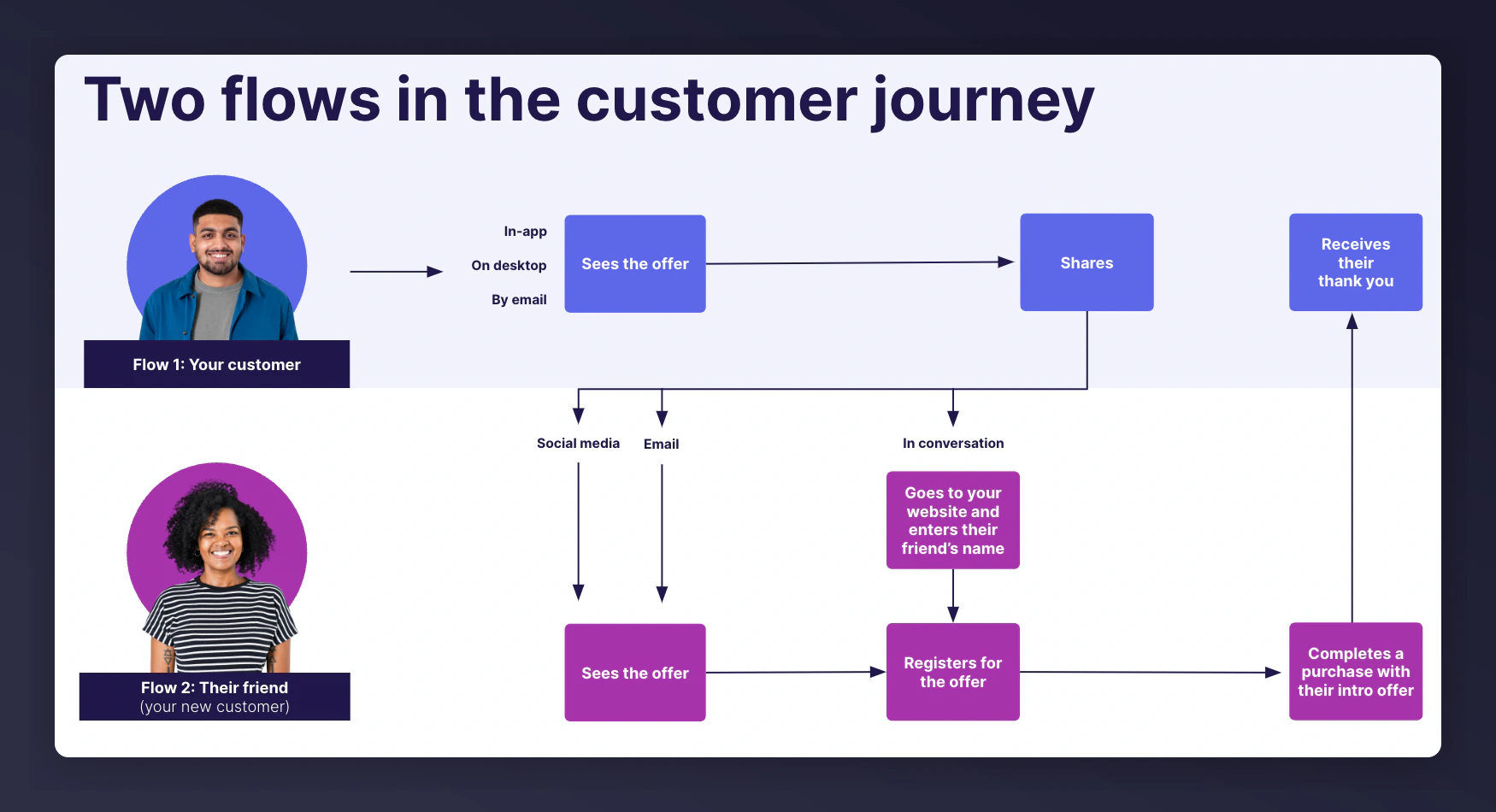
The Core Flow
- A customer (referrer) sees your referral offer
- The referrer shares it with friends (referees)
- The referee registers for the offer and completes their first purchase or sign-up
- Both parties receive their rewards
How the Journey Unfolds
The Referrer Sees Your Offer
The post-purchase (or post-signup) page is the most effective place to promote a referral offer. At this point the customer trusts your brand, feels positive about their purchase, and won’t be interrupted by the promotion. You can also promote referral in your account area, emails, banners, and other touchpoints where customers engage with your brand.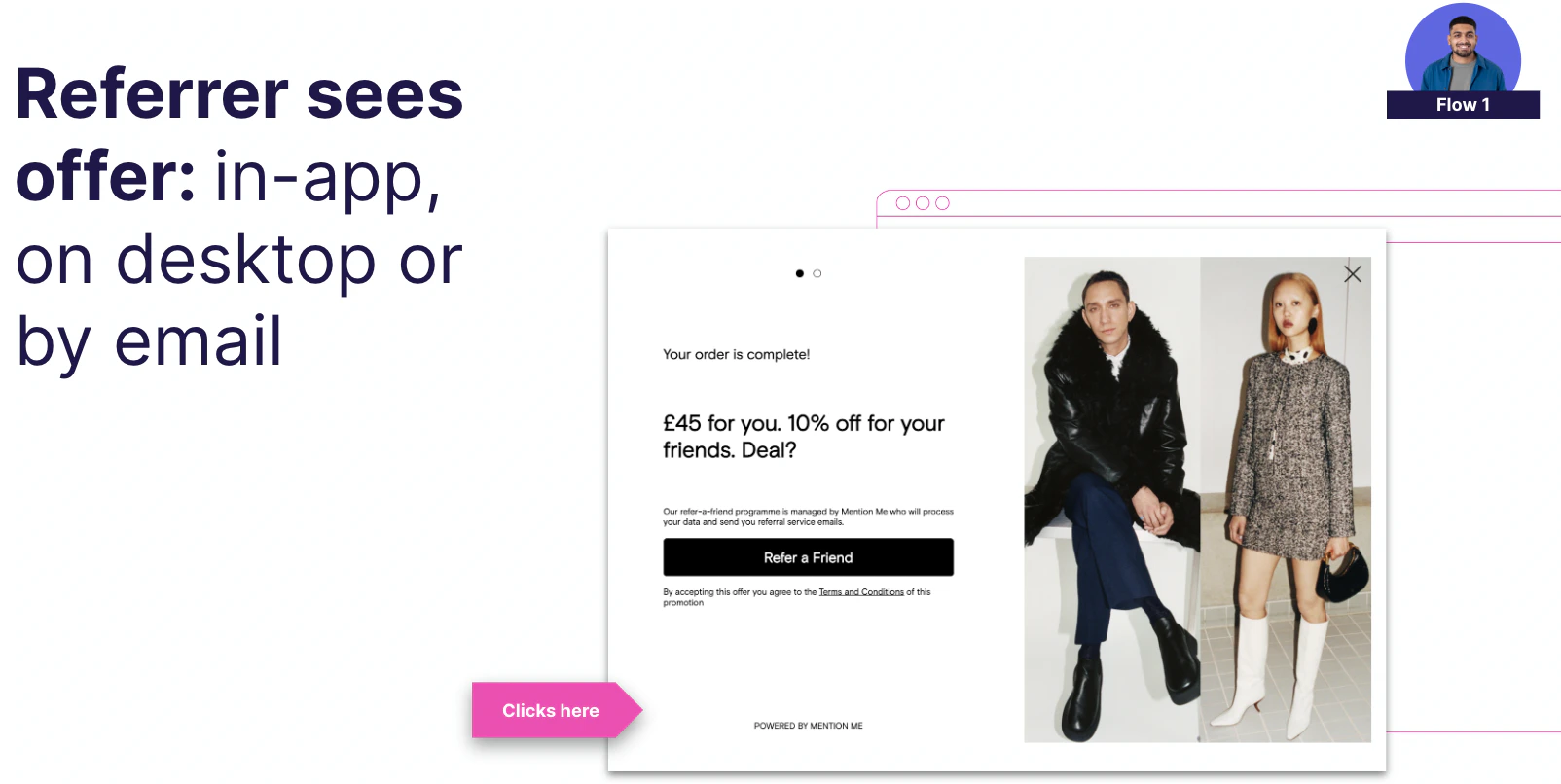
The referral offer on the order confirmation page.
The Referrer Shares with Friends
Referrers can share your offer through multiple channels:- Name Share - Mention Me’s unique feature that lets referrers tell friends to use their name at checkout
- Email - a direct email invite to the referee
- Social media - Facebook, WhatsApp, SMS, and more
- Unique link - a personalised sharing link that can be pasted anywhere
- Native Share - a built-in device sharing option (WhatsApp, iMessage, etc.)
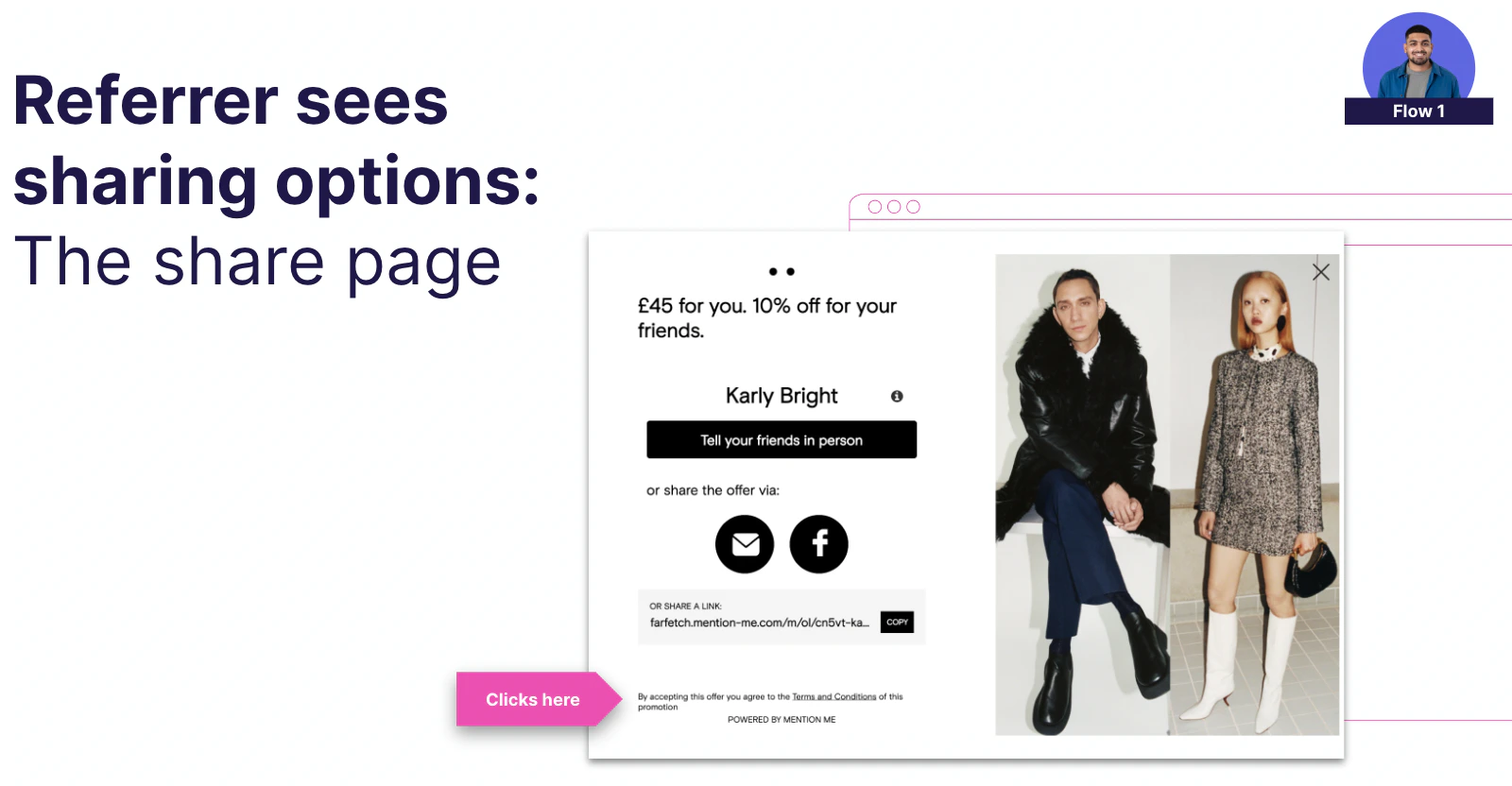
Sharing options including email, link, and social channels.
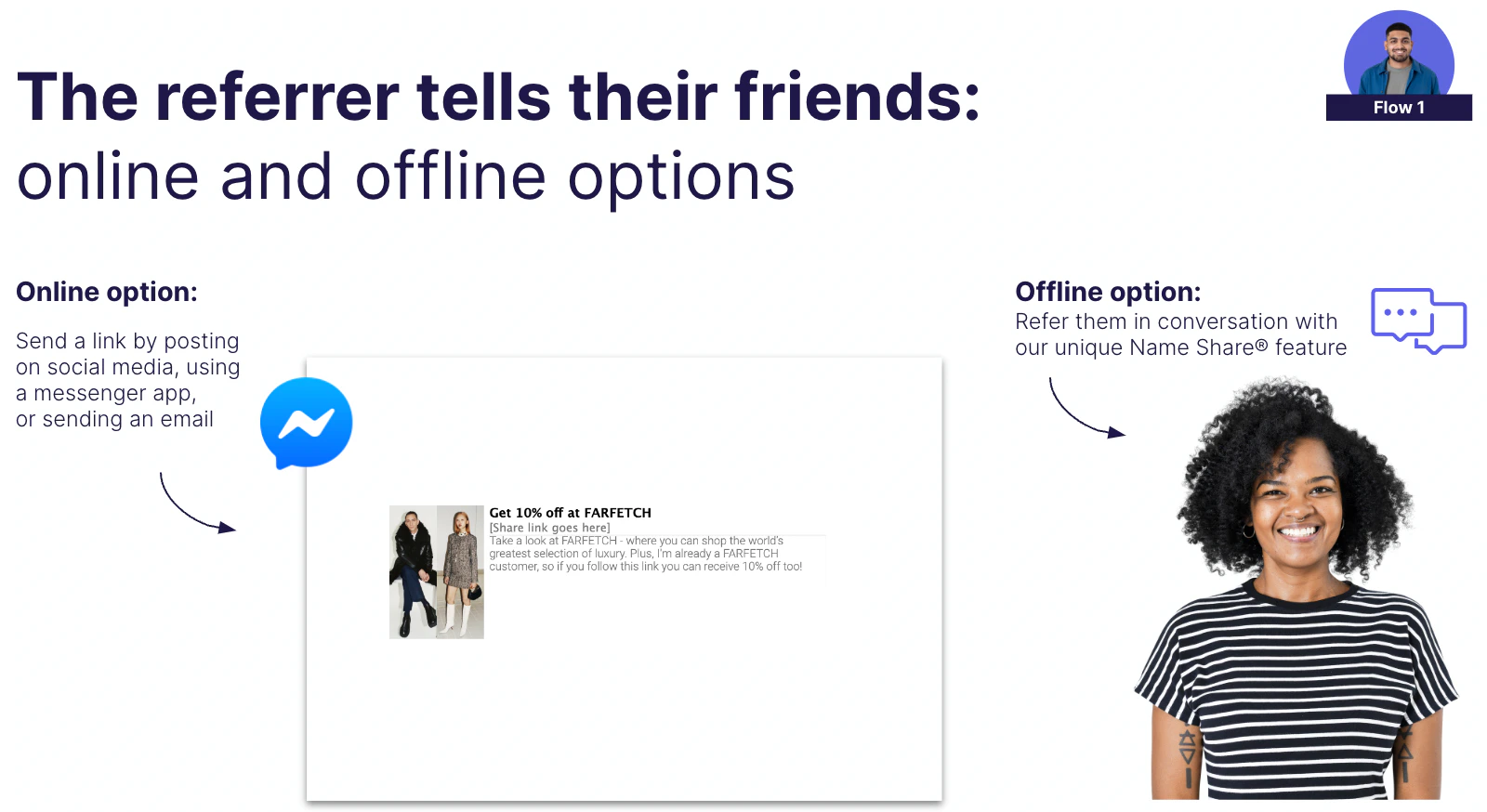
Referrers sharing with friends online and offline.
The Referee Claims the Offer
When a referee engages with the offer - by clicking a link or entering their friend’s name - they register with their email address. They receive the offer either immediately (for example, a discount code) or as a promise (for example, a voucher after their first purchase). Whether or not the referee applies the code at checkout, Mention Me recognises the referral as completed.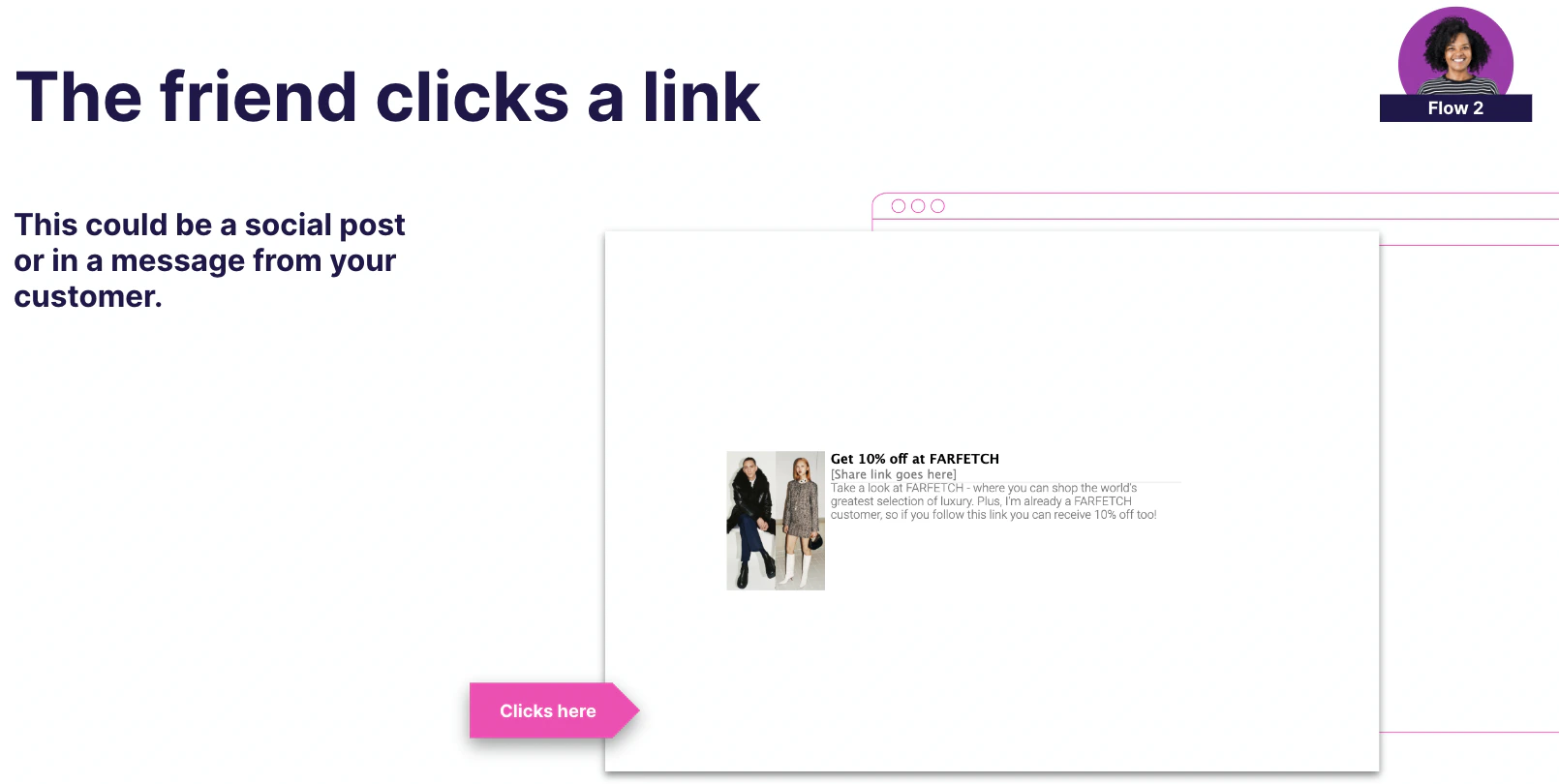
The friend clicks a referral link from a social post or message.
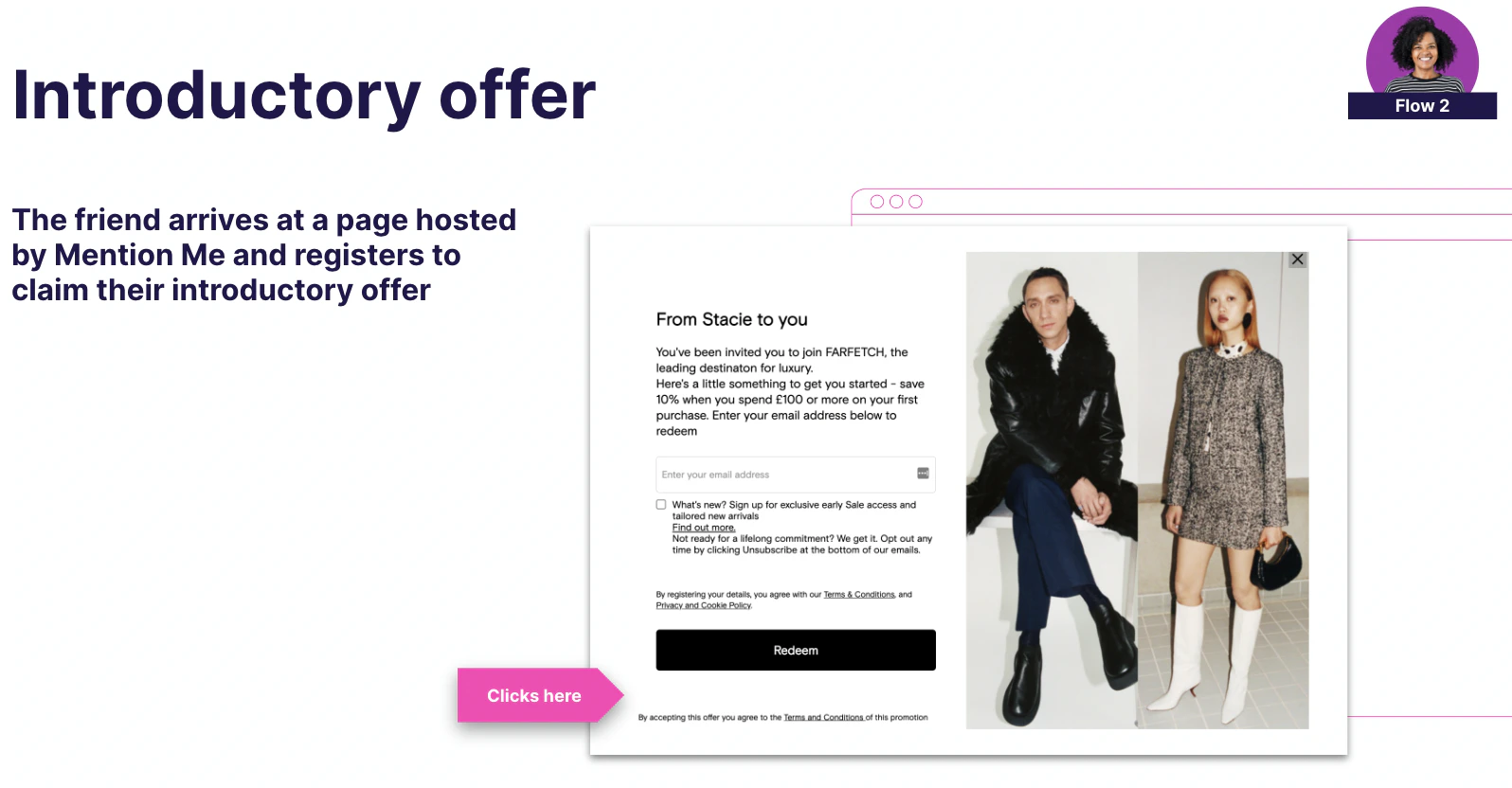
The friend registers for the introductory offer.
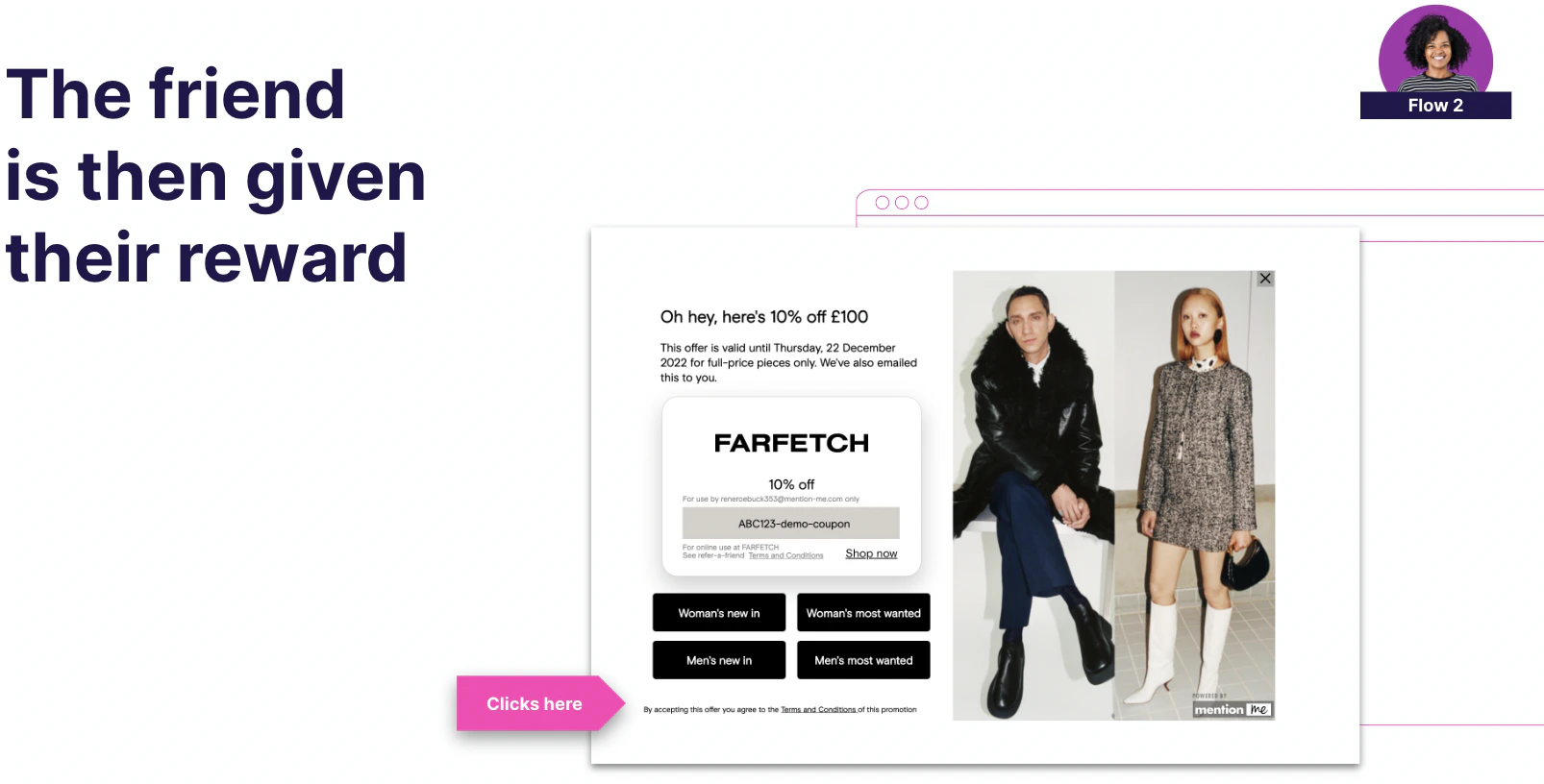
The friend receives their reward.
Rewards Are Issued
Once the referee meets the eligibility criteria, both the referrer and referee receive their rewards.How It Works by Industry
- Retail
- Non-Retail
The journey typically starts on the post-purchase confirmation page. Mention Me captures purchase details via a JavaScript tag and registers the customer as a referrer in the background.
- Referrers can share through 25+ channels, including personalised links, social media, and Name Share
- Referees redeem via the referral landing page or by entering the referrer’s name at the “Referred by a Friend” link at checkout
- Vouchers are automatically issued and applied at checkout