

Using Mention Me? See Understanding What Has
Moved for which screens have
moved. The page below describes Classic navigation.
A walkthrough of the Mention Me dashboard's main navigation areas.
Executive Dashboard
Your landing page after login. Provides a snapshot of referral performance including key metrics, trends, and conversion data.Reporting
Access detailed reports and build custom views. Track metrics across the referral funnel and benchmark against industry peers.Campaigns
View and manage your referral campaigns. Each campaign contains offers (experiments) that define the referral proposition shown to customers. Most clients run one live campaign, but you can create multiple campaigns targeting different segments or markets.Customers
Search for customers, view their referral activity, manage statuses, and handle gaming approvals.Design & Copy
Edit the visual presentation and messaging of your referral journey - layouts, colours, fonts, images, and copy across all touchpoints.Need Help?
Start a conversation with the in-platform Support widget in the bottom-right corner of your dashboard - it can usually answer this straight away. If it can’t, raise a request via the request form.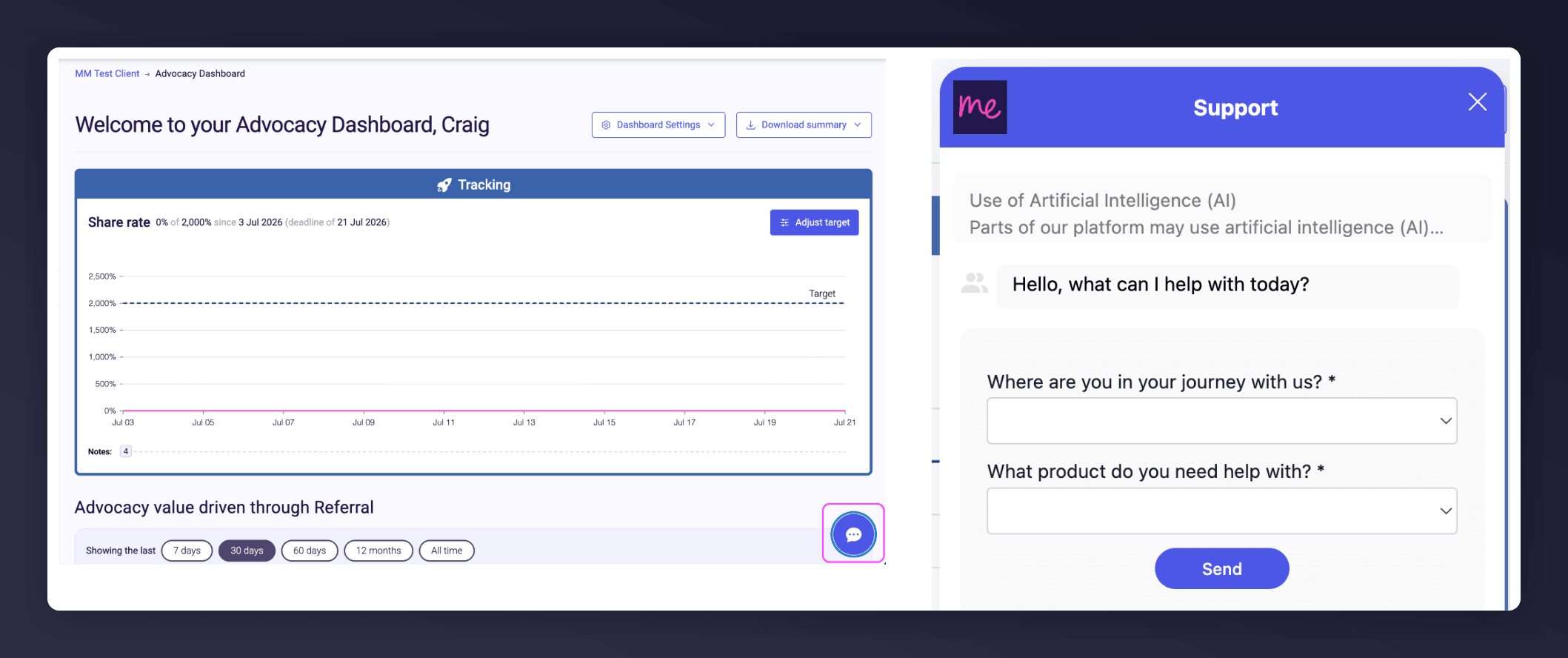
The in-platform Support widget starting an AI-assisted conversation.