

Option 1: Account Info Panel
1
Open the Info Panel
Click the “i” (info) icon in the top-right corner of the platform, next to the search bar.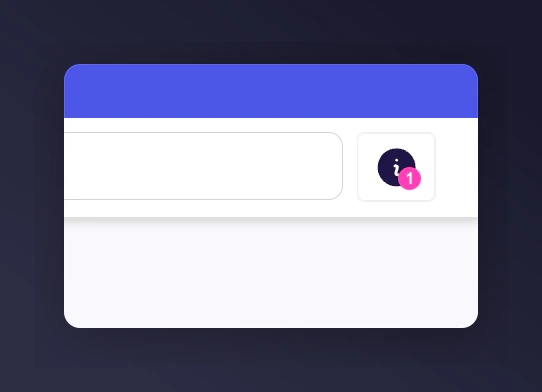
The info icon in the platform's top-right corner.
2
Find the Partner Code
A slide-out panel opens. Scroll down to the Merchant metadata section. Your Partner Code is displayed here.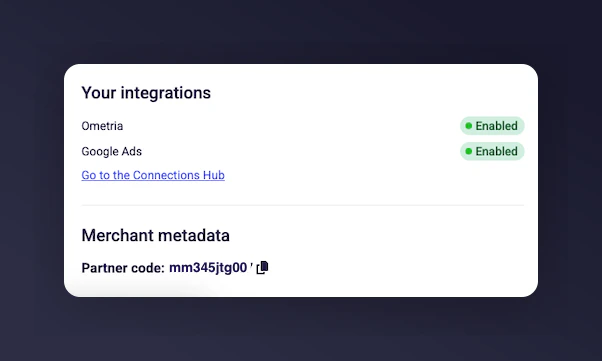
Merchant metadata panel showing the Partner Code.
Option 2: Integration Instructions
1
Open Settings
Navigate to Settings & Tools in the left-hand menu.
2
Find Integration Instructions
Scroll to Basics > Referrer Integration and click Integration instructions.
3
Locate the Partner Code
Your Partner Code appears under Step 1 in the integration overview.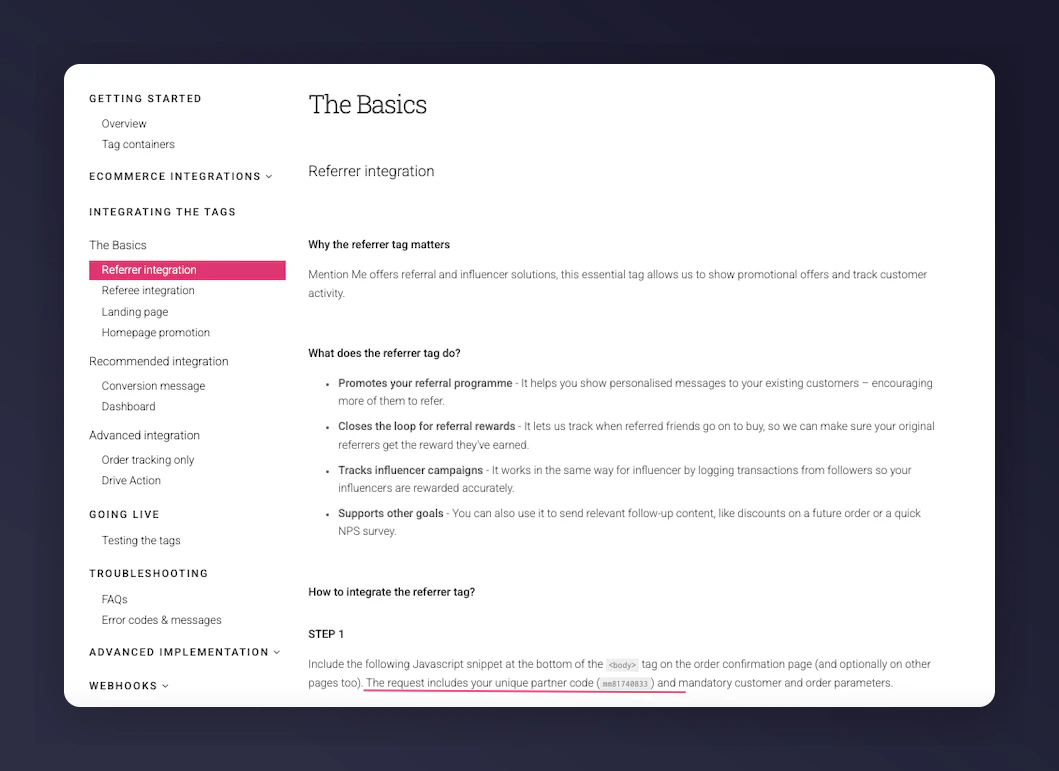
Partner Code shown in integration instructions.