If you are concerned about sharing historical customer data for data protection purposes, you can provide the list “pre-hashed”. By performing a one-way hash on historical customer email addresses, we can tell if a particular email address is in the list, but we cannot see or discover the original addresses.
We also provide a Secure Document Transfer feature for safely sending and receiving sensitive information.
Setting up the hashes
You will need a shared secret key from Mention Me. Contact your onboarding manager to obtain the secret before continuing.
For each email address:
Lowercase the email
Lowercase the email address.
Append the secret key
Append the secret key provided by Mention Me.
Hash with SHA-256
Hash the combined email address and key using SHA-256.
Verify output format
Ensure the output hash is lowercase.
Testing the hashes
Hash a known email address (e.g. your own), then use the Test Hashing feature in the platform to compare.
Go to Settings & Tools > Test Hashing.
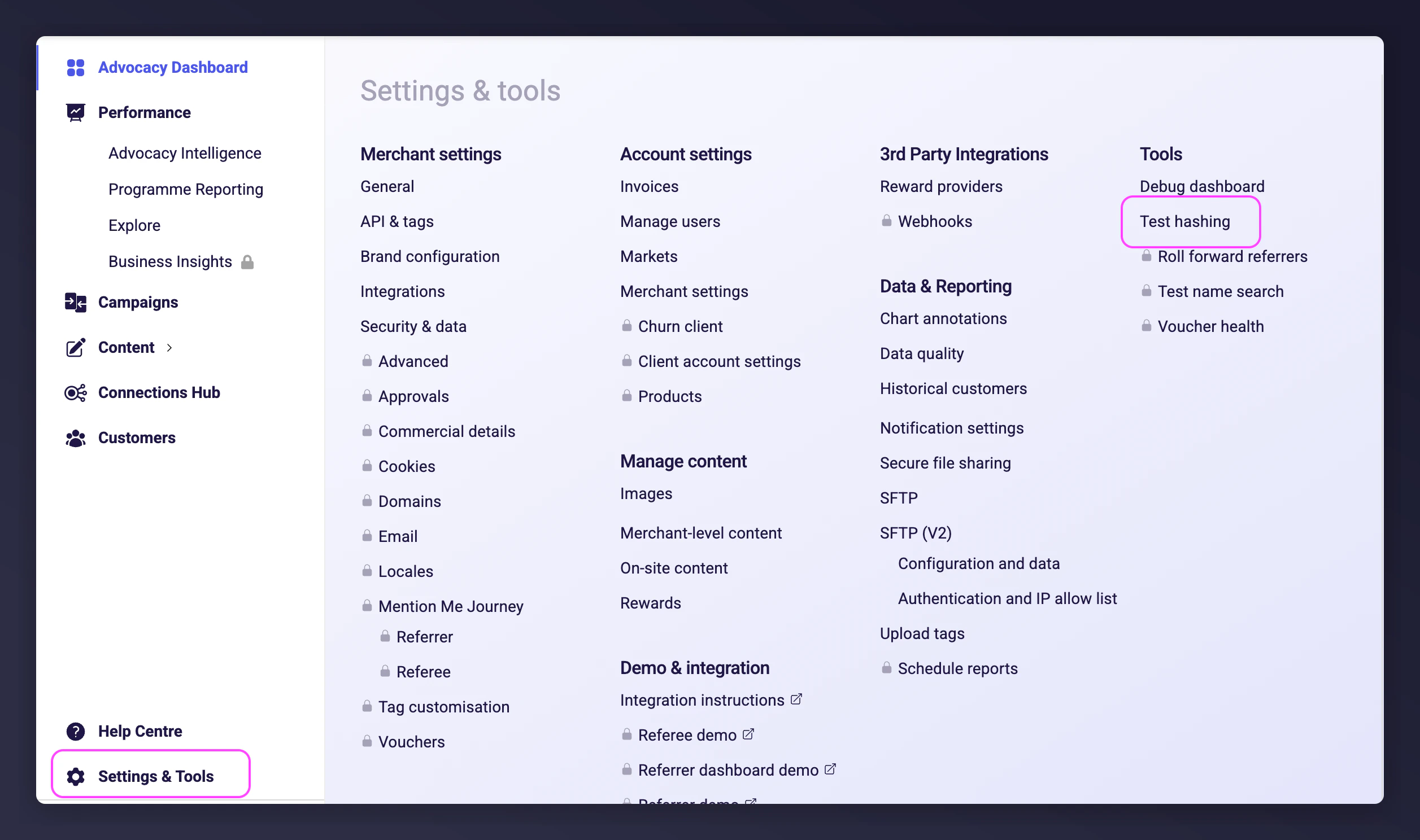
Enter the email address and the hash value you created. The platform confirms if the hash matches. If it does not match, the platform shows the expected value.
Code examples
Pseudo-code
HashedEmail = LowerCase(SHA256Hash(Concatenate(LowerCase([EMAIL]), [KEY])))
MySQL
SELECT SHA2(CONCAT(LOWER(u.email), SECRET), 256)
FROM user u;
T-SQL (MS SQL Server)
SELECT LOWER(
CONVERT(
VARCHAR(200),
HASHBYTES(
'SHA2_256',
CONCAT(
LOWER(CAST(u.email AS VARCHAR(256))),
SECRET
)
),
2)
)
FROM user u;
JavaScript
var crypto = require("crypto");
var input = email.toLowerCase() + secret;
var output = crypto.createHash("sha256").update(input).digest("hex");
console.log(output);
Last modified on March 19, 2026