

Introduction
The new Mention Me Shopify App is available on the marketplace, centralising all Mention Me products in one app with a public install link. Visit the Mention Me Shopify App page to get started for free.Installing the App
Visit the Mention Me Shopify App page and click Install.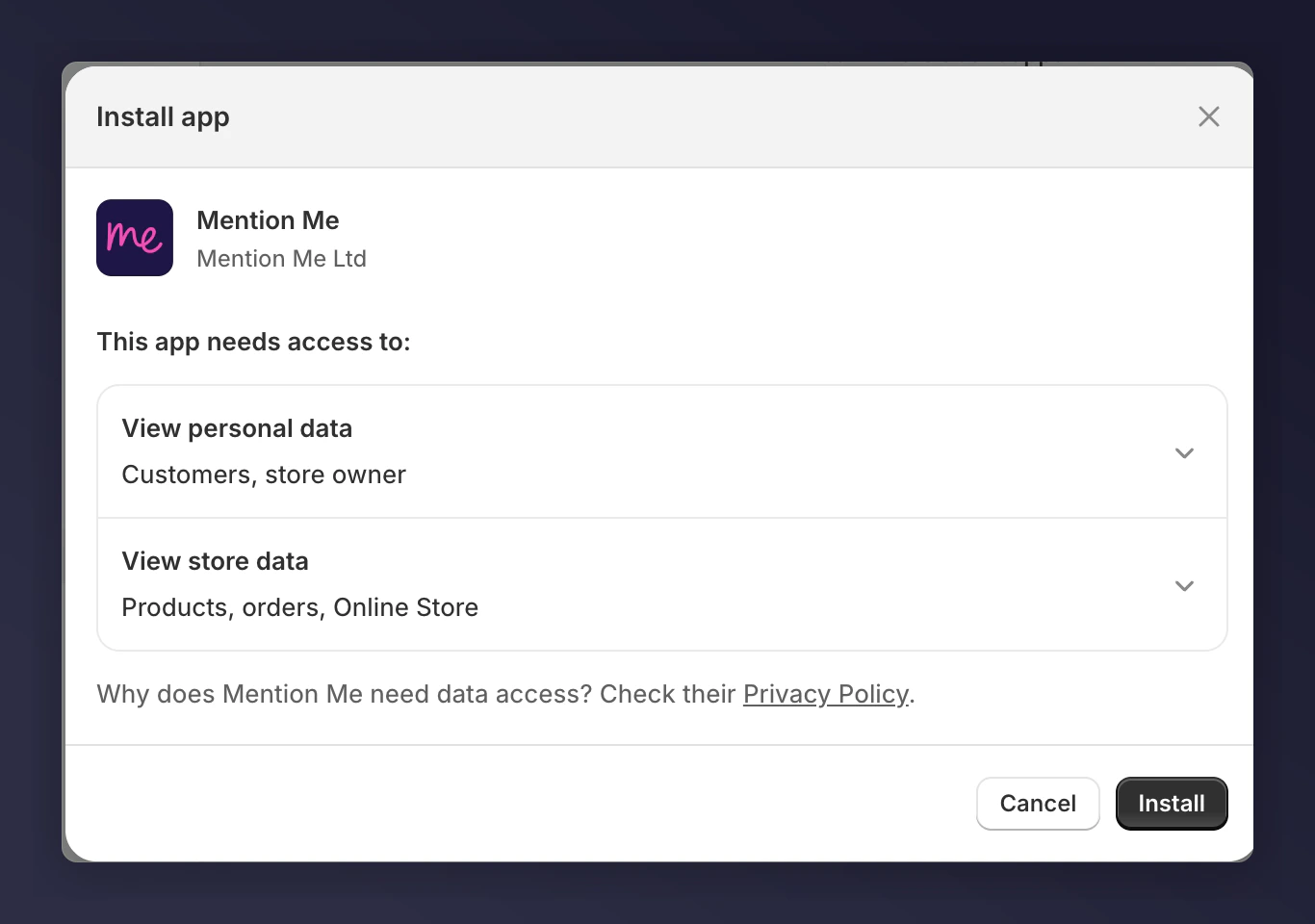
The Mention Me Shopify App install page.
Configuring Brand Referral
Open Brand Referral Settings
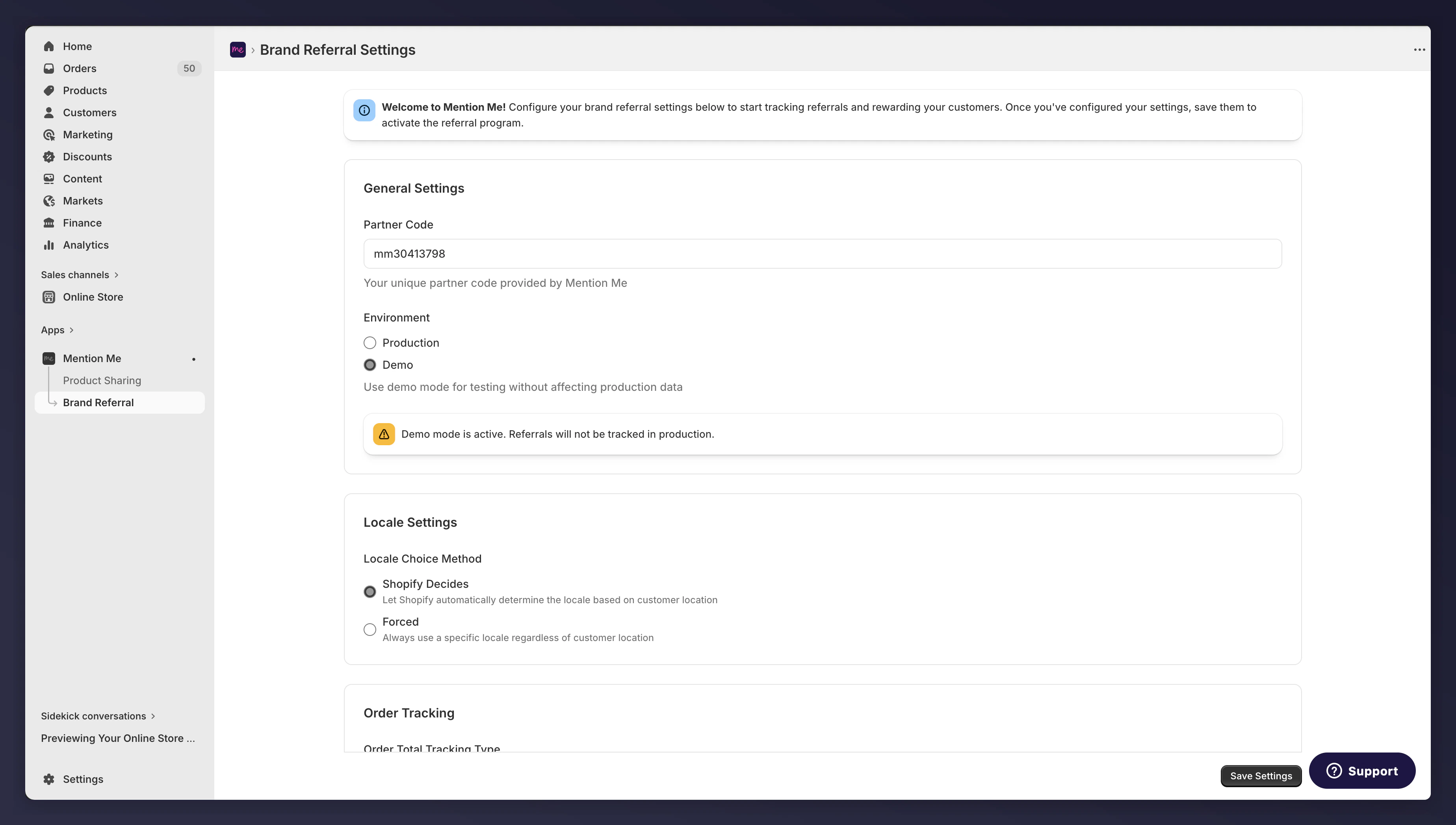
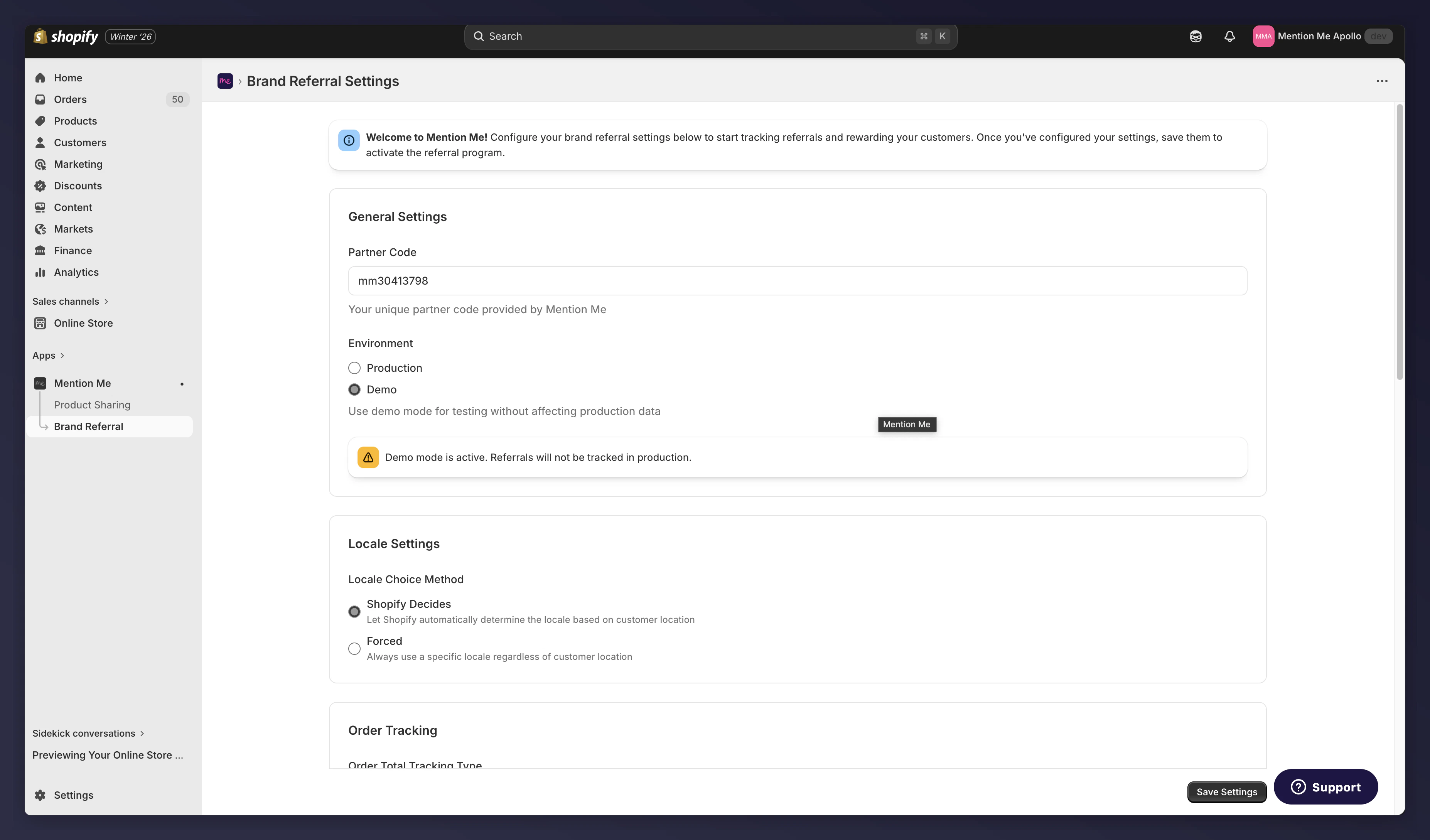
Brand Referral settings in the new Mention Me app.
Verify Settings Match the Old App
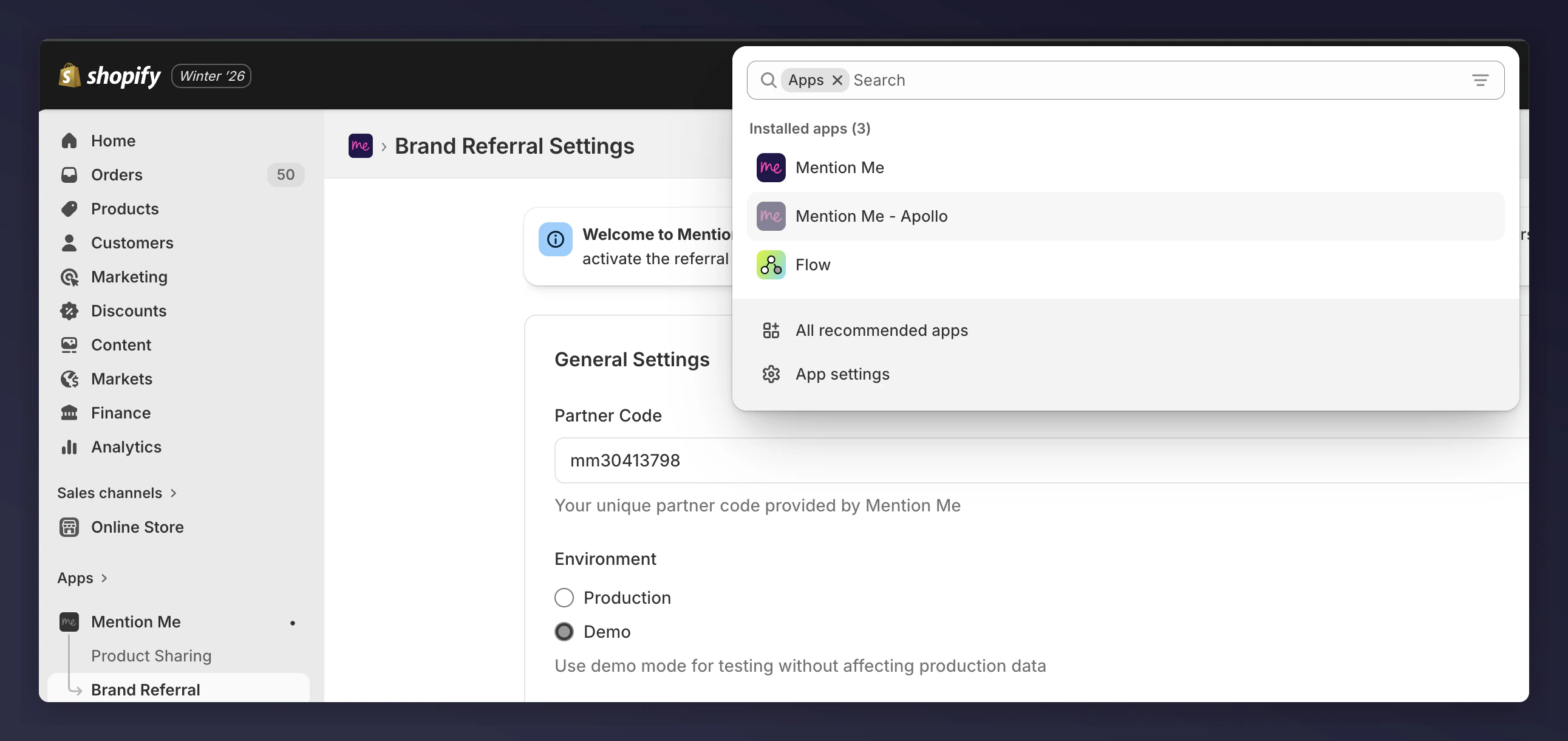
The Shopify Apps menu showing the old Mention Me app.
Compare All Settings
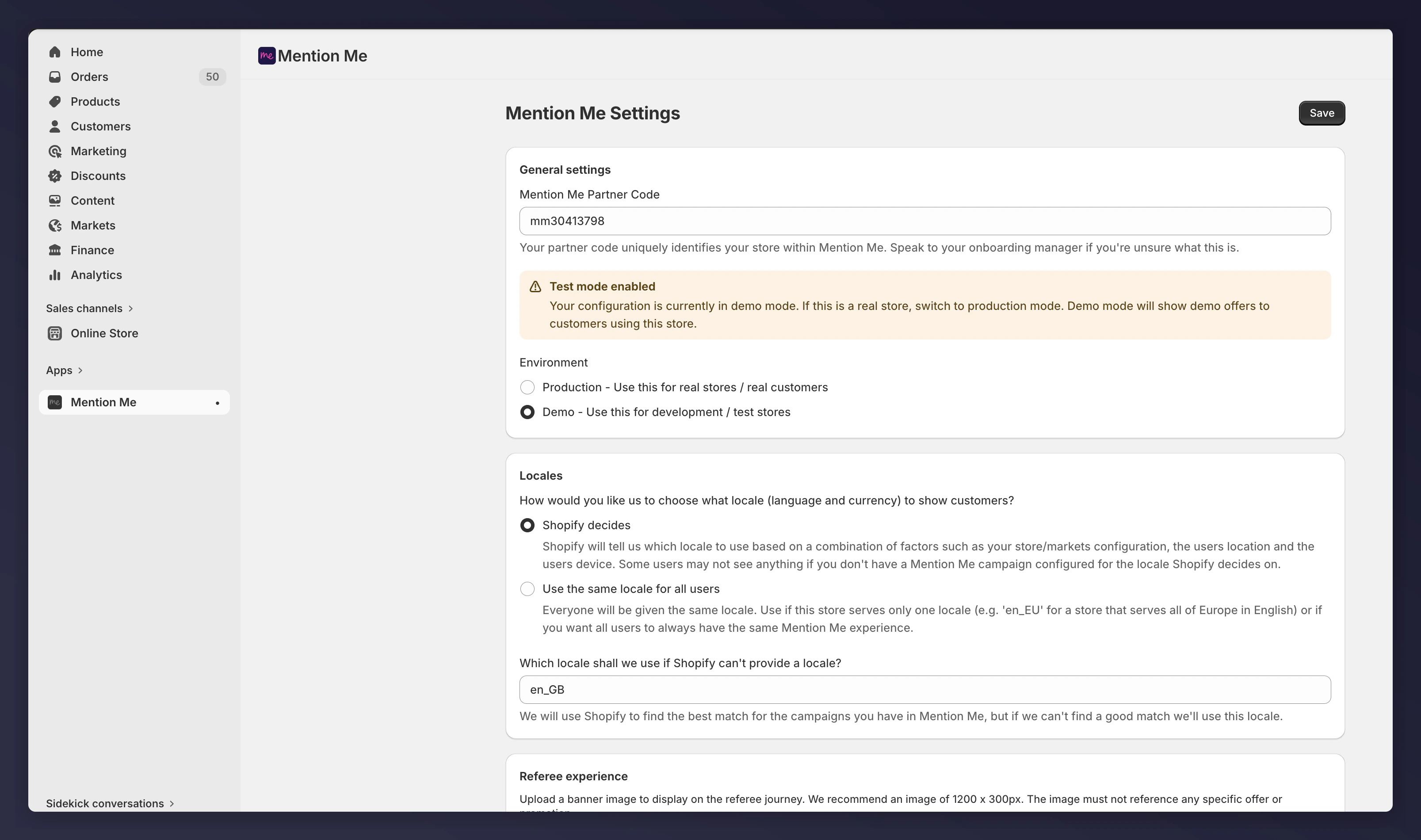
The old Mention Me app settings, used for comparison.
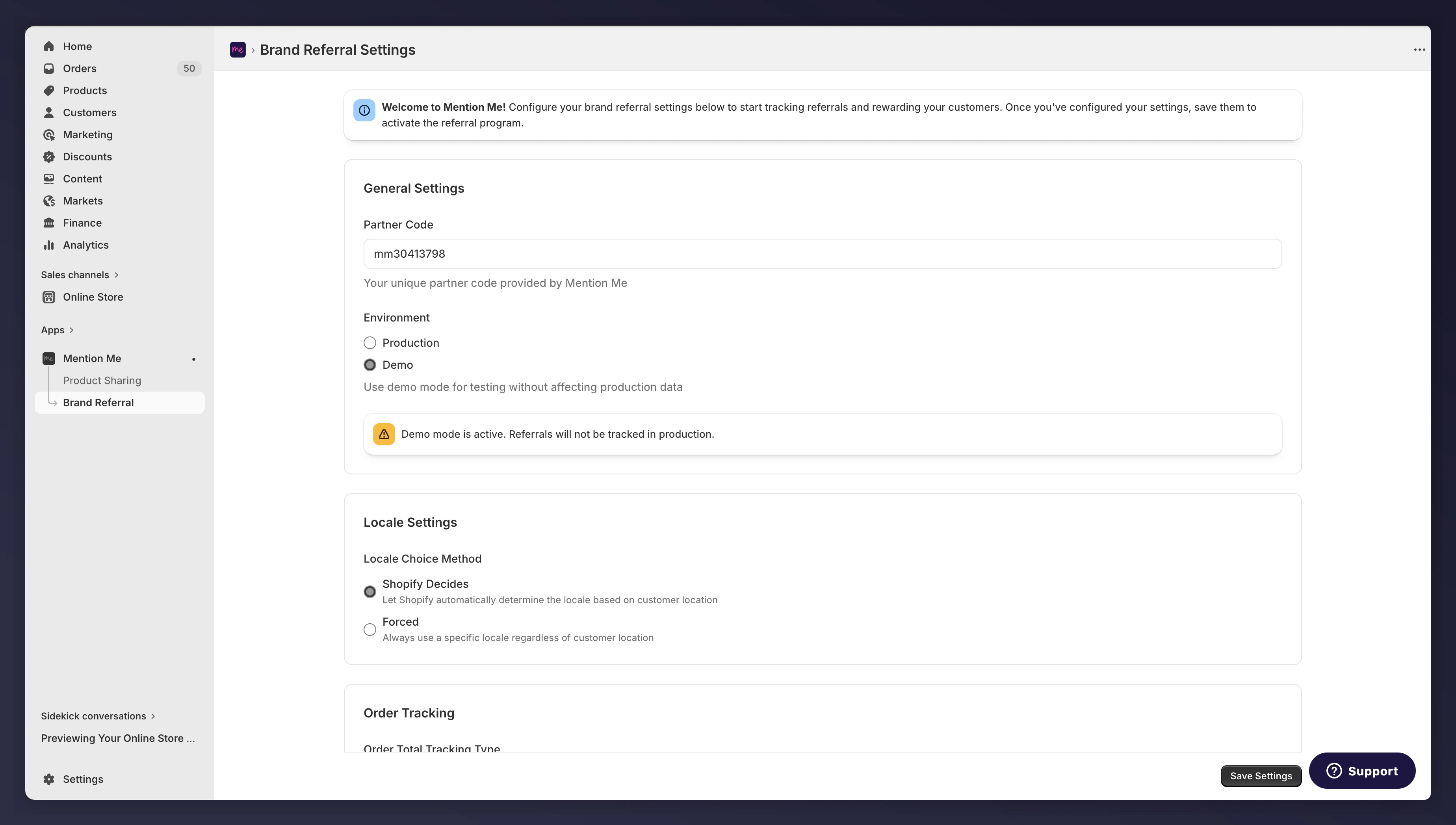
The new Mention Me app settings, to verify they match.
Adding the Extensions
Follow the steps in Shopify App: Installation to add all the blocks you had with the previous Mention Me app and verify the same settings.Example: Mention Me Checkout Journey
After going to the Checkout Editor:Click Add Block
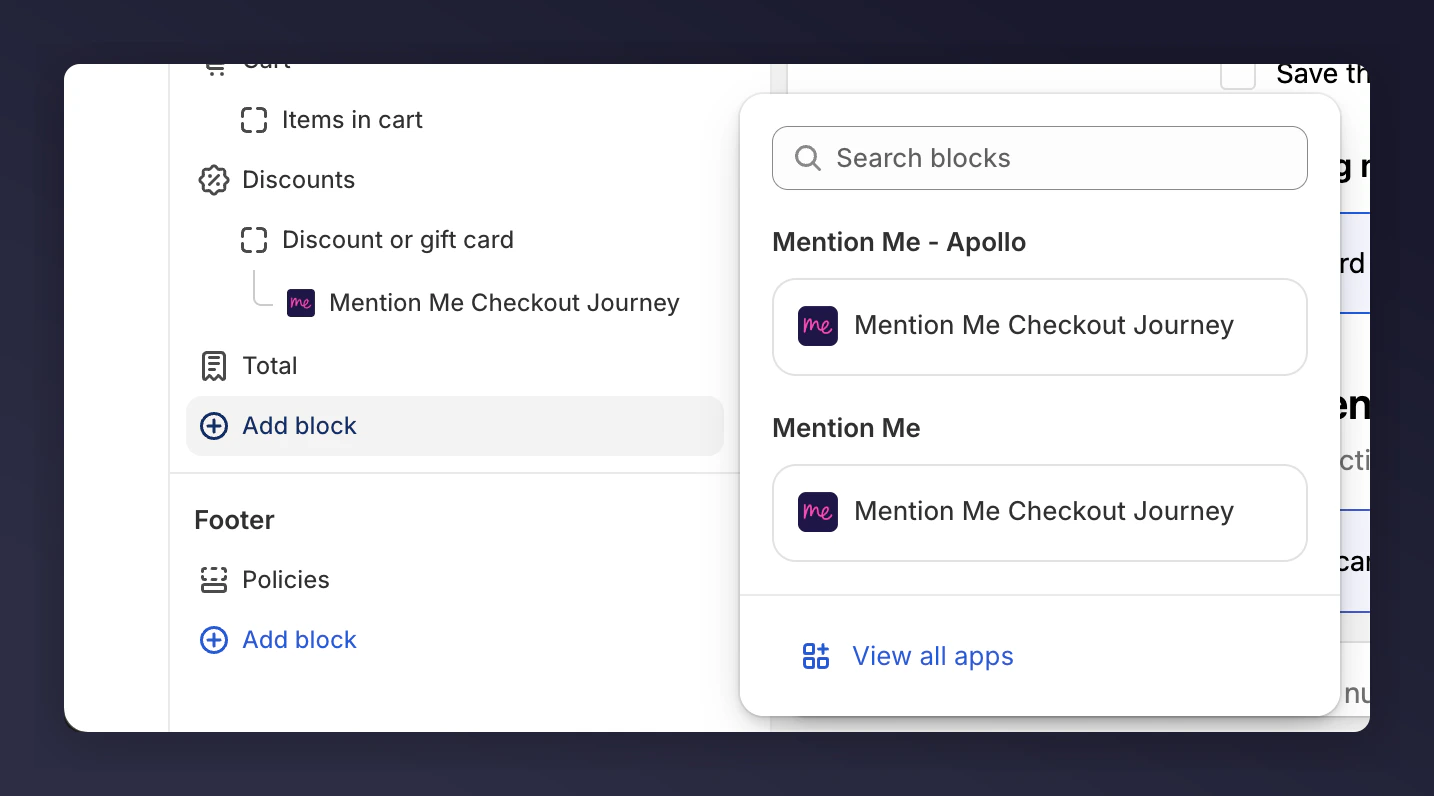
The Add Block button in the checkout editor.
Select the New Widget
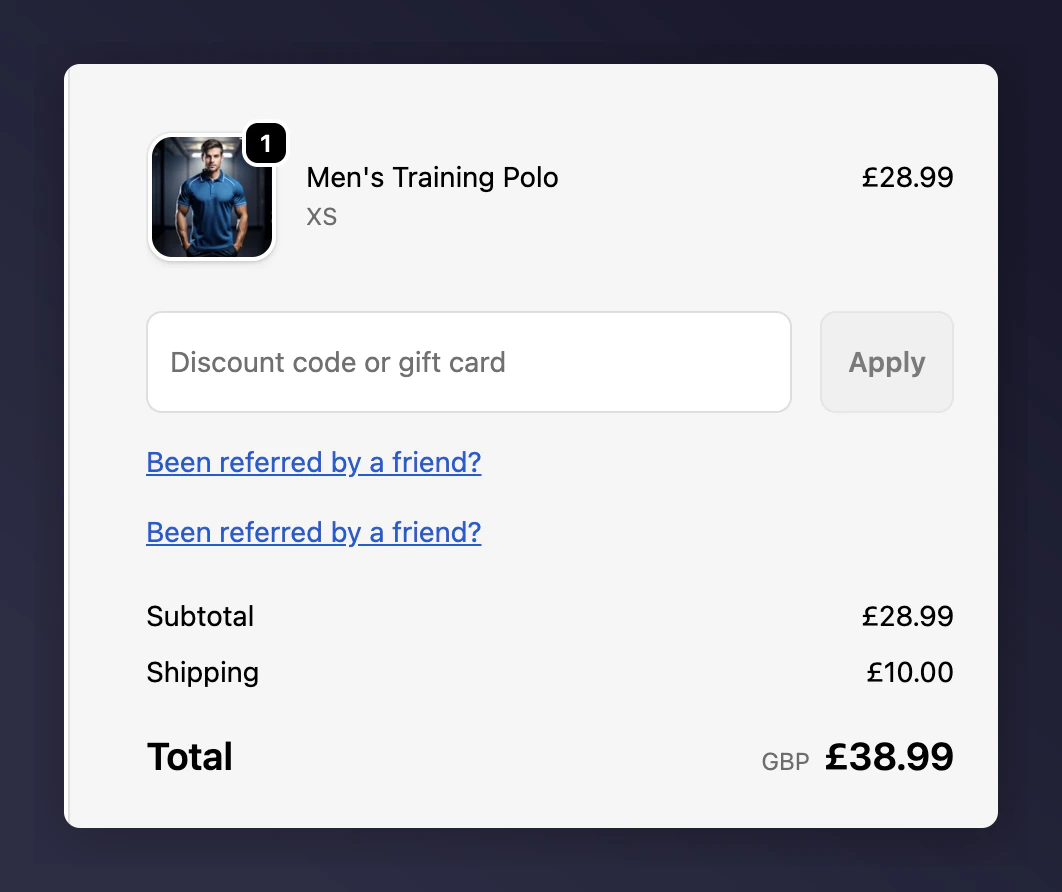
Two Mention Me blocks shown on the checkout page.
Verify Settings Match
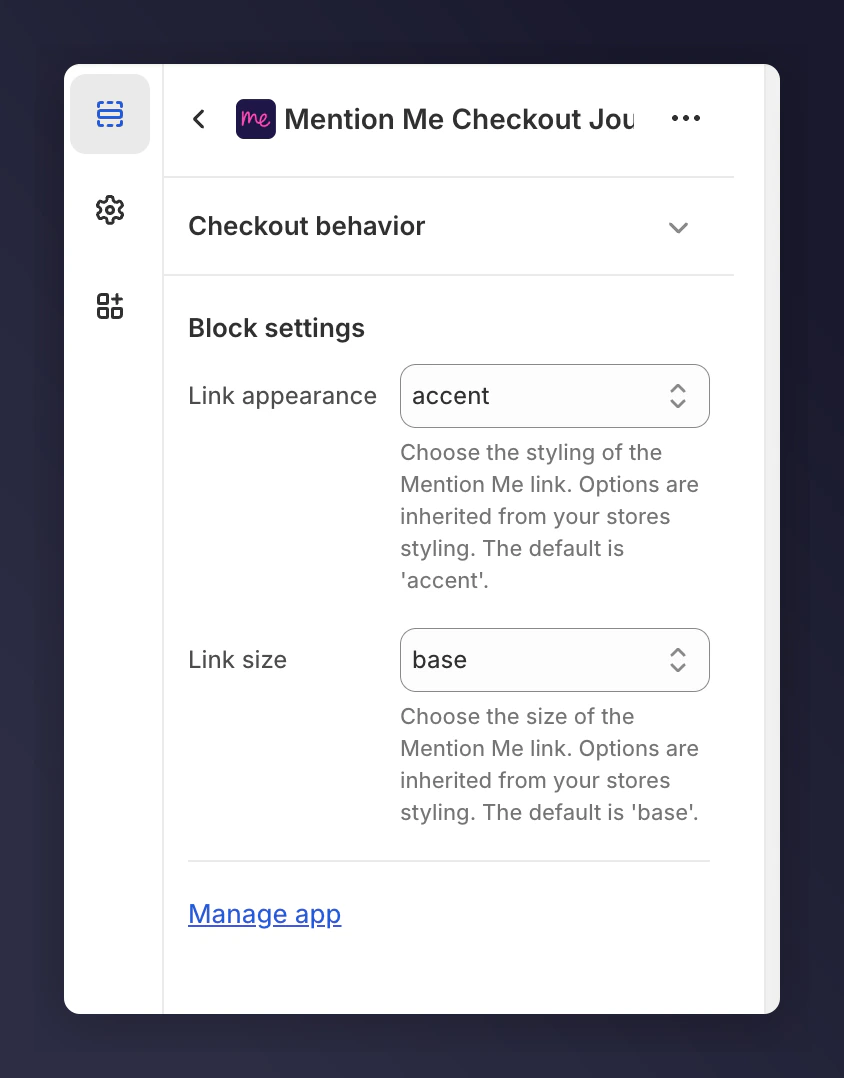
Comparing settings between the old and new Mention Me blocks.
(Optional) Remove the Old Widget
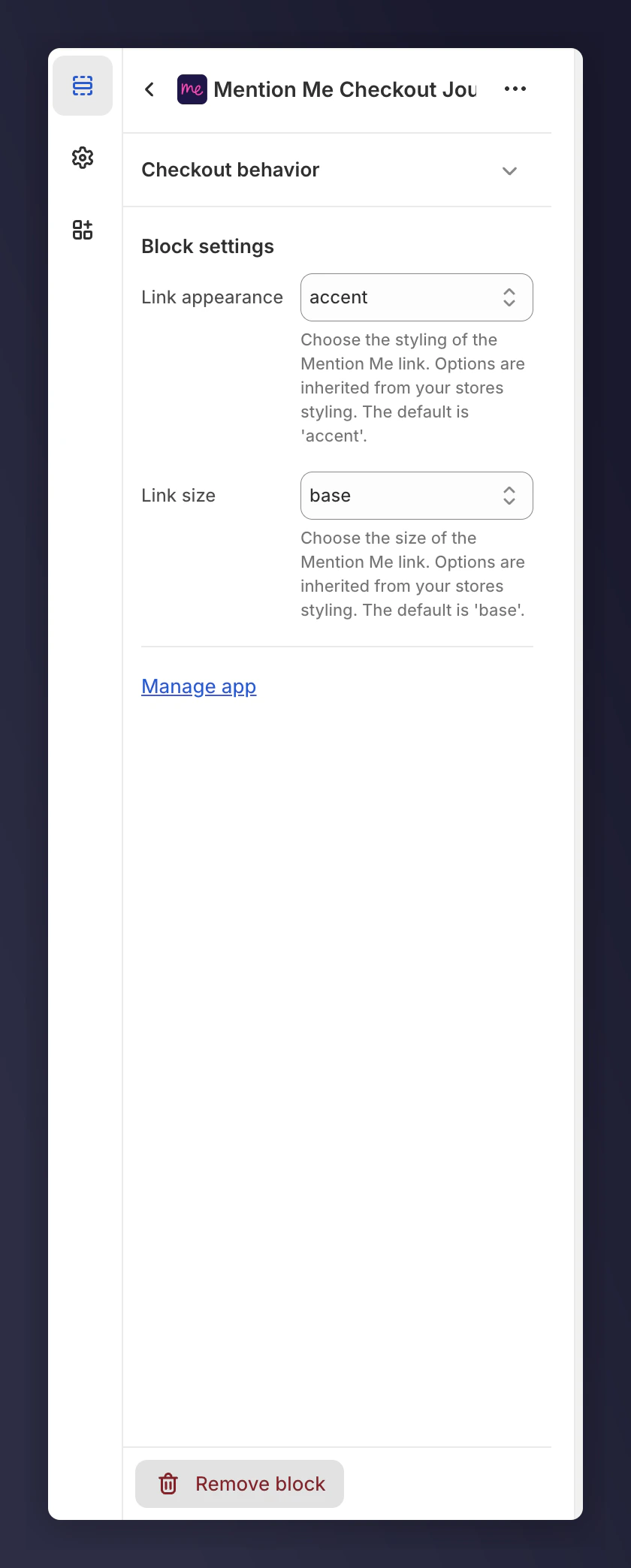
Removing the old app widget from checkout.
Example: Mention Me Refer a Friend Journey - Announcement
For announcements, there’s a limit of 1 block on the Thank You and Order Status pages. You will need to remove the block from the old app before adding the new block. Note any settings before removing the old block.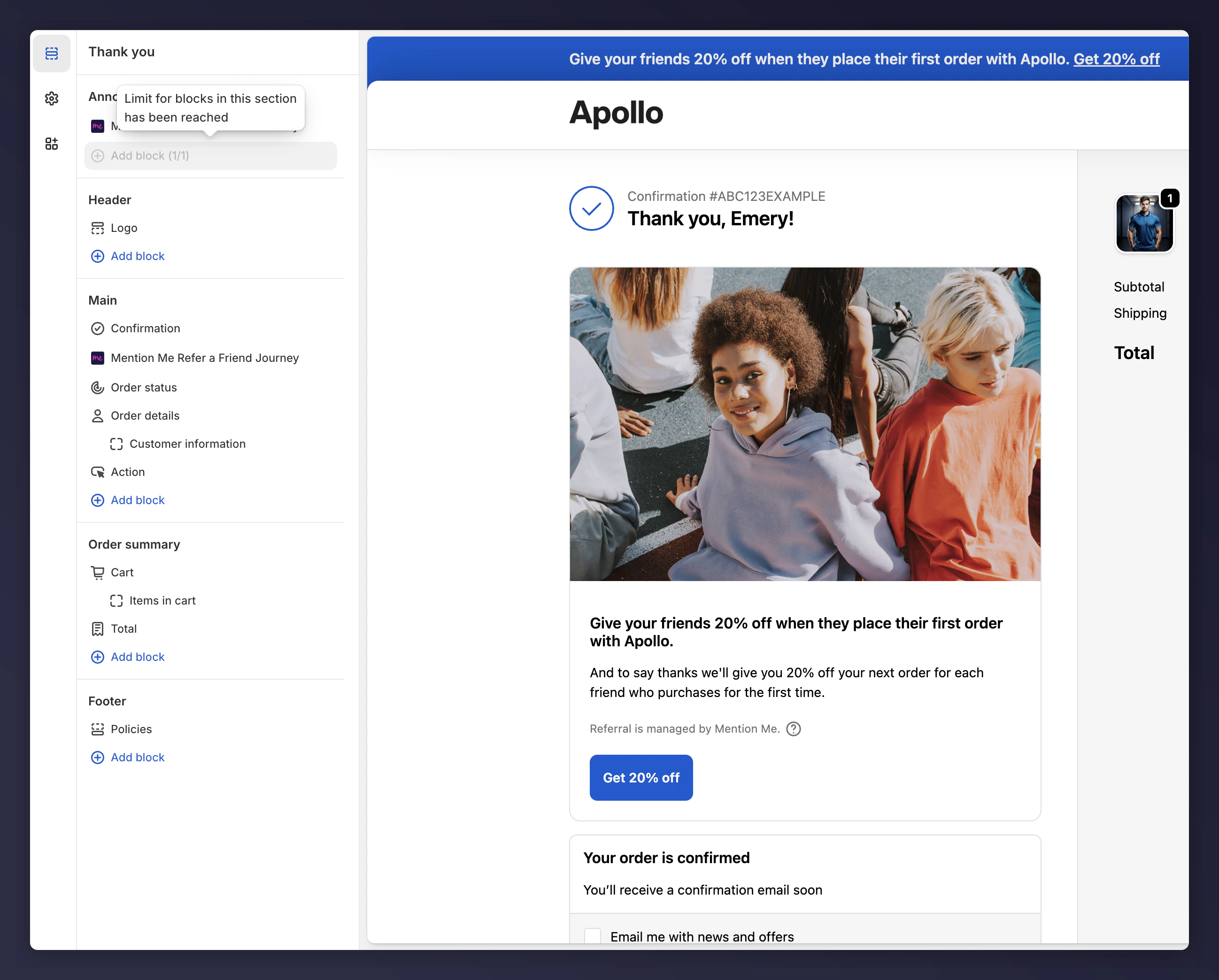
The announcement block limit on the Thank You and Order Status pages.
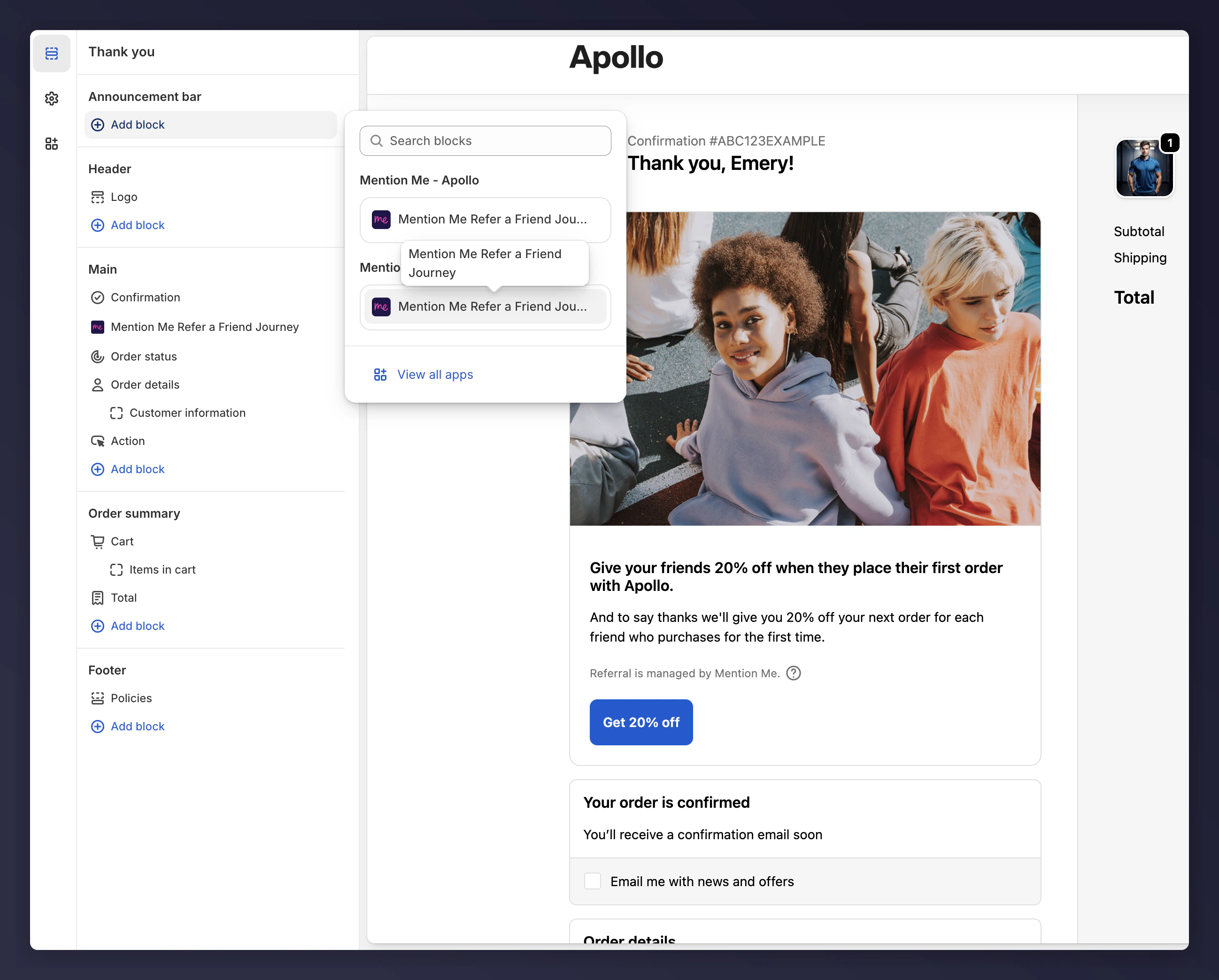
Removing the old announcement block before adding the new one.
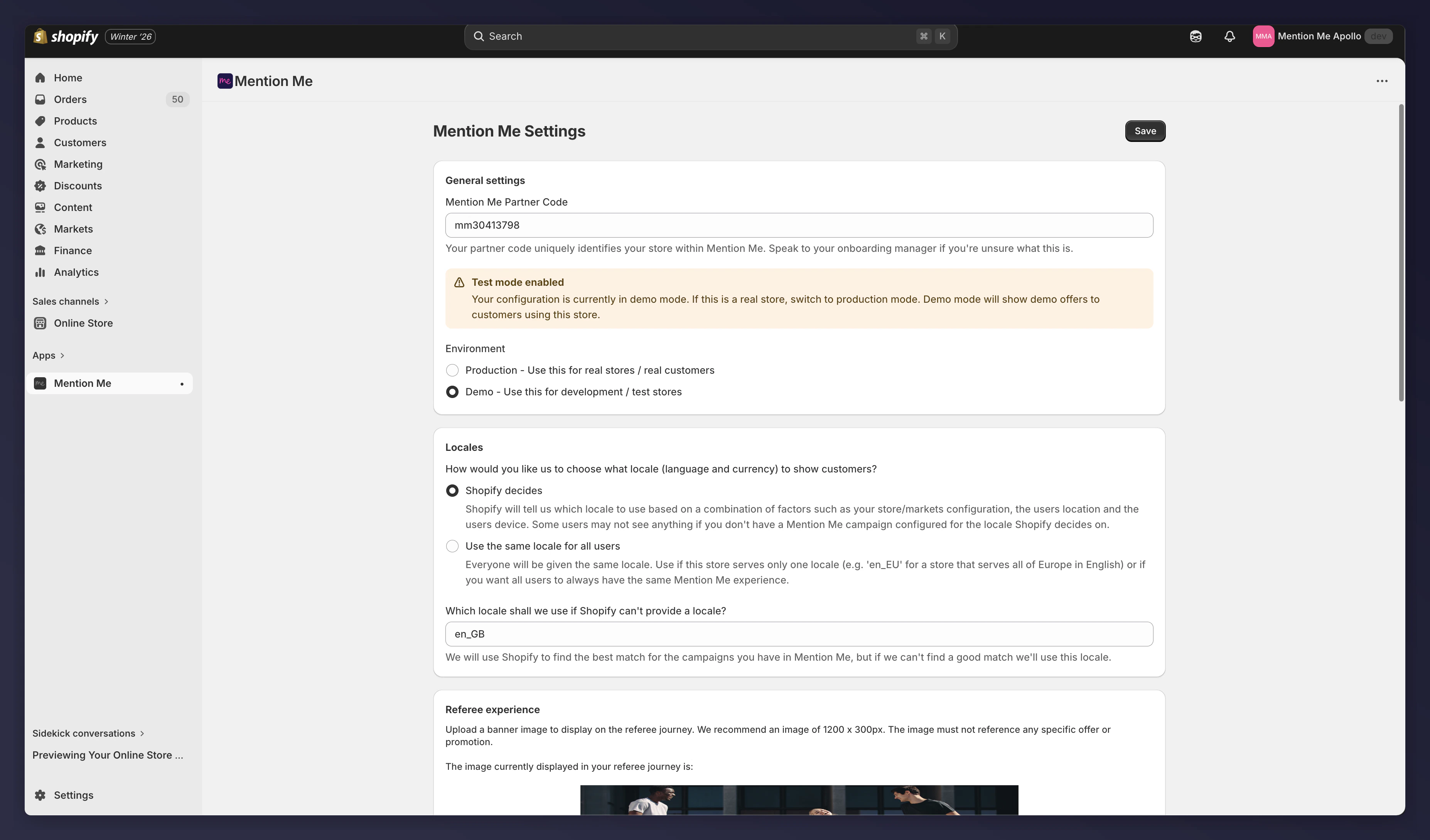
Comparing announcement settings between the old and new apps.
Adjusted announcement settings on the new app.
Uninstall the Old App
Once you’ve verified the blocks are working correctly in the Checkout Editor, safely uninstall the old app.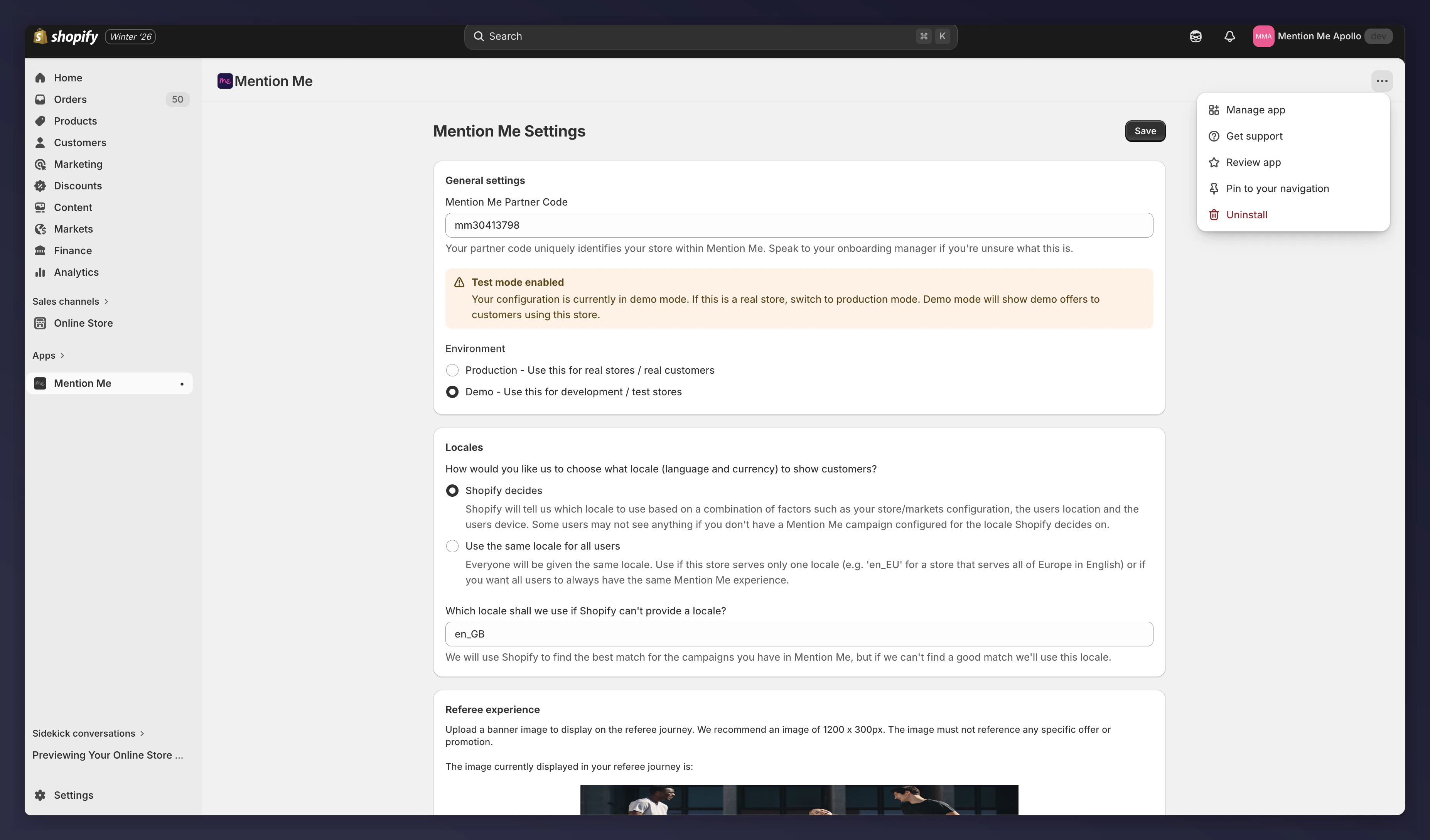
Uninstalling the old Mention Me Shopify app.