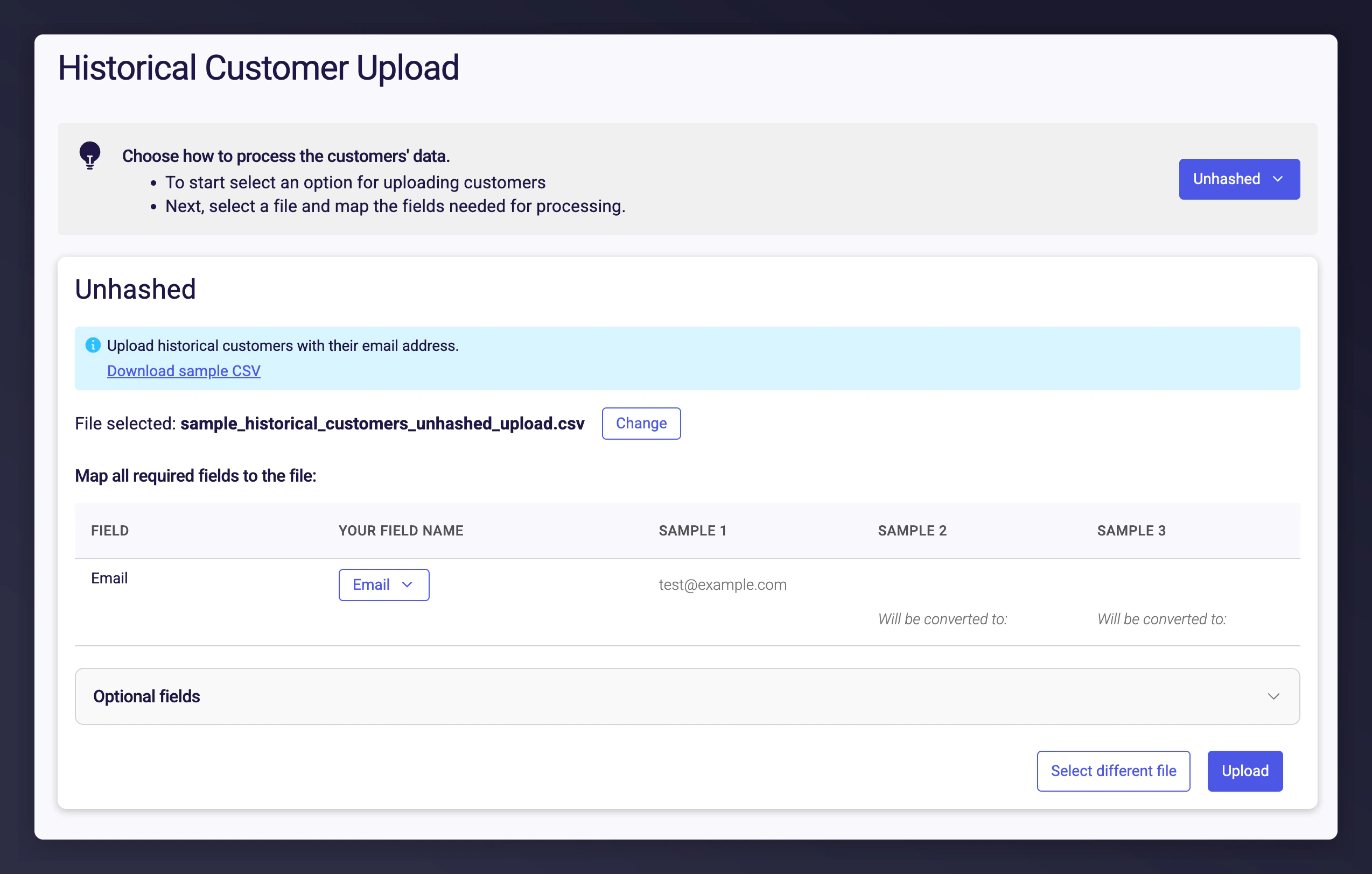
When launching your referral programme, you may want to prevent existing customers from being treated as new customers and receiving referral rewards. Upload a list of customer emails to automatically exclude them from new customer rewards. They can still enrol as referrers and refer friends.We generally recommend using data covering the last 12 months of trading activity. The data requirements are outlined in the Data Processing Agreement (DPA) in your contract.
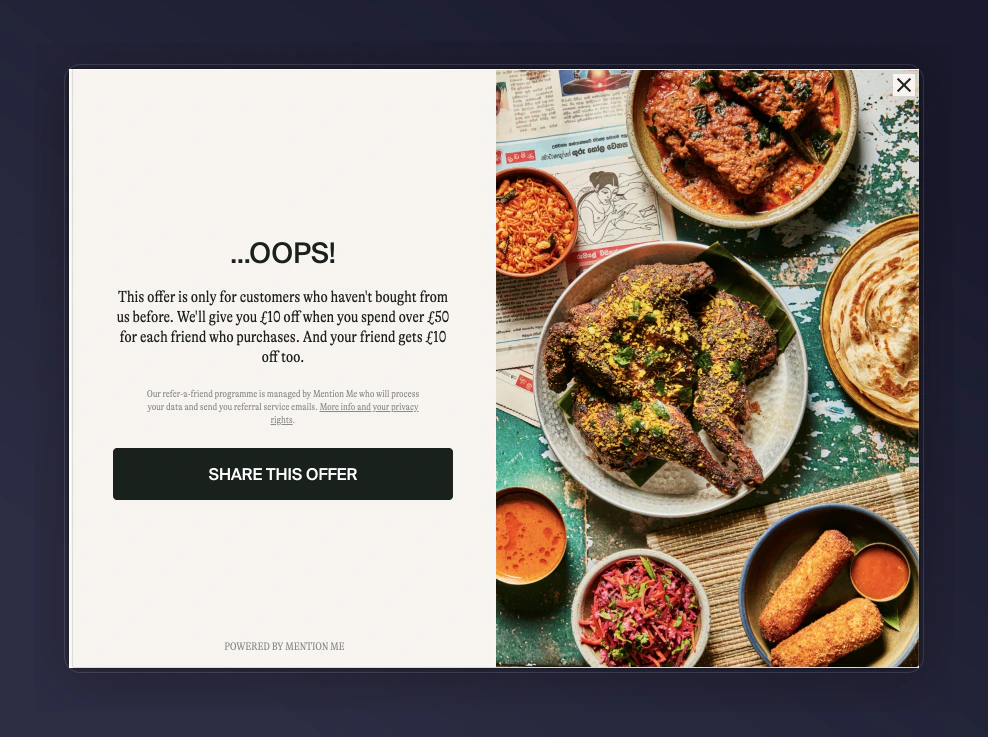
After uploading your customer data, only new customers who have not yet made a purchase will be eligible for referral rewards. Existing customers attempting to claim new customer discounts will see a message indicating they are not eligible.
The existing customer ineligibility message shown to returning customers.
Create or export a CSV file containing email addresses for the period you choose (usually 12 months). The file should have one column with a header row.