

- Embed the Mention Me referee tag on your landing page to personalise and track journeys
- Work with your Client Success Manager to enable share link integration and assign your custom URL
1
Set up a referee tag on your landing page
Create a dedicated landing page for referee traffic. This page displays the referee journey driven by Mention Me.On the landing page, embed the referee tag using the embedded implementation:
2
Enable referee share link implementation
Once your landing page is live, tell your Client Success Manager or the Support Team. They’ll update your account settings so that share links point to your chosen landing page URL.This automatically redirects referees to your branded experience instead of the default Mention Me-hosted page.
Need Help?
Start a conversation with the in-platform Support widget in the bottom-right corner of your dashboard - it can usually answer this straight away. If it can’t, raise a request via the request form.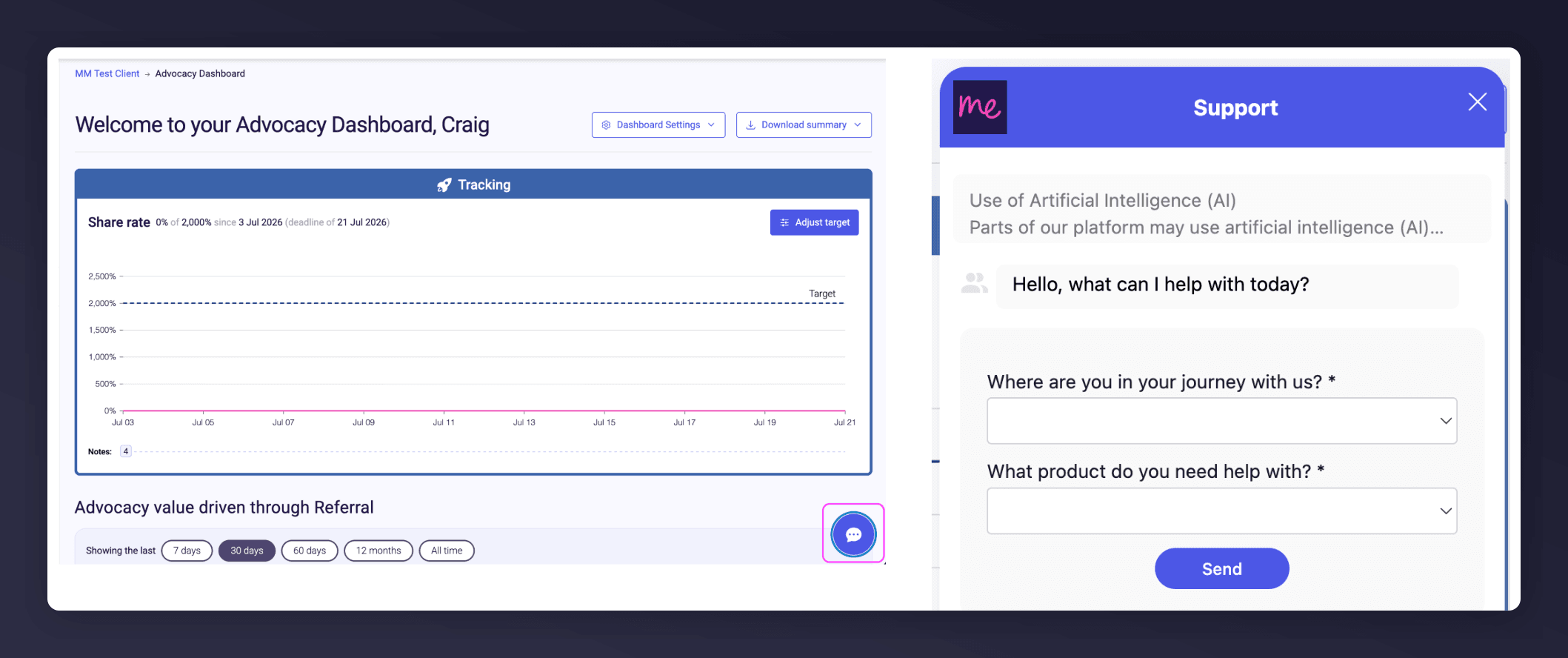
The in-platform Support widget starting an AI-assisted conversation.
Related Guides
Referee Tag Integration
How to embed and configure the referee tag on your landing page.
Sharing Methods
The channels referrers can use to share their link.