

Using Mention Me? Campaign setup now lives in the campaign editor. See
Campaigns. The page below
describes campaigns on Classic.
- Use a particular language
- Belong to your loyalty scheme
- Have purchased in the last three months
- Have just spent more than £50 on their order
1. Setting Up Locales
When creating a new campaign, you can specify a “Locale to Present In” and the expected currency. Locales are configured according to your contract. To add a new locale or market, contact your Account Manager or the Support team.2. Using Triggering Rules to Promote to Referrers
If you’re using campaigns across different locales, use triggering rules to ensure the right offer is shown to the right customer. Add a new rule by clicking Add Group: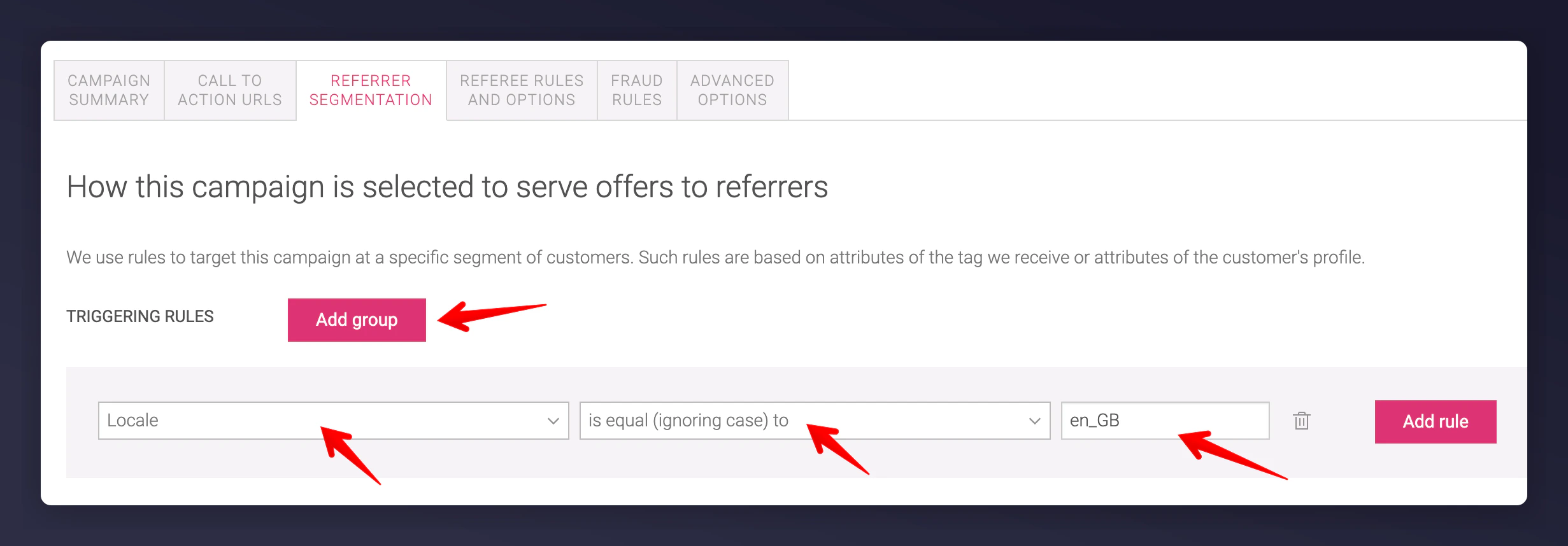
Campaign triggering rules with Add Group button

Order Total triggering rule for high spenders

Combined triggering rules using AND logic
3. Customer Segmentation
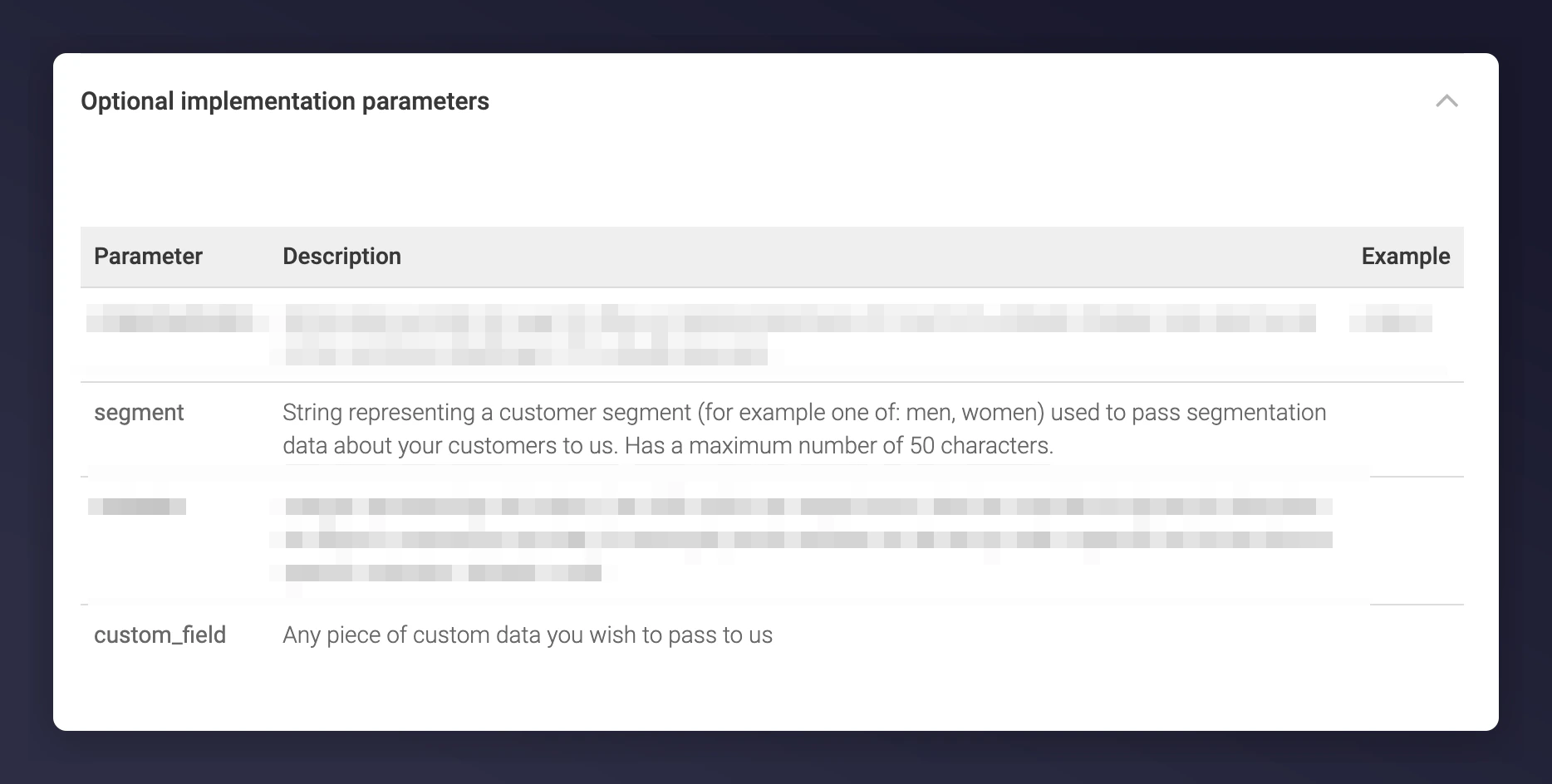
Triggering rules can leverage customer data to serve offers to specific segments. For instance, target single-order vs. subscription customers with different campaigns. Use the segment parameter in your referrer or order tag: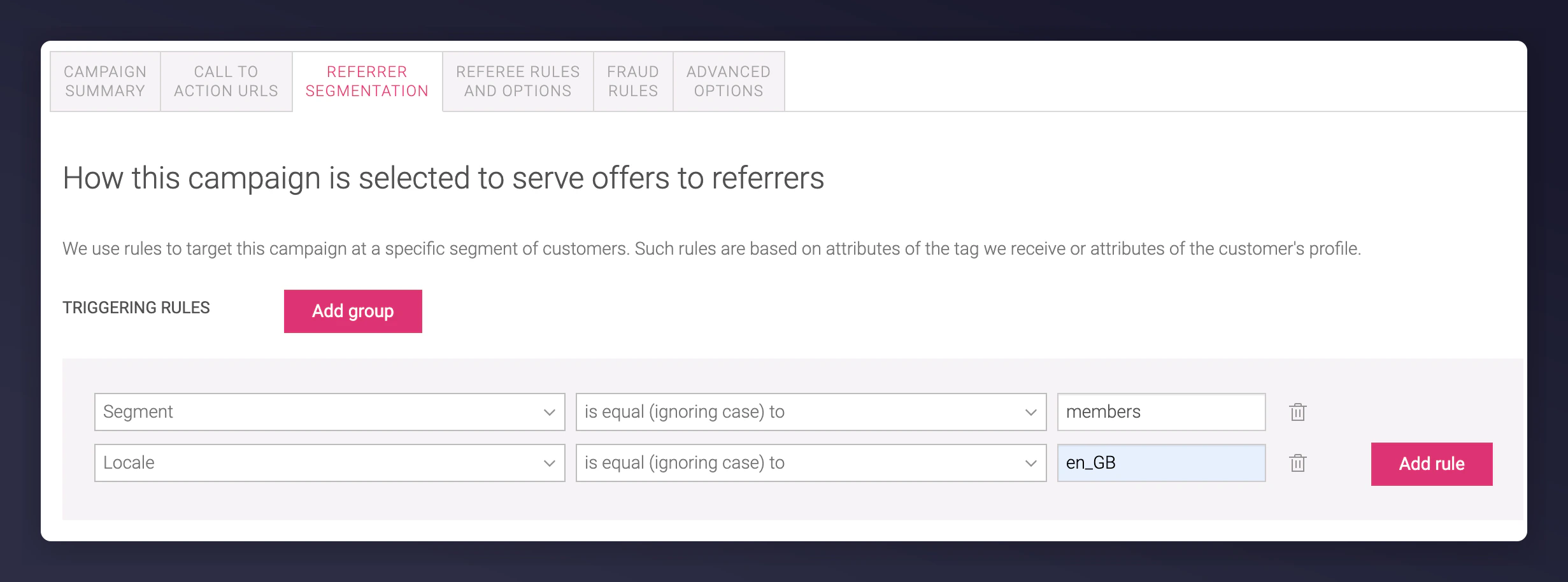
Segment parameter in triggering rules for customer segmentation
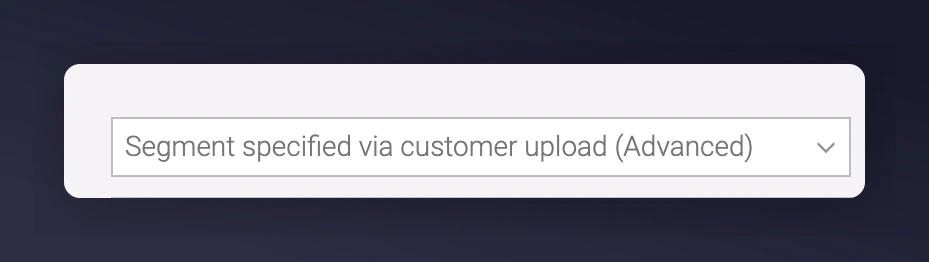
Batch customer import option for segment enrolment

Custom field parameter for product category targeting
custom_field is only available on post-purchase and order tags. Regex is used to match values within the string.
Regex matching for custom field values in campaign rules
4. Referee Qualification
You can define who qualifies as a “referee”, which affects whether a referrer is rewarded. For example, require that a referee’s order value is higher than £50 to trigger a successful referral: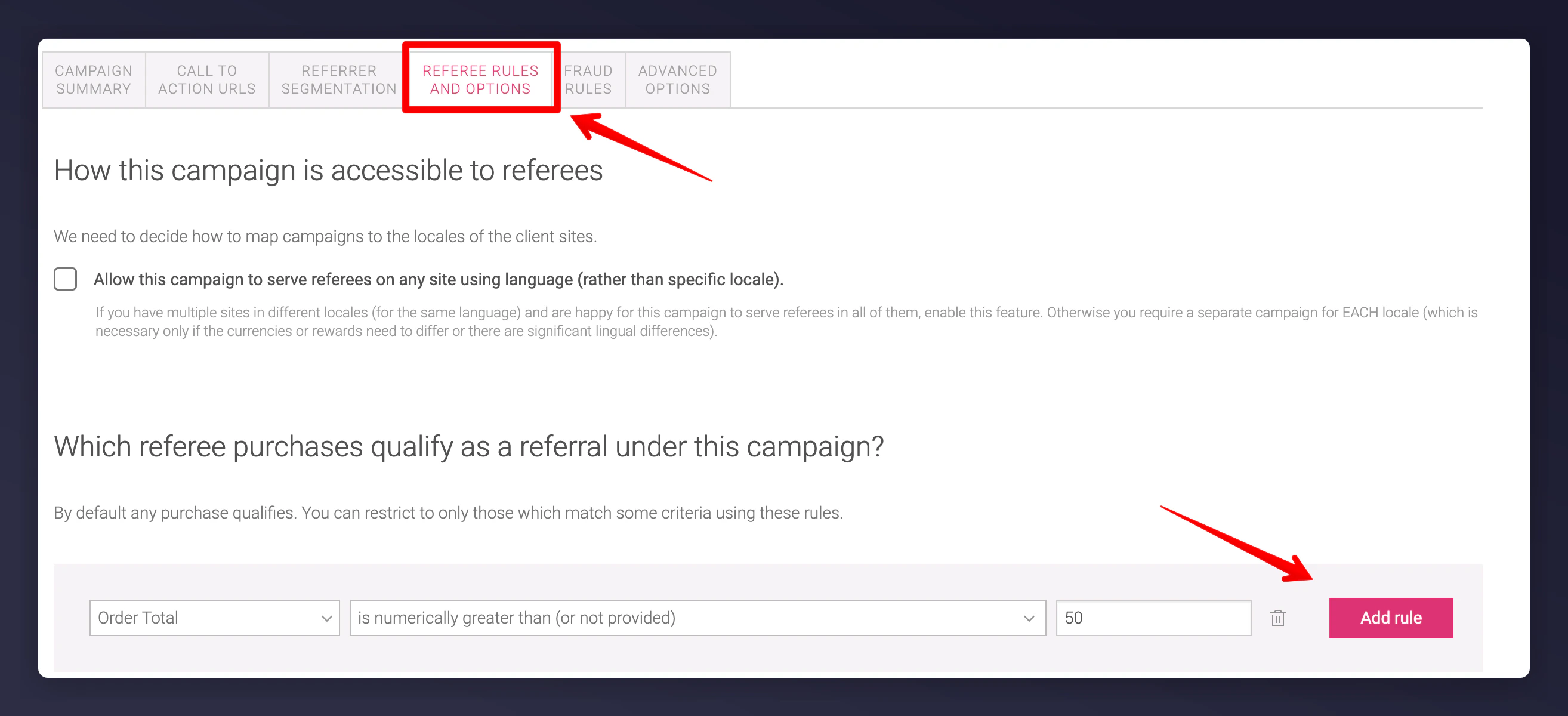
Referee rules and options with order value qualification
5. Advanced Gaming Rules
You can configure Gaming Rules under the Fraud Rules section of the campaign to impact a customer’s gaming score. These settings help detect abuse and should not be changed for new programme launches. Only modify with the help of the Mention Me team. Read more about managing gaming.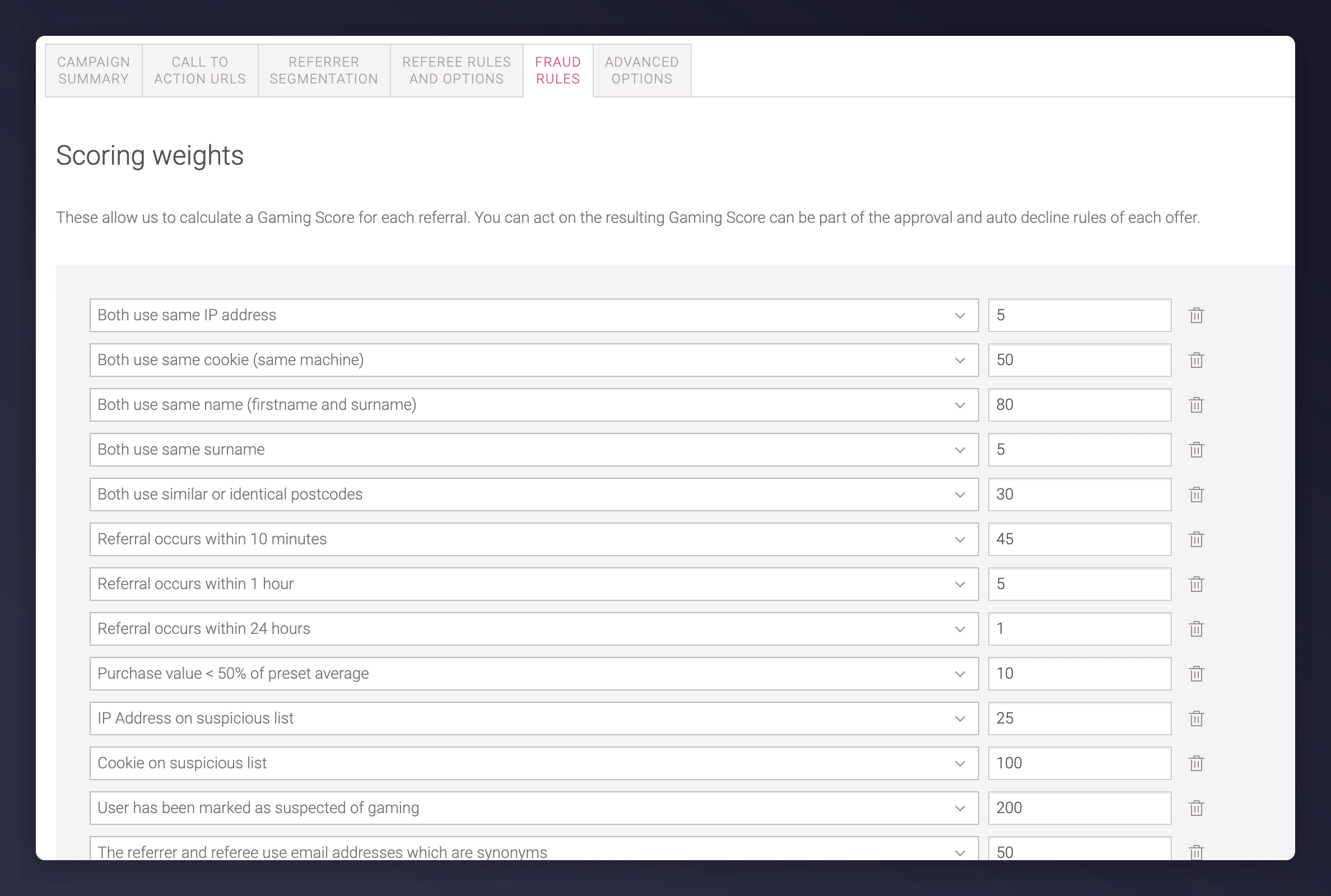
Fraud rules section for gaming score configuration