

About the Integration
Engage your top fans by integrating first-party advocacy data into Dotdigital, boosting engagement, retention, and revenue.Integration Capabilities
- Real-time transfer of contact data and opt-ins from Mention Me referrals to Dotdigital
- Create coupon email reminders using referral data
- Enhance marketing channel performance by targeting high-value customers with referral data
Prerequisites
- Dotdigital - Ability to create API Users.
- Mention Me - Access to the Mention Me platform. Contact your Mention Me CSM or submit a support request if needed.
An overview of the Dotdigital integration.
Step 1: Create an API Key in Dotdigital
Log in to Dotdigital
Navigate to API users
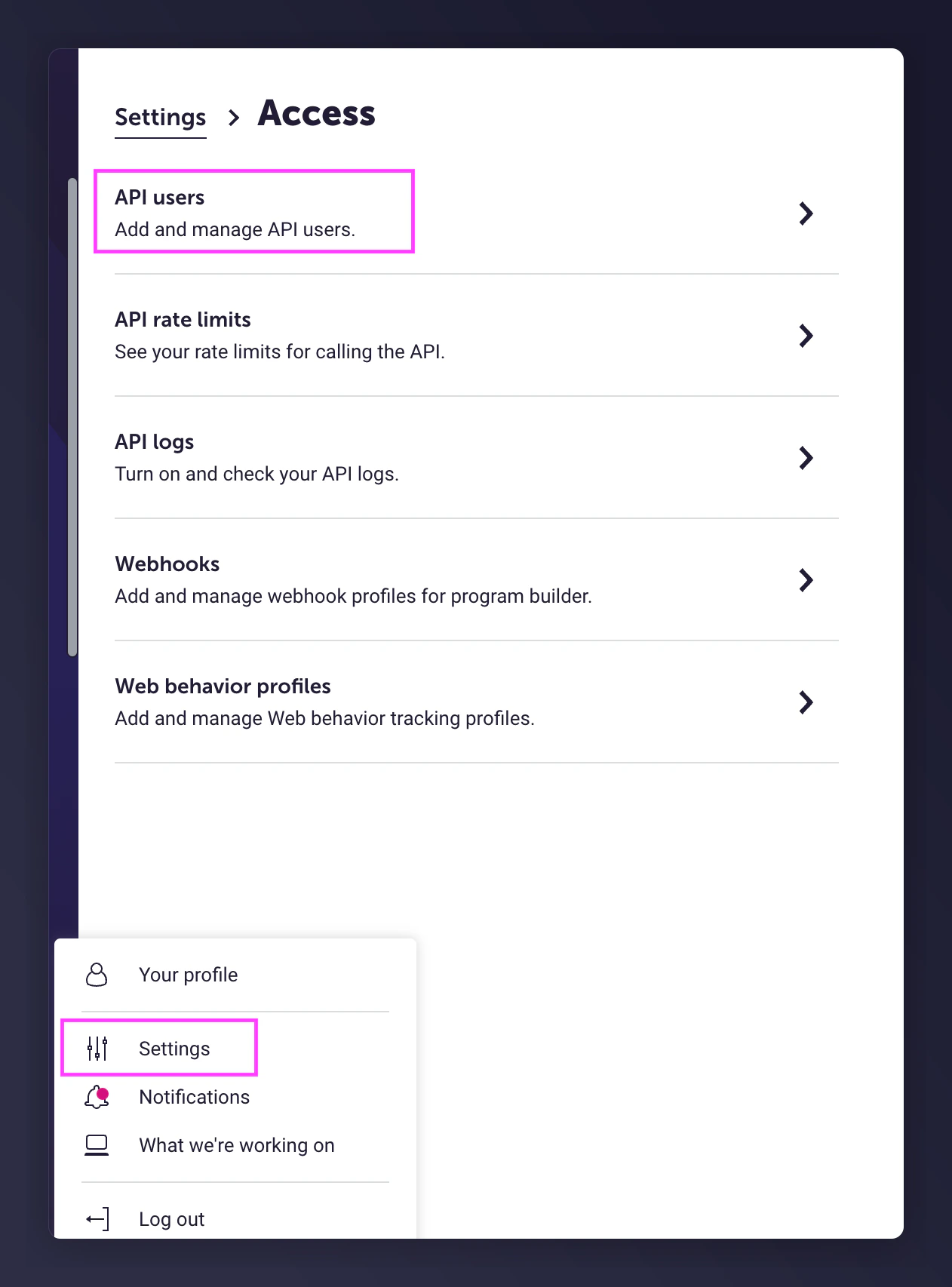
The Dotdigital API users navigation.
Create and save API user
- Use the pre-filled email
- Description: Mention Me
- Create a password
- Set Rate Limiting to Tiered
- Status: enabled
- Note the API User email and Password for Step 2
- Click Save
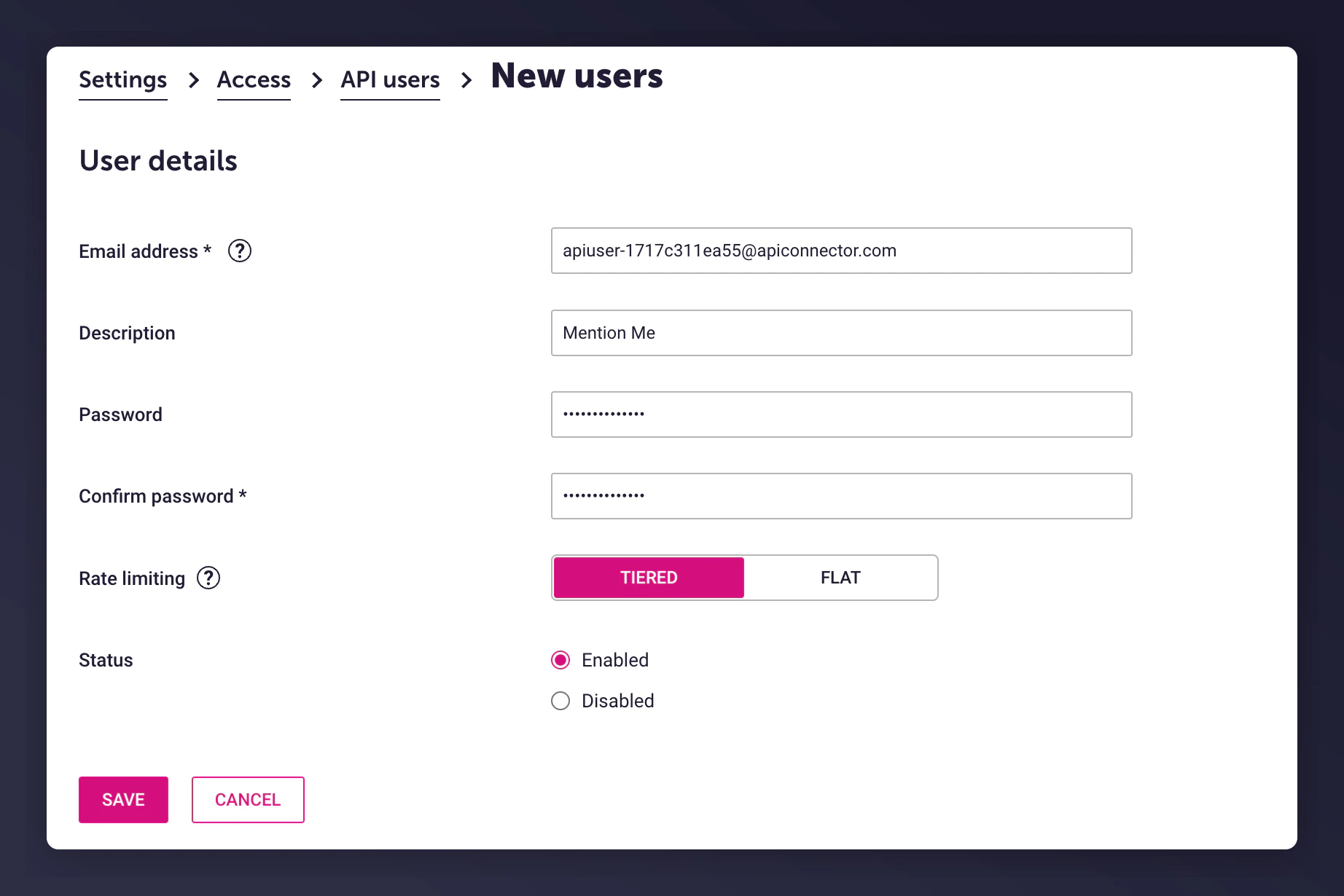
Creating a new API user in Dotdigital.
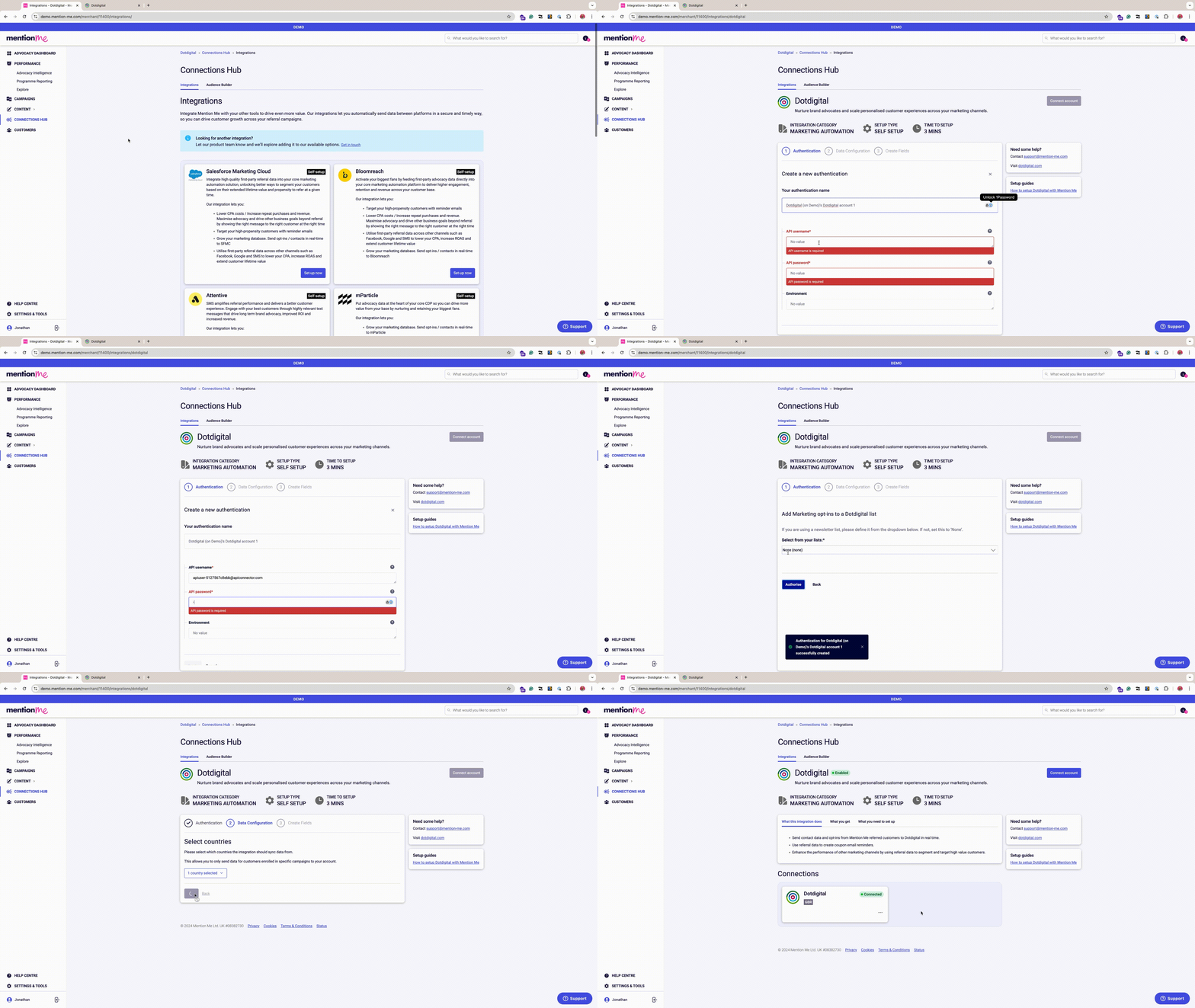
Step 2: Set Up the Integration in Mention Me
Open the integration page
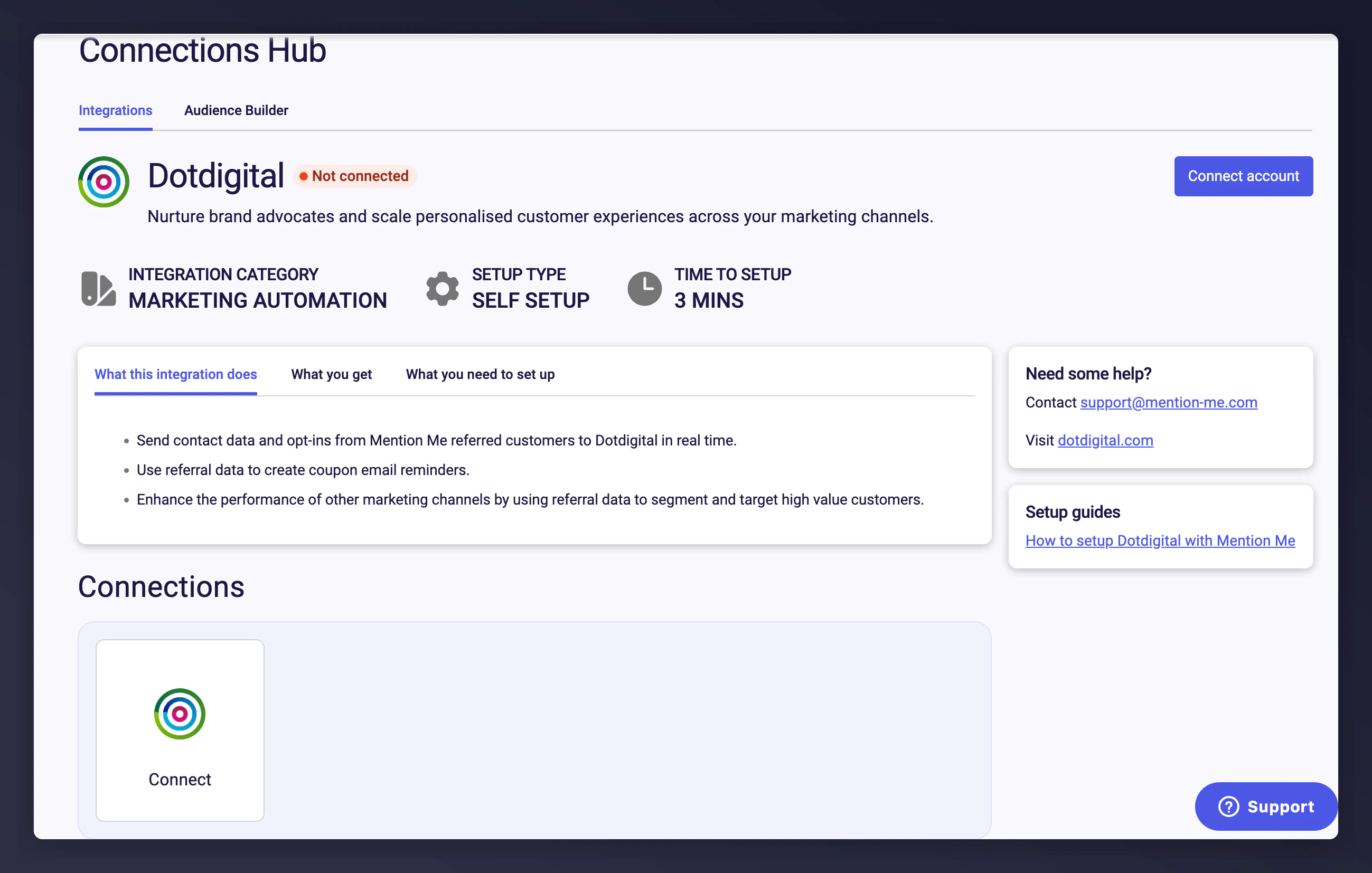
The Mention Me Dotdigital integration connect page.
Accept terms and conditions
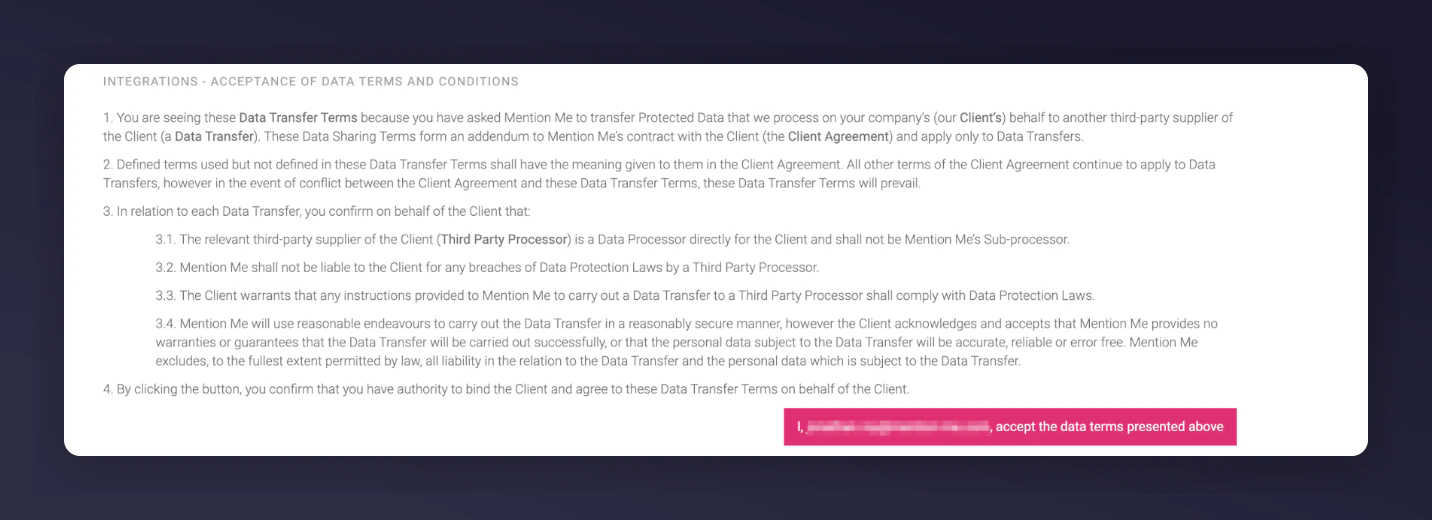
The terms and conditions acceptance screen for the Dotdigital integration.
Click New Authentication
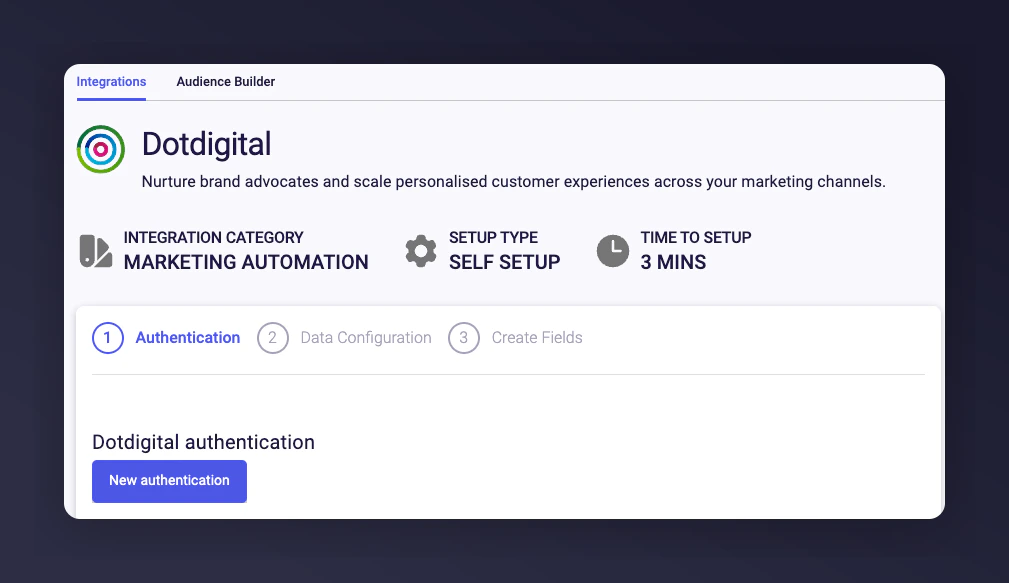
The New Authentication button in Mention Me.
Name your authentication
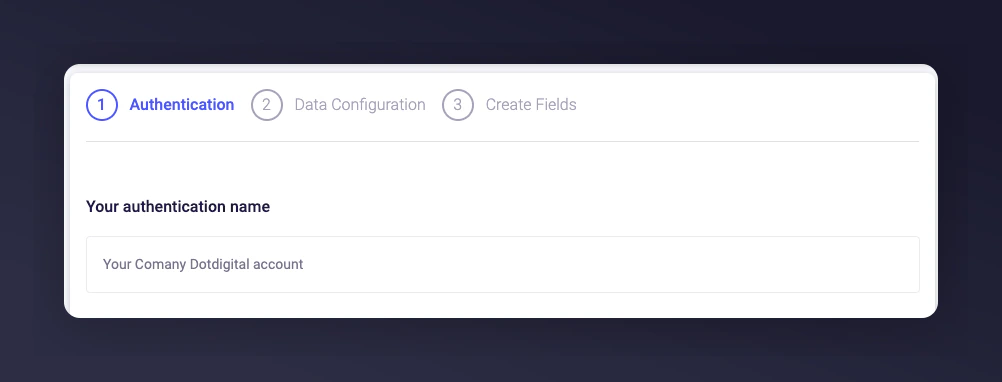
Naming the Dotdigital authentication in Mention Me.
Enter API credentials
- API User
- API Password
- Your Dotdigital Environment / Region (r1, r2, or r3)
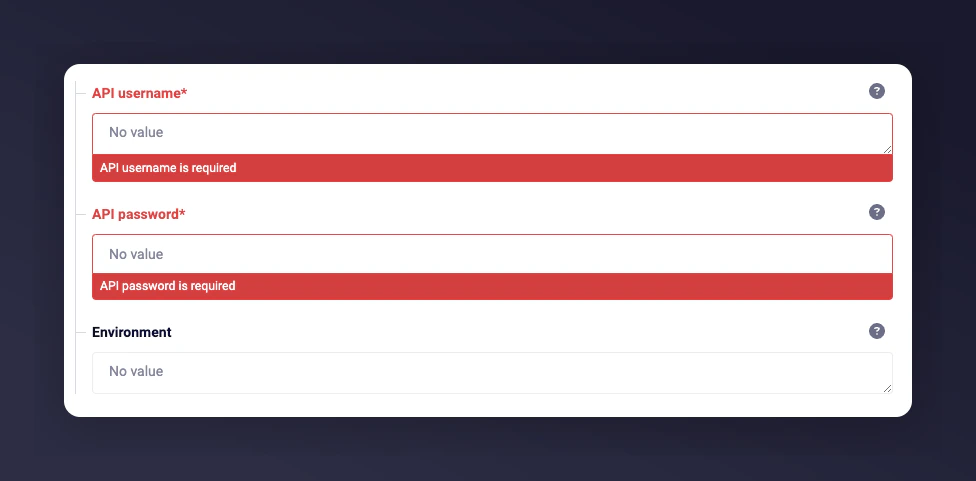
Entering Dotdigital API credentials in Mention Me.
Choose newsletter list
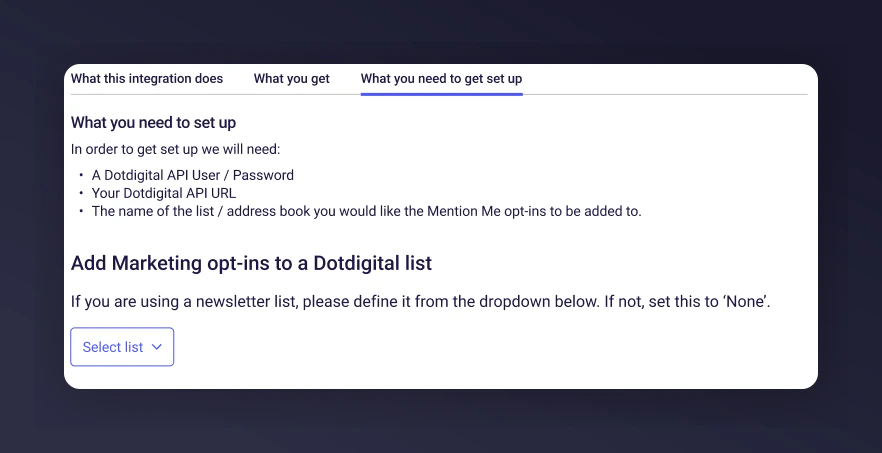
Choosing the newsletter list for opt-ins.
Select countries to sync
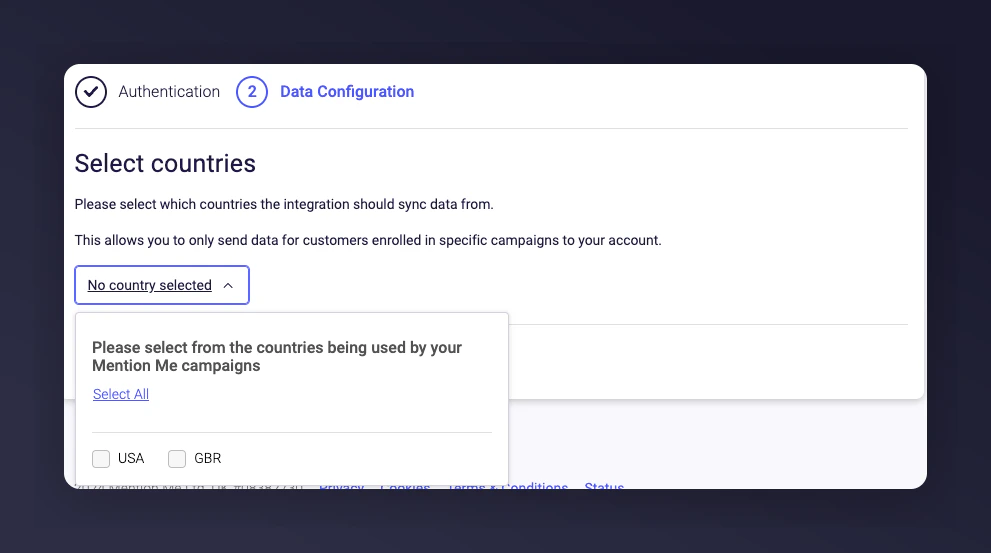
Selecting countries to sync with Dotdigital.
Complete the setup
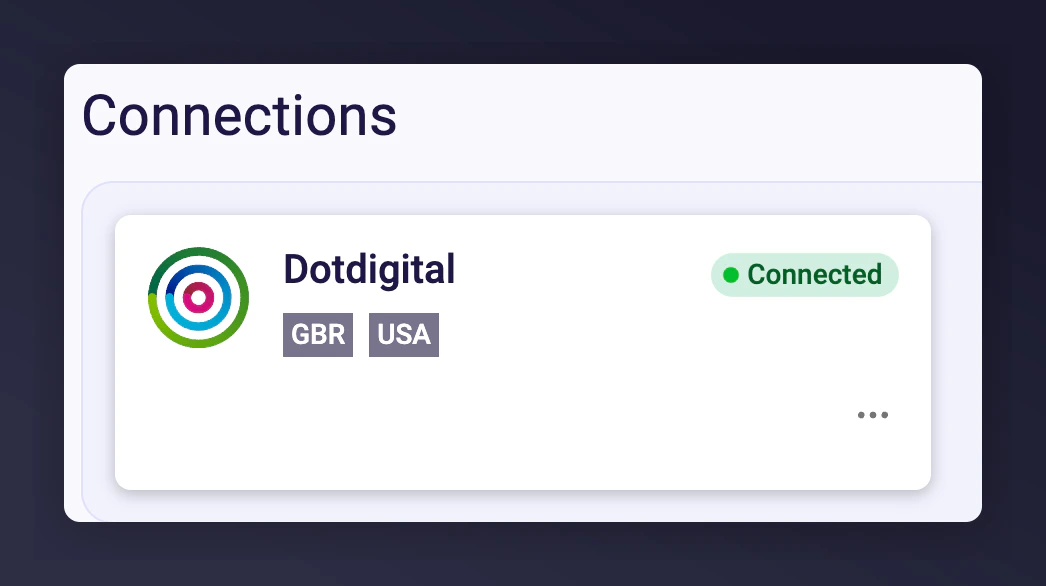
The Dotdigital integration success confirmation message.
Step 3: Implement Suggested Program Automations
Pre-built templates make it easy to activate your advocacy data through Dotdigital:- Boost New Customer Acquisition - Automatically remind referred users to make their first purchase.
- Drive Repeat Purchases - Remind referrers to return and use their earned rewards.
- Increase Customer Engagement - Encourage brand advocates to share referral links with more friends.