Documentation Index

Fetch the complete documentation index at: https://docs.mention-me.com/llms.txt

Use this file to discover all available pages before exploring further.

With the Mention Me integration into Dotdigital, you can insert a CTA link in your emails to direct customers to a referral landing page. This puts your scheme in front of customers who may not have seen it yet, and reminds those who have to share with friends. The personalised link allows customers to skip the referral registration page, as Dotdigital will insert customer details to pre-populate the referral landing page with their name and email address.

Prerequisites

  • You must have an existing referral landing page on your website with the Mention Me referral tag included.

Types of emails to consider

  • Dedicated referral solus emails (recommended at least once every 2-3 months)
  • Inclusion in a newsletter or regular marketing email
  • “Always-on” inclusion in all marketing emails (e.g. as a link, icon, or button in the header or footer)
  • Referral as a dedicated email in your journey (e.g. new customer/post-purchase, welcome journey)

How it works

  1. You promote your referral program via dedicated emails or a specific campaign and add the personalised landing page link as the CTA.
  2. The customer clicks the link and is taken to the landing page.
  3. The customer lands on a referral offer page with their personal information from Dotdigital. They are automatically registered when they click the offer button.
  4. The customer shares the offer with their friend via their preferred method.
  1. In your campaign promoting referral, add a CTA link/button
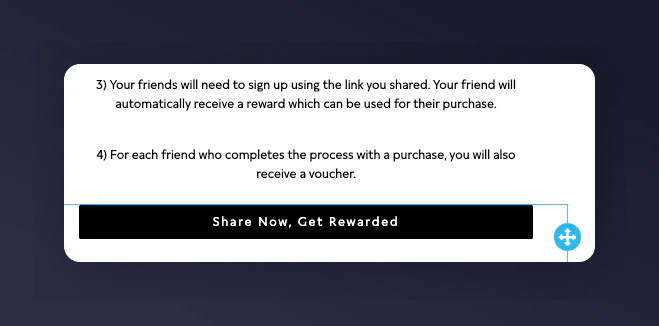
Adding a CTA link in Dotdigital email editor
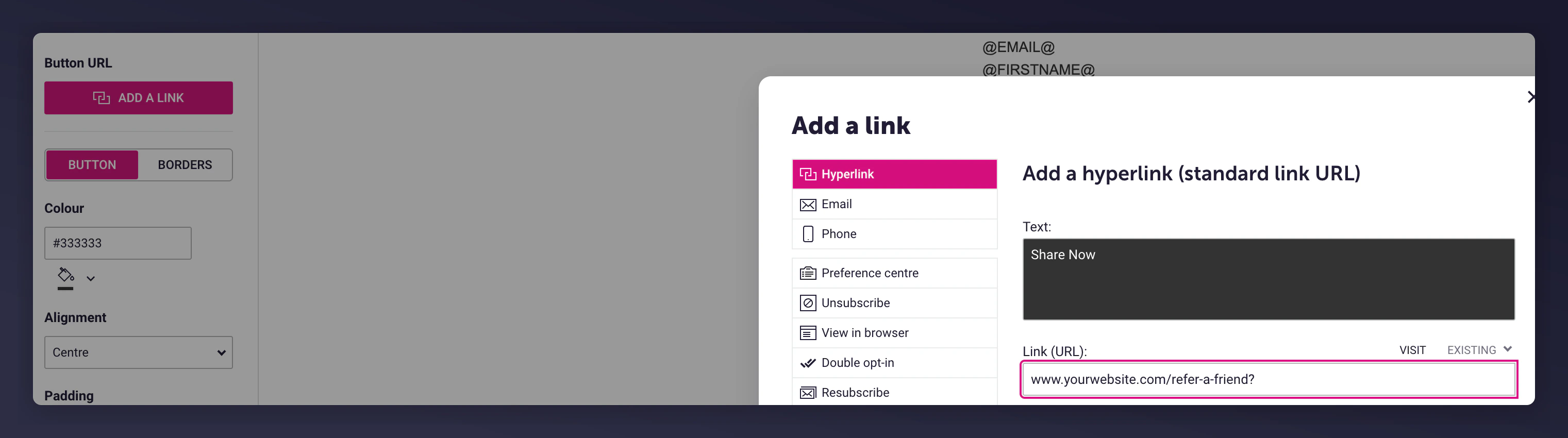
  1. In the URL section of the button/link, add in the URL of your landing page with ? added (e.g. www.yourwebsite.com/refer-a-friend?)
Adding the referral landing page URL to the CTA
  1. Add the following parameters to the end of the URL, separated by &:
ParameterValue / VariableNote
firstname{{ contact.data.firstname }}Use the personalisation attribute you use in Dotdigital for first name.
surname{{ contact.data.lastname }}Use the personalisation attribute you use in Dotdigital for last name.
email{{ contact.data.email }}
situationDotdigital-newsletter-jan23Indicates where the customer saw the link. Structure: channel-type-date. Provides impact analysis in the Mention Me Platform.
segmentloyaltyUse if you have multiple campaigns with different segments or locales.
localeen_GB

Final example URL

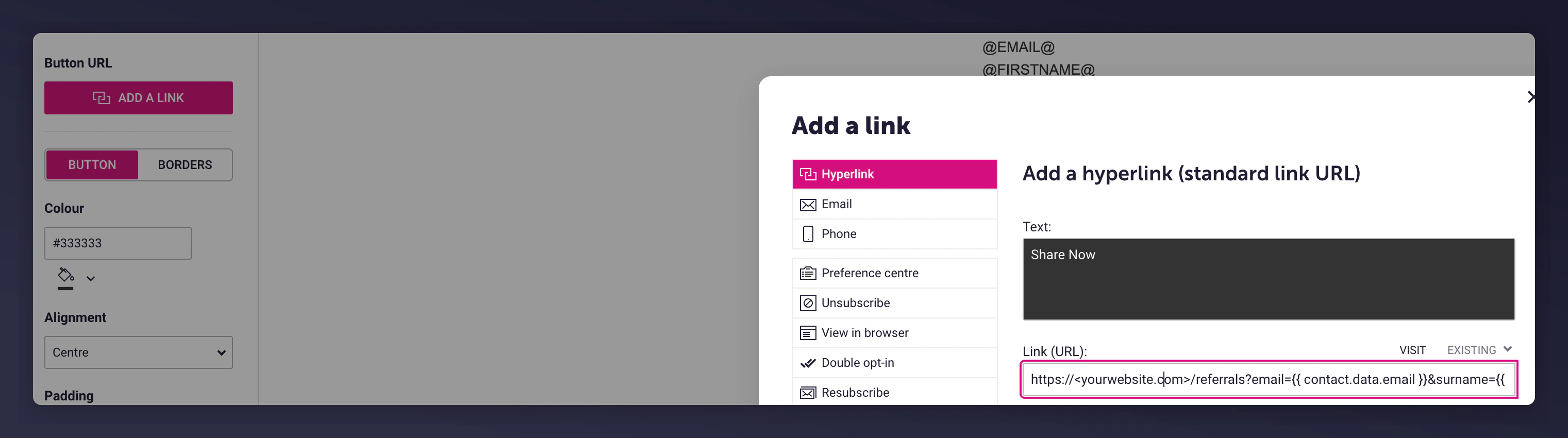
https://<yourwebsite.com>/referrals?email={{ contact.data.email }}&surname={{ contact.data.lastname }}&firstname={{ contact.data.firstname }}&situation=Dotdigital-newsletter-jan23&locale=en_GB&segment=loyalty
Final personalised referral URL with parameters in Dotdigital
Last modified on March 31, 2026