

About This Program
With this program, you can encourage your top brand advocates to keep sharing with friends to receive additional rewards. By implementing this program, you can:- Increase active customer revenue
- Increase premium customer revenue
- Increase retention
Prerequisites
- An active Mention Me referral program that rewards existing customers
- A Mention Me / Dotdigital enabled integration
- Knowledge of Liquid Scripting
Supported Channels
Basic Workflow
- An advocate of your brand successfully refers a friend and gets their reward.
- A reminder email (subject to consent) is sent to share again with their unique share link.
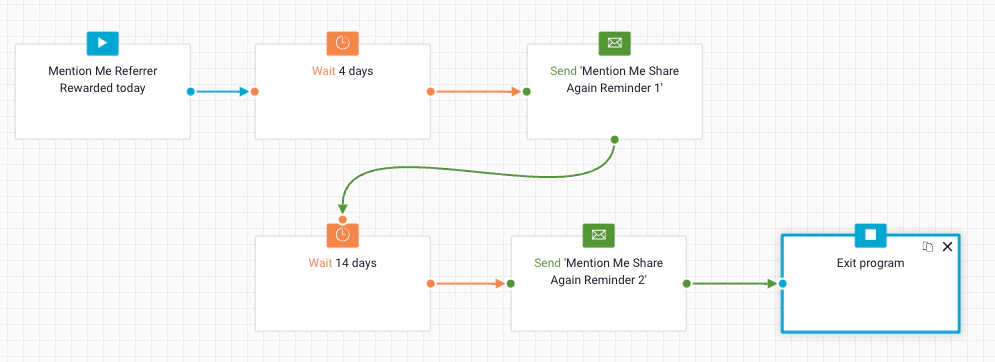
Share again reminder program workflow
Steps to Create the Program
Step 1: Create the Program Flow
Set the enrolment schedule and rule
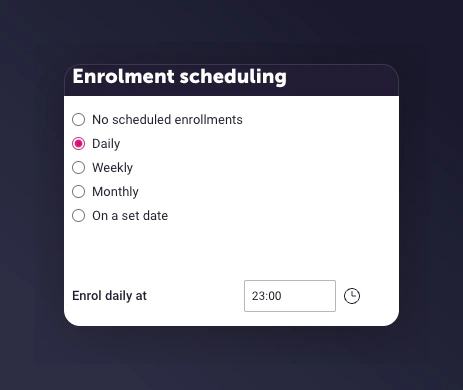
The enrolment schedule set to daily at 23:00.
Set the enrolment rule
mm-received_referrer_reward.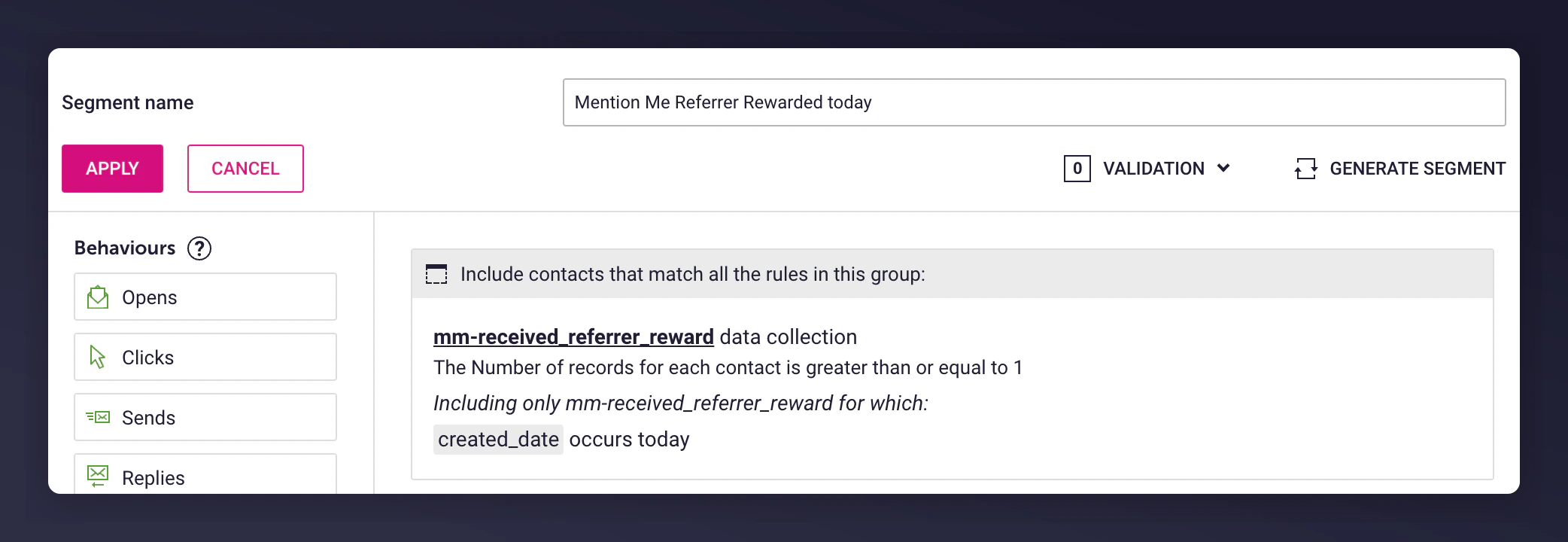
The enrolment rule for the referrer rewarded segment.
Set enrolment limits

The re-enrol contacts after 1 day setting.
Add wait delays
- Before 1st send: Include delay if segment overlaps with another reminder program
- After 1st send: Add wait before sending a follow-up email
- 1st email - 4 days after the segment trigger
- 2nd email - 14 days after the 1st email
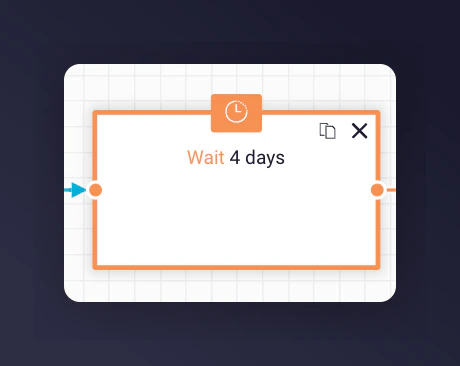
Wait delay configuration for share again reminders.
Add the email campaign
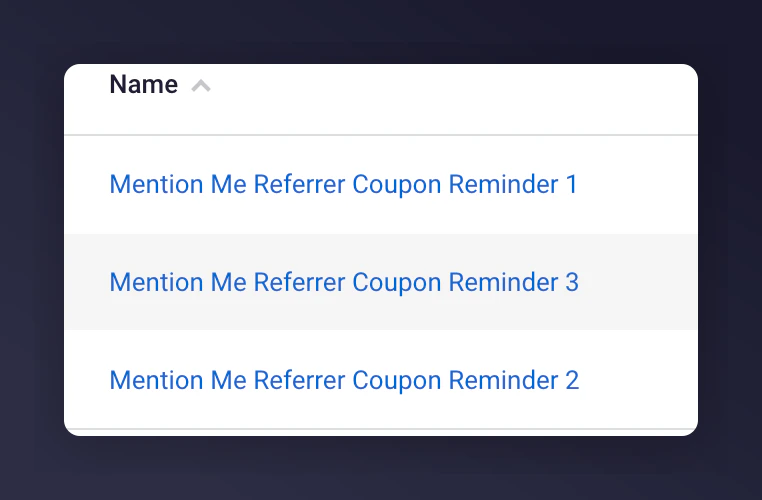
Selecting a pre-configured share again email.
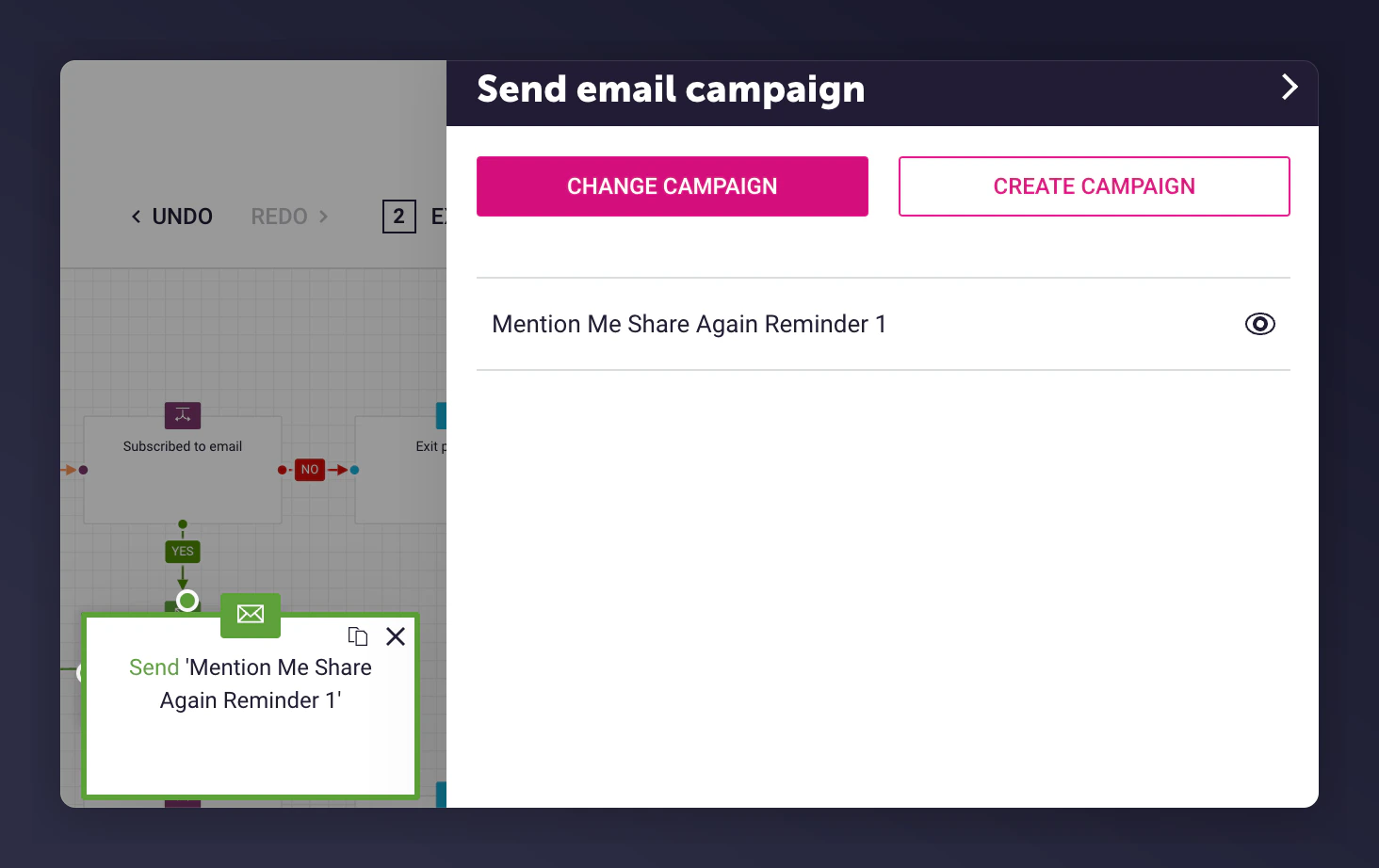
Share again triggered email campaign selection details.
Add an exit program node
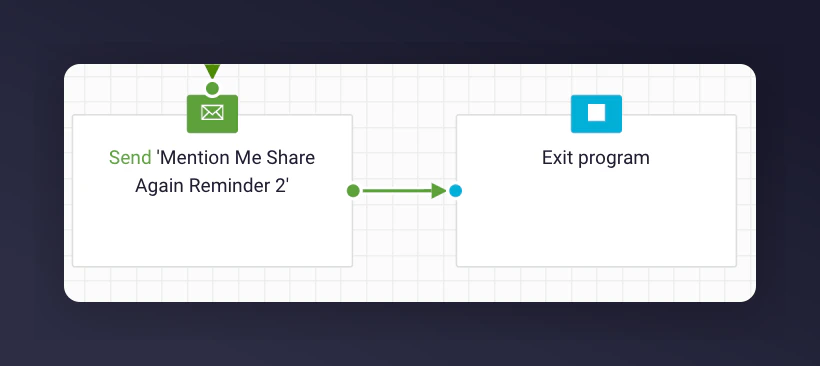
An Exit Program node placed after the last share again email.
Step 2: Add Content to Each Email
During the Mention Me Dotdigital integration, 2 triggered email campaigns are created using:- A Dotdigital insight collection called
mm-received_referrer_reward - Liquid Scripting to personalise the email content
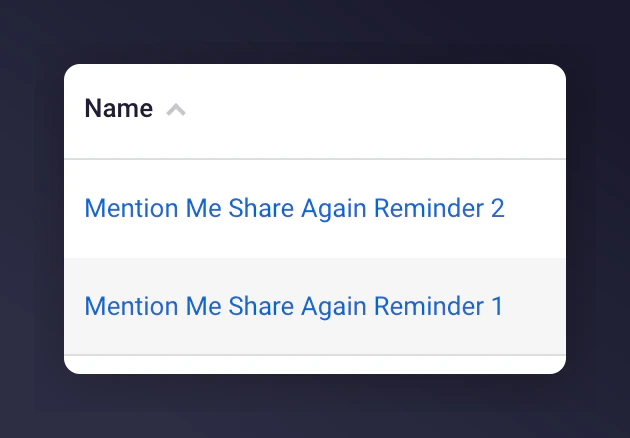
A share again email template using Liquid scripting.
Update the imagery and styling
Adjust the tone of voice
Template Content
Each email includes a Liquid markup block to identify the latest referral event: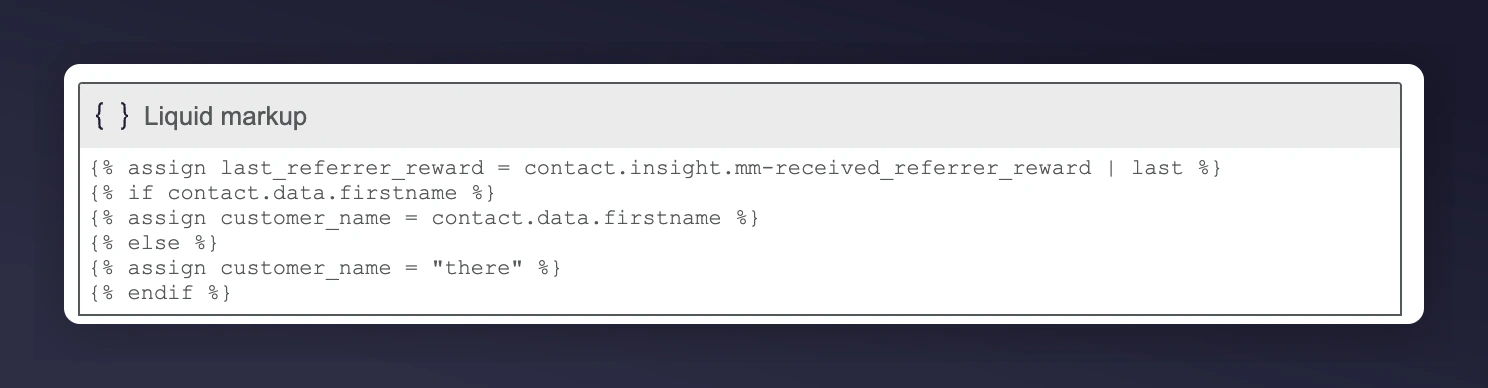
The Liquid markup block used in the share again email template.
Reminder Examples Using Liquid Variables
Liquid Variables
Step 3: Test the Preview
Open the preview

The Preview button in the share again email editor.
Select a test contact
The enrolment rule for the referrer rewarded segment.
Review the populated email
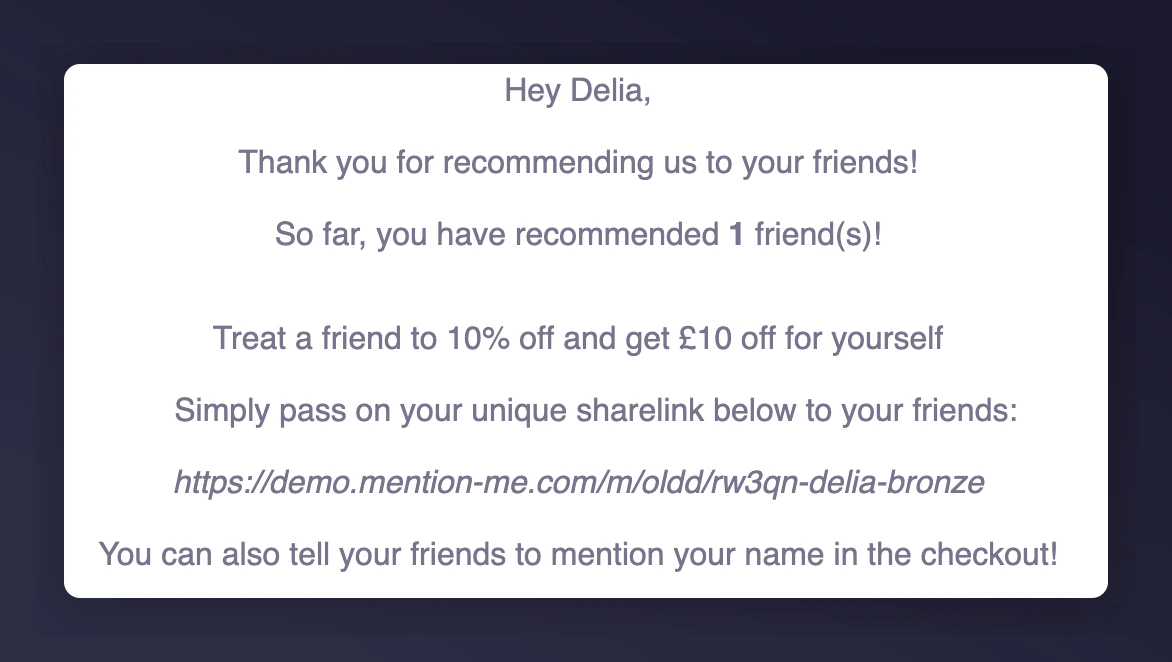
A previewed share again email with populated data.
Step 4: Activate the Program
Once you are happy with the email content and testing, activate the program to begin sending emails.
The Activate share again program button in Dotdigital.