

About the Integration
Activate your biggest fans by feeding first-party advocacy data directly into Bloomreach to enable higher engagement, retention, and revenue across your customer base.Integration Capabilities
- Send contact data and opt-ins from Mention Me referred customers to Bloomreach in real time
- Use referral data to power coupon email reminders
- Segment and target high-value customers with referral and advocacy data to enhance other marketing channels
Prerequisites
- Bloomreach - Access to create private API keys.
- Mention Me - Access to the Mention Me platform. If not, contact your Mention Me CSM or submit a support request.
Step 1: Create Mention Me Events in Bloomreach (Optional)
Only required if your Bloomreach project prevents 3rd parties from creating events via the API. If you’re unsure, check with your Bloomreach Admin.Log in to Bloomreach
Navigate to Events in Data Manager
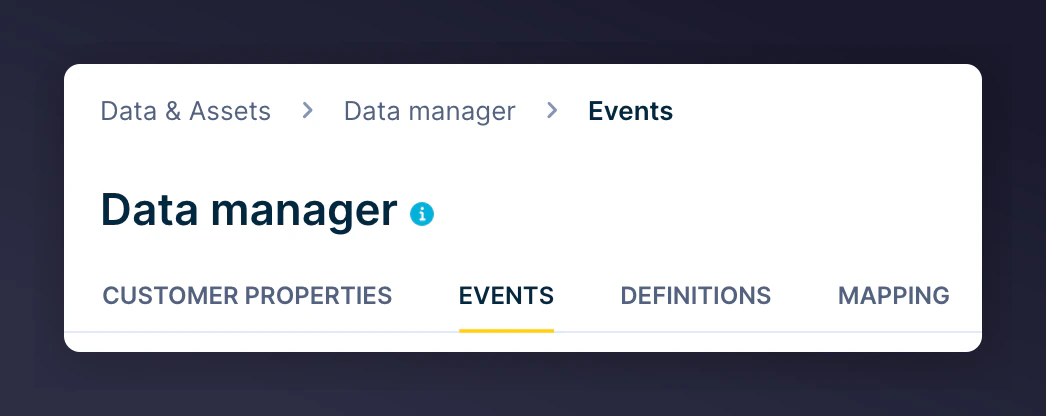
The Bloomreach Data Manager Events navigation.
registered_as_refereeregistered_as_referrerreceived_referee_rewardreceived_referrer_rewardsubmitted_nps_scorereceived_reward_next_orderpropensity_to_refer
Step 2: Create API Keys in Bloomreach
Log in to Bloomreach
Go to API access management
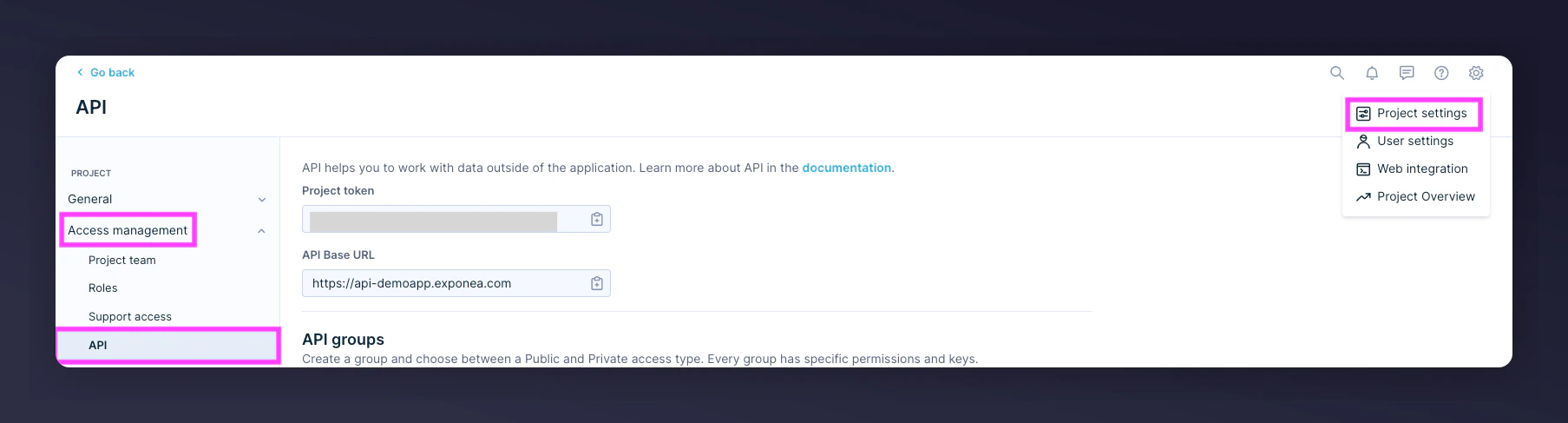
The Bloomreach API access management navigation.
Create a new API group
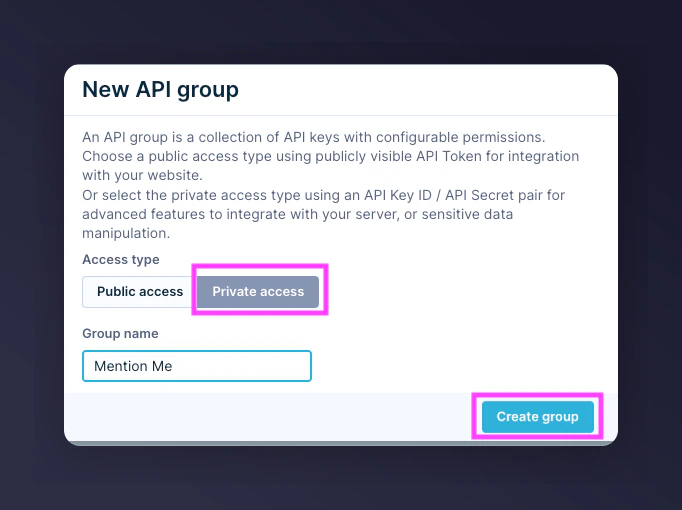
Creating a new API group for Mention Me in Bloomreach.
Copy the API Secret
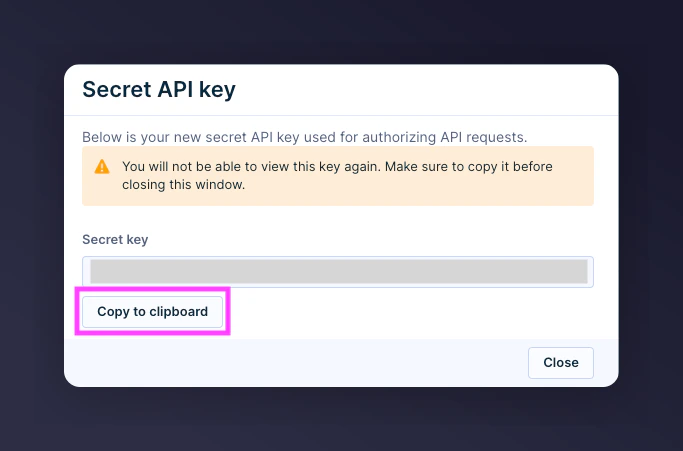
Copying the API Secret from Bloomreach.
Copy API Key, Project Token, and Base URL
- API Key
- Project Token
- Base URL
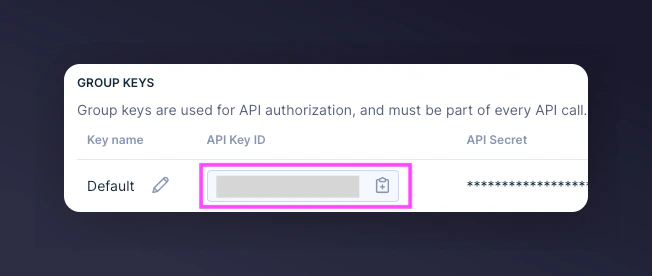
The API Key and Project Token fields in Bloomreach.
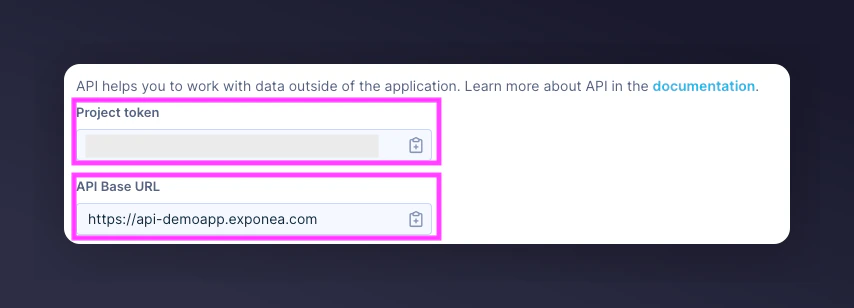
The Base URL configuration screen in Bloomreach.
Set API access permissions
Customer Properties
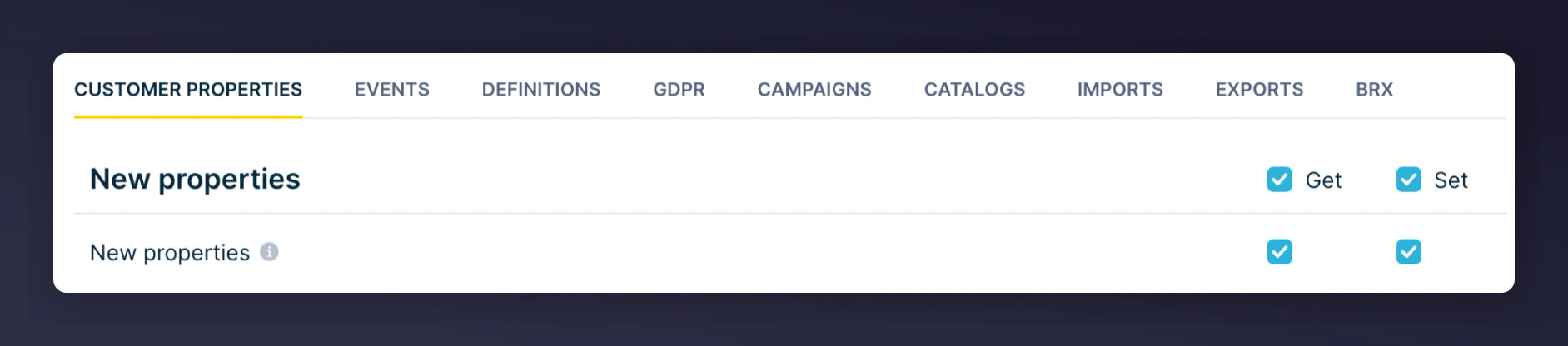
The first Customer Properties permissions screen in Bloomreach.

The second Customer Properties permissions screen in Bloomreach.

The third Customer Properties permissions screen in Bloomreach.
Events
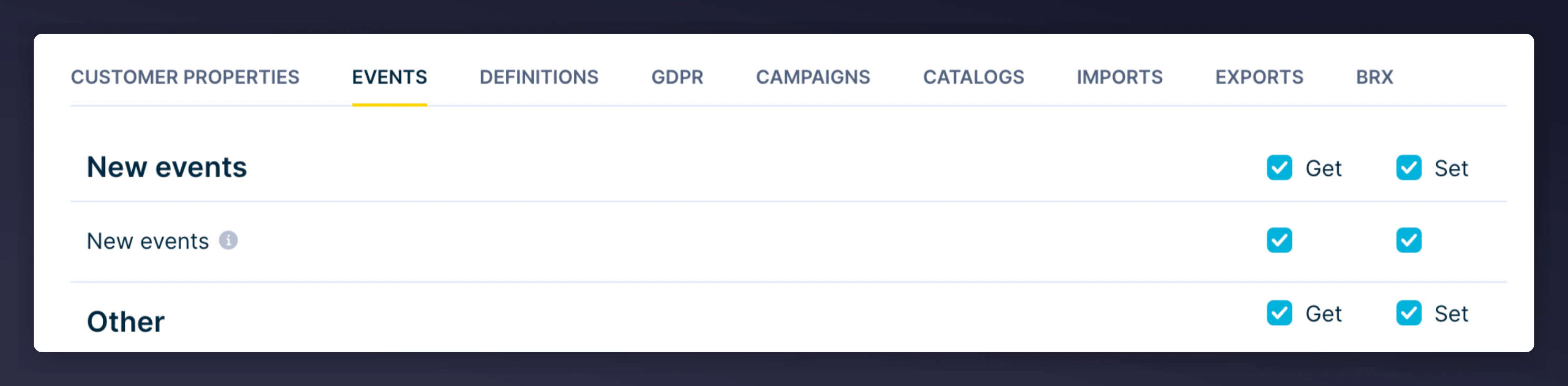
The first Events permissions screen in Bloomreach.

The second Events permissions screen in Bloomreach.
Step 3: Set Up the Integration in Mention Me
Connect on Mention Me platform
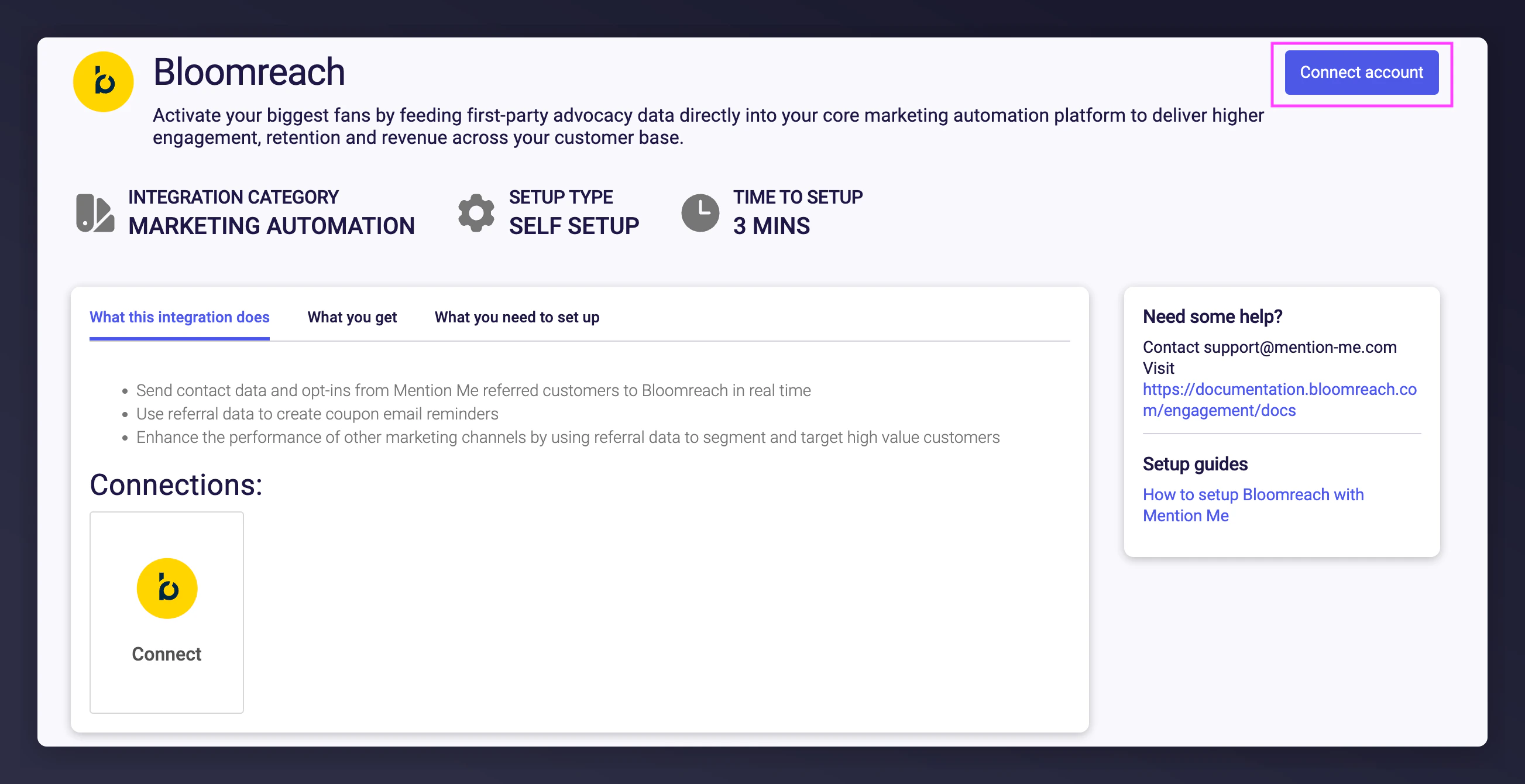
The Mention Me Bloomreach integration connect page.
Accept terms and conditions
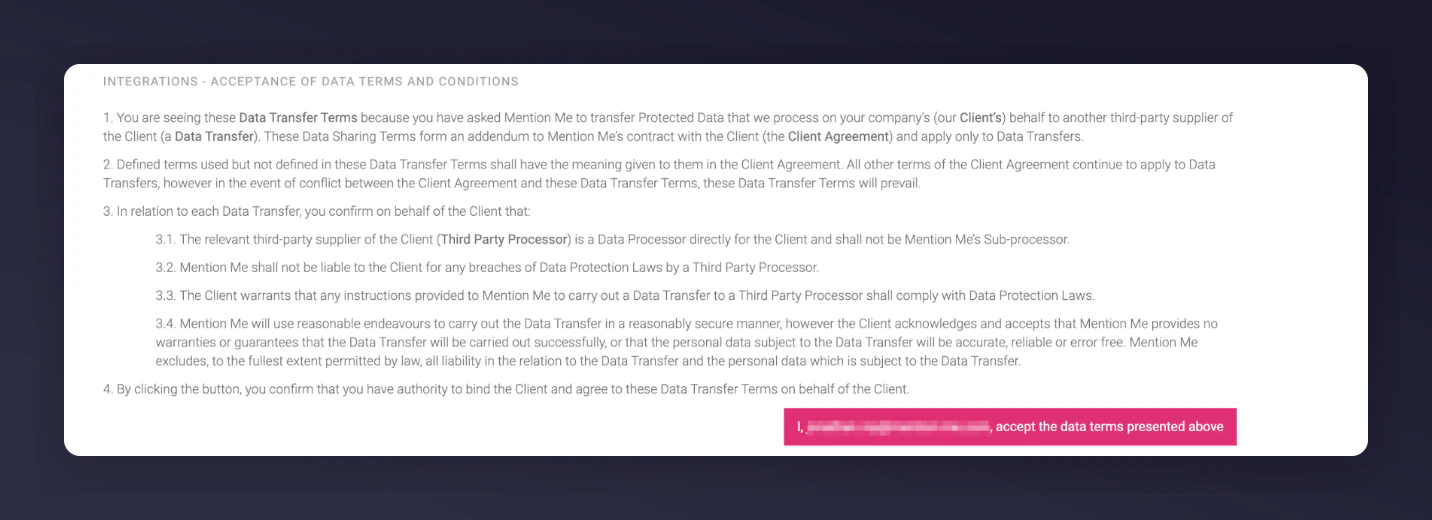
The terms and conditions acceptance screen for the Bloomreach integration.
Click New Authentication
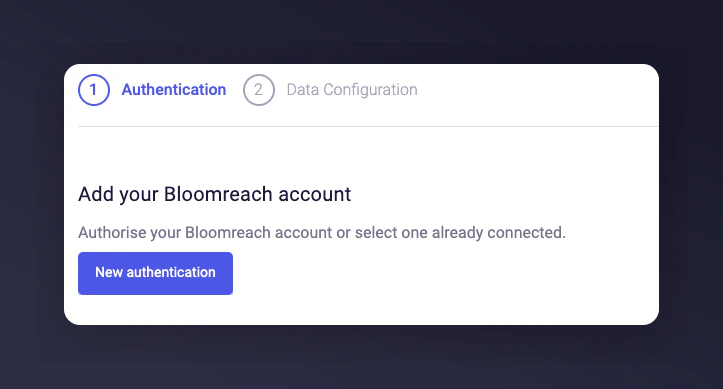
The New Authentication button in Mention Me.
Name the authentication and project
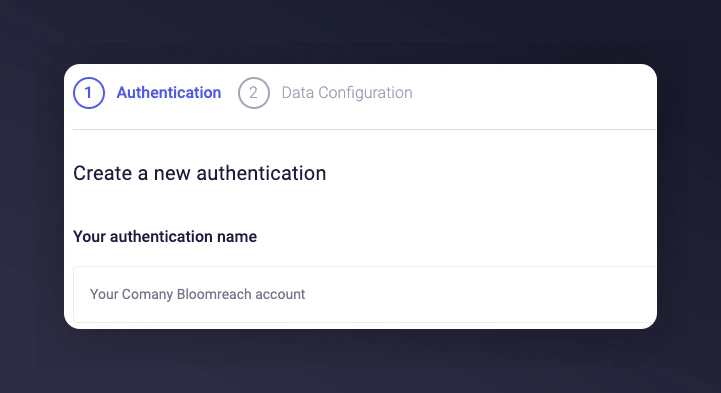
Naming the Bloomreach authentication in Mention Me.
Enter API credentials
- API Key
- API Secret
- Project Token
- Base URL
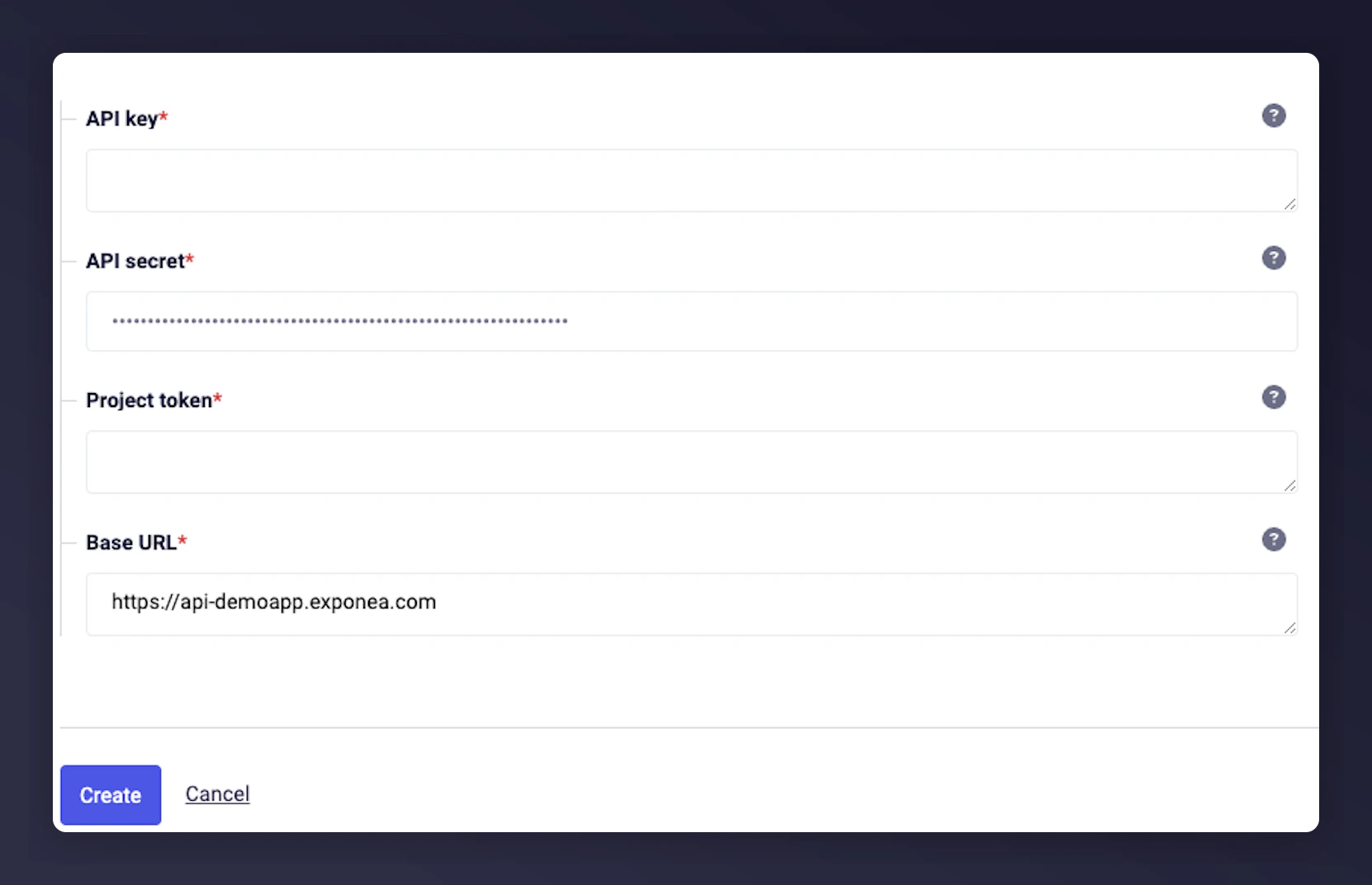
Entering Bloomreach API credentials in Mention Me.
Click Next
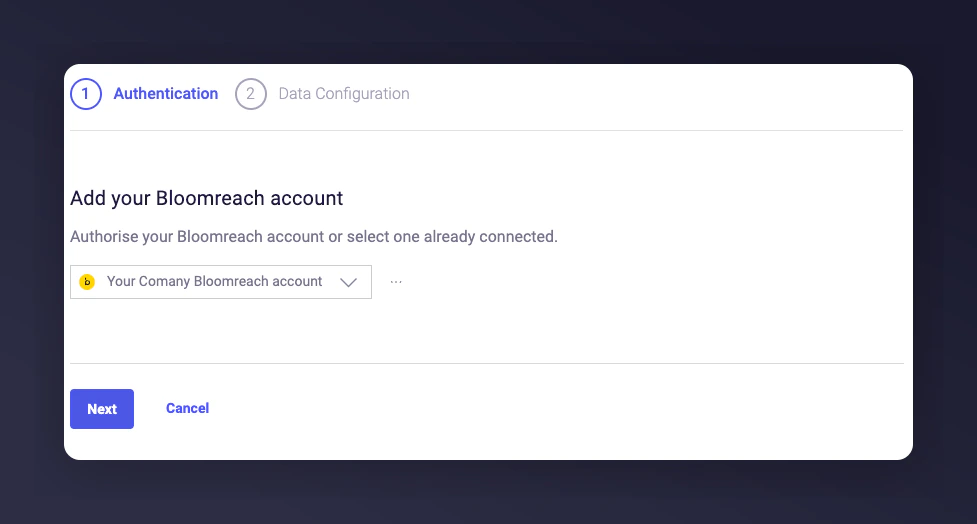
Proceeding to the next step after entering credentials.
Select the Consent Category
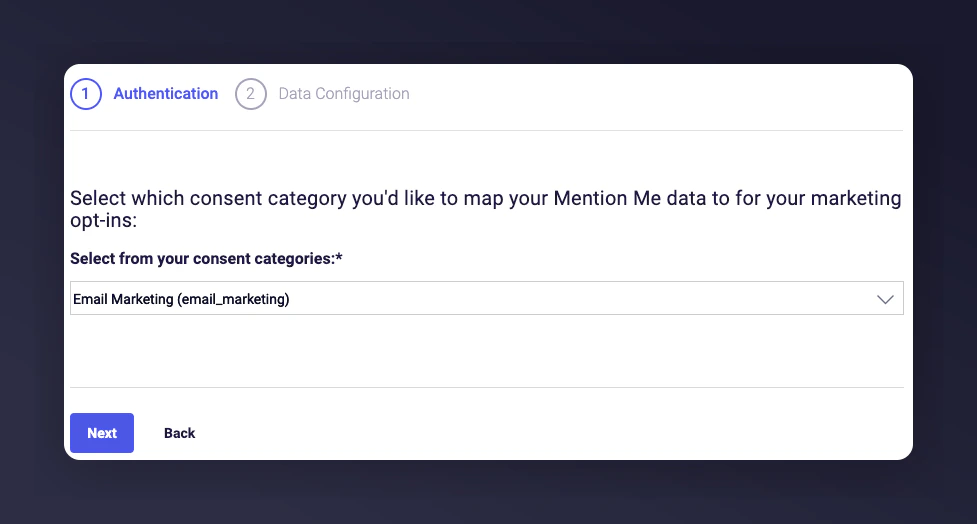
Selecting the Consent Category for opt-ins.
Configure custom identifier
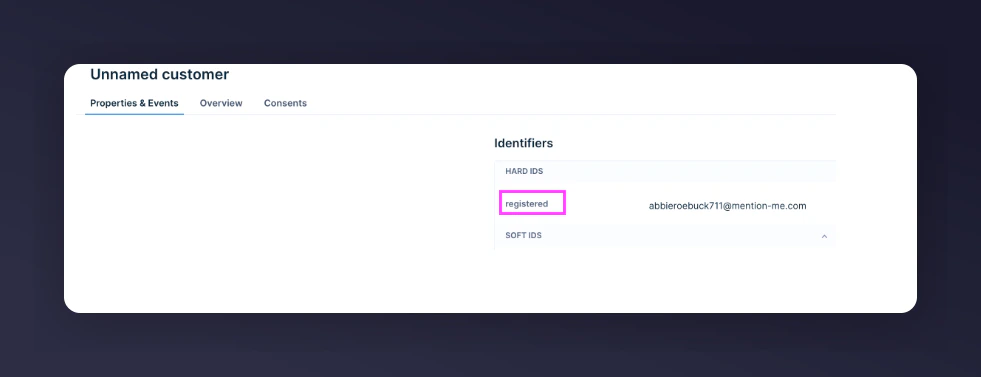
The custom identifier configuration screen for Bloomreach.
Select countries to sync
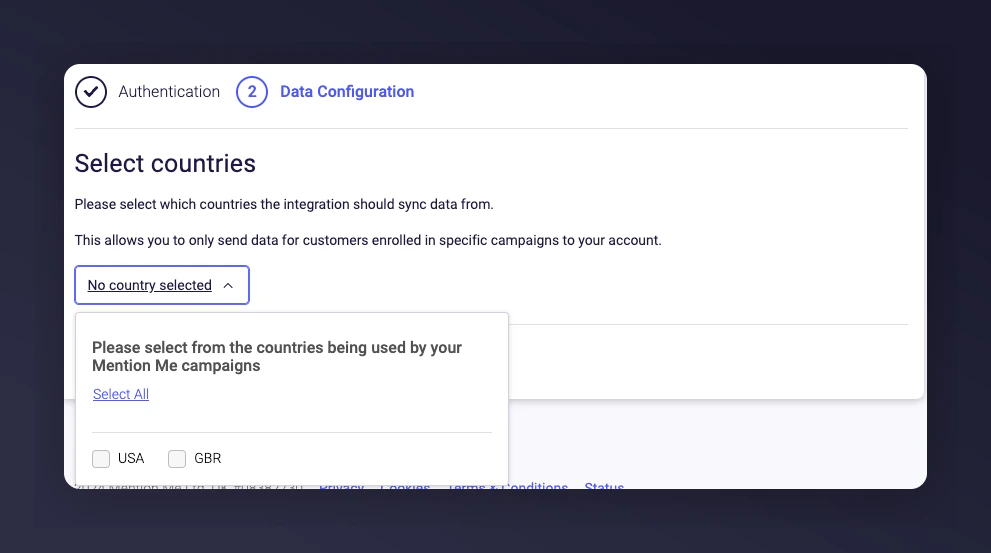
Selecting countries to sync with Bloomreach.
Finalise the connection
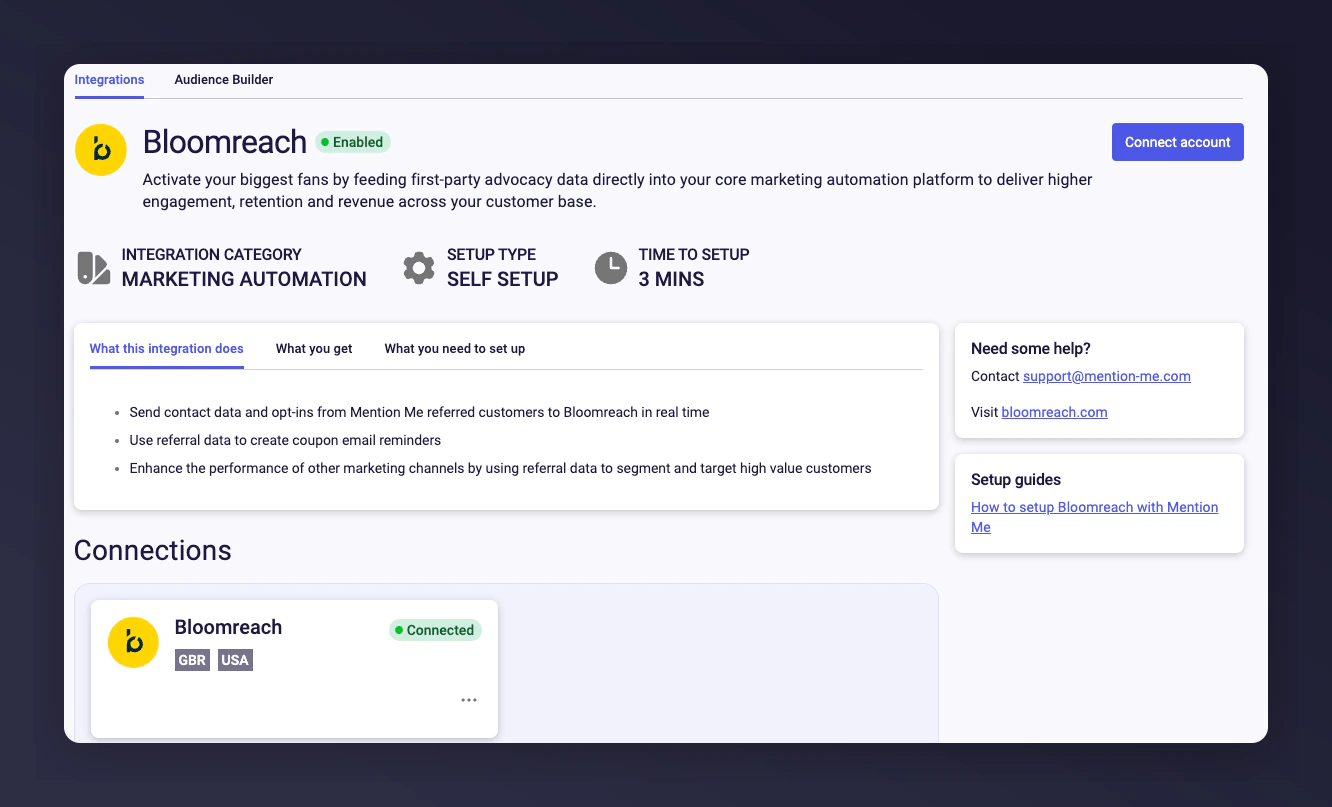
The Bloomreach integration success confirmation screen.