

About This Scenario
Use this scenario to encourage your brand advocates to continue sharing with friends in order to receive additional rewards. This initiative supports:- Increasing active customer revenue
- Growing premium customer revenue
- Boosting retention
Prerequisites
- An active Mention Me referral programme that rewards existing customers
- Integration between Mention Me and Bloomreach must be enabled
- ESP provider integrated with Bloomreach
- Familiarity with Bloomreach Jinja
Supported Channels
Basic Workflow
- A customer refers a friend through Mention Me.
- A reminder email (subject to consent) is sent encouraging them to refer again via their personal share link.

The share again reminder scenario workflow in Bloomreach.
Steps to Create the Scenario
Step 1: Create the Scenario Flow
Set the trigger
received_a_referrer_reward.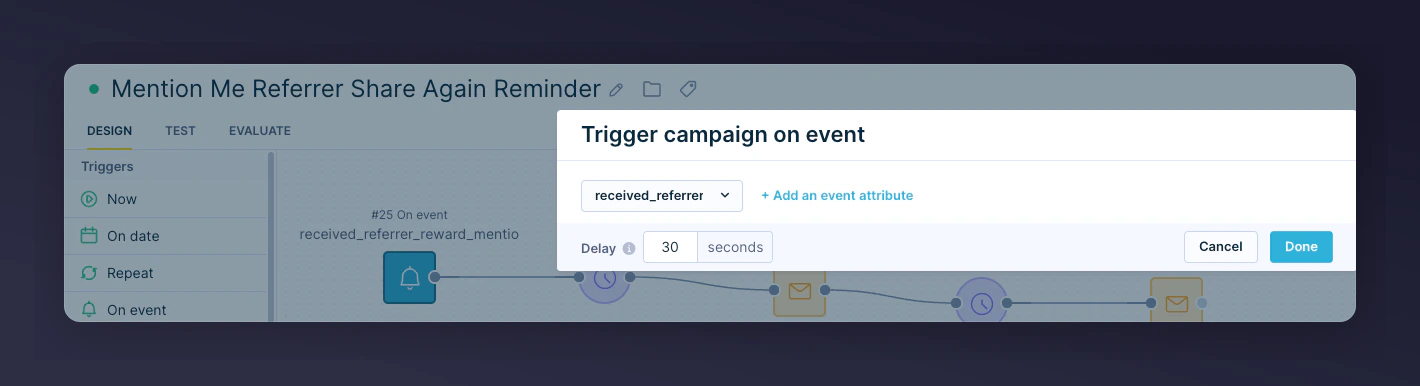
The On Event trigger set to received_a_referrer_reward.
Add segmentation
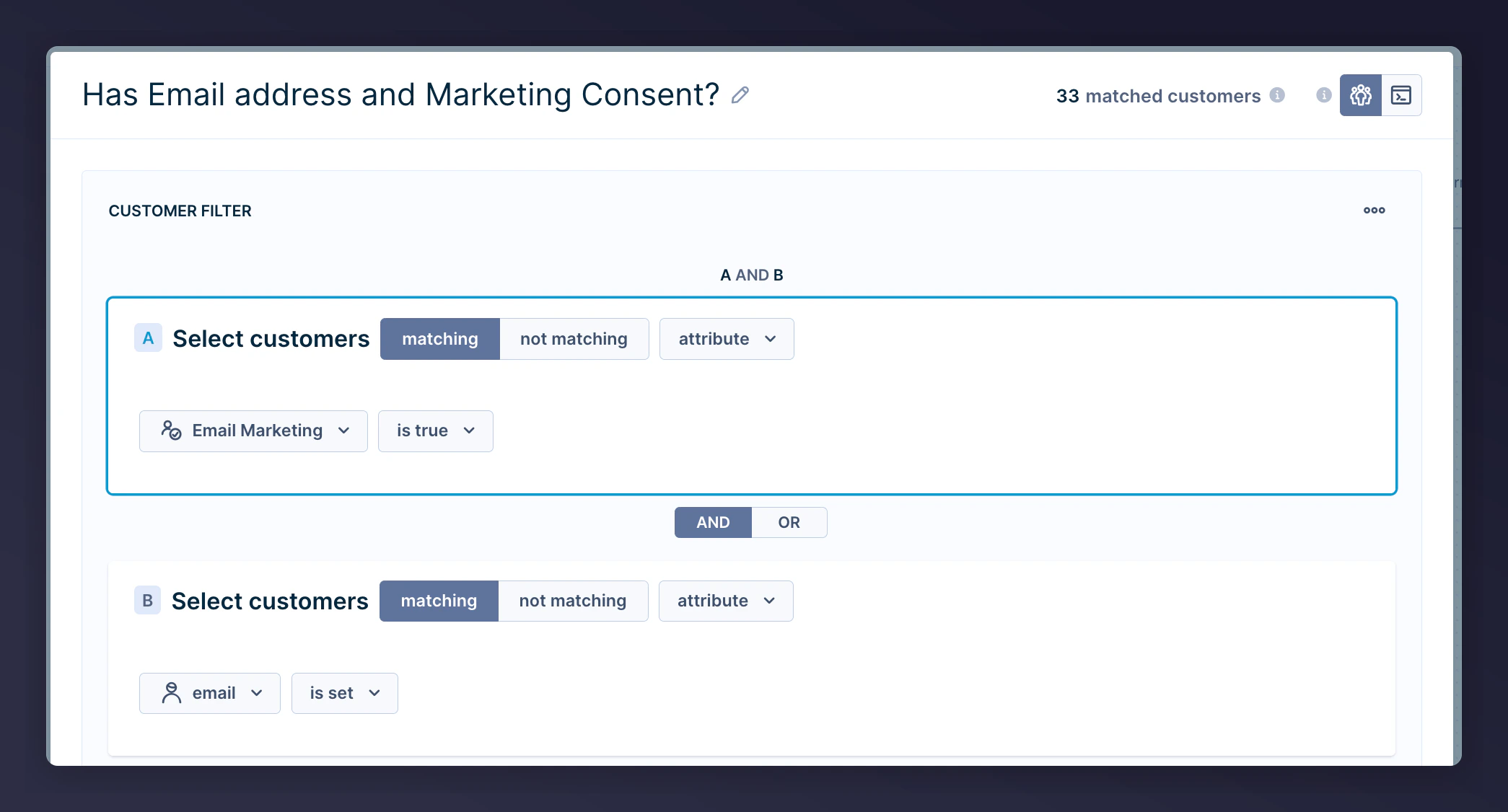
The segmentation filter for contacts with email and consent.
Include an A/B test
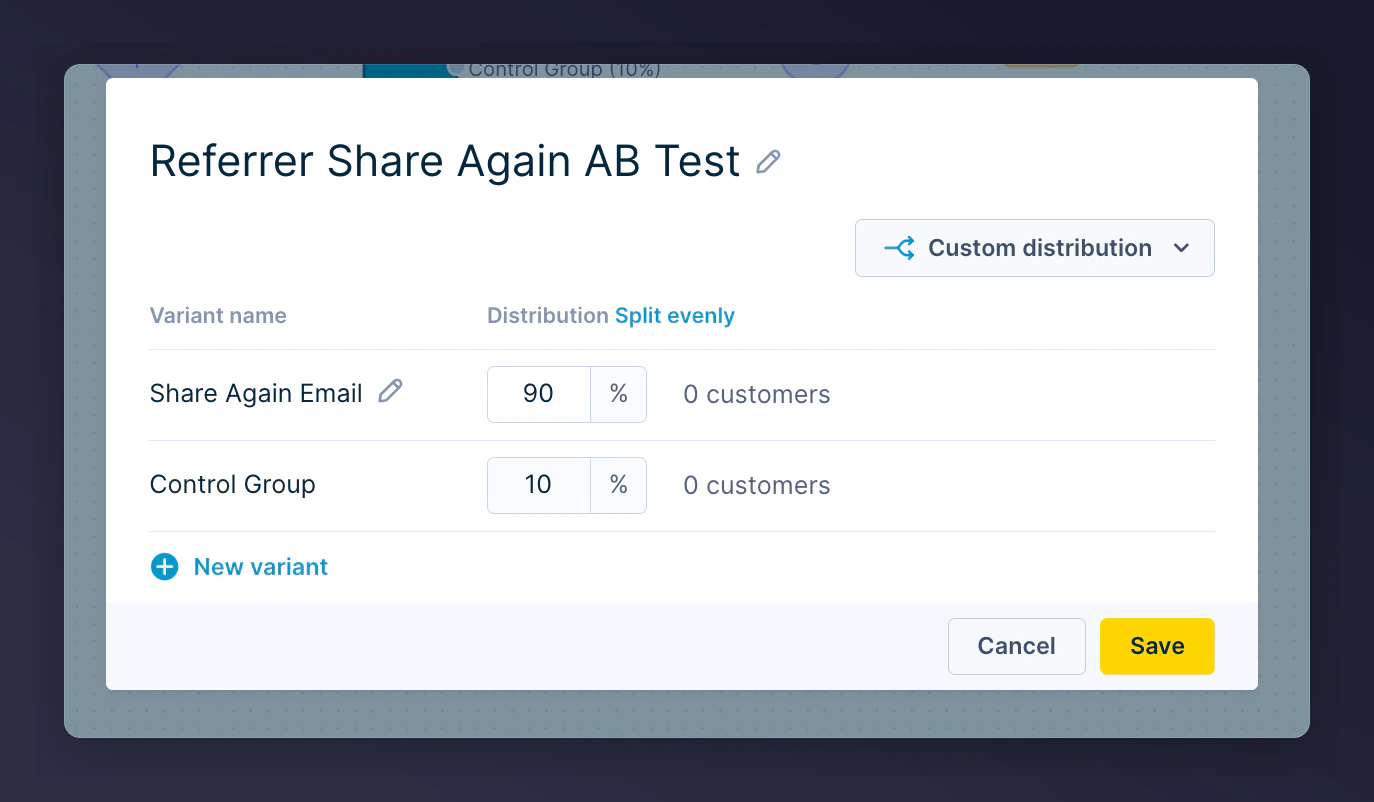
The A/B test configuration with a 90/10 split.
Add wait periods
- 1st email: 4 days after trigger
- 2nd email: 14 days after 1st email
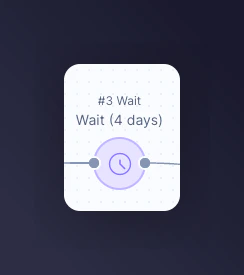
The wait period configuration between emails.
Add an email action
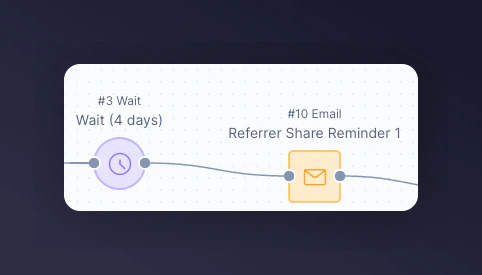
The email action node in the scenario.
Repeat for follow-up emails
Step 2: Add Content to Each Email
- Customise images and styling per your brand
- Specify the relevant consent category in email Settings
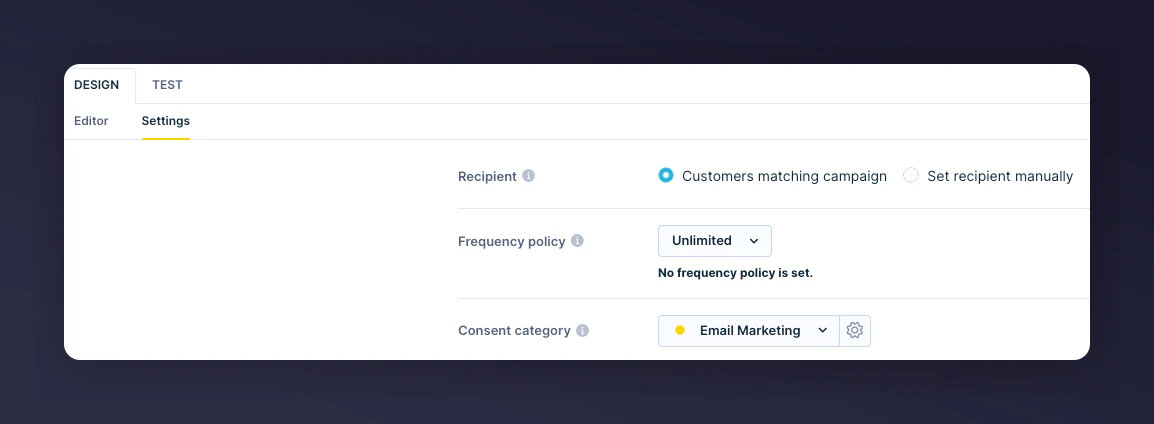
The consent category setting in the email configuration.
Reminder Examples
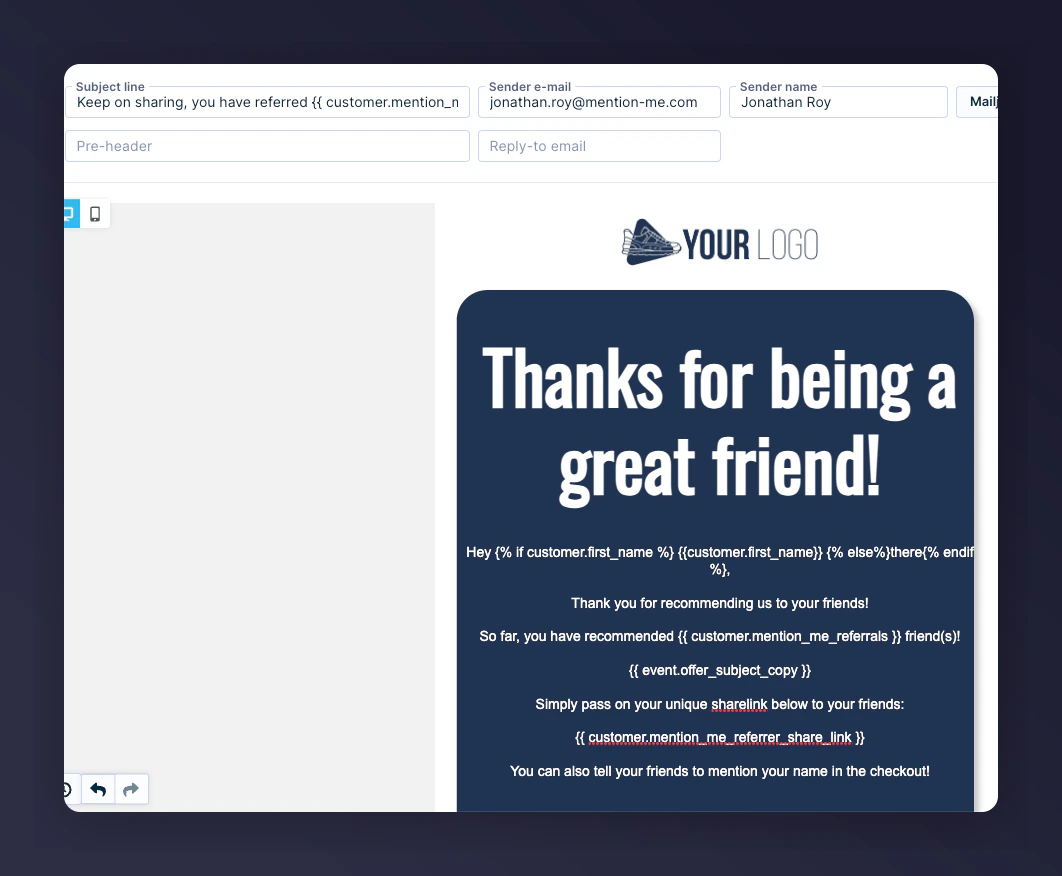
Share again reminder email 1 preview.
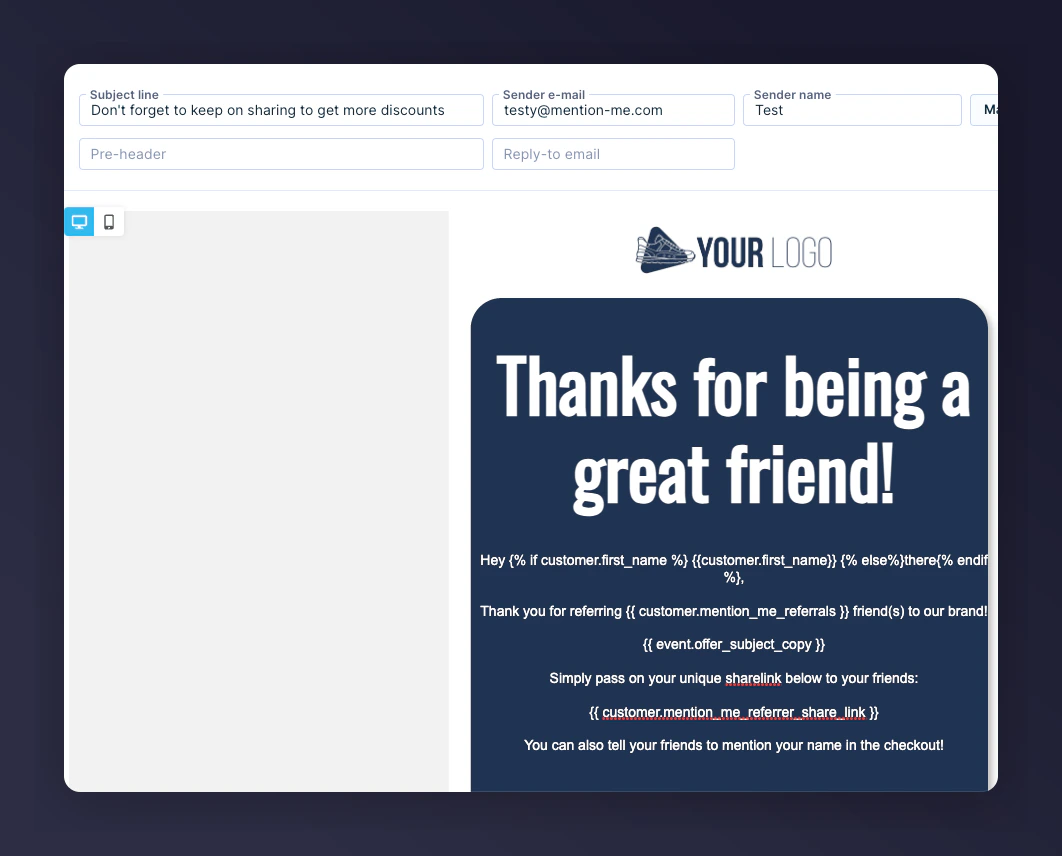
Share again reminder email 2 preview.
Jinja Variables
Step 3: Test the Email
Open the Test tab
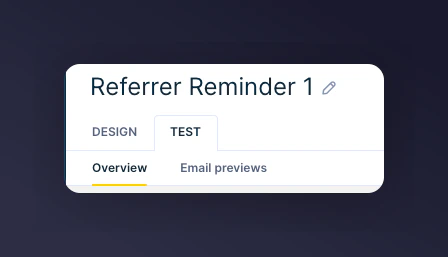
The Test tab in Bloomreach email design.
Select a test contact
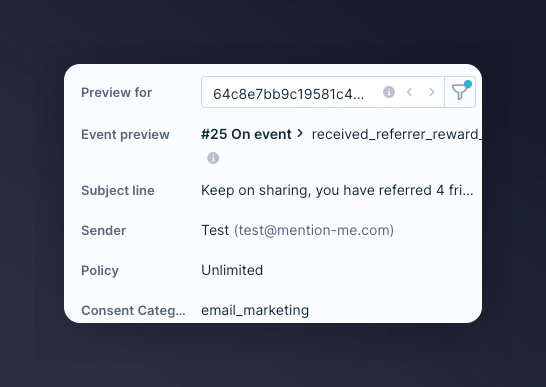
Selecting a test contact for the email preview.
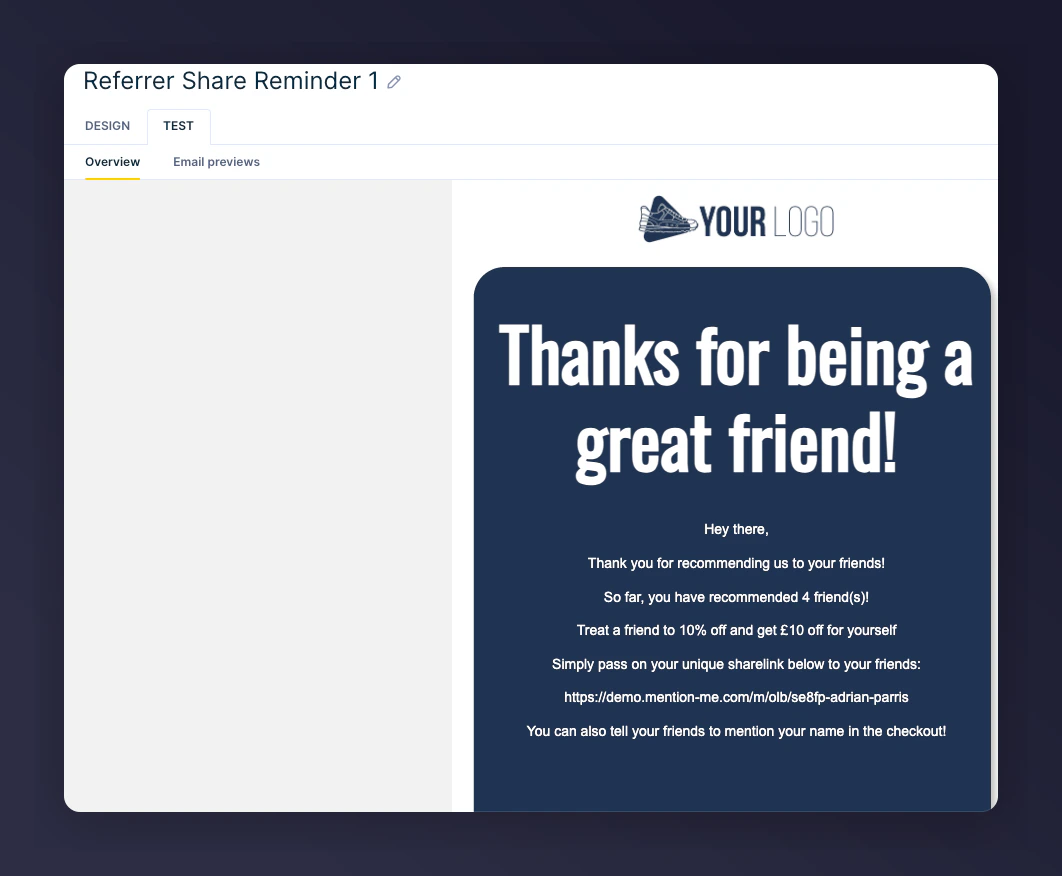
Previewed share again email 1 with live data.
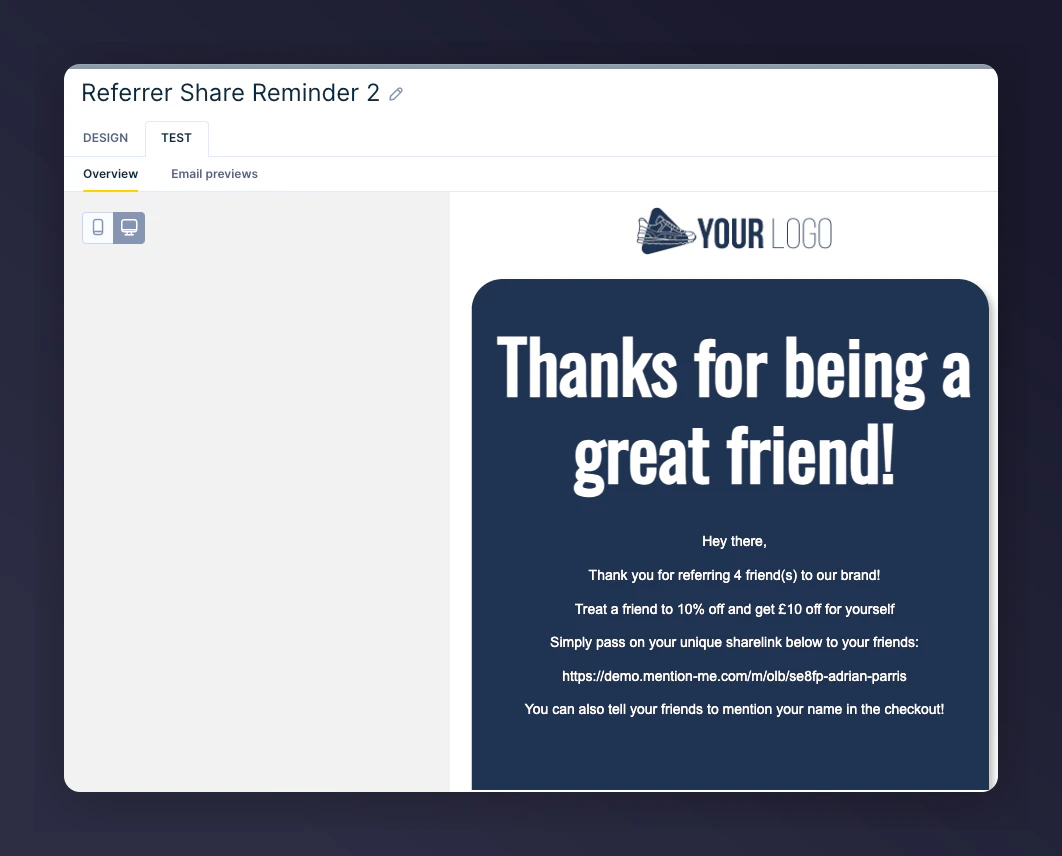
Previewed share again email 2 with live data.
Step 4: Activate the Scenario
Once all content is tested and finalised, click Start to activate the scenario.
The Start button to activate the scenario.