Add a personalised referral CTA link to your Braze emails that sends customers directly to a pre-filled referral landing page.
With the Mention Me and Braze integration, you can insert a CTA link in your emails that takes customers to a personalised referral landing page. This promotes sharing and ensures the referral offer is seen and acted on.The personalised link pre-fills the referral page using Braze profile attributes, allowing customers to skip registration and share effortlessly.
In your campaign composer, insert a CTA link or button.
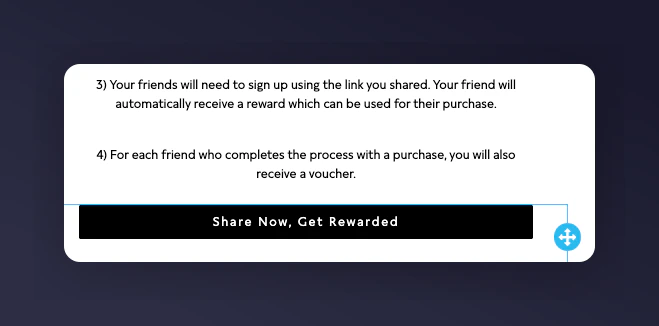
The Braze email composer with a CTA button being inserted.
2
Set the base URL
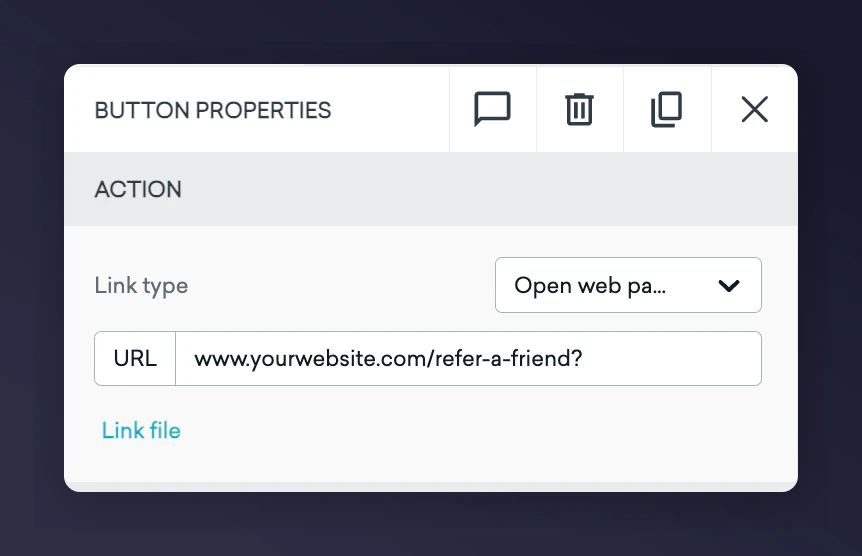
In the URL field of your button/link, input the base URL of your referral landing page followed by ?. Example: https://www.yourwebsite.com/refer-a-friend?
The Braze button URL field with the referral landing page base URL.
3
Append the personalisation parameters
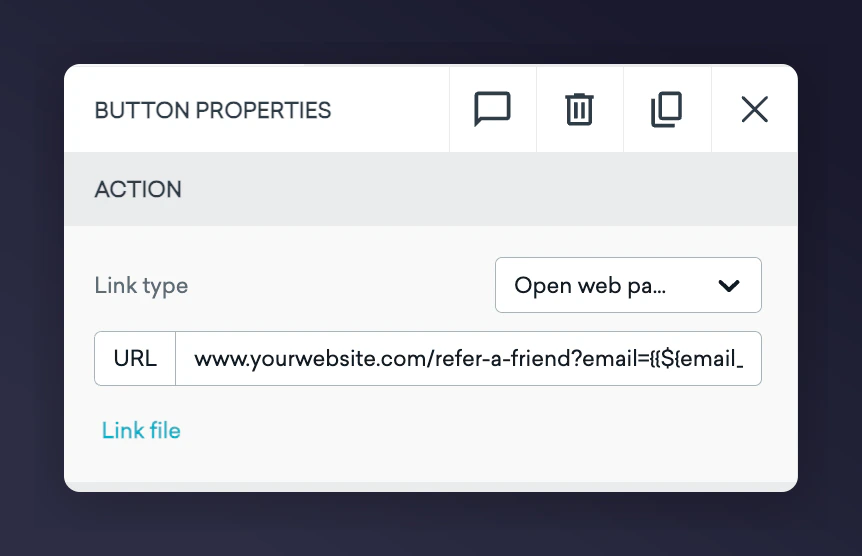
Append the following personalisation parameters after the ?, separated by &.
Parameter
Value / Braze Variable
Notes
firstname
{{${first_name} | url_encode}}
Use your Braze variable for the contact’s first name
surname
{{${last_name} | url_encode}}
Use your Braze variable for the contact’s last name
email
{{${email_address} | url_encode}}
Use the customer’s email address in Braze
situation
Braze-newsletter-jan23
Indicates the campaign context. Format suggestion: channel-type-timestamp. This enables filtering and tracking in Mention Me.
segment
loyalty
Use if targeting specific customer groups or locales to ensure the right offer appears.