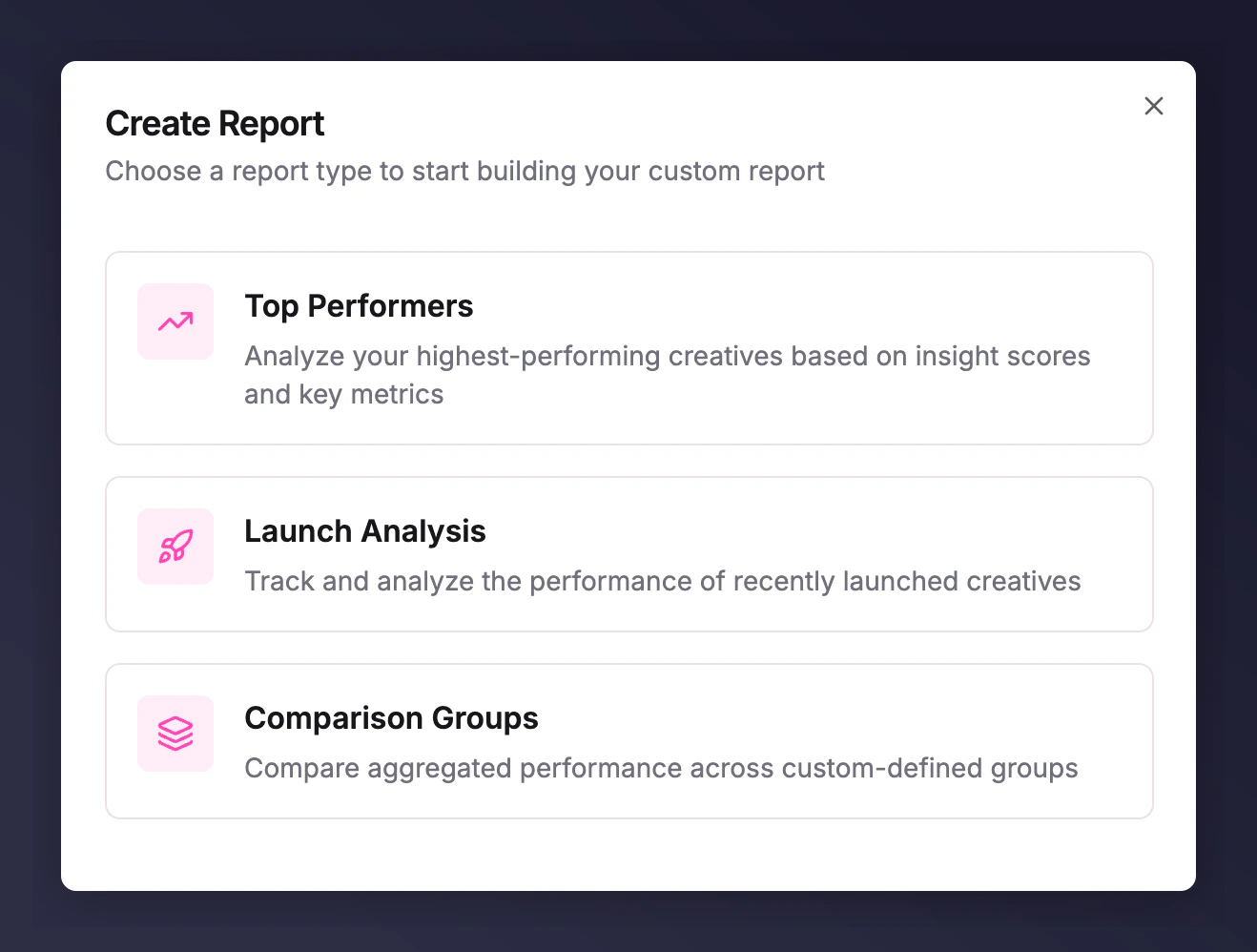
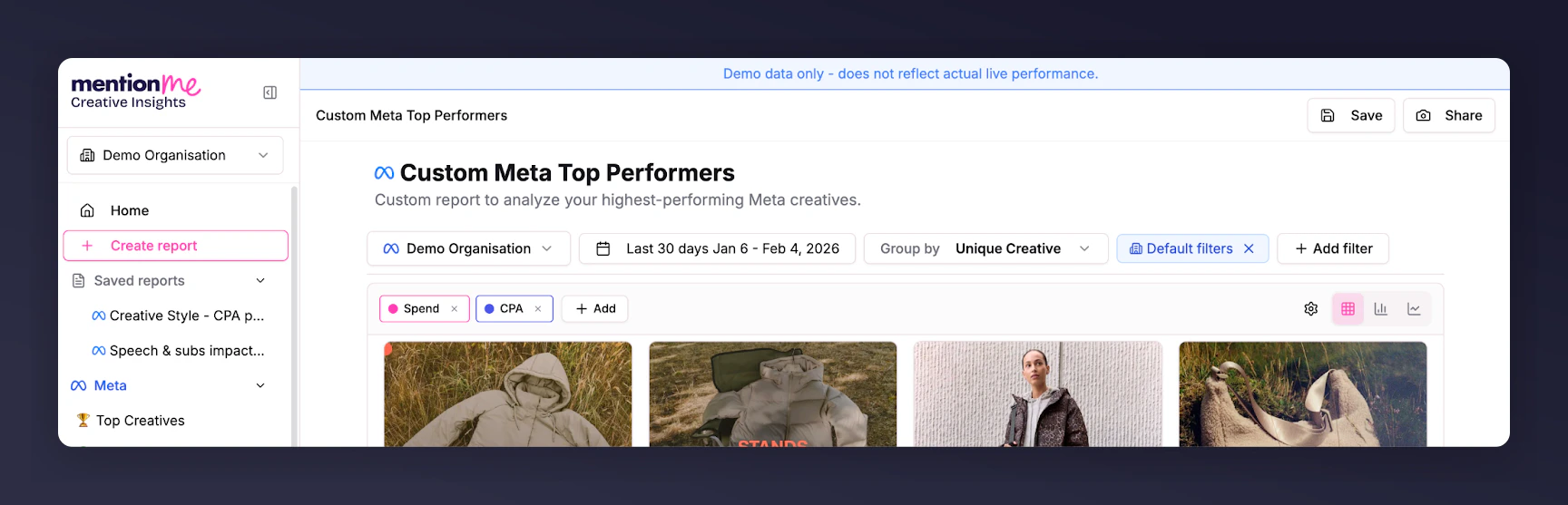
How to use the Top Performers report to analyse your highest-performing creatives with advanced filters, metrics, and groupings.
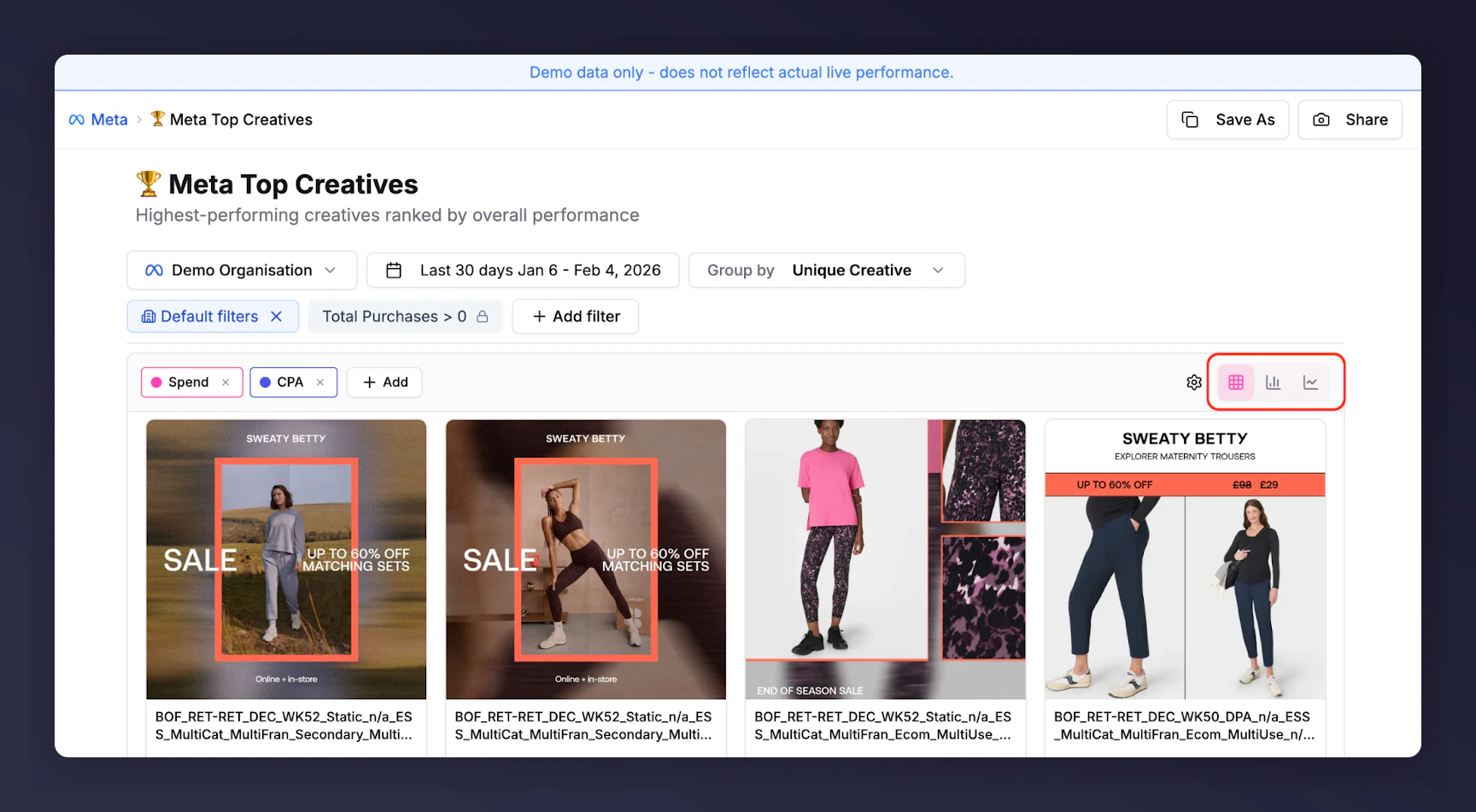
The Top Performers report helps you drive meaningful insights at scale by analysing your highest-performing creatives using advanced filters, key metrics, and segment groupings.
To the right of the date picker, Group by lets you select any campaign variable to aggregate your data. This gives you a deeper understanding of key performance drivers and lets you compare segments quickly.
Group by Ad/Adset/Campaign setup variables: See which ad names perform best or which campaign objectives are driving the most scale.
Group by Copy elements: Find out which headlines perform best.
Group by Creative Breakdowns: AI-driven categories to help you understand how human presence, logo, and text prominence impact performance. Available for paid customers upon request; contact your Account Management team.
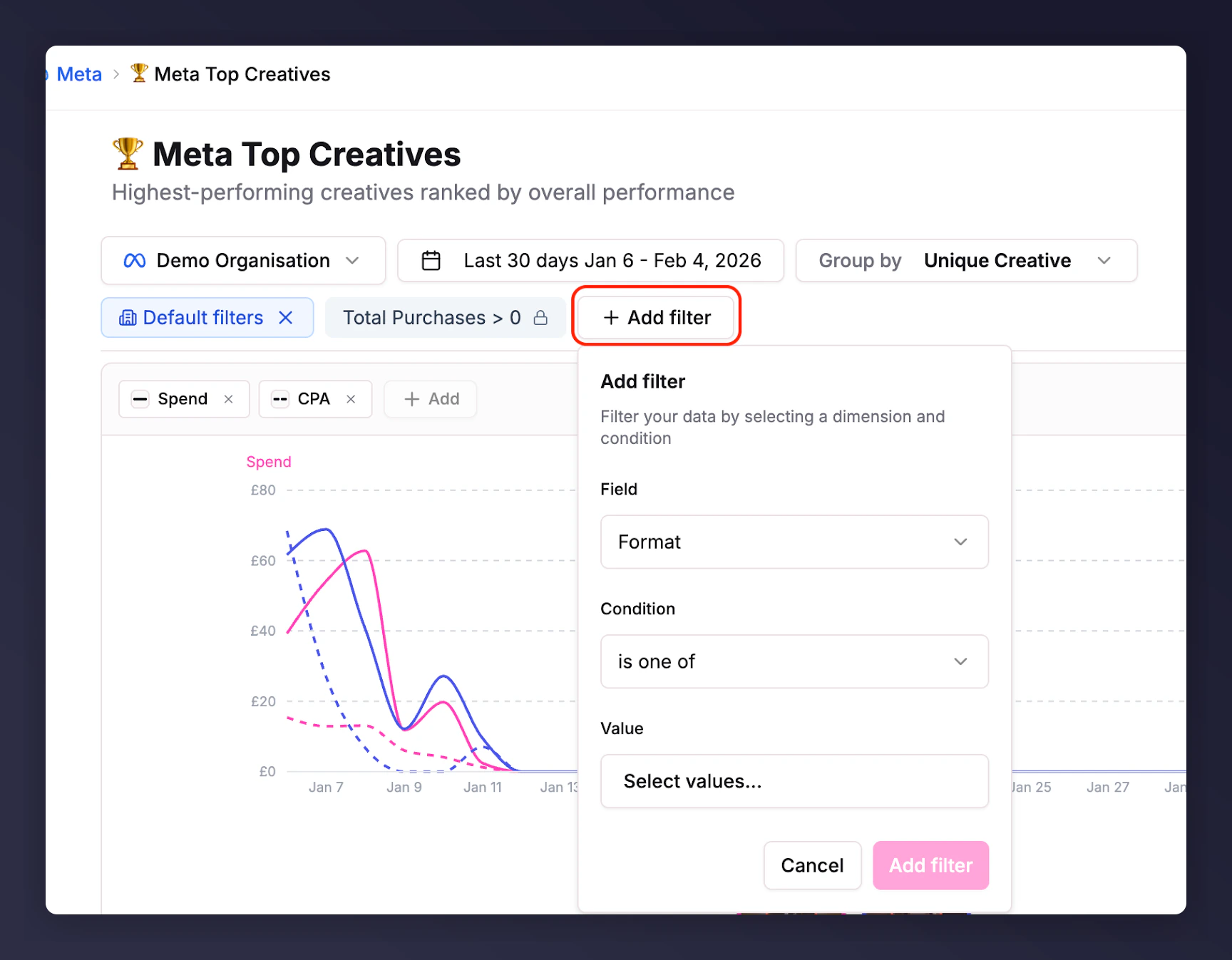
Choose any field - campaign structure variables (e.g. format, campaign name) or metrics (e.g. CPA, CPC).
Set conditions: for metrics, filter by greater than or less than values. For campaign variables, use text matching (e.g. campaign “contains X”) or select specific values.
Remove filters by clicking the x next to the metric name above the visualisation.
Advanced filter options for slicing data by campaign variables and metrics.