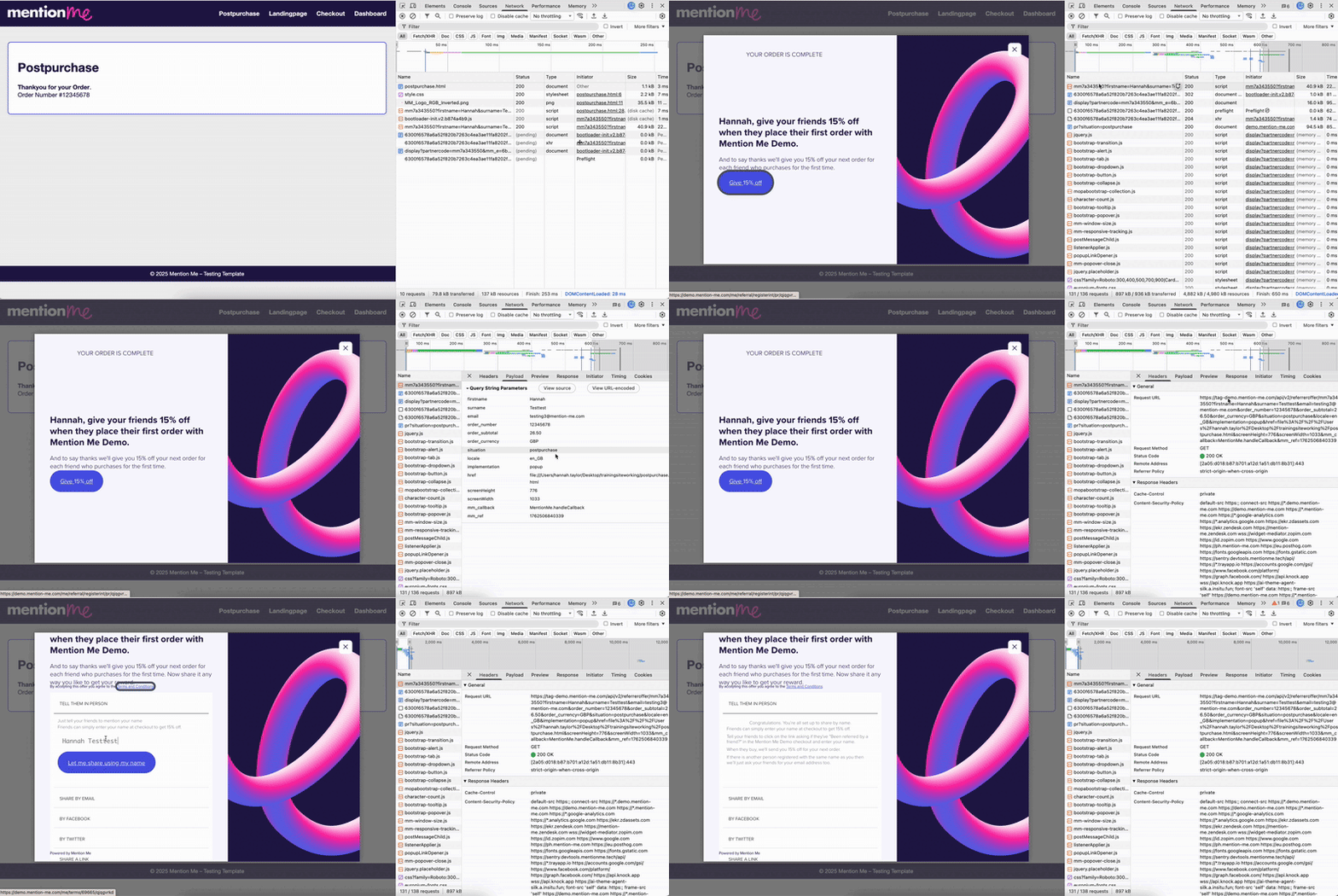
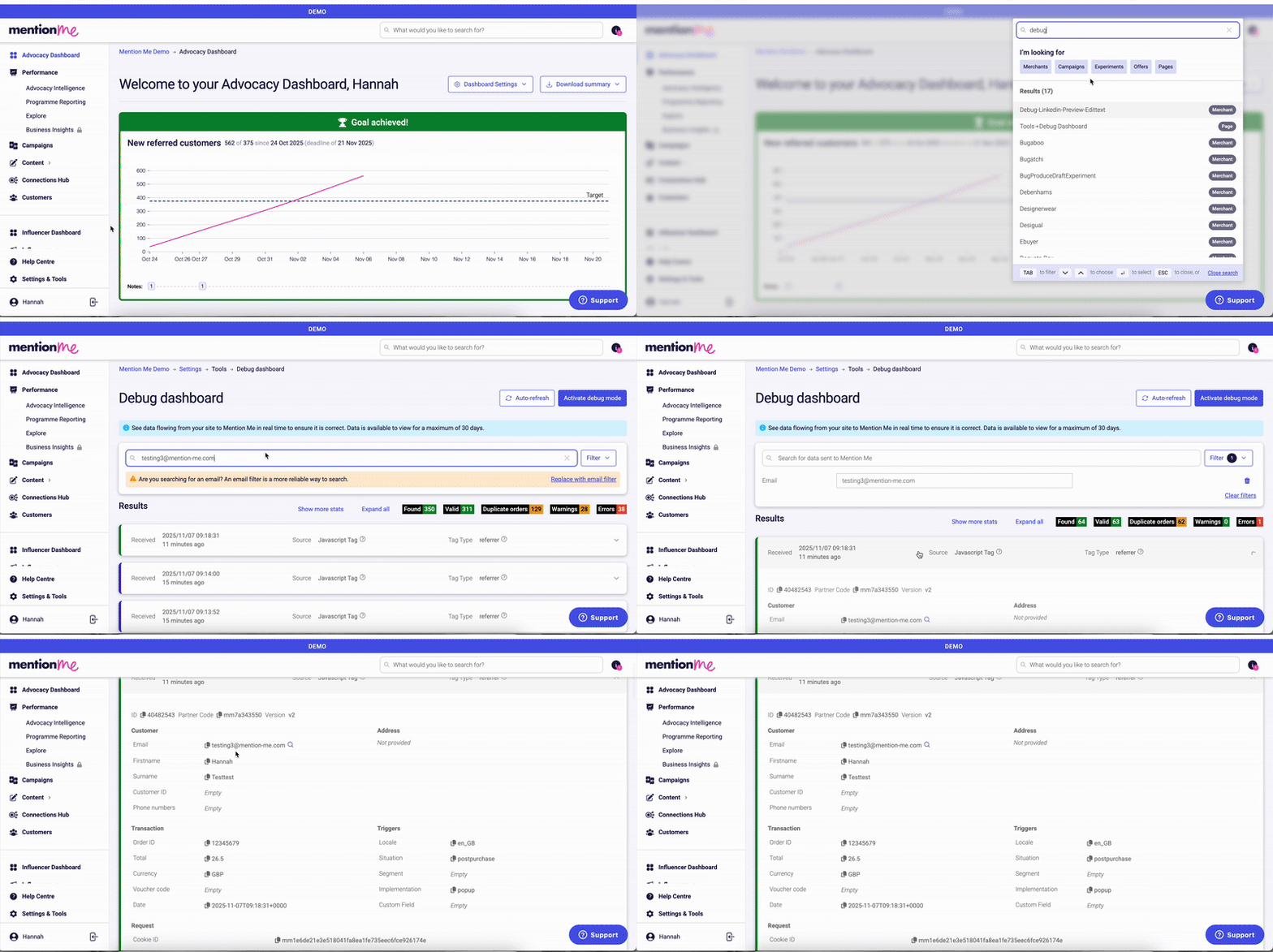
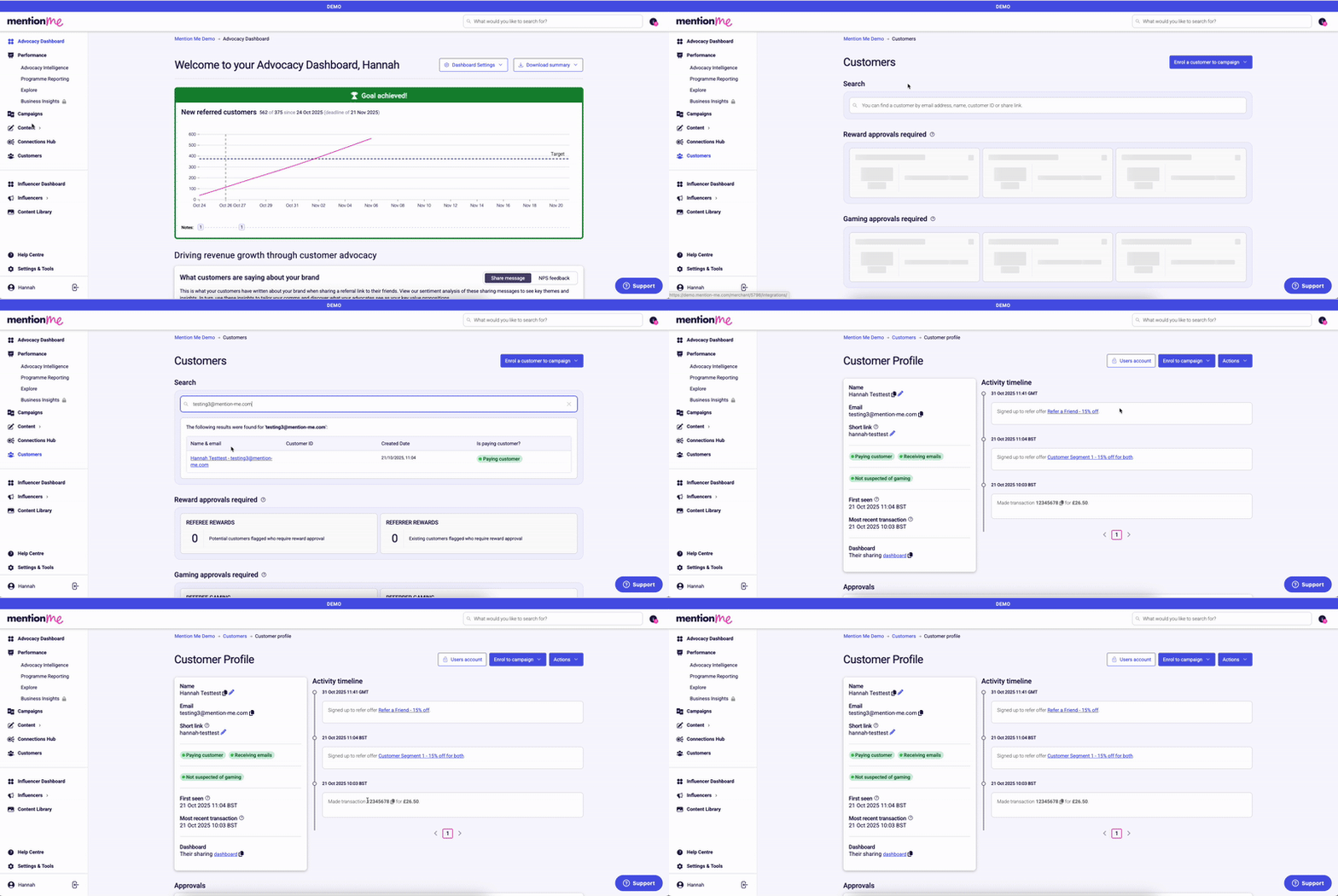
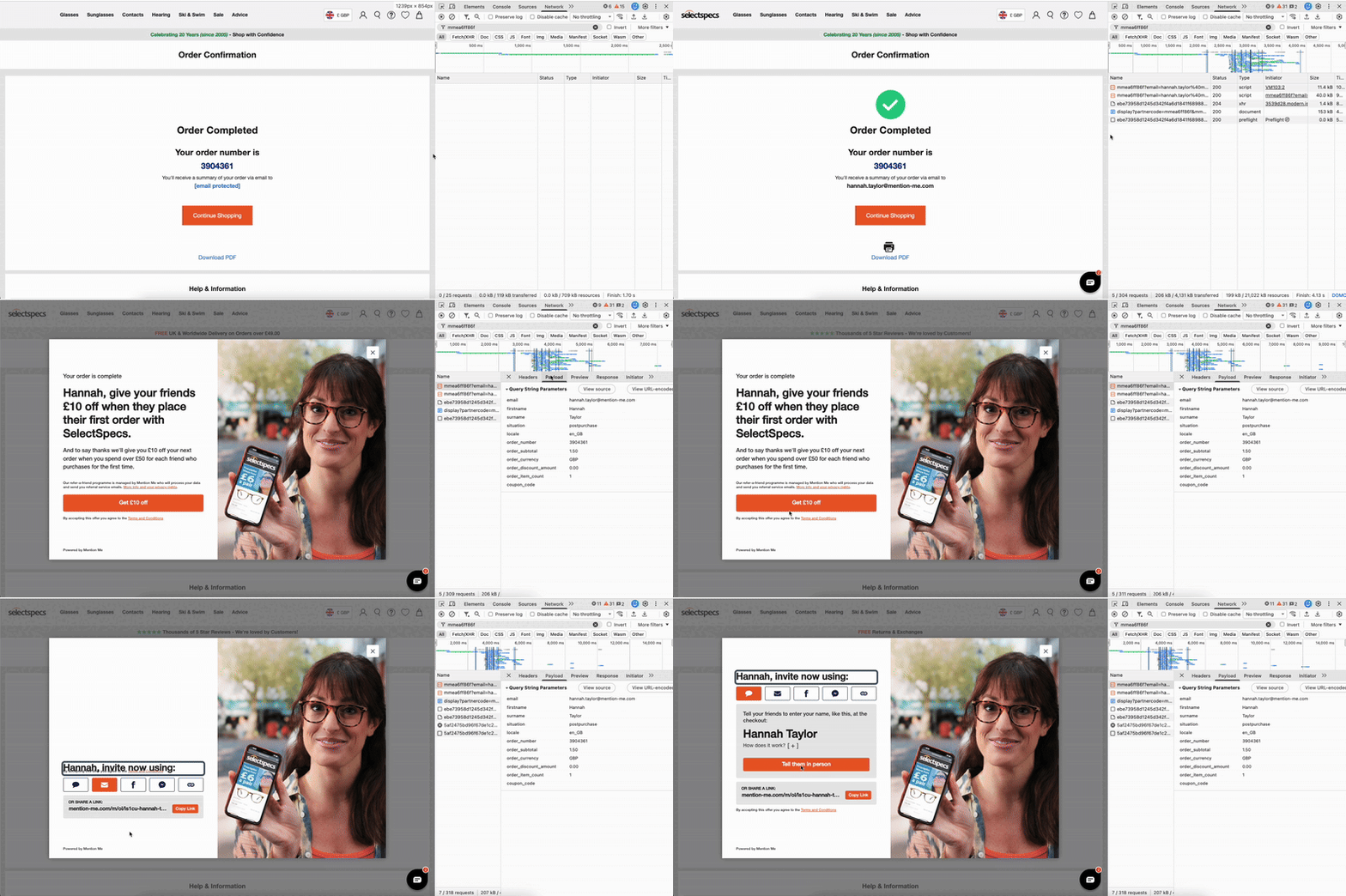
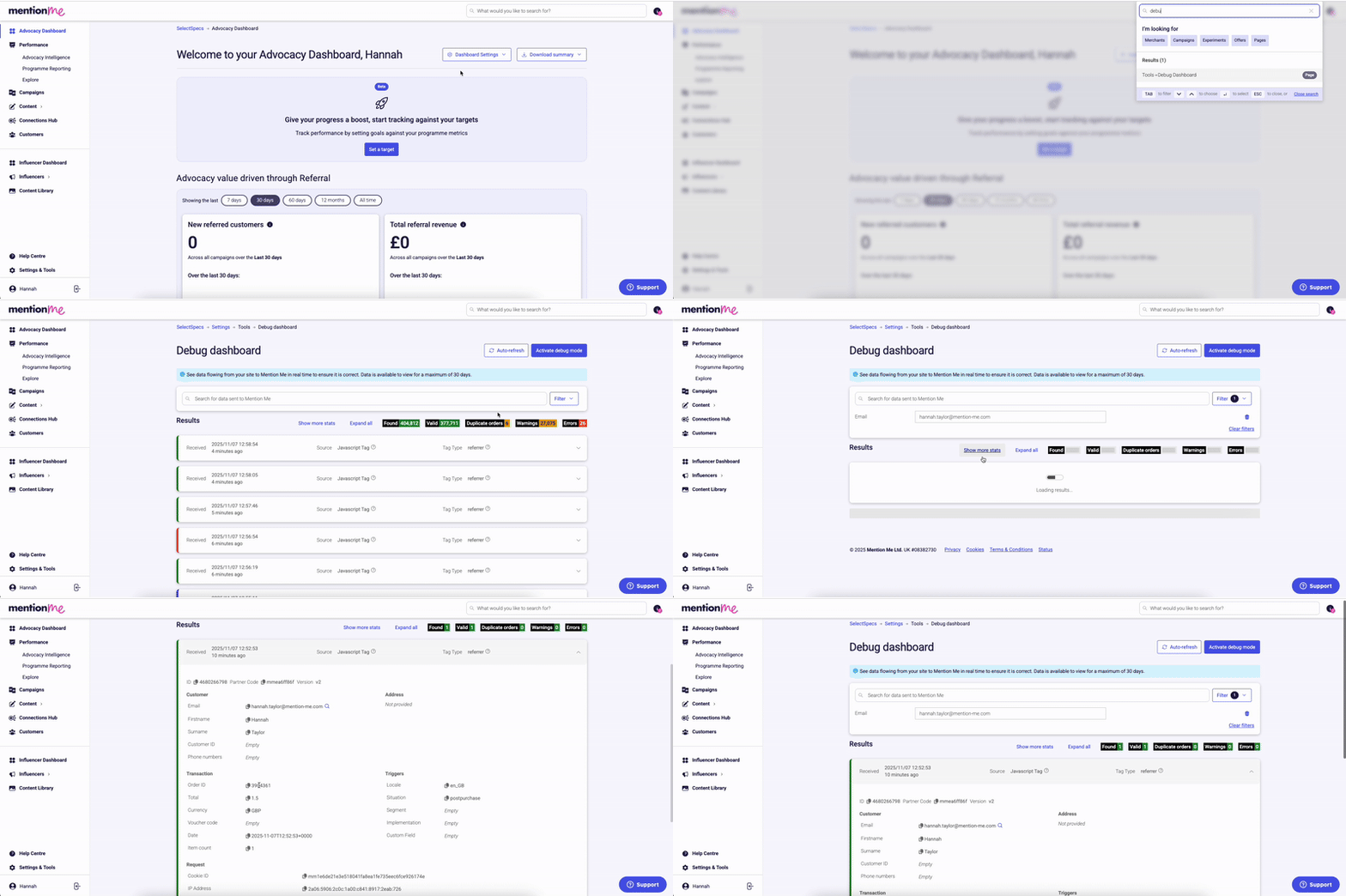
How to test the Mention Me postpurchase tag on your order confirmation page in both Demo and Live environments.
The postpurchase tag fires on your order confirmation page, triggers the referral popup, and closes the referral loop by crediting the referrer. This guide covers testing in both Demo and Live environments.
Demo
Live
Testing the postpurchase tag in the DEMO environment.
No popup on thank you page — confirm the postpurchase tag is on your order confirmation page and using the DEMO tag. Check for browser errors or blocked scripts.
No network request to tag-demo.mention-me.com — ensure the correct JavaScript tag is implemented.
Required customer data missing in request — all required fields must be passed on order confirmation (see field list above).
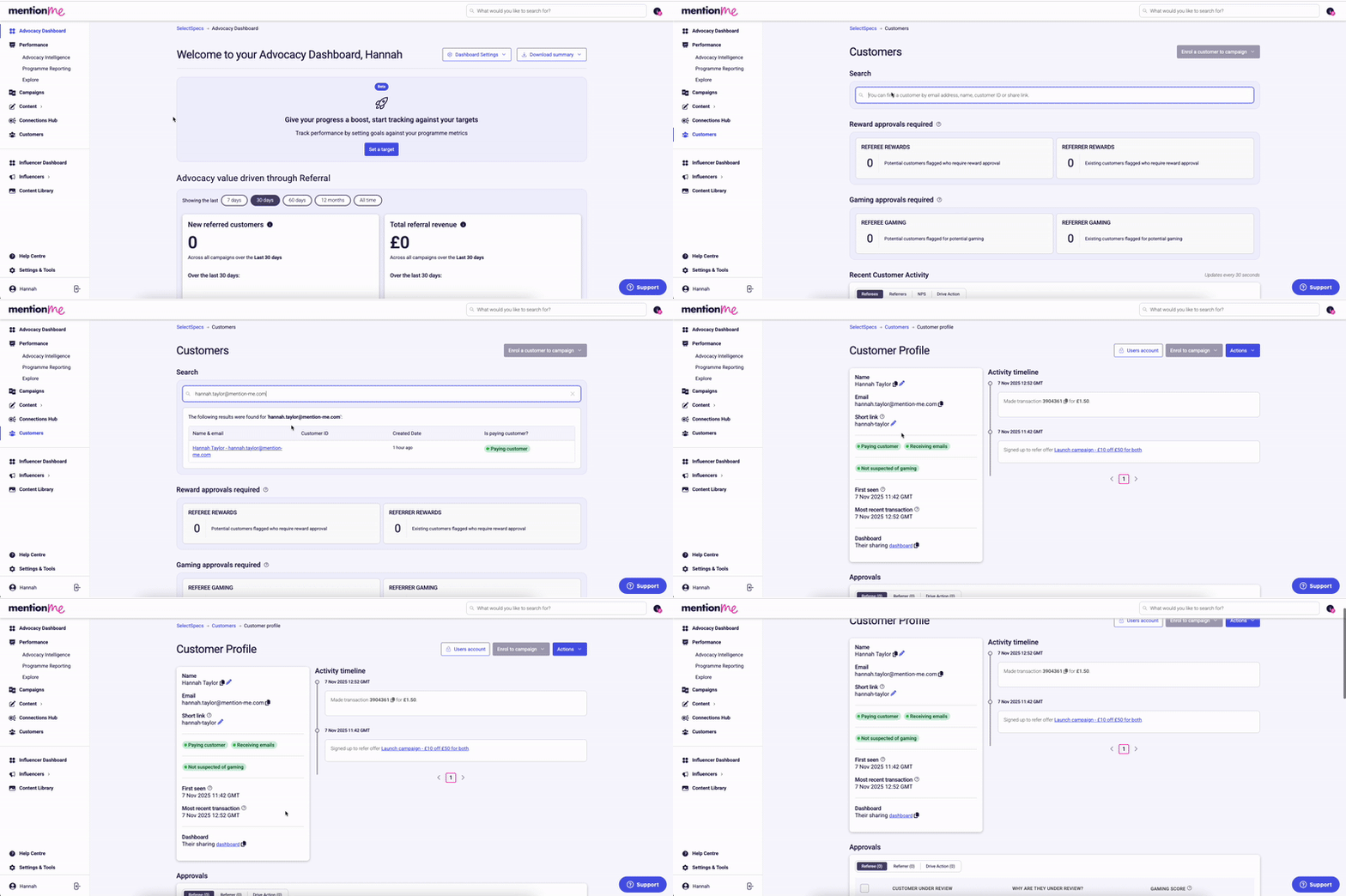
Referral not tracked/credited — confirm the same referee email was used for both checkout and purchase steps.
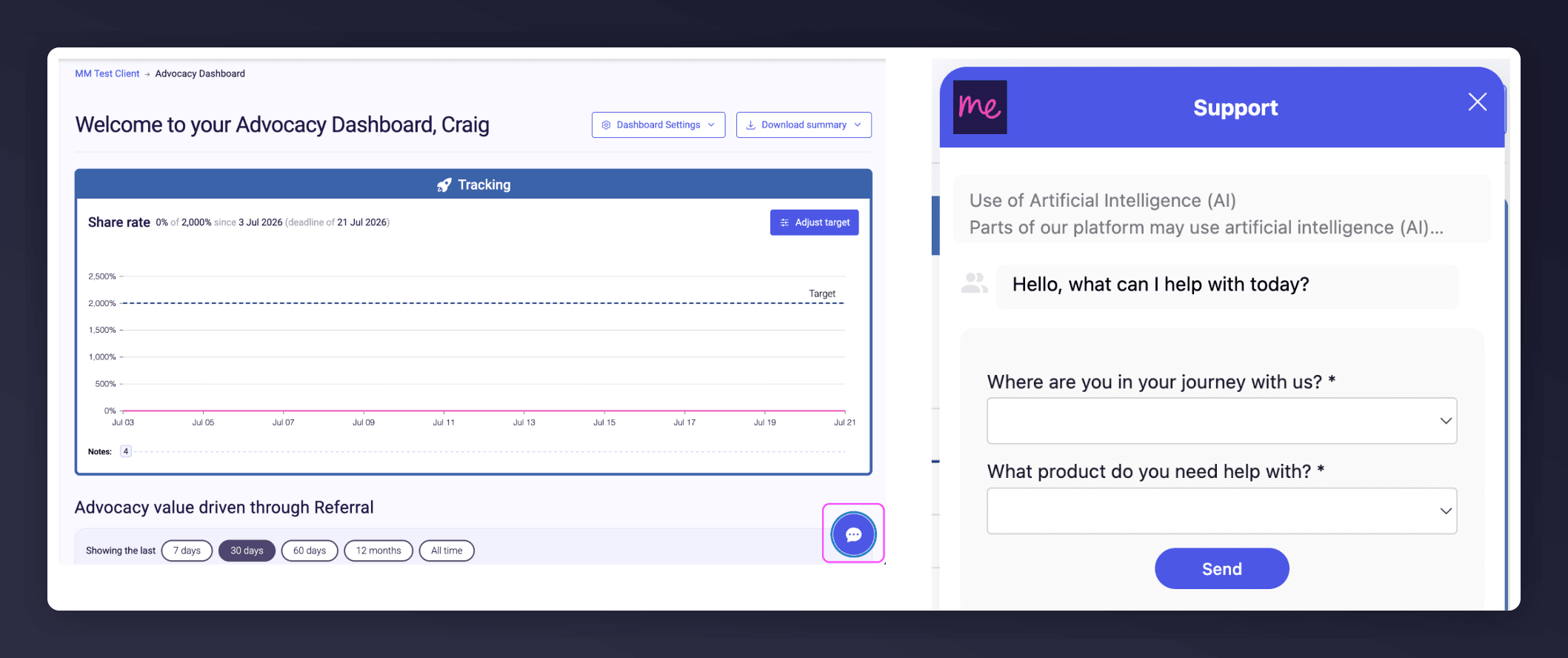
Start a conversation with the in-platform Support widget in the bottom-right corner of your dashboard - it can usually answer this straight away. If it can’t, raise a request via the request form.
The in-platform Support widget starting an AI-assisted conversation.
Testing the postpurchase tag in the LIVE environment.
Start a conversation with the in-platform Support widget in the bottom-right corner of your dashboard - it can usually answer this straight away. If it can’t, raise a request via the request form.
The in-platform Support widget starting an AI-assisted conversation.
Last modified on August 7, 2026
Was this page helpful?
Assistant
Responses are generated using AI and may contain mistakes.