How to test your referral landing page in both Demo and Live environments.
This guide walks you through testing your referral landing page to confirm that referral content appears, loads from the correct environment, and that test referrer profiles are created as expected.
Testing the referral landing page in the DEMO environment.
1
Open a private browser window
Open a private or incognito browser window.
2
Navigate to your landing page
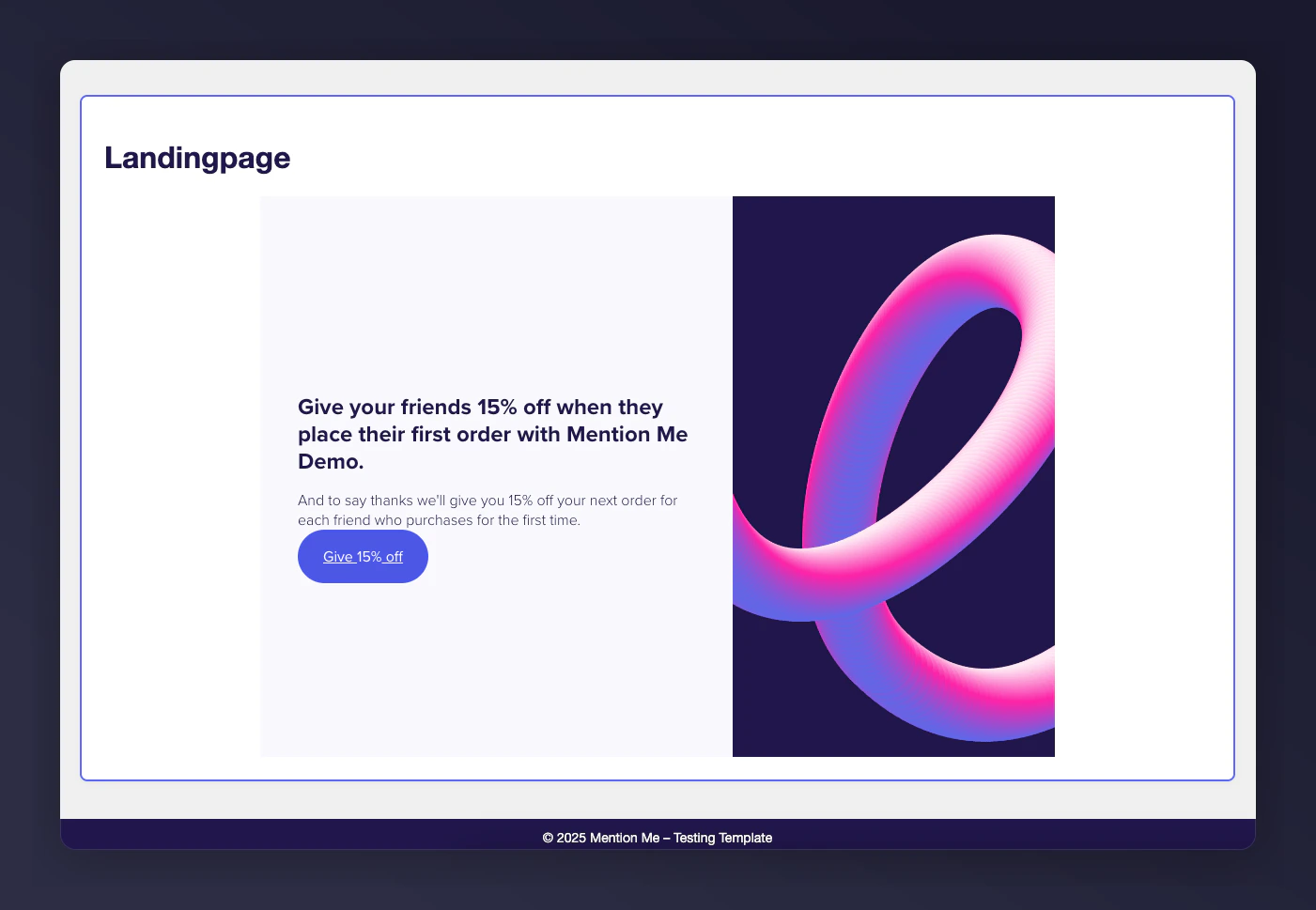
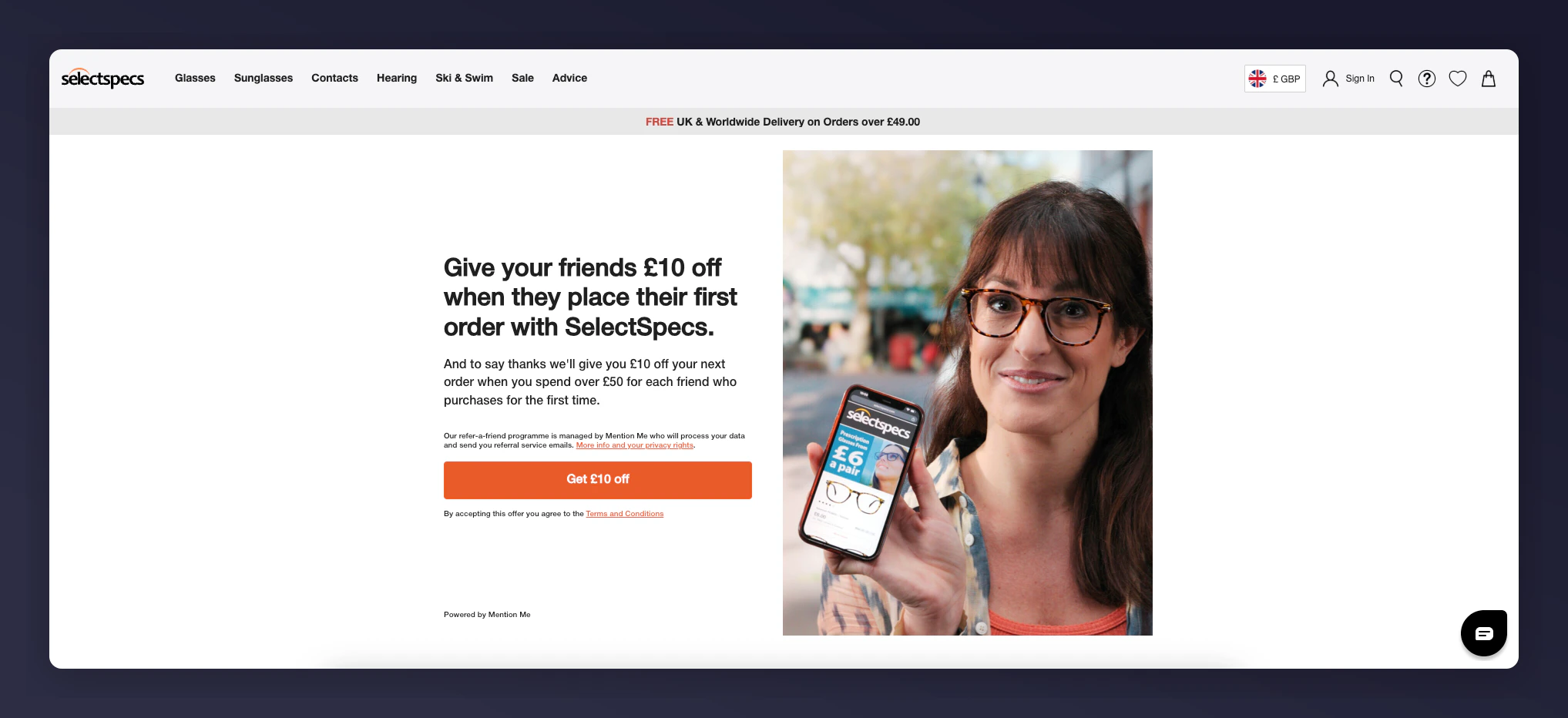
Go to your referral landing page (e.g. https://yourdomain.com/refer-a-friend).
3
Check the referral offer
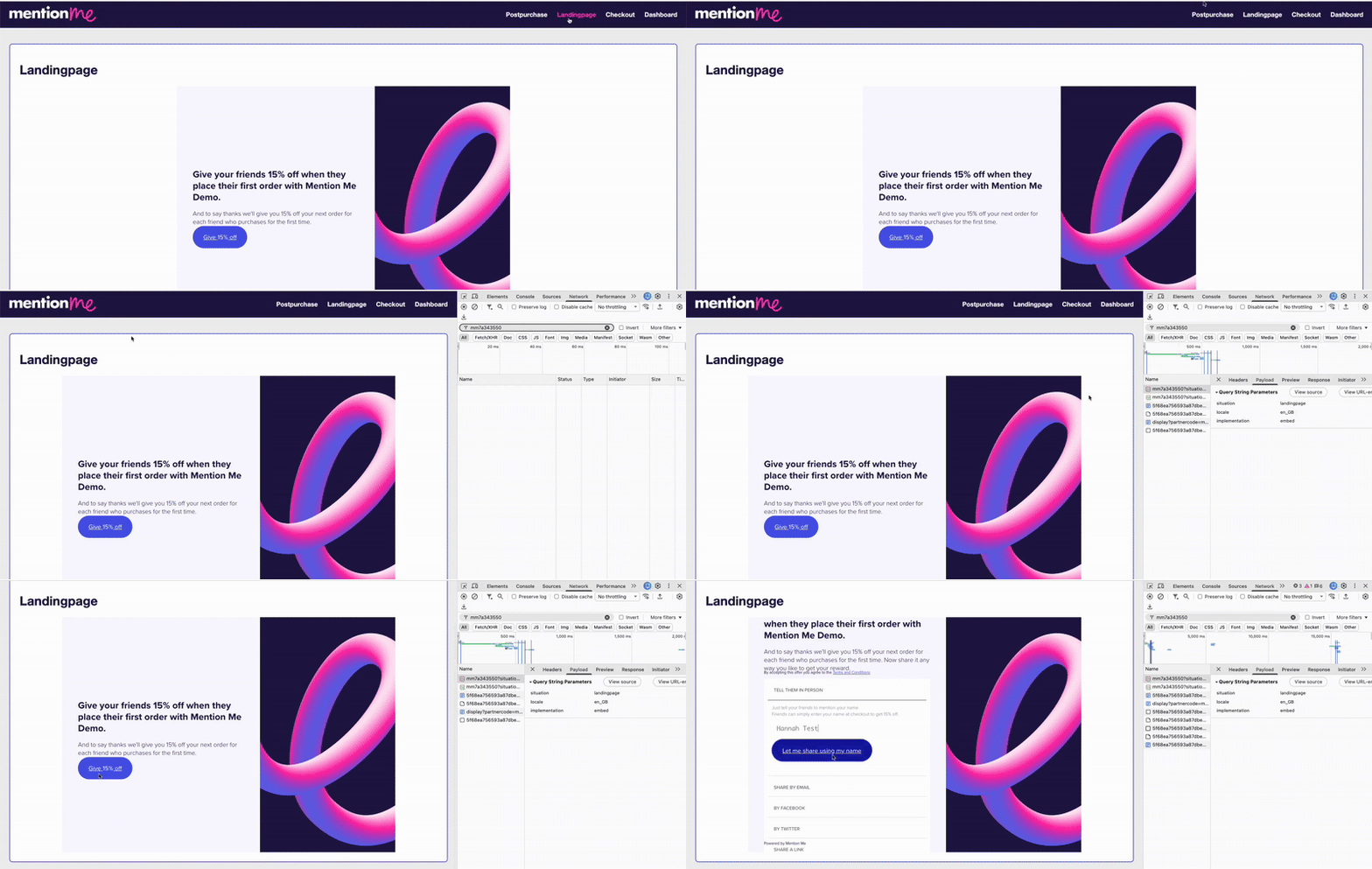
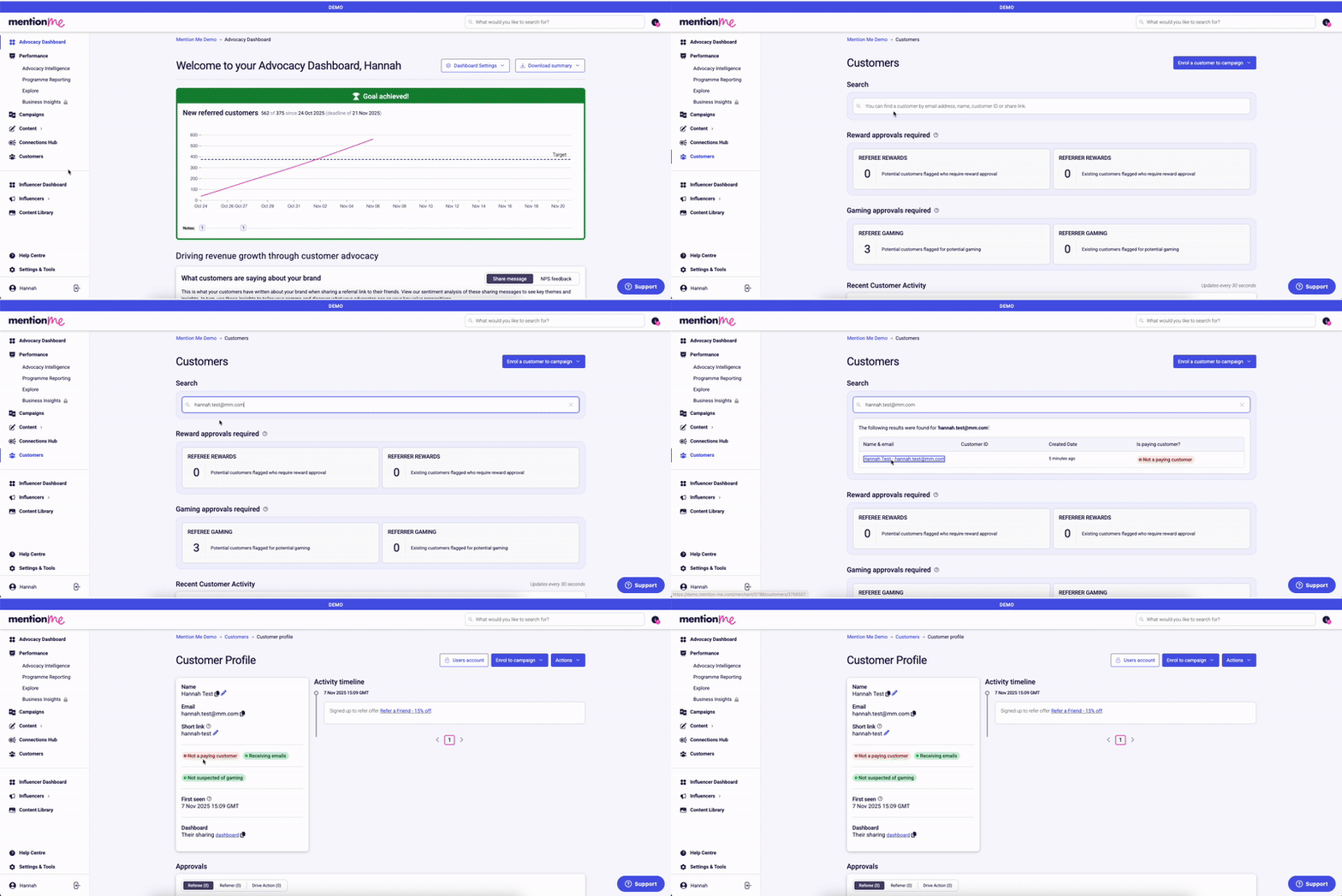
Check the Mention Me embedded offer is visible and enrol as a referrer with test details.
4
Inspect network requests
Right-click anywhere and select Inspect, then open the Network tab. Filter by your partnerCode, reload the page, and look for requests to tag-demo.mention-me.com.
5
Verify request details
Click the request and check:
Headers tab — environment is demo
Payload tab — partnerCode and localeCode are correct, situation is set to landingpage
The Network tab showing DEMO environment request details.
Content doesn’t appear — check that the Mention Me JavaScript is included on the page and ensure the wrapper element (<div id="mmWrapper">) is present in your HTML.
Requests go to tag.mention-me.com instead of tag-demo.mention-me.com — you’re pointing to the live environment. Switch to the DEMO JavaScript tag until testing is complete.
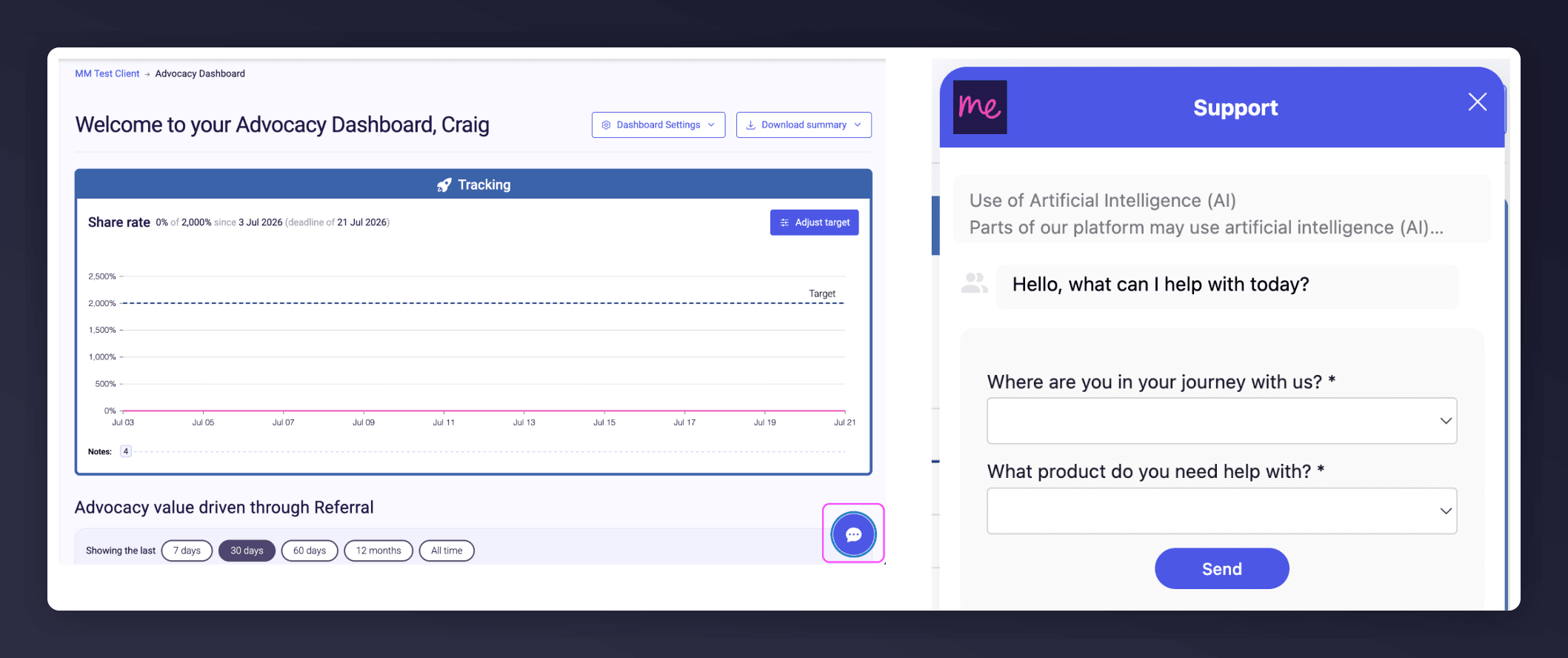
Start a conversation with the in-platform Support widget in the bottom-right corner of your dashboard - it can usually answer this straight away. If it can’t, raise a request via the request form.
The in-platform Support widget starting an AI-assisted conversation.
Activate Debug Dashboard — log in to your Mention Me Production dashboard, go to your Debug Dashboard, and click “Enable debug mode” to activate real-time monitoring.
Confirm campaign setup — set your campaign to Running. Customers won’t see anything yet.
Enabling debug mode and setting the campaign to Running.
Content not appearing — confirm <div id="mmWrapper"></div> is present, ensure the live Mention Me script is in use (tag.mention-me.com), and reload in incognito with no extension blockers.
“Unable to find suitable offer” warning in debug — the offer is not set to Running. Go to the campaign and ensure the offer status is set to “Running”.
Error responses from Network request:
400 — Bad Request: check the payload for missing or malformed parameters
403 — Forbidden: check that you have enabled debug mode
404 — Not Found: your partnerCode or URL may be incorrect
Start a conversation with the in-platform Support widget in the bottom-right corner of your dashboard - it can usually answer this straight away. If it can’t, raise a request via the request form.
The in-platform Support widget starting an AI-assisted conversation.
Last modified on August 7, 2026
Was this page helpful?
Assistant
Responses are generated using AI and may contain mistakes.