

Prerequisites
- You must have an existing referral landing page on your website with the Mention Me referral tag included.
Types of Emails to Consider
- Dedicated referral solus emails (recommended at least once every 2-3 months)
- Inclusion in a newsletter or regular marketing email
- “Always-on” inclusion in all marketing emails (e.g. as a link, icon, or button in the header or footer)
- Referral as a dedicated email in your journey (e.g. post-purchase, welcome flow)
How It Works
- You promote your referral program via dedicated emails or a specific campaign and add the personalised landing page link as the CTA.
- The customer clicks the link and is taken to the landing page.
- The customer lands on a referral offer page with pre-filled information pulled from Emarsys.
- They are automatically registered when they click the offer button.
- The customer shares the offer with their friend via their preferred method.
Adding the Personalised Landing Page Link
1
Add a CTA button
In your campaign promoting referral, add a CTA button: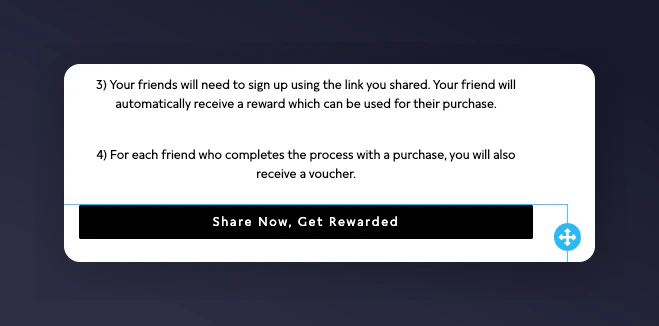
Adding a CTA button in the Emarsys email editor.
2
Add the landing page URL
In the URL of the CTA/button, add the base URL of your referral landing page including 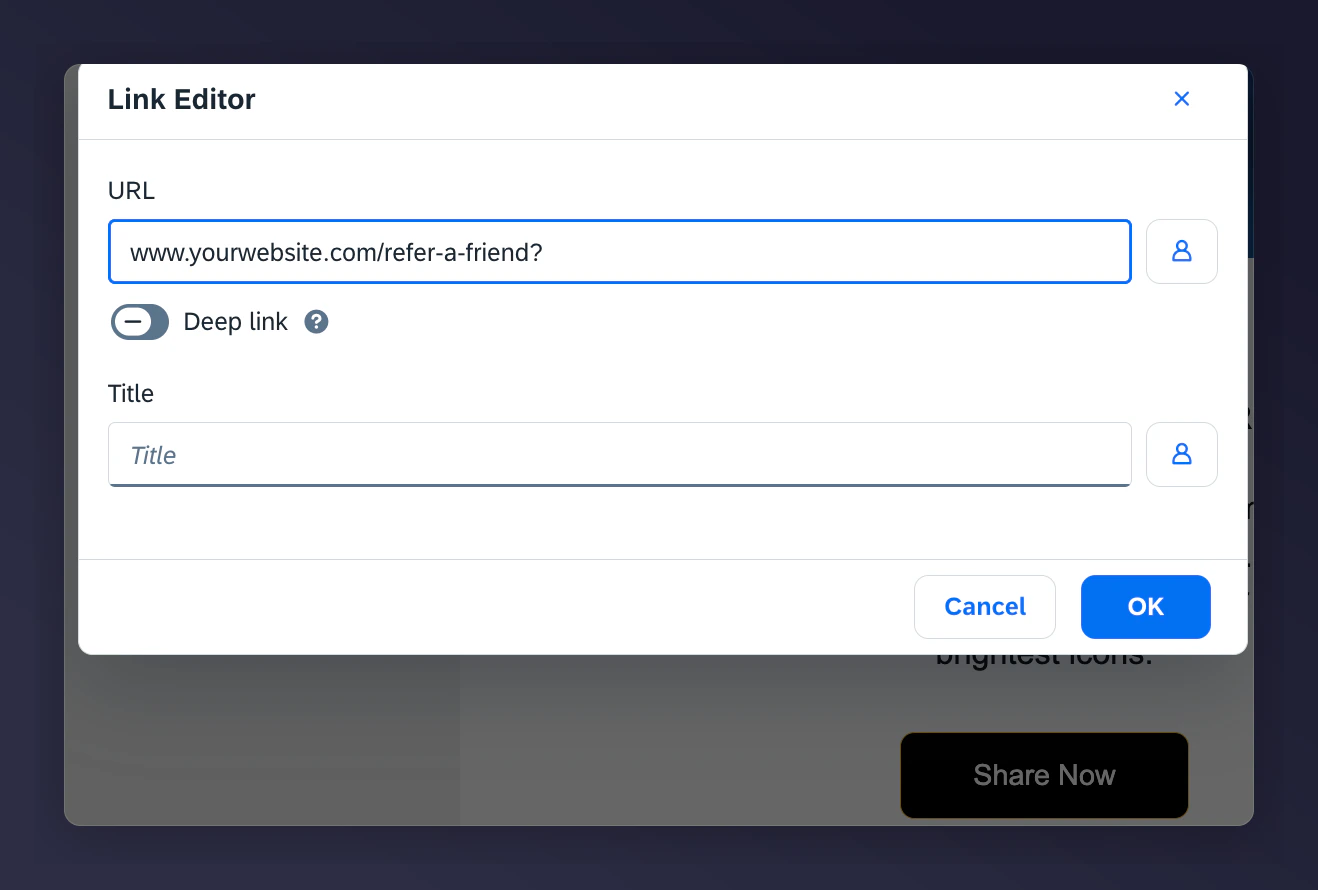
? at the end, for example www.yourwebsite.com/refer-a-friend?.Adding the referral landing page URL to the CTA button.
3
Add the tracking parameters
Add the following parameters to the end of the URL, separated by 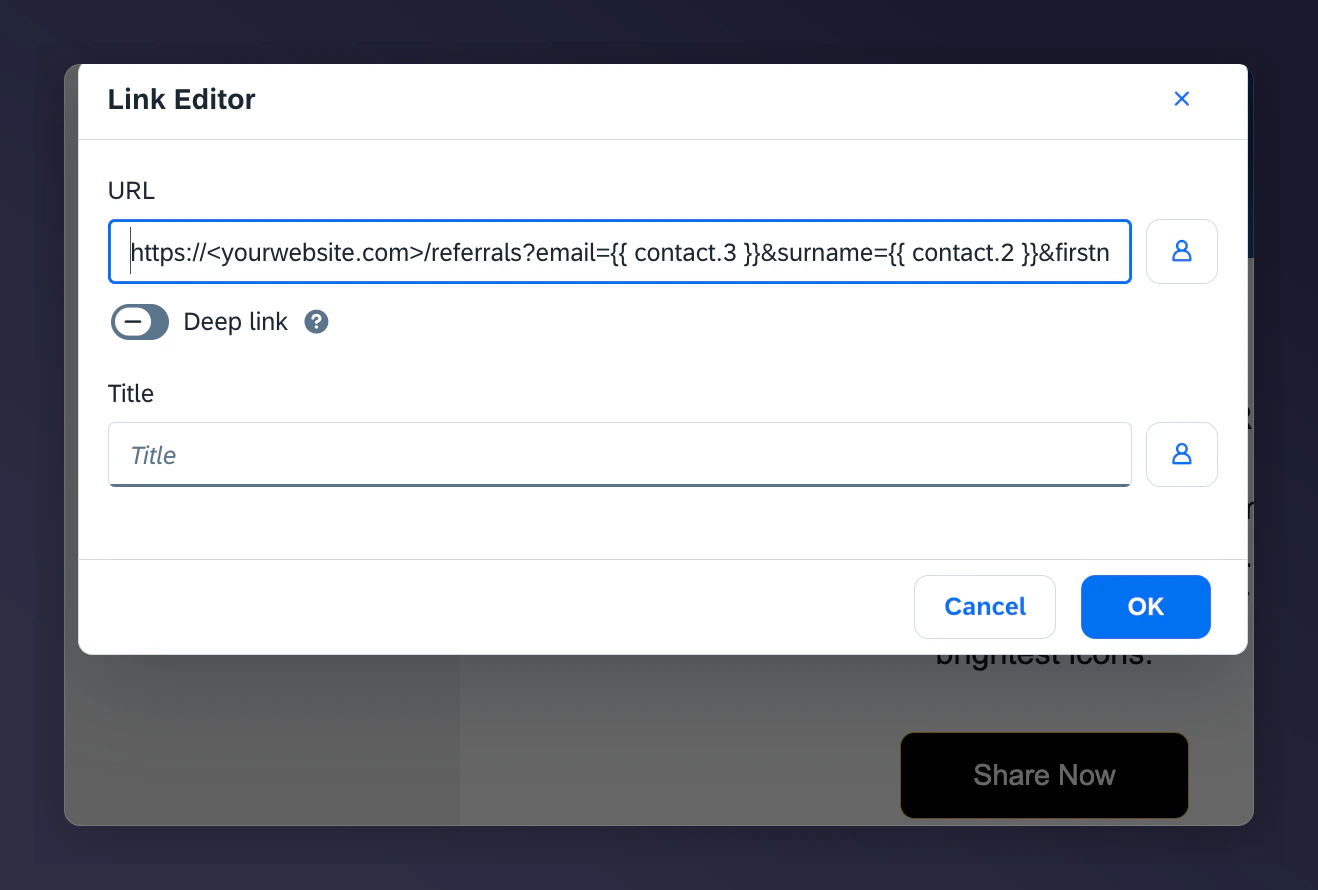
&:Final Example URL
The final personalised referral URL with parameters in Emarsys.
Testing Mention Me Tactics in Emarsys
This section covers how to test Mention Me Tactics in Emarsys to ensure all ESL variables and customer properties display correctly before going live. The following Tactics can be tested: You can test any of these emails based on a recent event sent to your email address to verify the ESL variables are rendering correctly. The following test steps apply to both the Referee/Referrer Coupon Reminder and the Reminder to Share Again Tactics.Prerequisites for Testing
- Your email address must be in Emarsys as an existing contact.
- The email campaigns for the selected Automation nodes must be Active to begin testing.
Testing Steps
1
Open the tactic
Open the relevant tactic (Referee Coupon Reminder / Referrer Coupon Reminder / Reminder to Share Again) in Emarsys.
2
Set the status to Test
Set the Status to Test.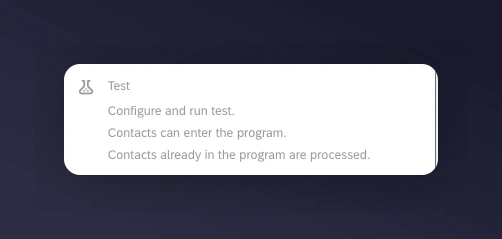
Setting the Emarsys tactic status to Test.
3
Configure the test node settings
Configure the test node settings as follows: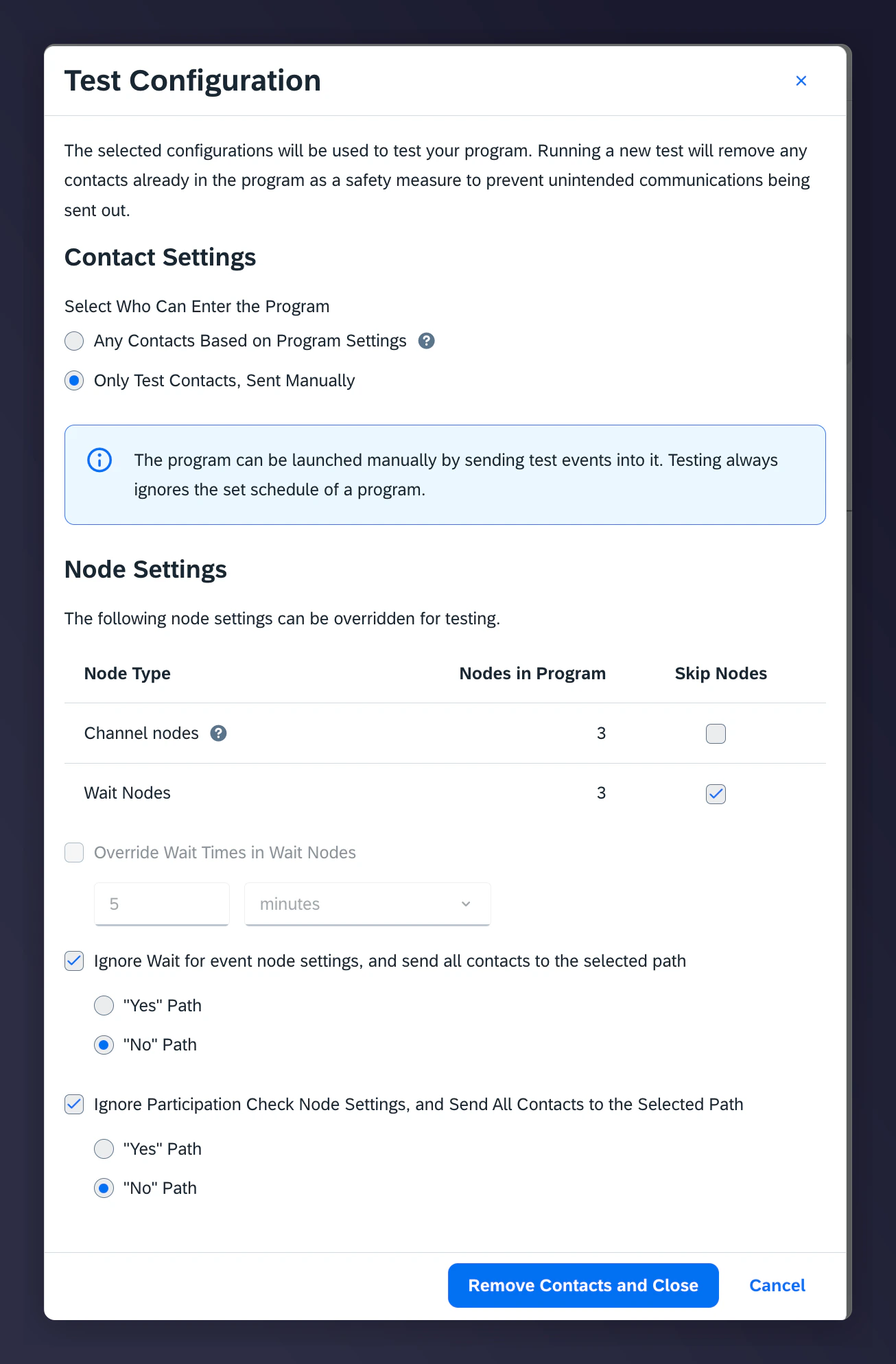
- Select “Only Test Contacts, Sent Manually”
- Skip the Wait Nodes
- Ignore the Wait Events and select the “No” Path
- Ignore the Participation Events and select the “No” Path
Configuring test node settings in Emarsys.
4
Send the test event
Click Send Event.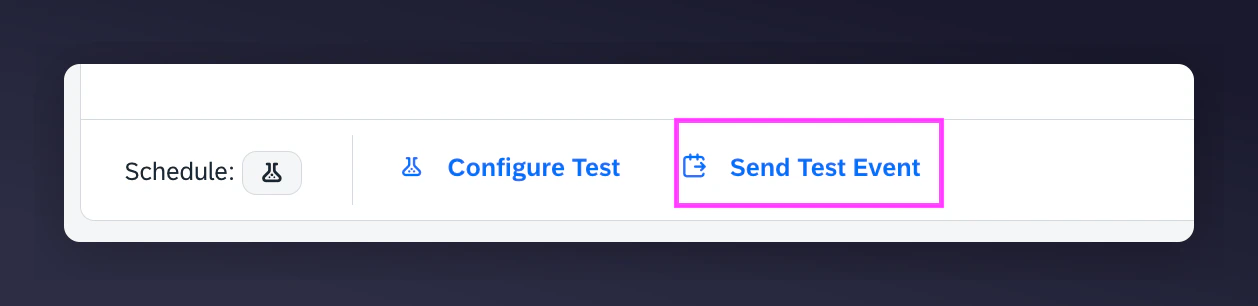
The Send Event button in Emarsys test mode.
5
Enter your test email address
Enter your test email address and click Next.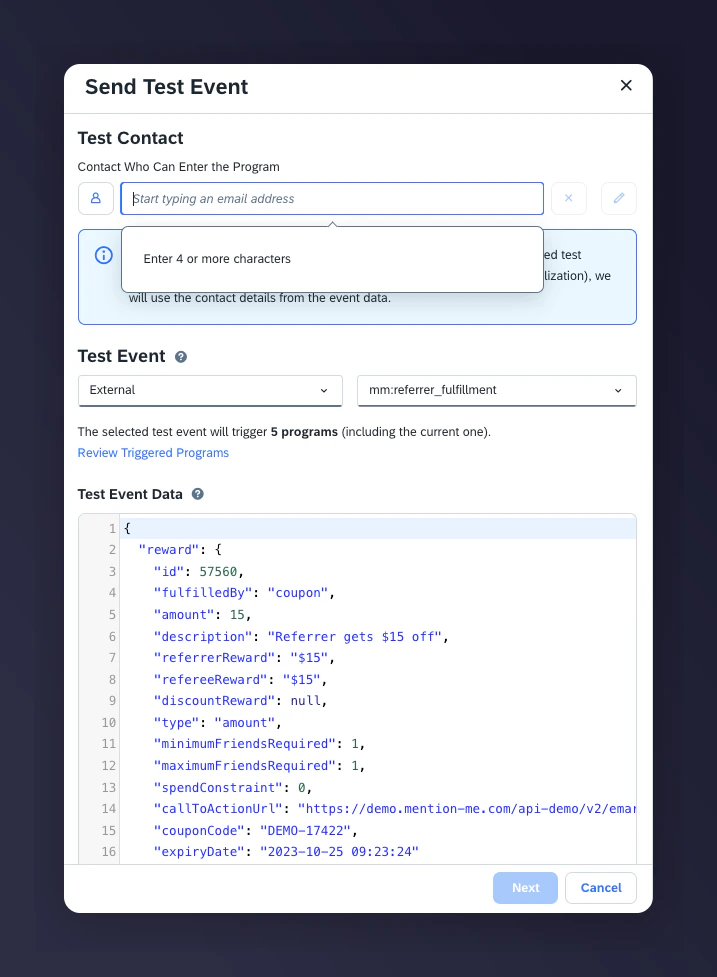
- A recent event will be detected and used to populate your test email.
- The appropriate Test Event type will be selected based on the Automation.
- The email will only be sent to the specified test email address.
Entering a test email address for Emarsys event testing.
6
Review and send
Review the Send Event summary and click Send Event.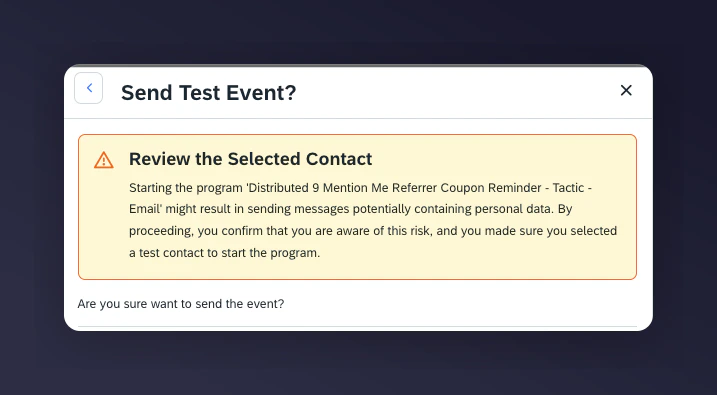
- A test email will be sent with your data variables populated. All wait/trigger events will be skipped in test mode.
The Send Event summary confirmation in Emarsys.
7
Activate the tactic
Once you’ve received your test email and verified the data, update Status to Activate.