

About These Canvases
These Braze canvases remind customers to use their Mention Me coupon codes. The referee canvas targets prospective customers, while the referrer canvas targets existing customers who earned a reward for referring a friend. The canvases use data sent from Mention Me to Braze through the integration and Braze’s Canvas functionality.Prerequisites
- An active Mention Me referral programme
- Mention Me and Braze integration enabled
- Familiarity with Liquid Templating
Supported Channels
Referee Canvas
Remind prospective customers (referees) to use their coupon codes received from being introduced to your brand. Goals:- Drive first purchase
- Increase average order value
Basic Workflow
- Customer receives a coupon via Mention Me after referral.
- If no purchase is made, a reminder email is sent (with consent).
- Further reminders encourage usage of the coupon.
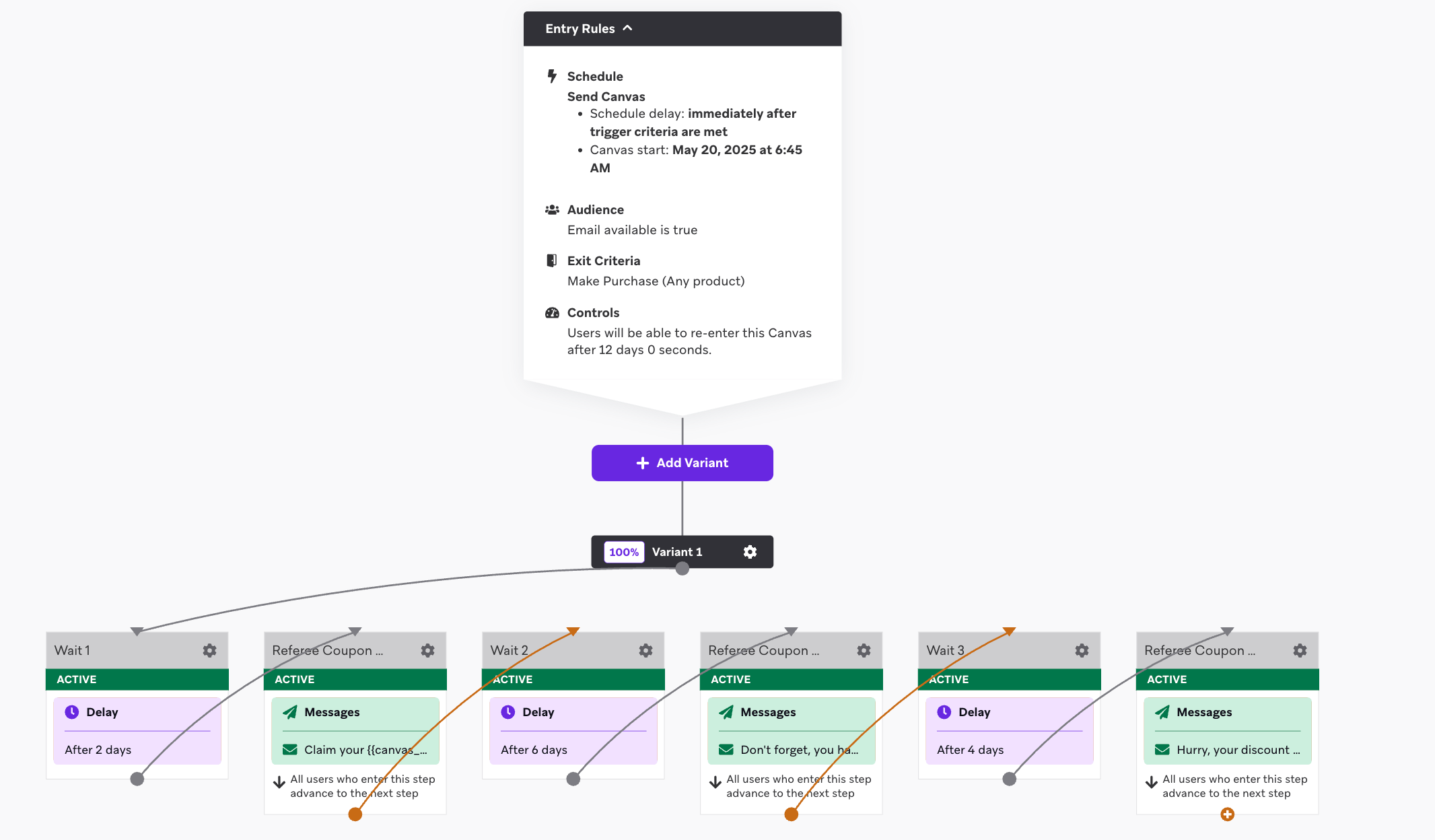
An overview of the referee coupon reminder canvas flow.
Step 1: Create the Canvas Flow
Set the entry schedule
received_referee_reward custom event.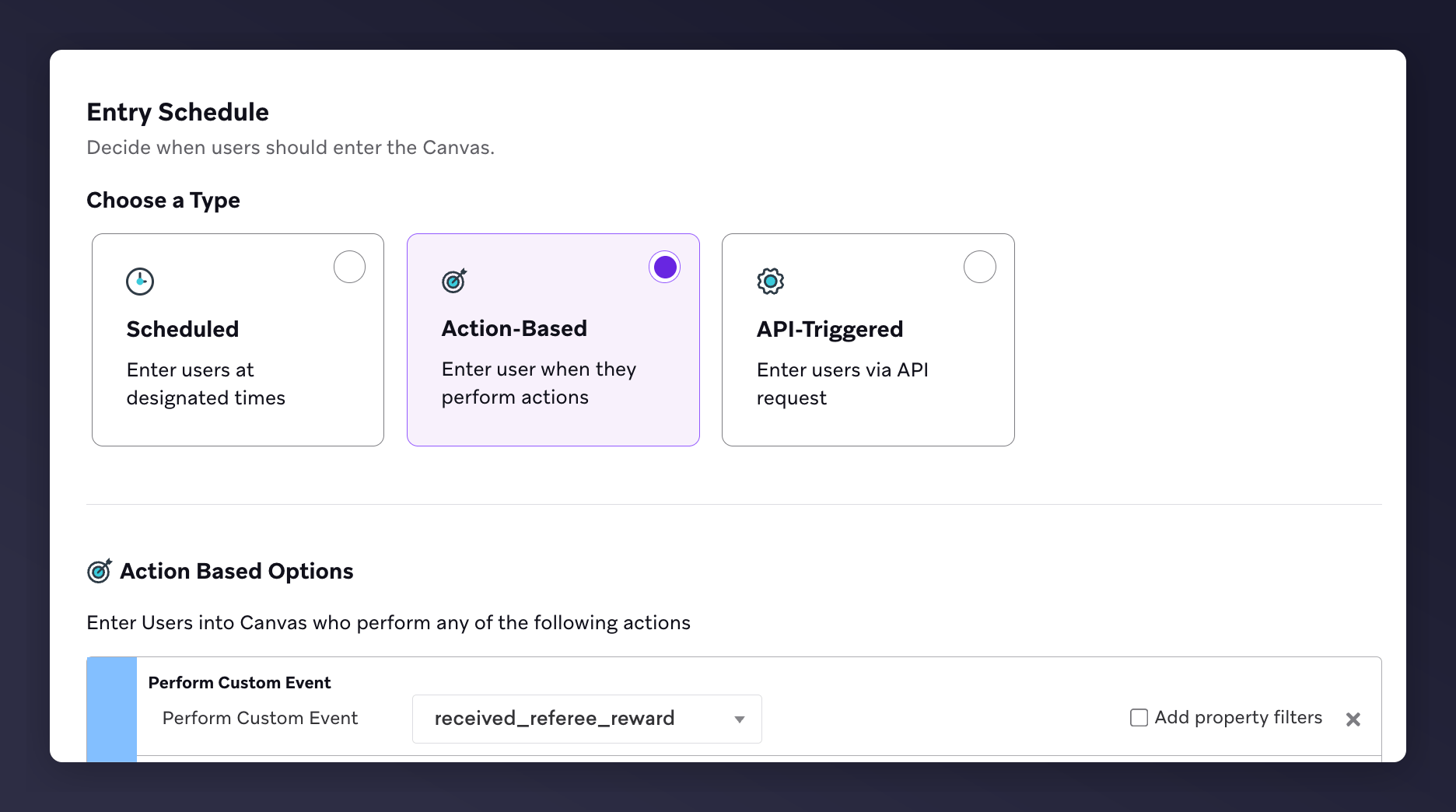
The Braze canvas entry schedule set to the received_referee_reward trigger.
Set the target audience filters
- Email Available = true
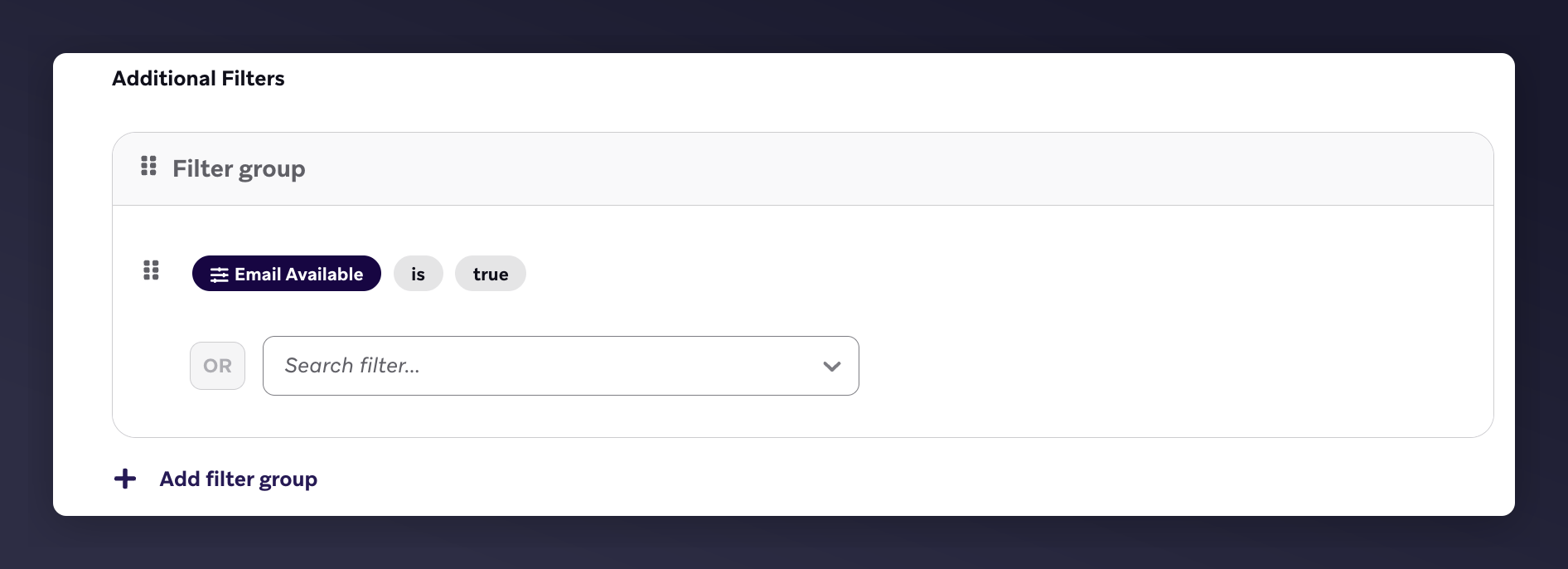
The Braze target audience filter with email available set to true.
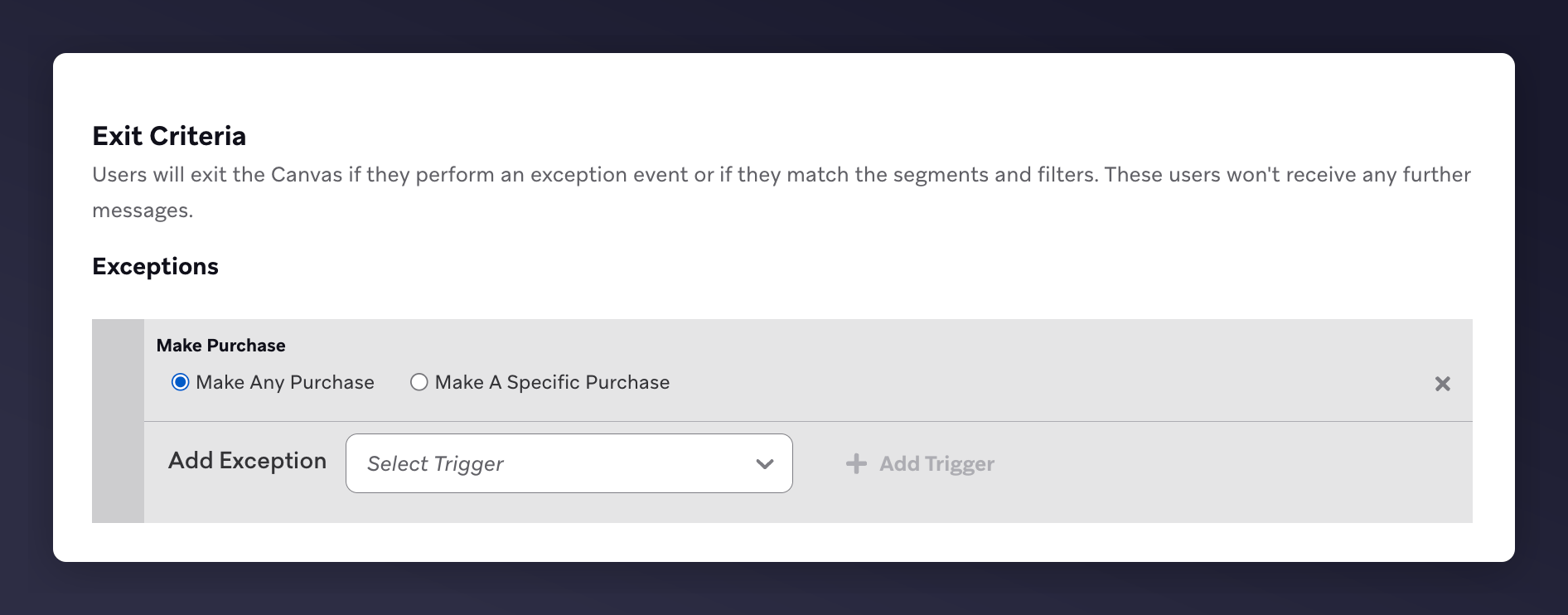
The Braze exit criteria set to Make Any Purchase.
Set the send settings
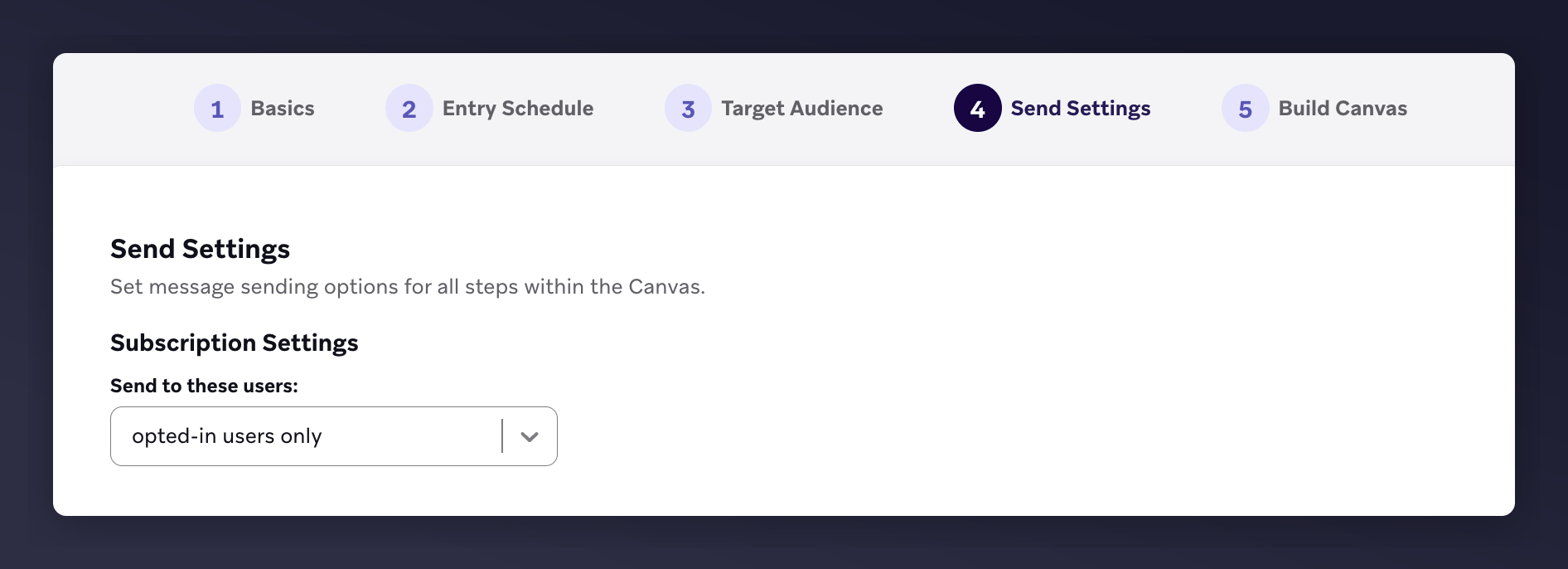
The Braze send settings with opted-in users only selected.
Build the canvas editor content
- 1st email: 2 days after trigger
- 2nd email: 6 days after 1st
- 3rd email: 4 days after 2nd

The Braze canvas editor with 3 emails and wait periods for referee reminders.
Step 2: Add Email Content
- Brand your email design and images
- Include product recommendations
- Add suggested Liquid variables (see table below)
- Set CTA link using:
{{canvas_entry_properties.${call_to_action_url}}}
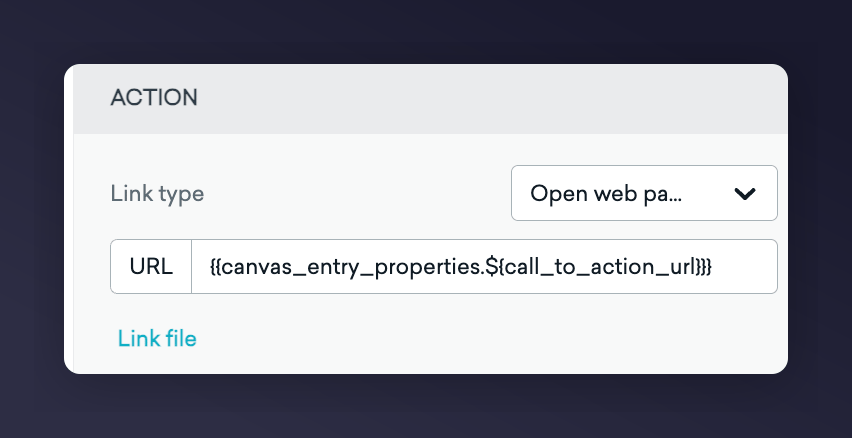
The Braze email editor with a CTA link using canvas entry properties.
Email Template Examples
Visual Reminder Examples
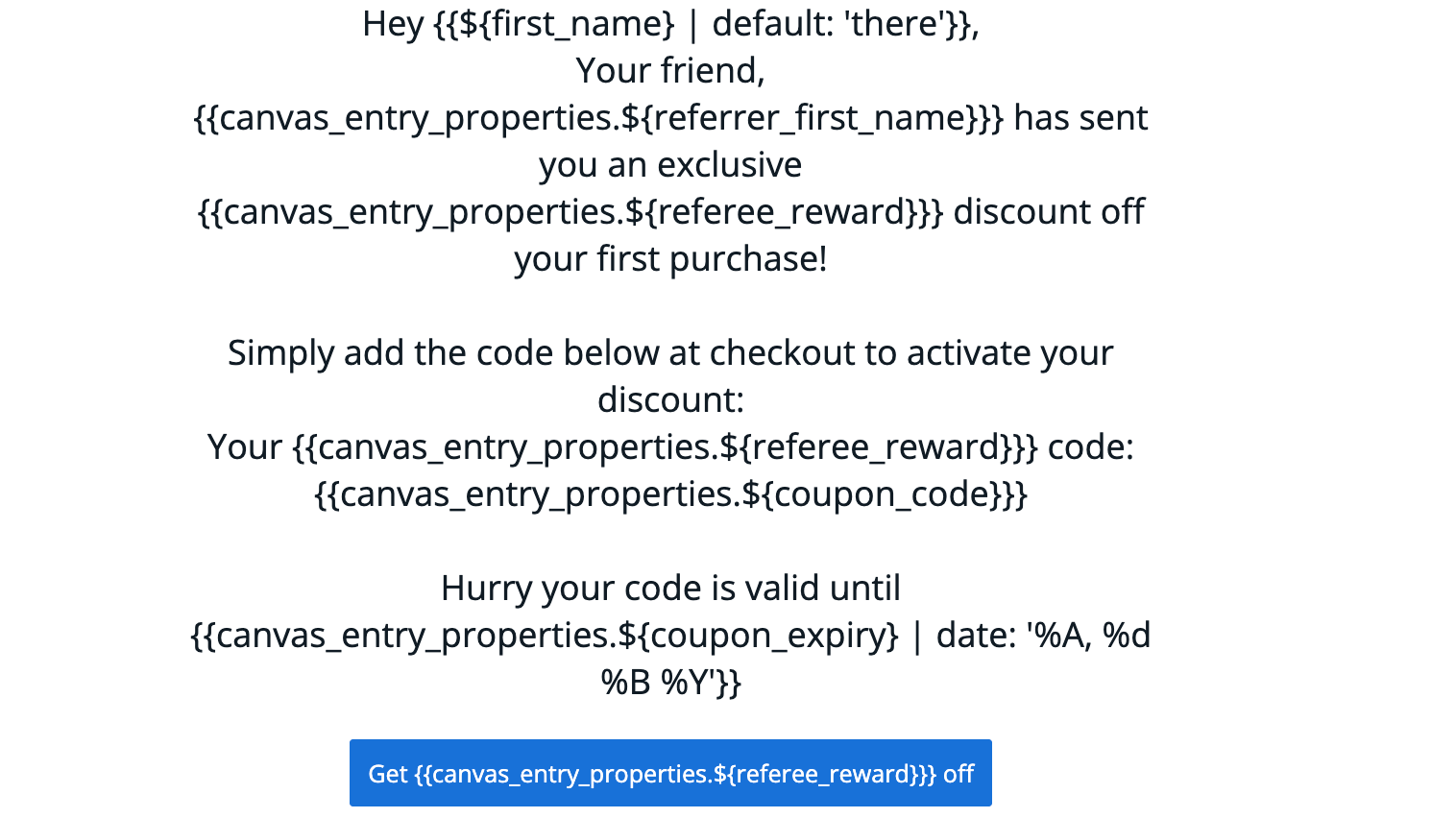
Referee coupon reminder email template example 1.
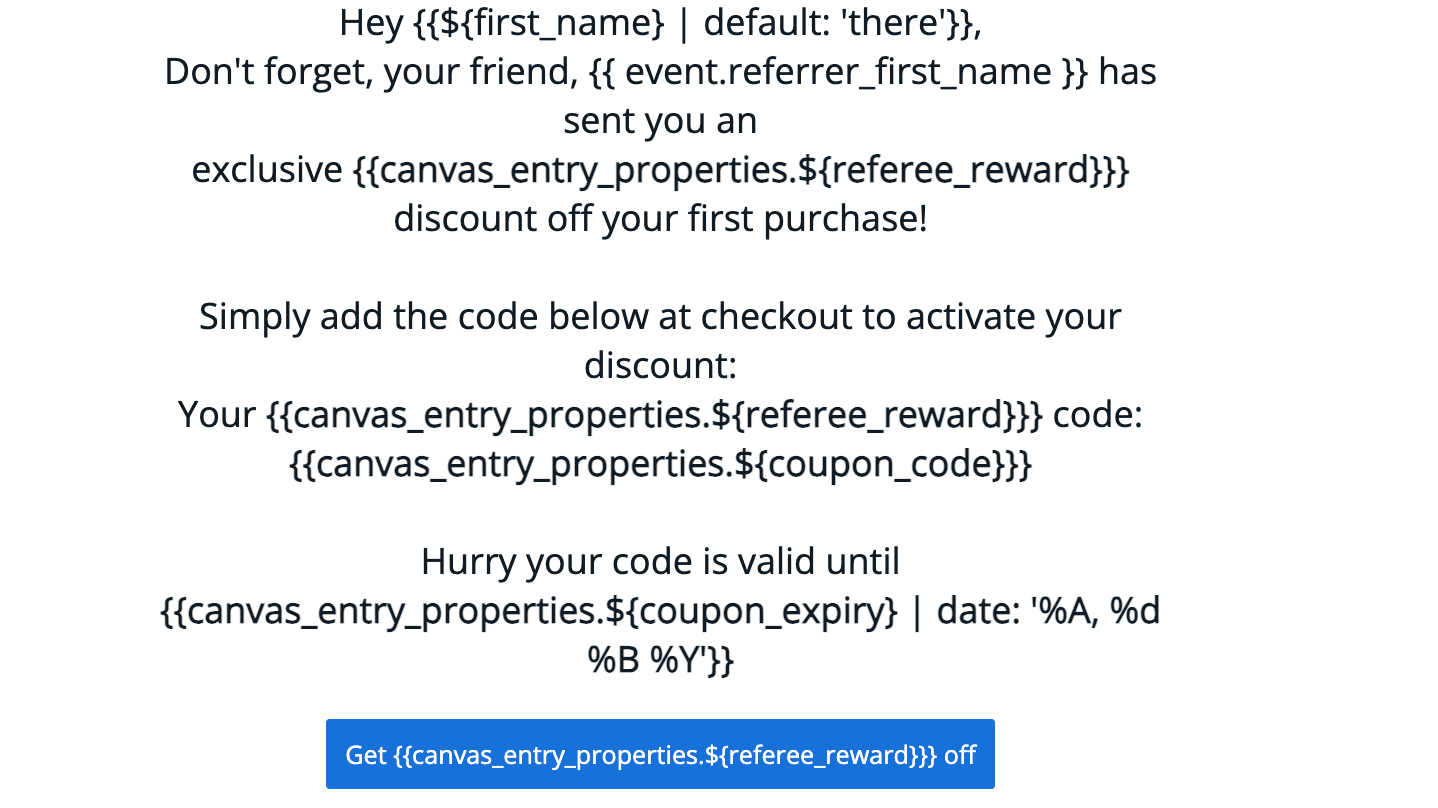
Referee coupon reminder email template example 2.
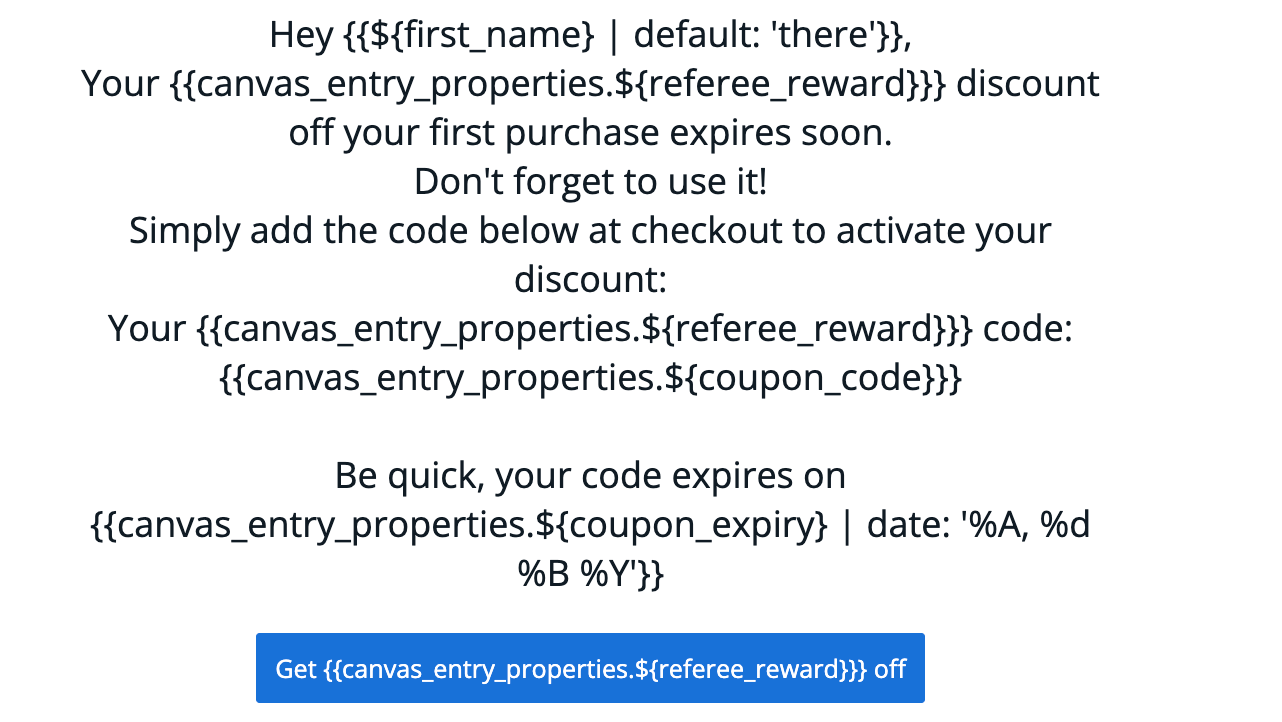
Referee coupon reminder email template example 3.
Canvas Variables
Step 3: Test the Emails
Braze does not support previewing custom event properties directly. You must launch the Canvas to yourself and trigger a referral event. Learn more about testing in Braze’s testing guide. Compiled reminder examples: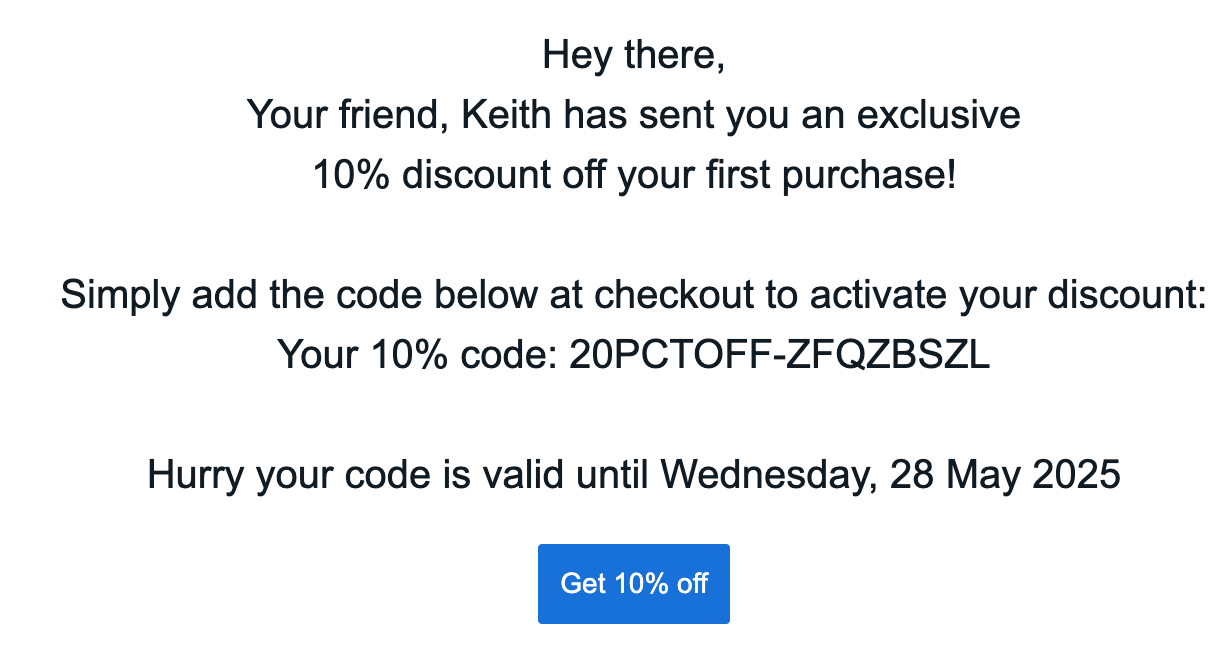
Compiled referee reminder email 1 with populated variables.
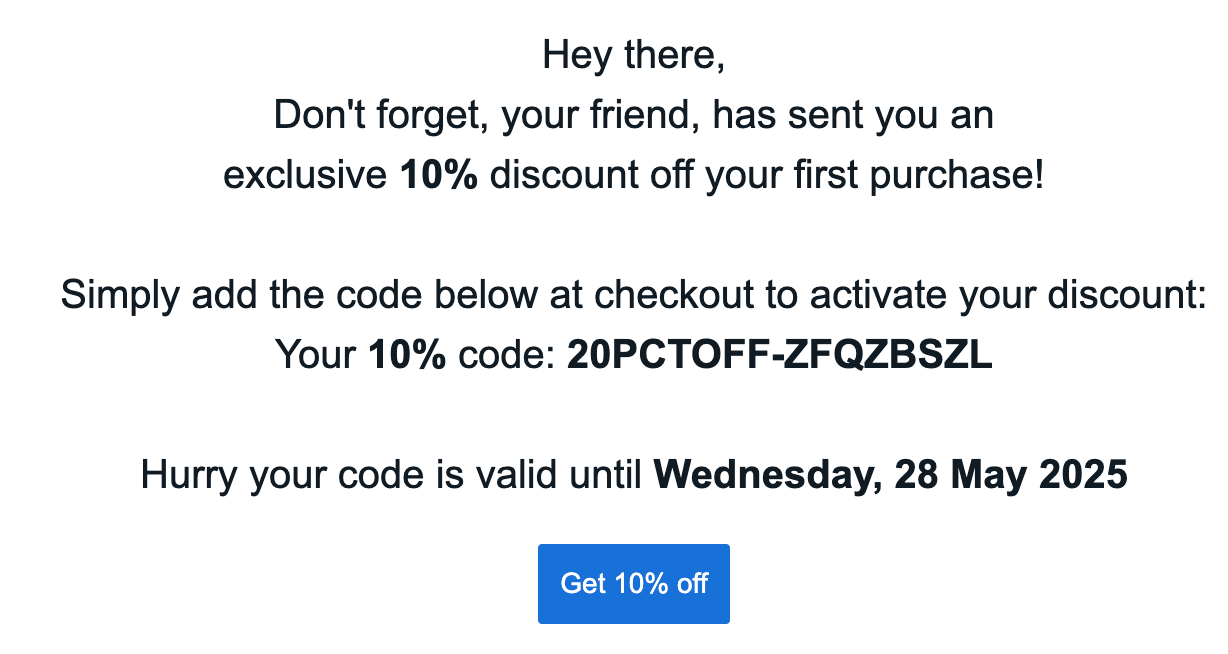
Compiled referee reminder email 2 with populated variables.
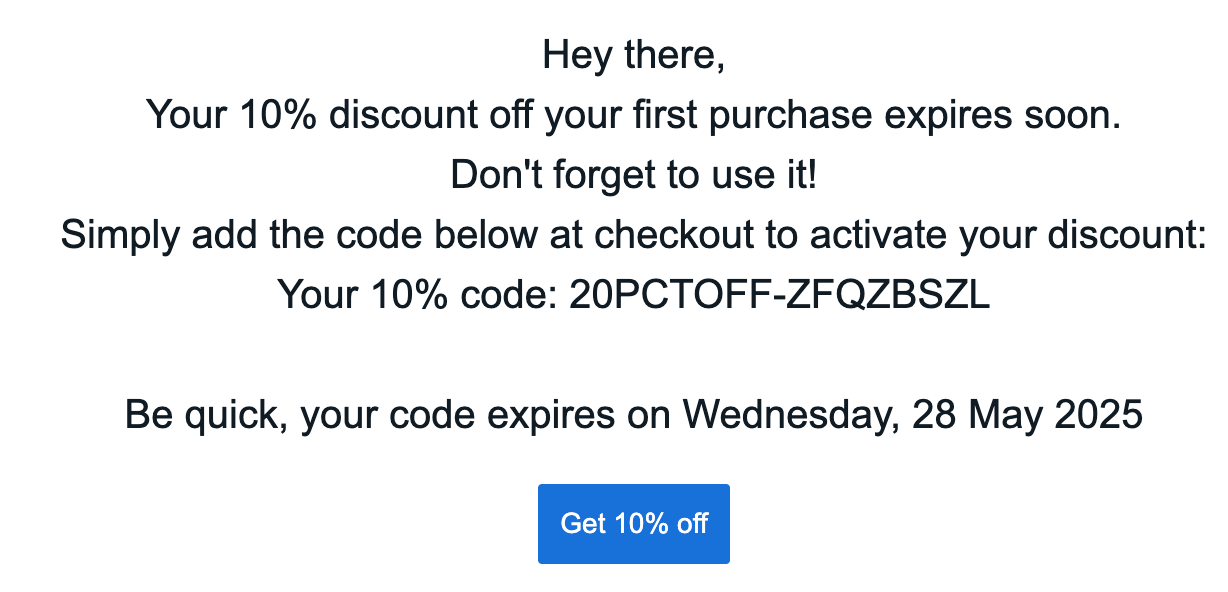
Compiled referee reminder email 3 with populated variables.
Step 4: Launch the Canvas
Once you’re happy with the content and tests are successful, launch the canvas to production. Remove any test segments and adjust wait periods before launching.Referrer Canvas
Remind existing customers (referrers) to use their coupon codes received from referring a friend. Goals:- Increase active customer revenue
- Increase premium customer revenue
- Increase retention
Basic Workflow
- Referrer receives a coupon upon successful referral (email sent by Mention Me).
- Reminder email is sent if no purchase is made (based on consent).
- Additional reminders follow, encouraging coupon usage.
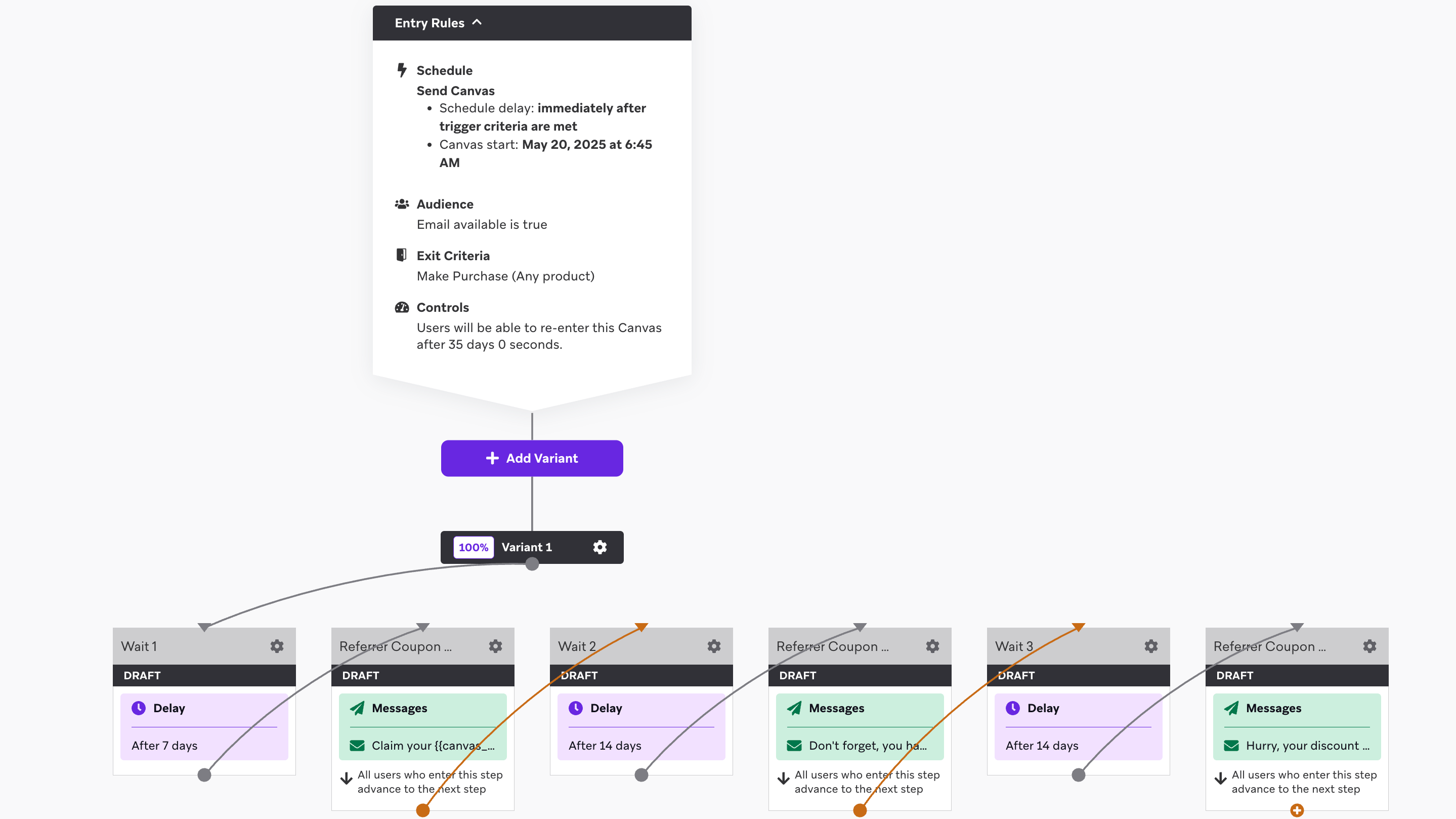
An overview of the referrer coupon reminder canvas flow.
Step 1: Create the Canvas Flow
Set the entry schedule
received_referrer_reward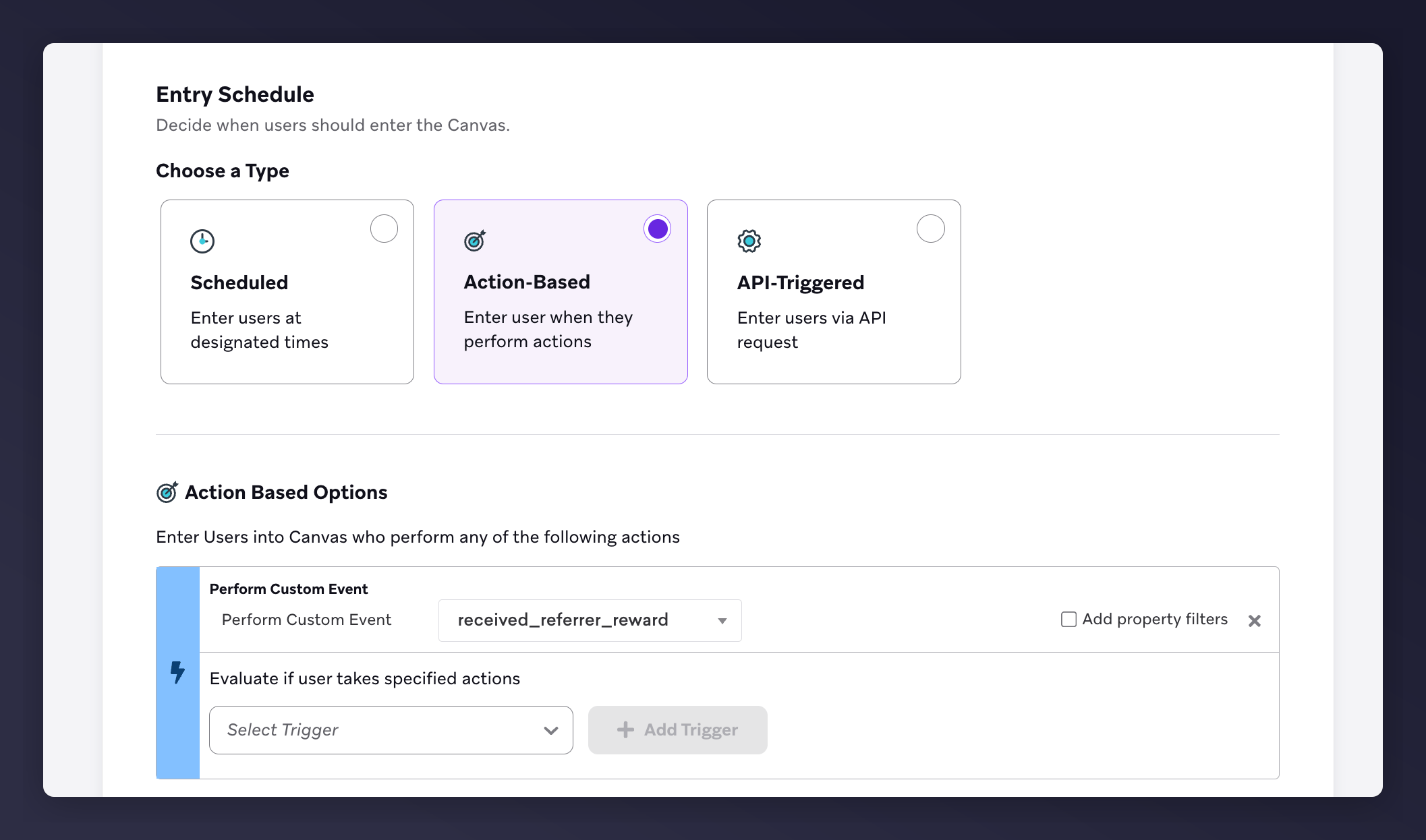
The Braze canvas entry schedule set to the received_referrer_reward trigger.
Set the target audience
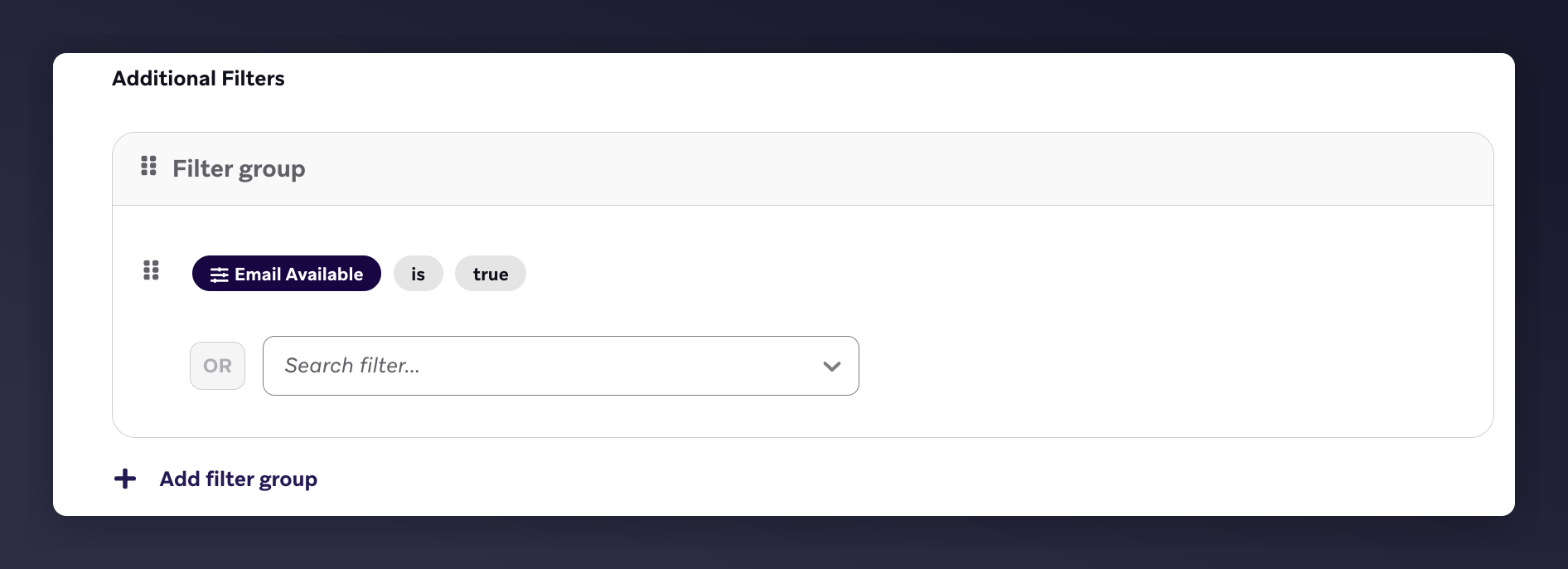
The Braze target audience with the email available filter.
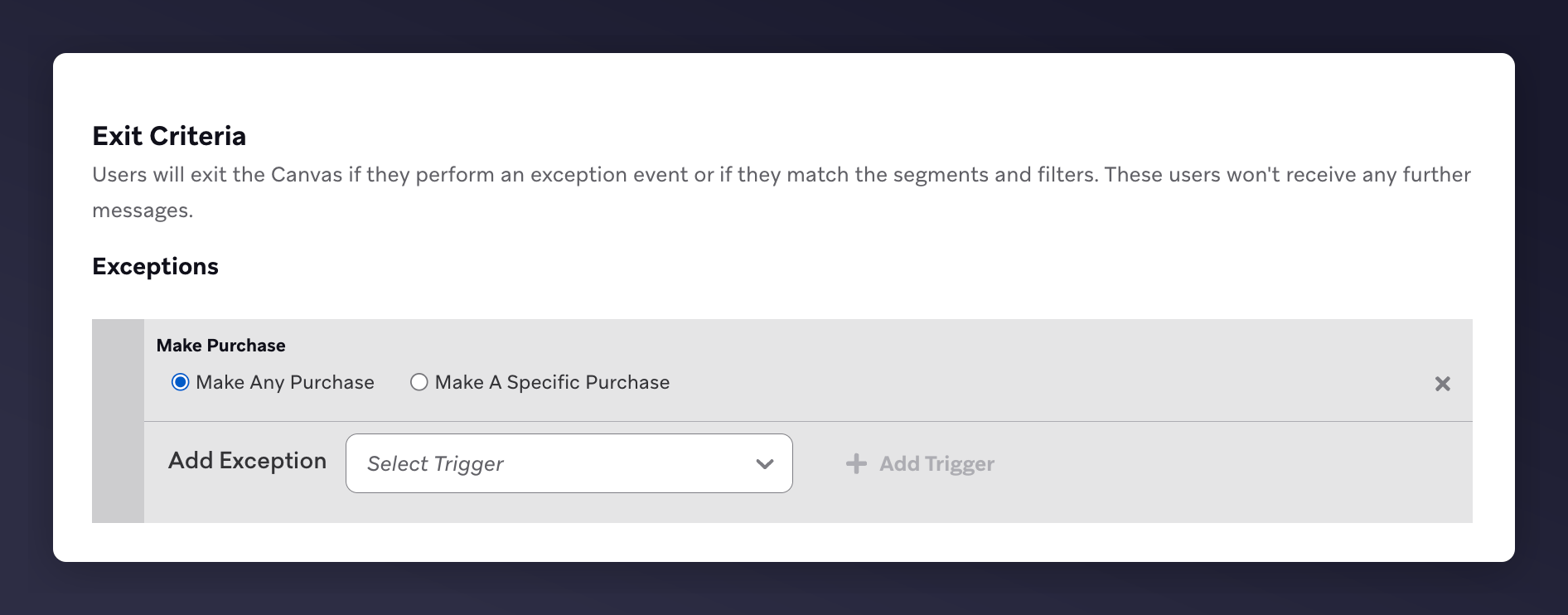
The Braze exit criteria set to Make Any Purchase for the referrer canvas.
Set the send settings
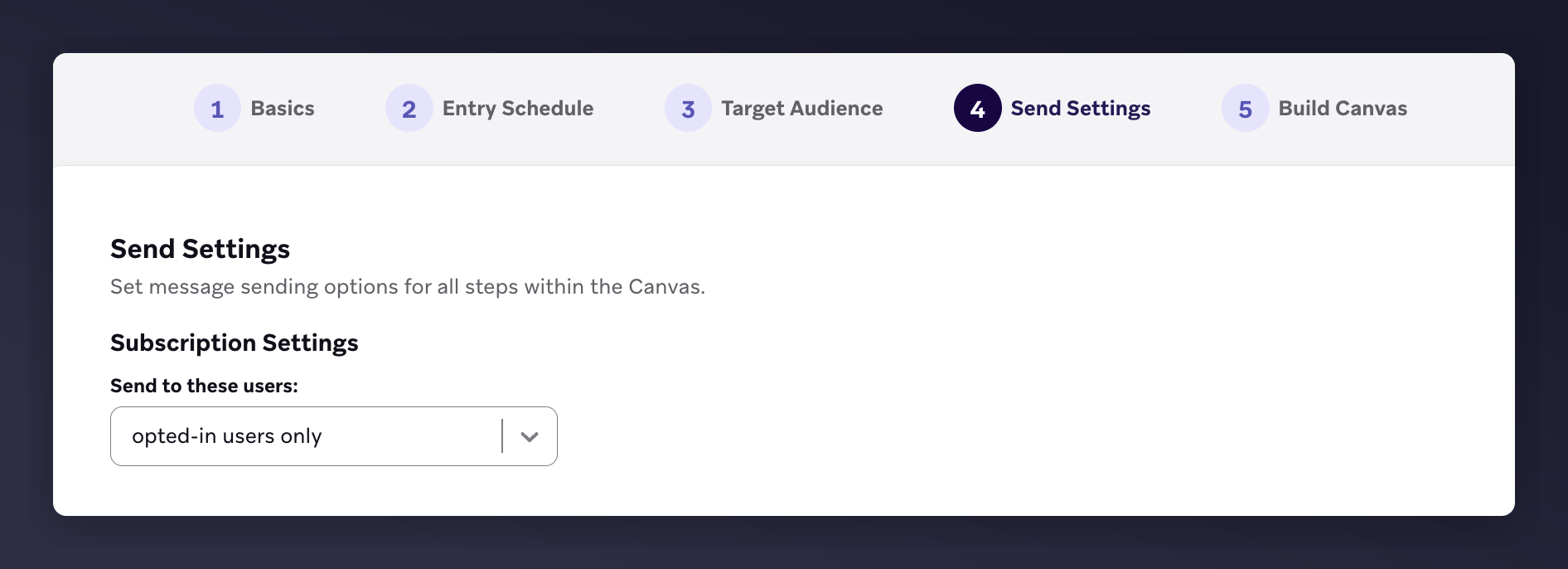
The Braze send settings with opted-in users only for the referrer canvas.
Build the canvas editor content
- 1st email: 7 days after trigger
- 2nd email: 14 days after 1st email
- 3rd email: 14 days after 2nd email

The Braze canvas editor with 3 emails and wait periods for referrer reminders.
Step 2: Add Content to Each Email
- Update images and style to match your brand
- Include product recommendations
- Use default Mention Me variables in subject and body
- Add
{{canvas_entry_properties.${call_to_action_url}}}to CTA button
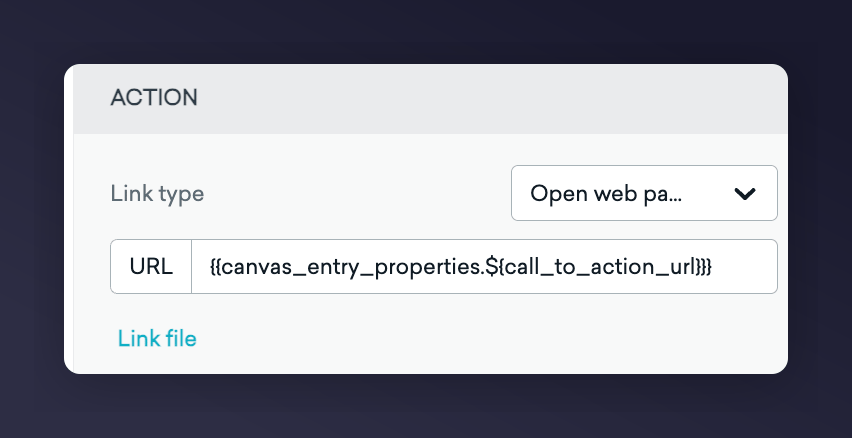
The Braze email editor with a CTA link for the referrer canvas.
Example Reminder Templates
Visual Examples
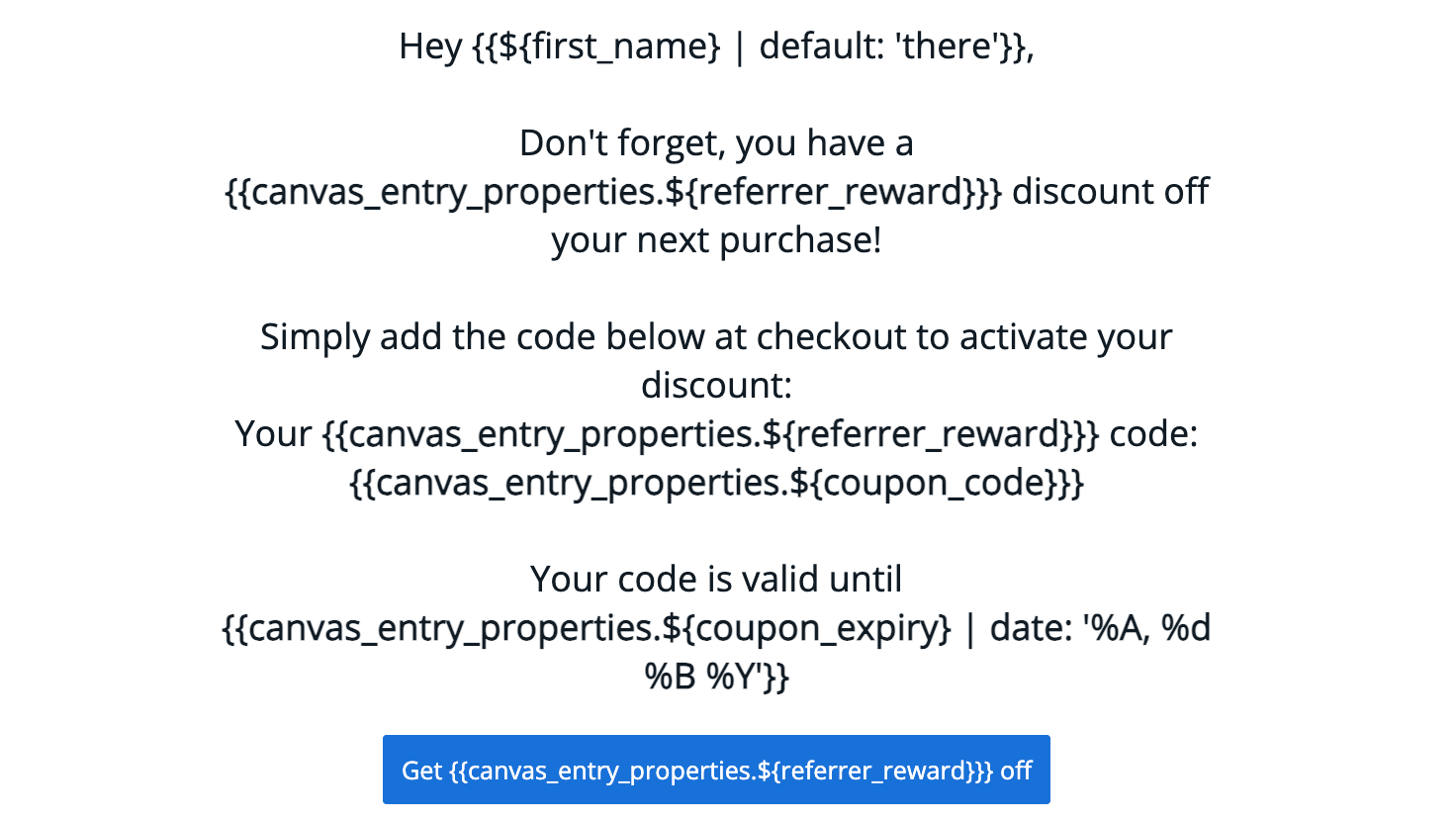
Referrer coupon reminder email template example 1.
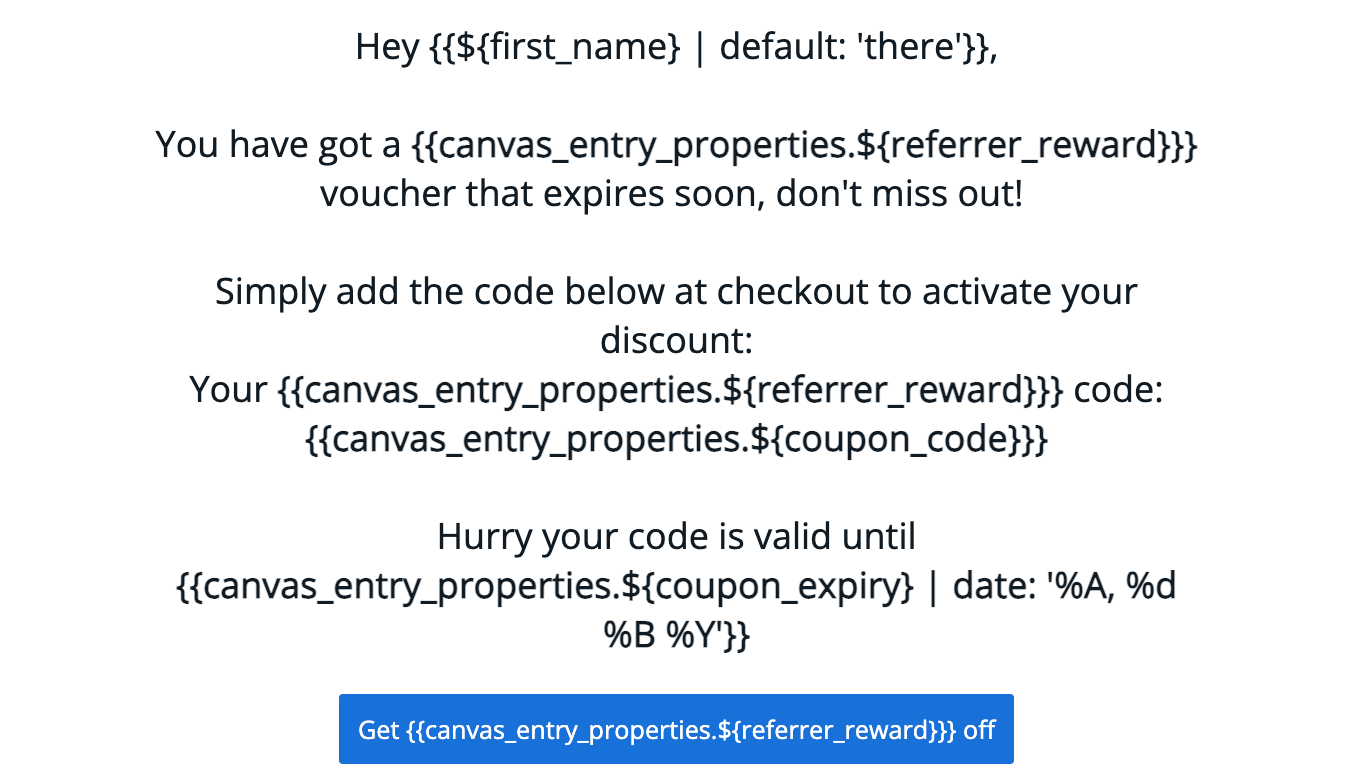
Referrer coupon reminder email template example 2.
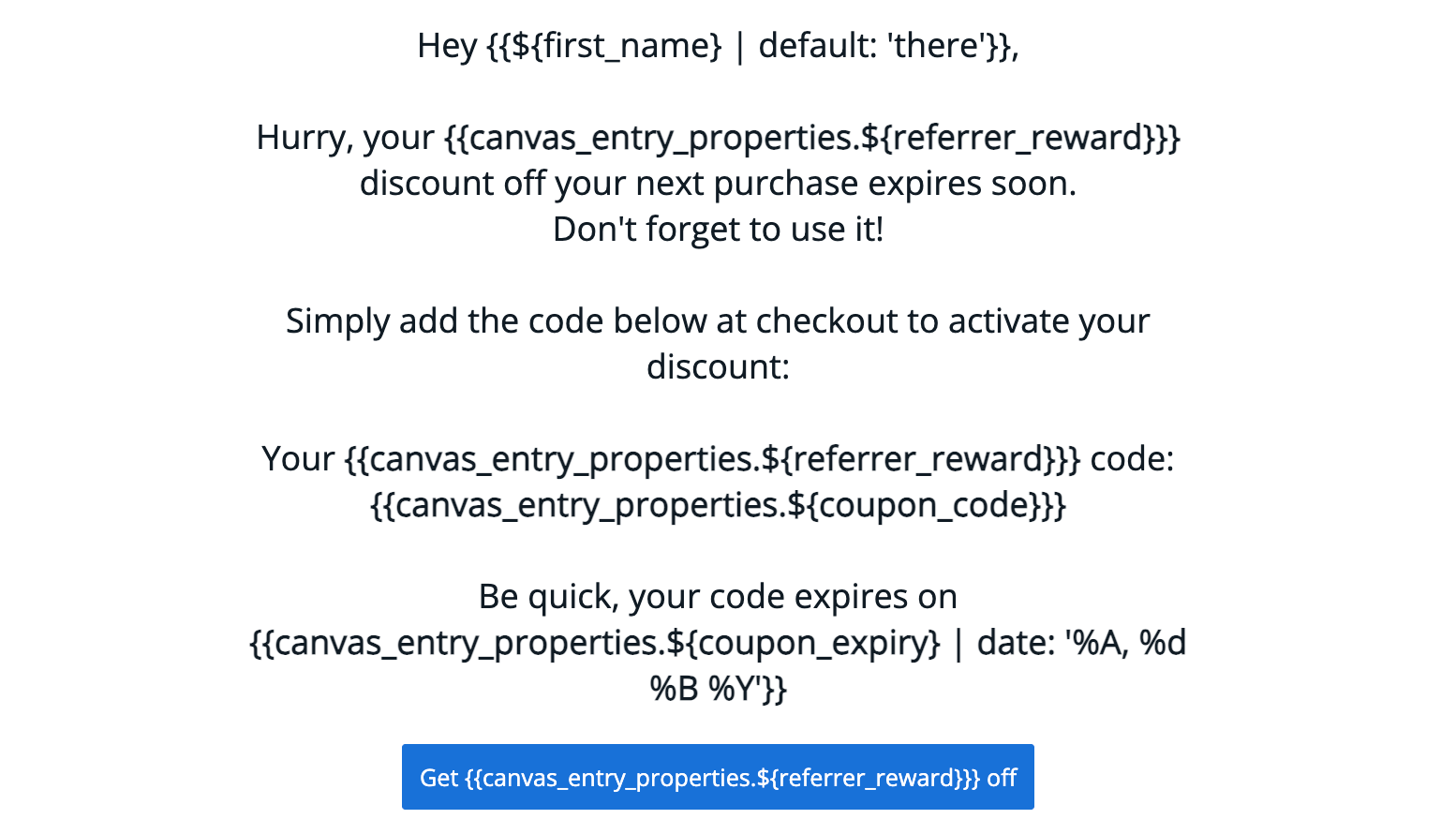
Referrer coupon reminder email template example 3.
Available Liquid Variables
Step 3: Test the Emails
Braze does not support previewing custom event properties. You must launch the canvas (to yourself only) and trigger a test event. See Braze’s guide to testing custom event properties. Compiled examples: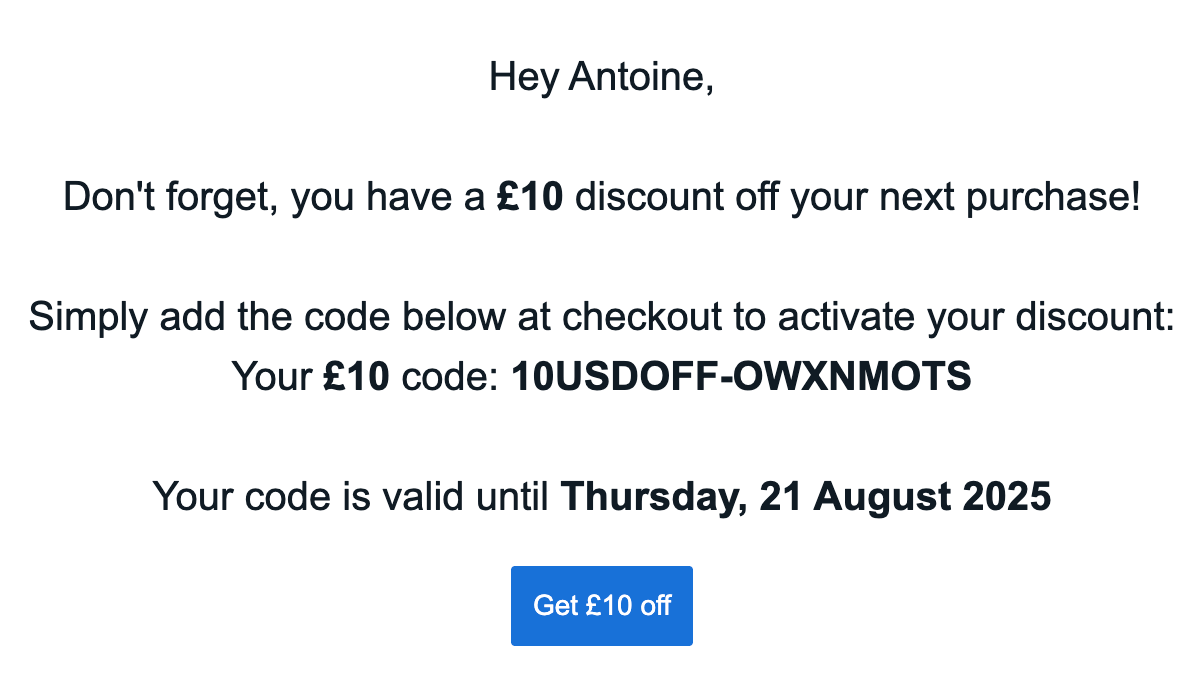
Compiled referrer reminder email 1 with populated variables.
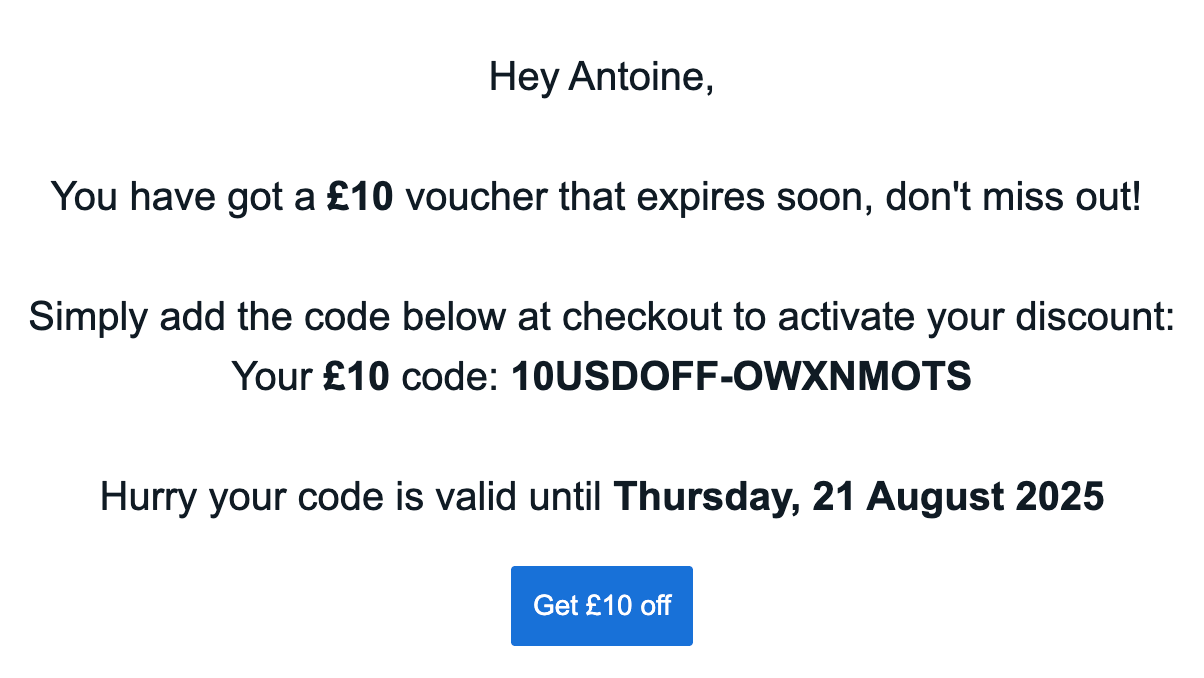
Compiled referrer reminder email 2 with populated variables.
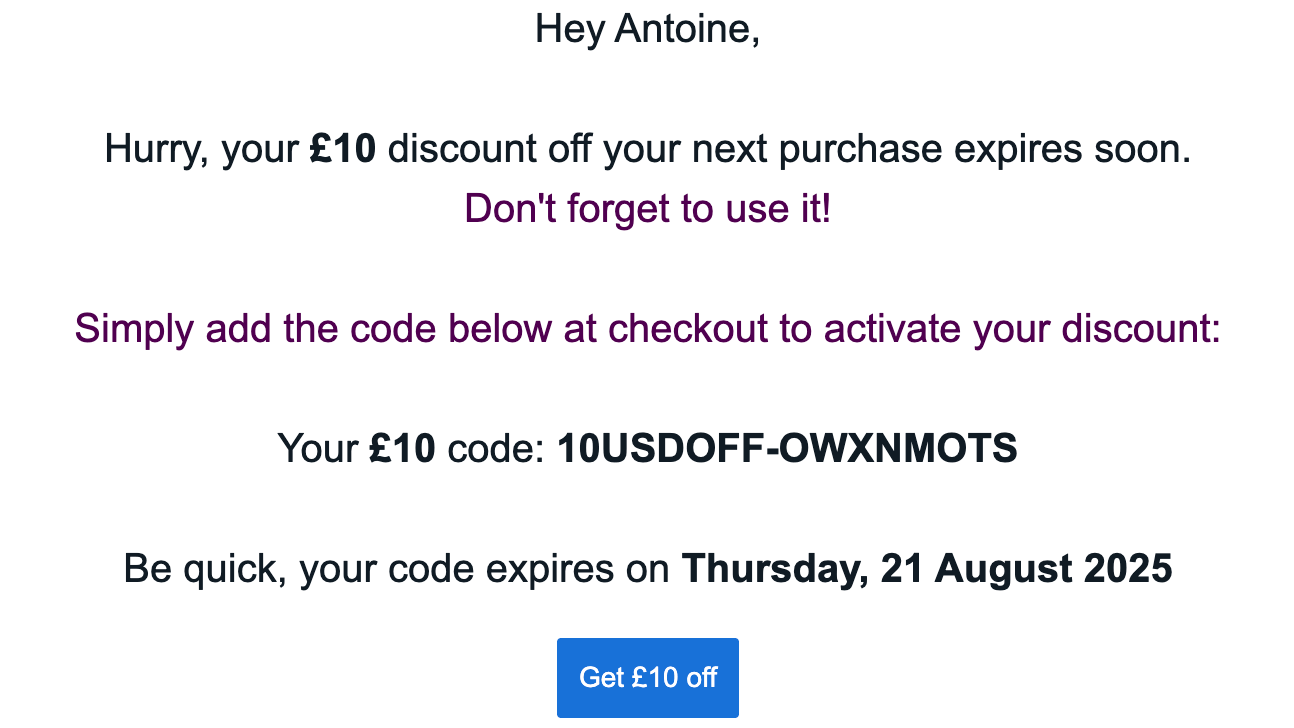
Compiled referrer reminder email 3 with populated variables.