SMS amplifies referral performance and improves the customer experience. Engage your best customers with personalised text messages to drive brand advocacy, increase ROI, and boost long-term revenue.
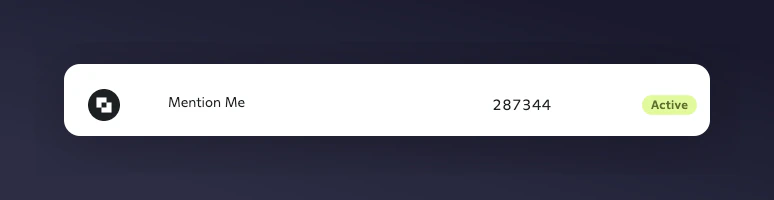
Sign into your Attentive account and navigate to Sign-up Units. Look for the Mention Me entry and note the ID.If it hasn’t been created, request it from Attentive.
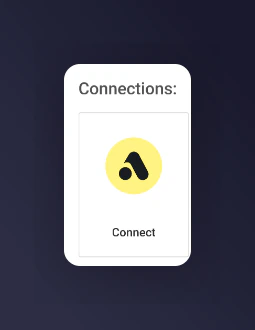
The Mention Me Attentive integration connect page.
3
Agree to terms
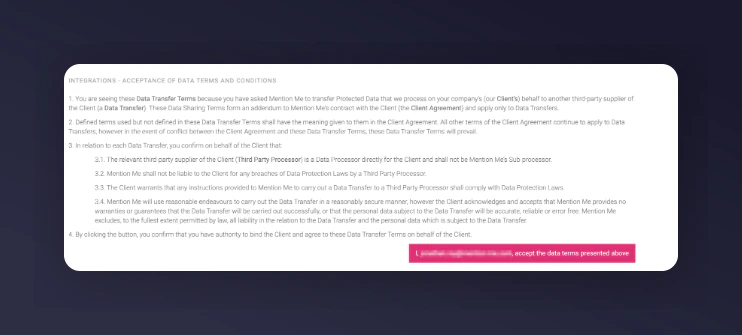
If prompted, agree to allow Mention Me to send data to Attentive. If already accepted, this step is skipped.
The terms and conditions acceptance screen for the Attentive integration.
4
Enter your signUpSourceId
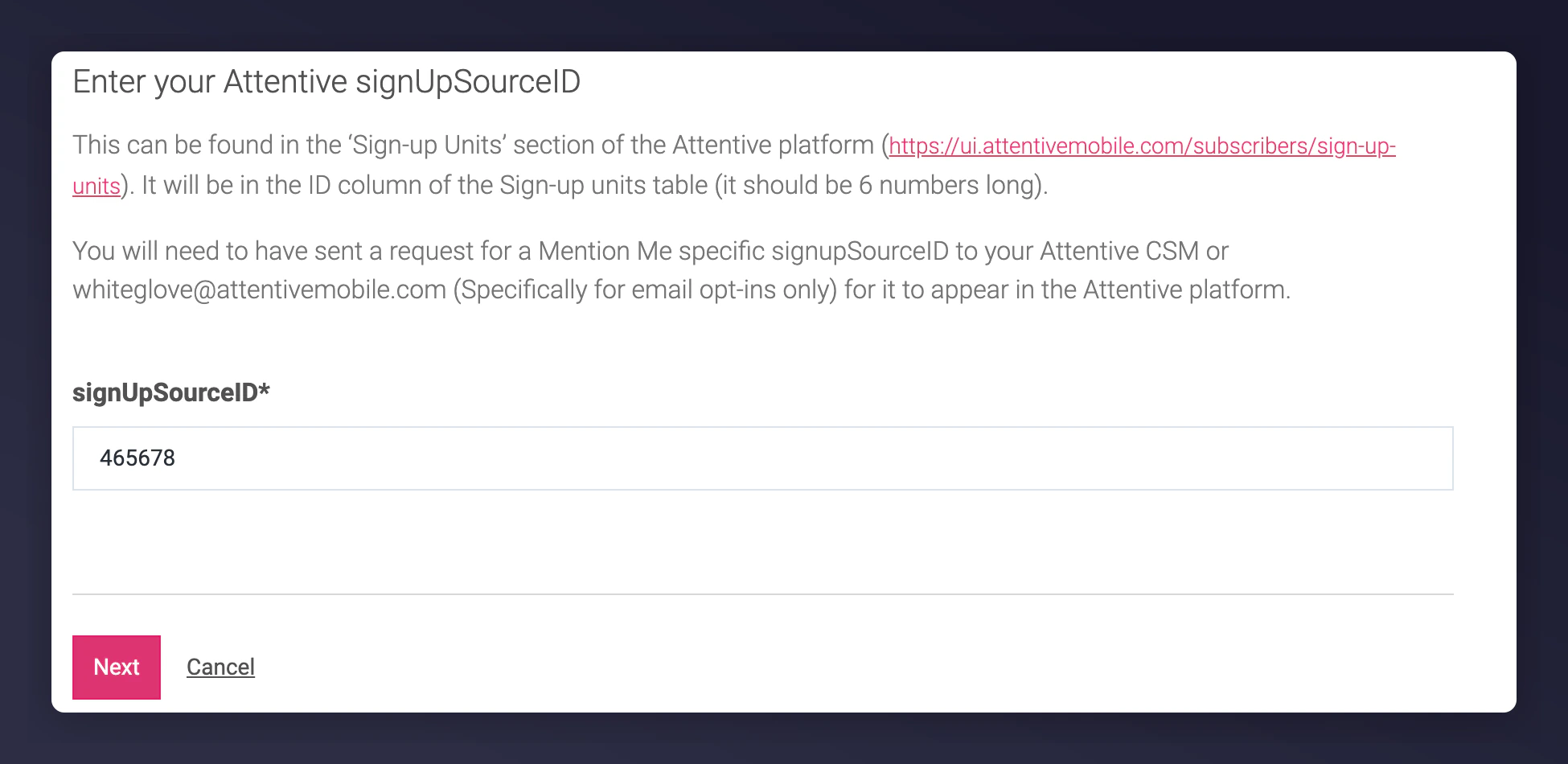
Enter the 6-digit numeric ID you retrieved in Step 1, then click Next.
Entering the signUpSourceId for Attentive.
5
Create a new authentication
Create a new authentication and name your connection. This is recommended if you manage multiple Attentive accounts.
6
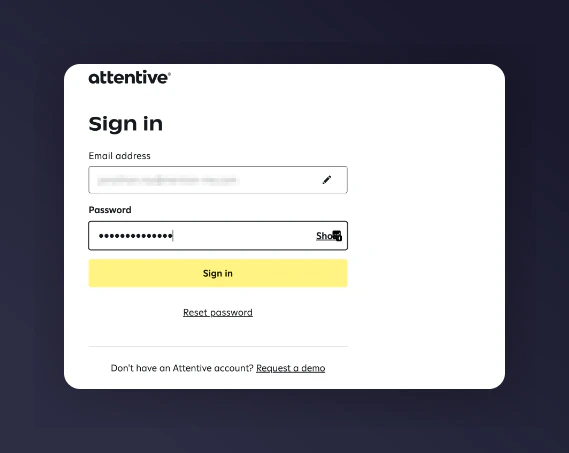
Log in with your Attentive credentials
Log in with your Attentive credentials, if not already logged in.
Ensure you’re logged into the correct Attentive account based on the country or brand you’re integrating (e.g. US vs. UK).
Creating a new authentication for the Attentive integration.
7
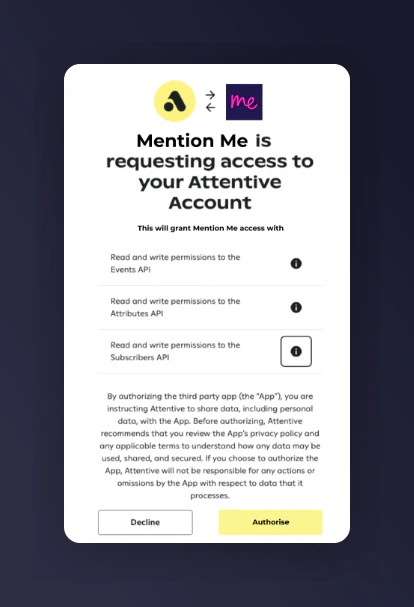
Grant Mention Me permission
Grant Mention Me permission to access your Attentive account.
Granting Mention Me access to the Attentive account.
8
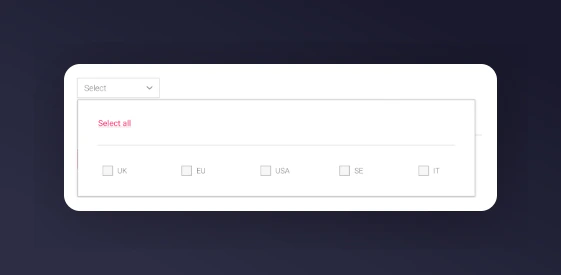
Select countries to sync
Select the country/countries you want to sync contact data from.
Selecting countries to sync with Attentive.
You can limit data sync to specific regions depending on your Mention Me country-enabled setup.
9
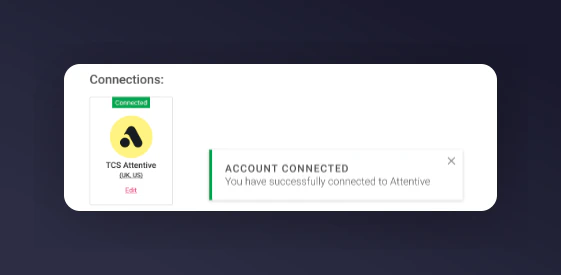
Finalise the installation
Click Finish to complete the setup. A success message will appear to confirm integration is active.
The Attentive integration success confirmation.
Mention Me events and contacts will begin syncing to your Attentive account, allowing you to create SMS journeys immediately. If you need support, reach out to your CSM.