

About the Prebuilt Journey
With this prebuilt Attentive journey, you can promote your referral programme and encourage enrolled customers to share. This does not replace the initial emails that Mention Me sends after customer enrollment. It acts as an additional touchpoint to encourage sharing.Basic Workflow
- An existing customer registers for your referral program and receives their unique share link via SMS.
- If they’ve made a purchase, a thank-you SMS is sent with the share link and a prompt to keep sharing.
- If they’ve not made a purchase, a reminder SMS is sent with the share link.
Activating the Journey
Prerequisites
- An active Mention Me referral programme
- An active Attentive account
- Mention Me / Attentive integration enabled
Steps to Activate
1
Open Prebuilt Journeys
Log in to your Attentive account and navigate to Journeys > Prebuilt Journeys.
2
Install the Promote Referral journey
Select Mention Me - Promote Referral and install the journey.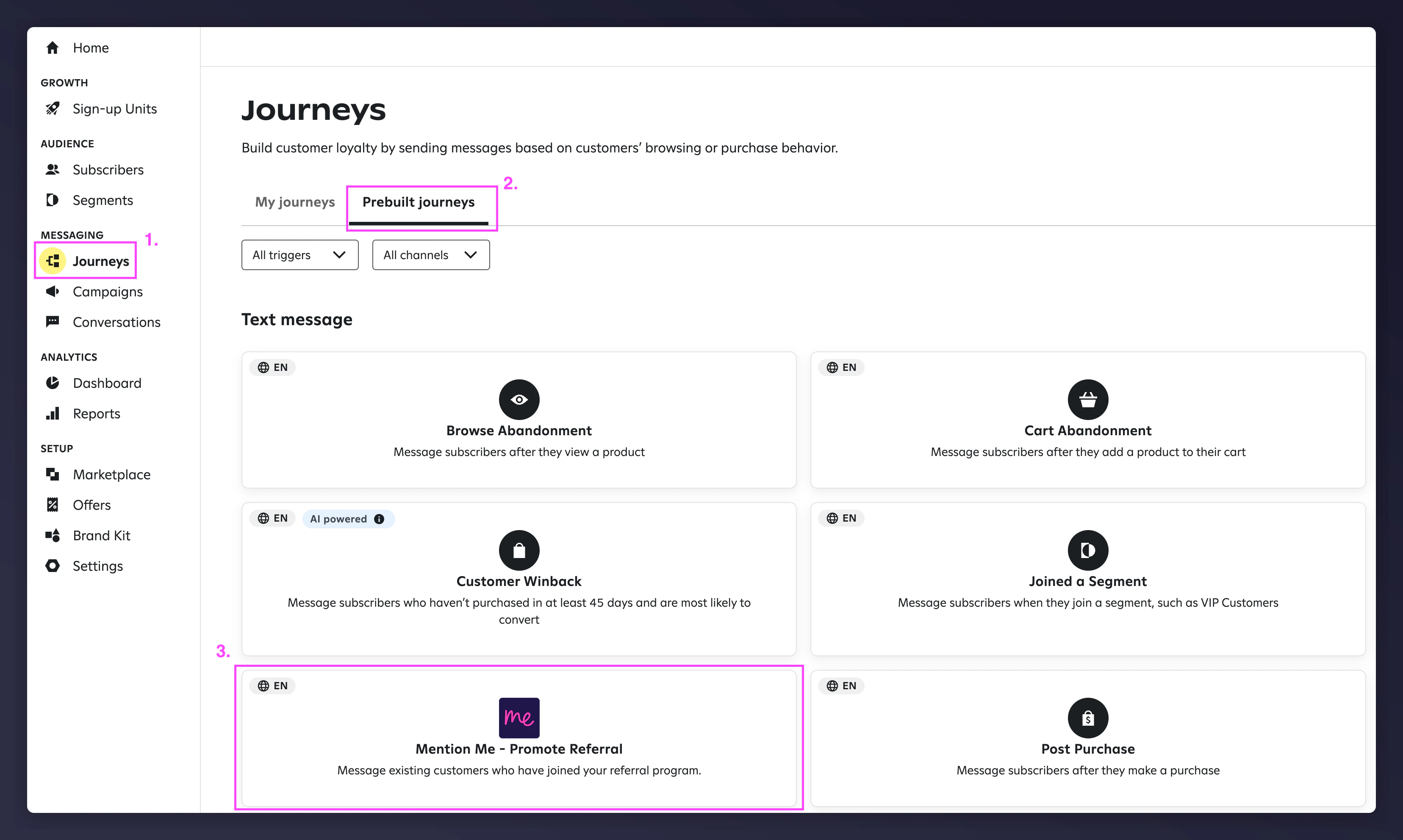
The Mention Me Promote Referral prebuilt journey in Attentive.
3
Confirm the journey trigger
The journey trigger Registered as a Referrer from Mention Me is pre-set.
The Registered as a Referrer trigger in Attentive.
4
Adjust the wait times
Adjust the wait times according to your strategy. Default delays are included.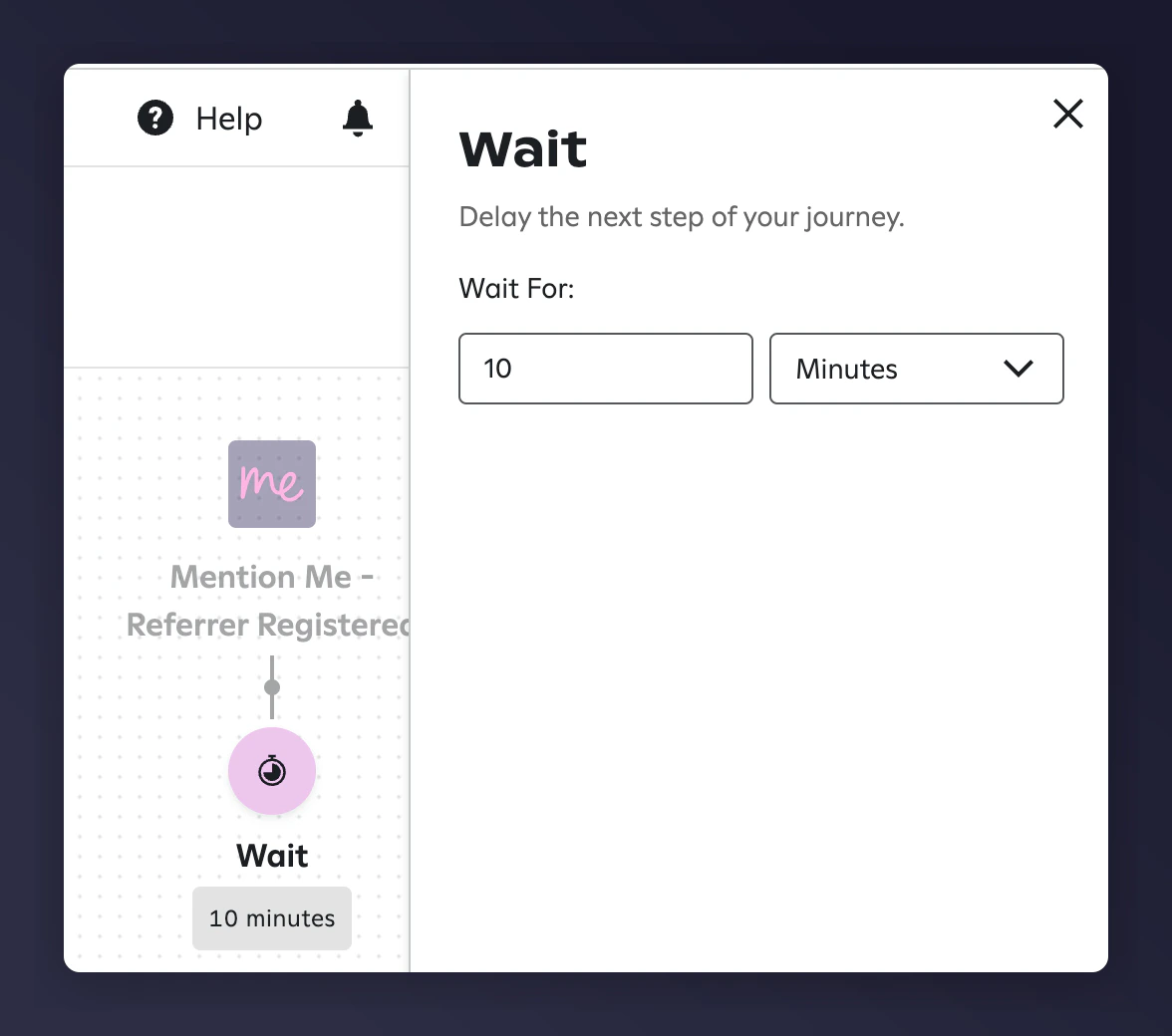
Wait time configuration in the Attentive journey.
5
Name each message
Name each message clearly to aid tracking.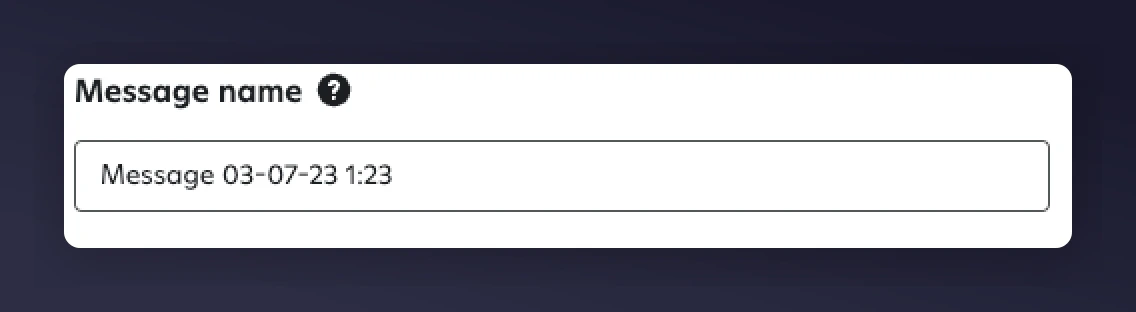
Naming messages in the Attentive journey.
6
Review or customise the message content
You can use the default SMS suggestions or customise your own. If creating custom messages, include the personalisation variables listed below.
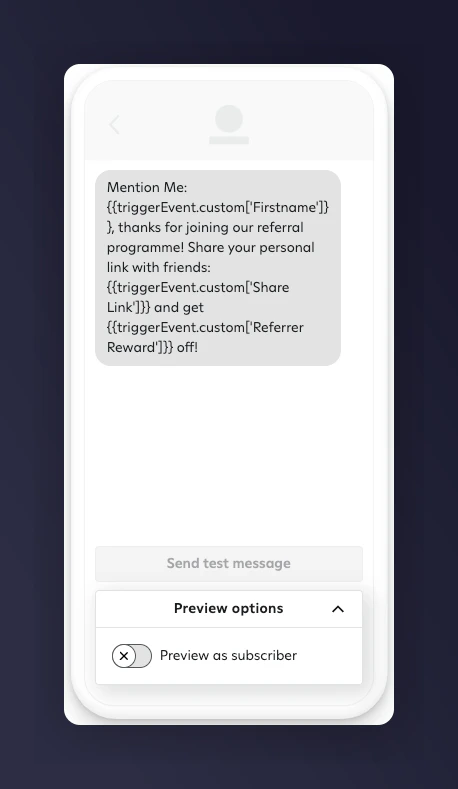
A default SMS message with personalisation variables.
Use the Preview feature to test how personalisation appears in real messages.
An SMS preview with personalised referral content.
7
Activate the journey
Activate your journey inside Attentive.
Example SMS Messages
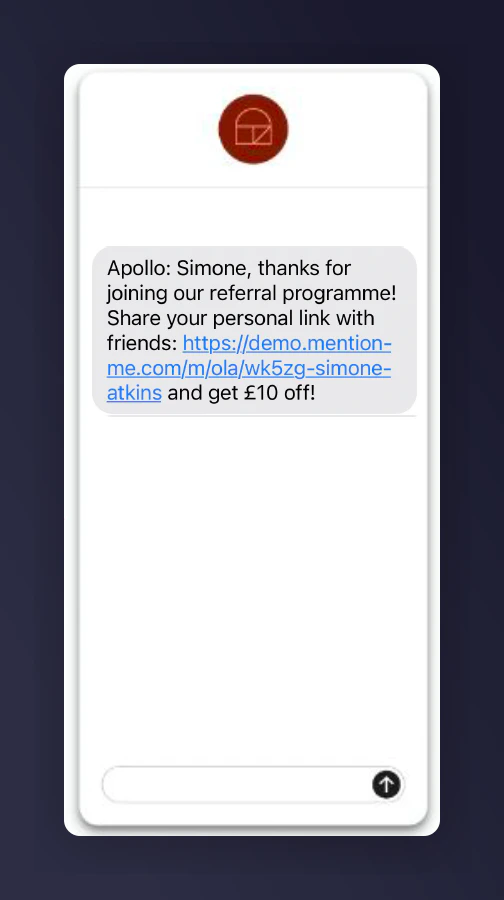
An example promote referral SMS message sent to a referrer.
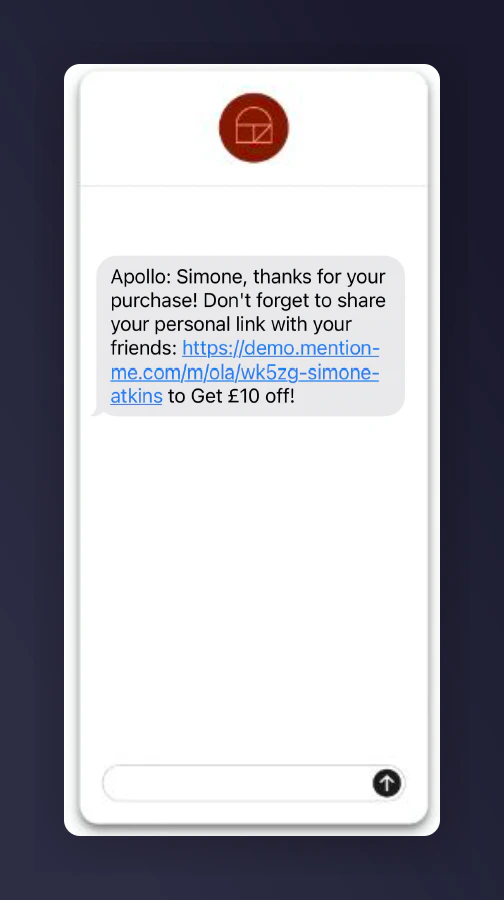
A second example promote referral SMS message sent to a referrer.
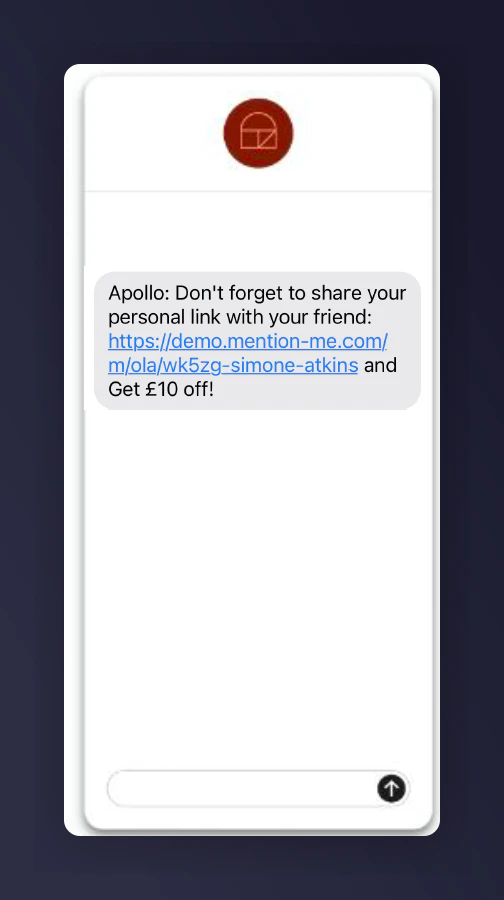
A third example promote referral SMS message sent to a referrer.