Documentation Index

Fetch the complete documentation index at: https://docs.mention-me.com/llms.txt

Use this file to discover all available pages before exploring further.

About Audience Builder

Audience Builder lets you create seed audiences from your first-party referral data, synchronise them with Google, and use them as a signal for Performance Max campaigns in Google Ads.
Audience Builder is available as an add-on. Reach out to your Mention Me Account Manager to learn more and upgrade if needed.

Prerequisites

  • At least Admin permission for your Google Ads account.
  • Access to the Mention Me platform (contact your CSM if you do not have access).

Step 1 — Connect your Google Ads Account

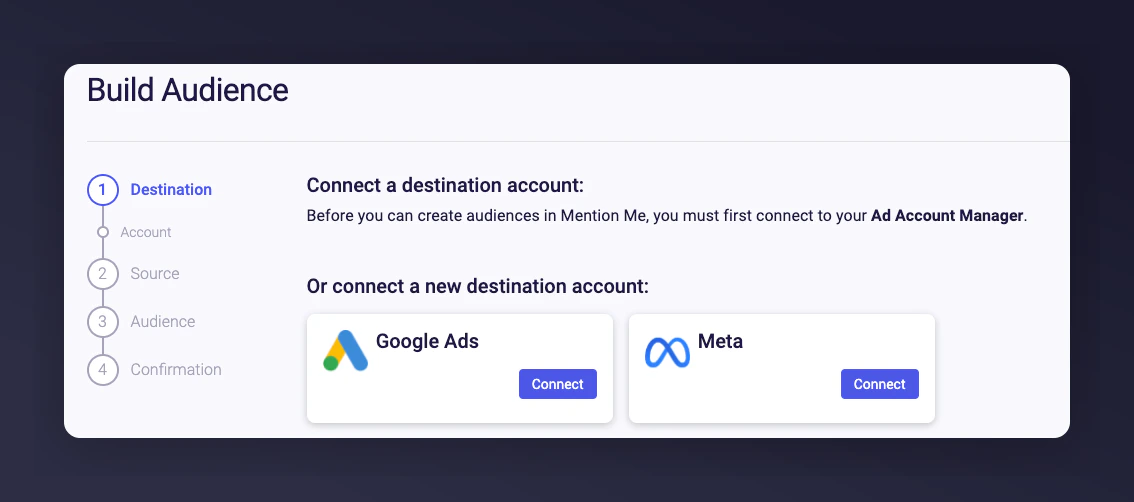
On the Mention Me platform, select Google and click Connect. Mention Me Audience Builder Connect button with Google selected
1

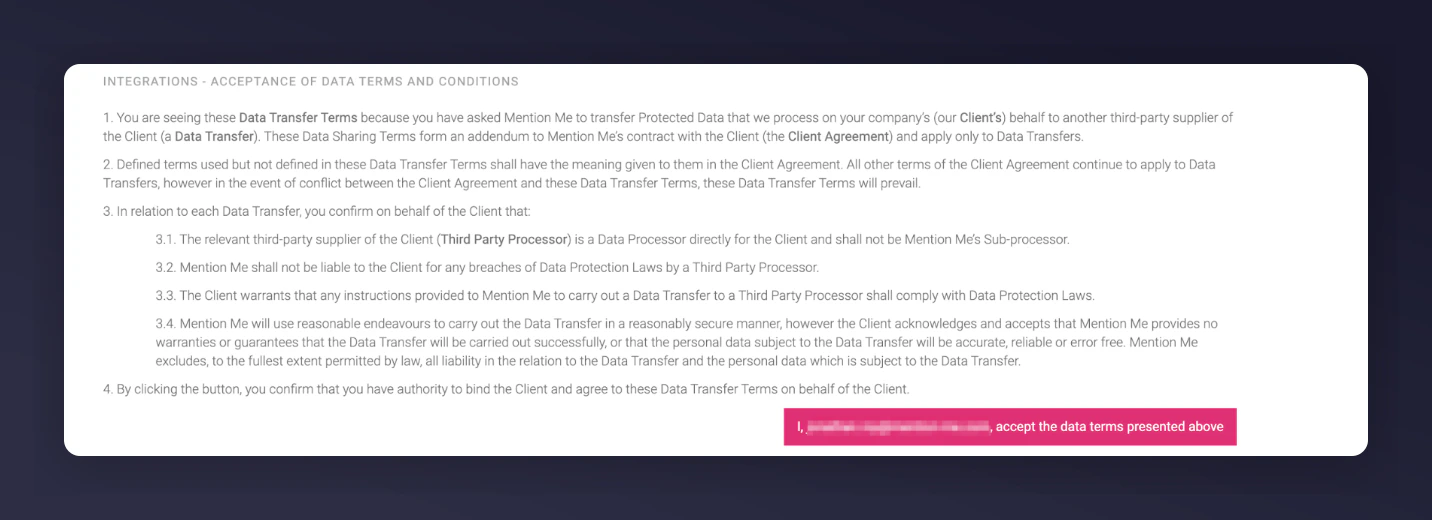
Agree to the Terms and Conditions

Allow Mention Me to transfer data to Google on your behalf.Terms and Conditions acceptance for Google data transfer
2

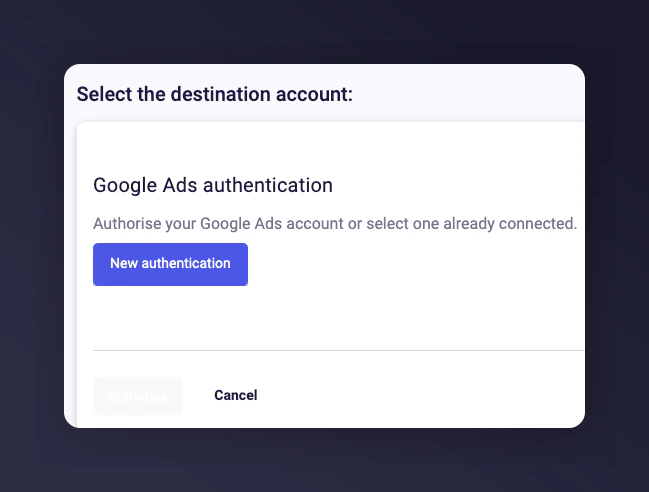
Create a new authentication

Create new authentication dialog
3

Name your authentication and select Create
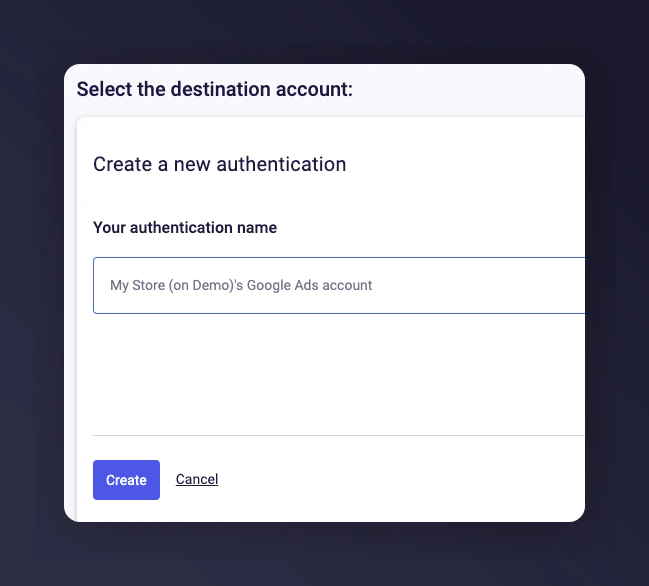
Naming the Google authentication
4

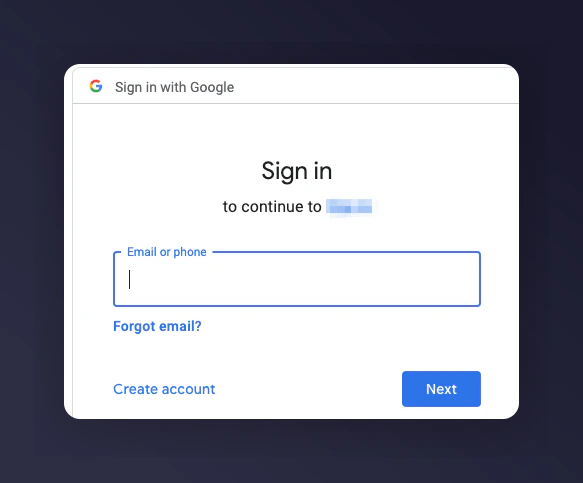
Log in with your Google credentials

Google login screen
5

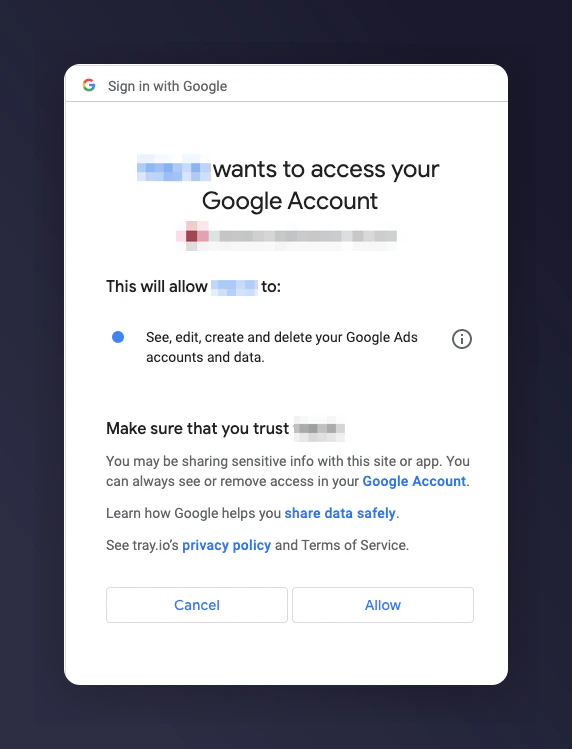
Grant Mention Me permission

Granting Mention Me permission to access Google
6

Authorise the authentication

7

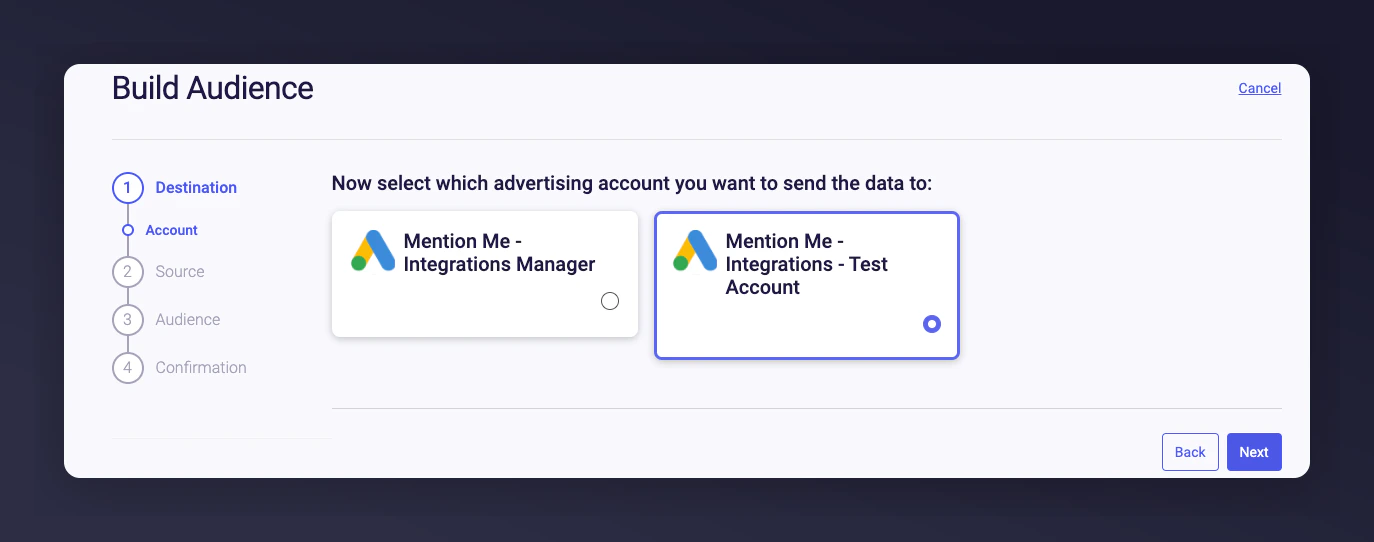
Select the Google Ads Account

Choose which account to send your Mention Me data to.Selecting Google Ads Account to send data to

Step 2 — Build your audience

1

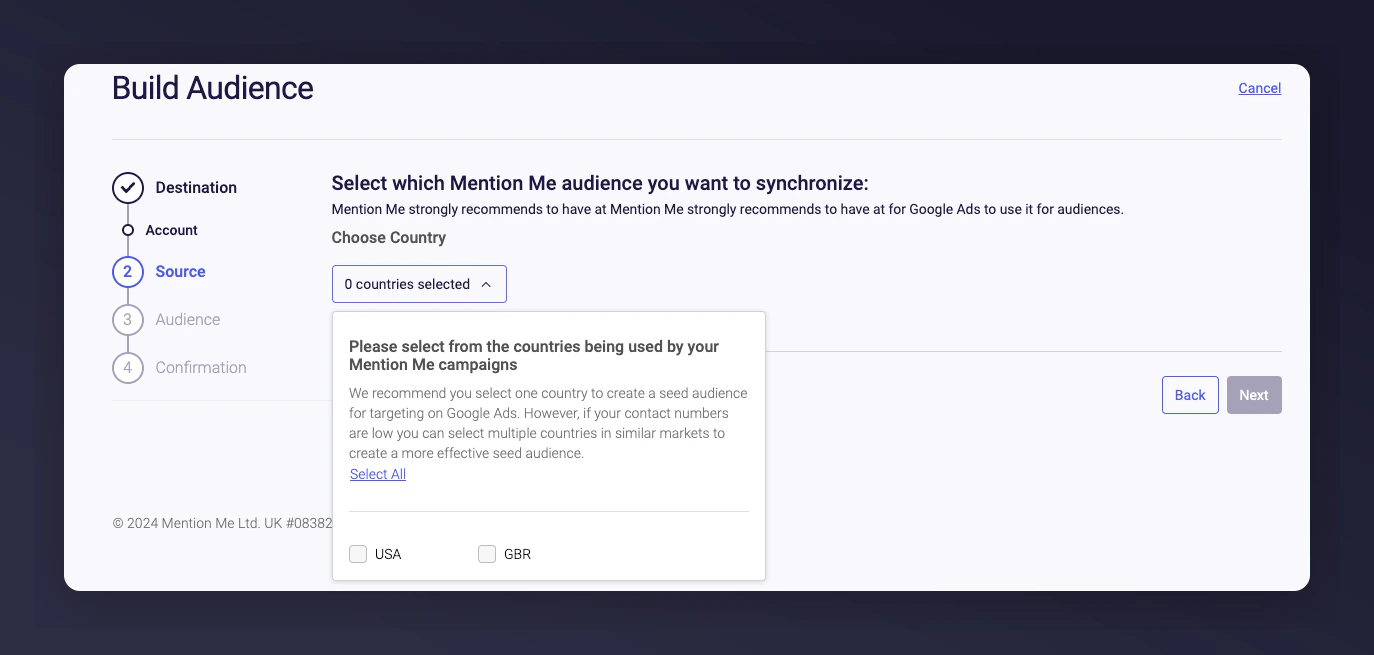
Select the country(s)

Choose which countries to build the audience from.Country selection for audience building
Select one country per seed audience for best results. If contact numbers are low, select multiple countries in similar markets.
2

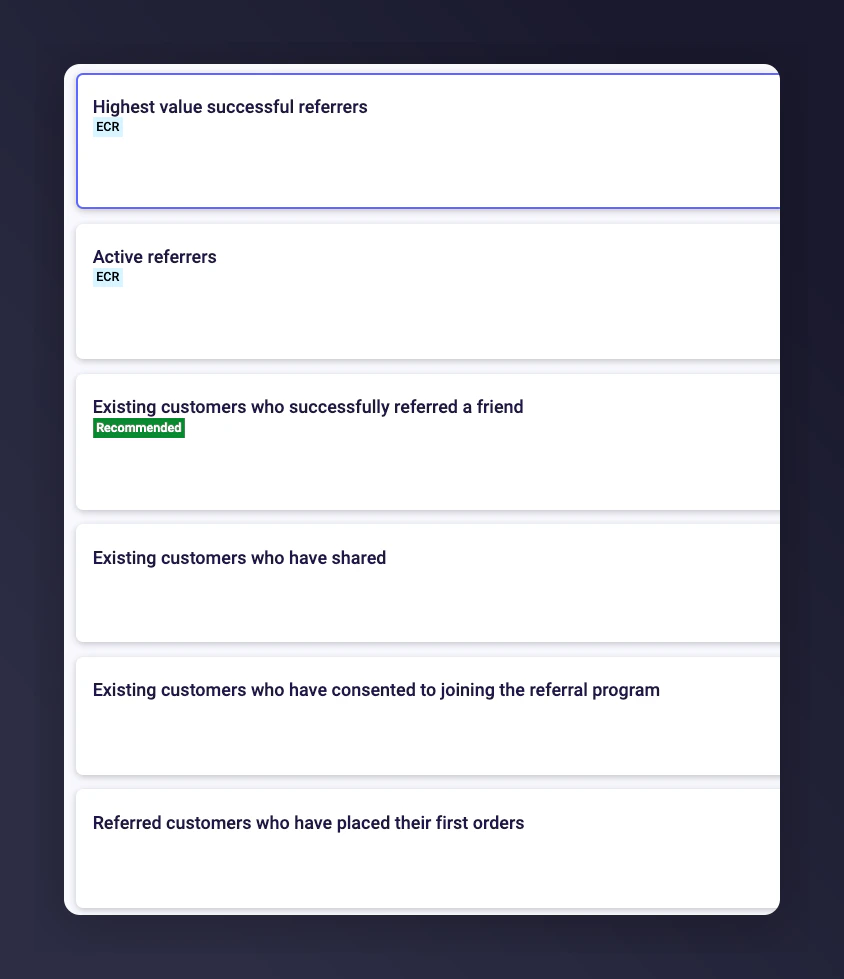
Select the dataset and click Next

We recommend Existing customers who have successfully referred a friend. If you have fewer than 1,000 contacts, choose the next dataset in the list.Dataset selection with audience options and contact counts
Audience data is collected from your best customers over the last 12 months:
Audience data setDescription
Highest value successful referrers (ECR)Advocates with the greatest revenue when accounting for both their spend and their friends’ spending. Learn more about ECR
Active referrers (ECR)Advocates who have either referred or purchased recently. Learn more about ECR
Existing customers who successfully referred a friendOur recommended data set — your biggest brand advocates.
Existing customers who have sharedHighly engaged advocates.
Existing customers who have joined the referral programmeCustomers on the path to becoming advocates.
Referred customers who have placed their first ordersNew customers gained from your advocates.

Step 3 — Name your audience

Name your audience and click Next.
  • A default name is created automatically. This name appears in your Google Ads Manager.
  • Use a naming convention that is easy to identify.
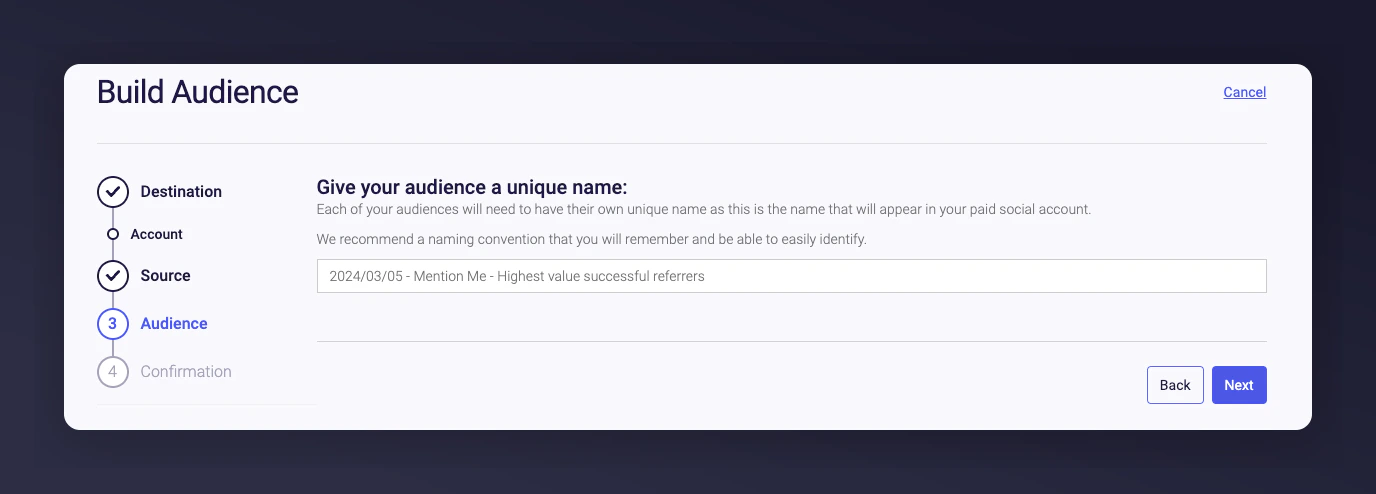
Naming the Google Ads audience Confirm that you have the relevant consents required by law or by Google to enable Mention Me to process this data.
  • You can edit the audience name directly on this page.
  • The build starts immediately but can take 24-48 hours for Google to process.
  • Email addresses are hashed before being sent to Google.
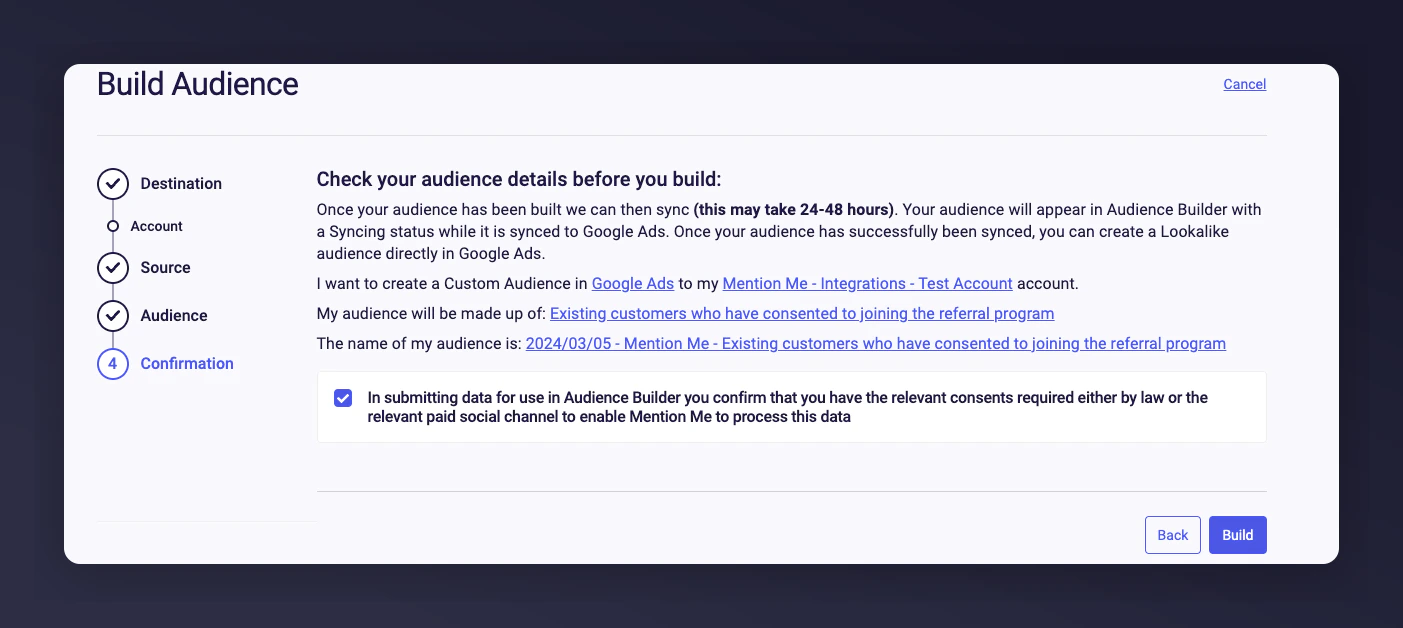
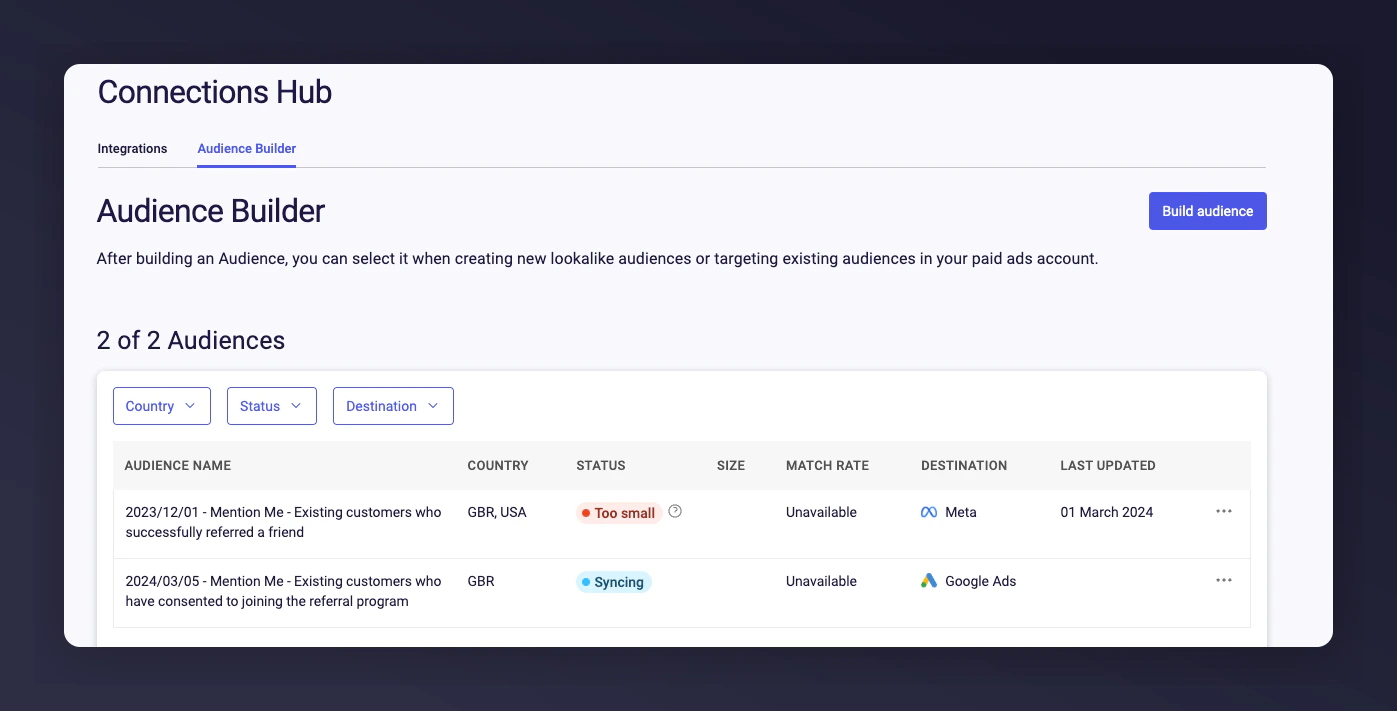
Consent confirmation and audience review screen Once the build starts, the summary screen lets you view all audiences with contact counts and build new audiences. Your audience updates weekly with new customers meeting the selection criteria. Audience summary showing all audiences with contact counts Any created audience appears as a Customer Match in Google (in Audience Builder).
  • Effective audiences need a minimum of 1,000 contacts, but aim for 5,000+ as a realistic starting point due to variable match rates.
  • If your recommended audience is too small, create another based on the next valuable dataset.

Step 5 — Use audiences in Performance Max campaigns

Google retired Similar Audiences in August 2023, replacing them with Performance Max. You can use your Mention Me Customer Matches as a signal to start campaigns with Performance Max.
Last modified on March 31, 2026