

About This Flow
This Klaviyo flow nudges your top brand advocates (referrers) to continue sharing with friends to earn additional rewards. By implementing this flow, you can:- Increase active customer revenue
- Increase premium customer revenue
- Increase retention
- Suggested copy
- Variables from Mention Me events
- Customer profile attributes
Prerequisites
- An active Mention Me referral programme that rewards customers.
- The latest version of the Mention Me x Klaviyo integration is enabled. Check integration status:
- Enabled - you are good to go.
- Not Connected - follow this setup guide.
- Working knowledge of Klaviyo personalisation variables.
Supported Channels
Basic Workflow
- A customer refers a friend and receives a reward.
- After 4 days, an email reminder is sent (with consent), encouraging further sharing via their share link.
- After 14 days, a second reminder email is sent.
Mention Me cannot legally send these reminders due to GDPR, so you must configure them in Klaviyo.
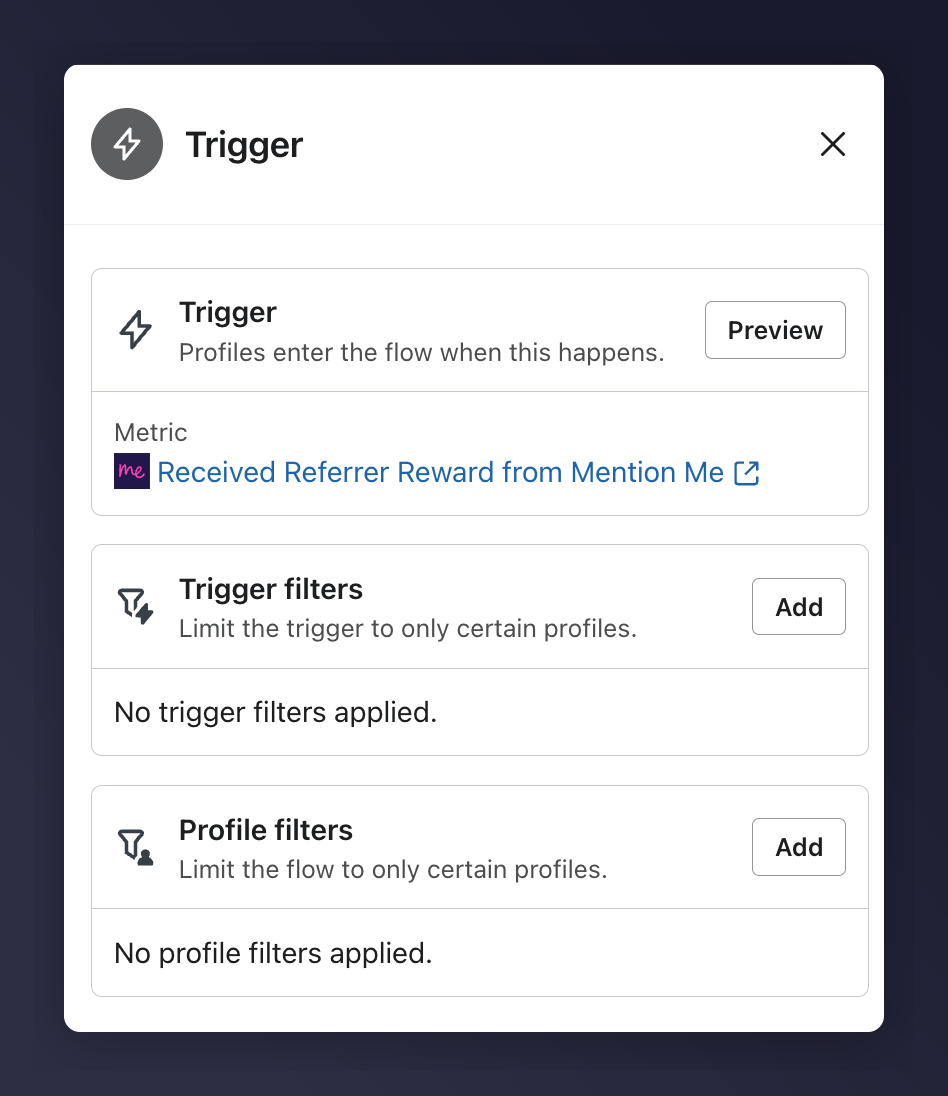
An overview of the share again reminder flow.
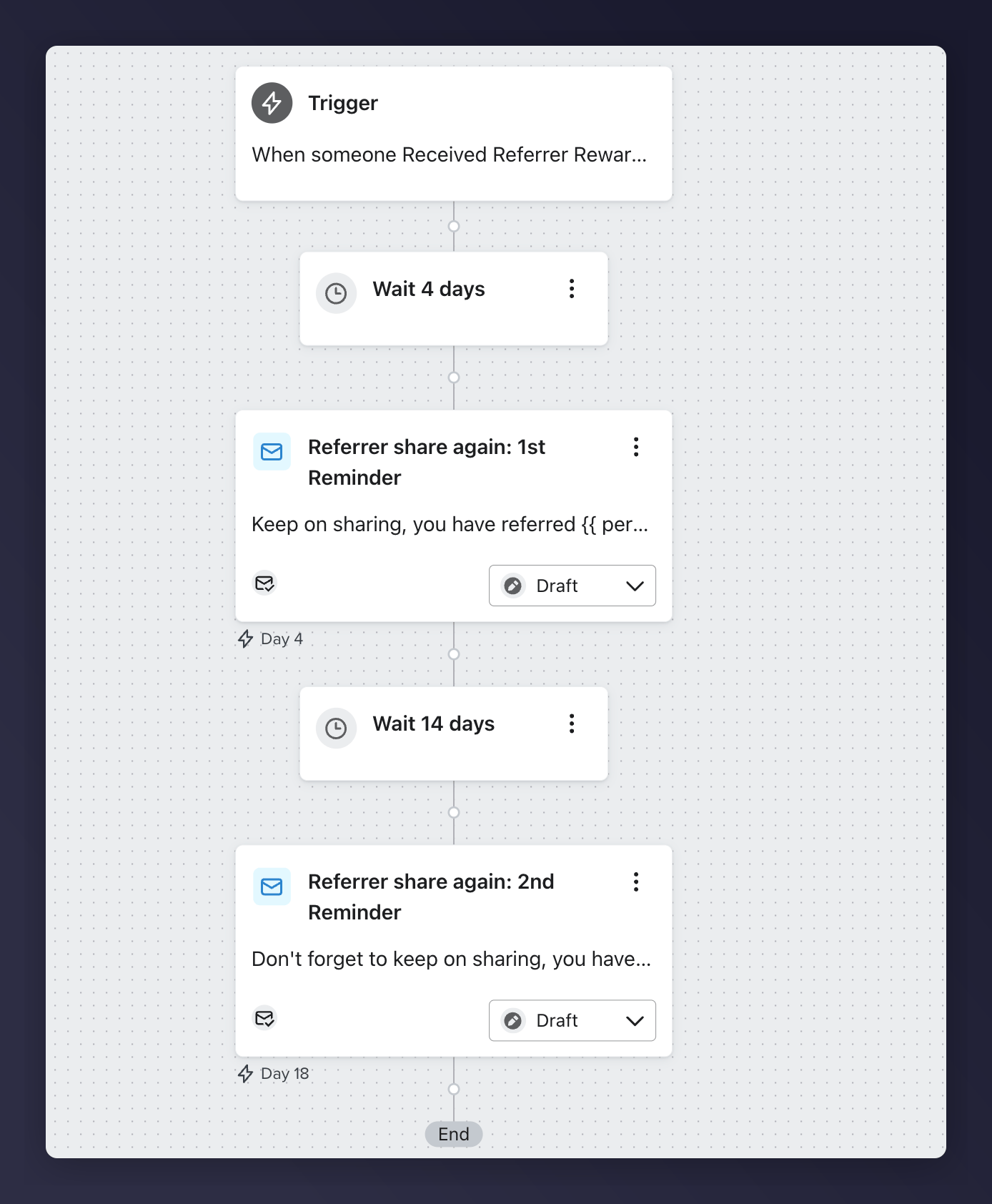
Flow detail showing email steps and wait periods.
Steps to Create the Flow
Step 1: Install the Flow
1
Open Klaviyo Flows
Log into Klaviyo Flows.
2
Select Mention Me
Select Mention Me from the integrations.
3
Select the flow
Select Referrer Share Again Reminder.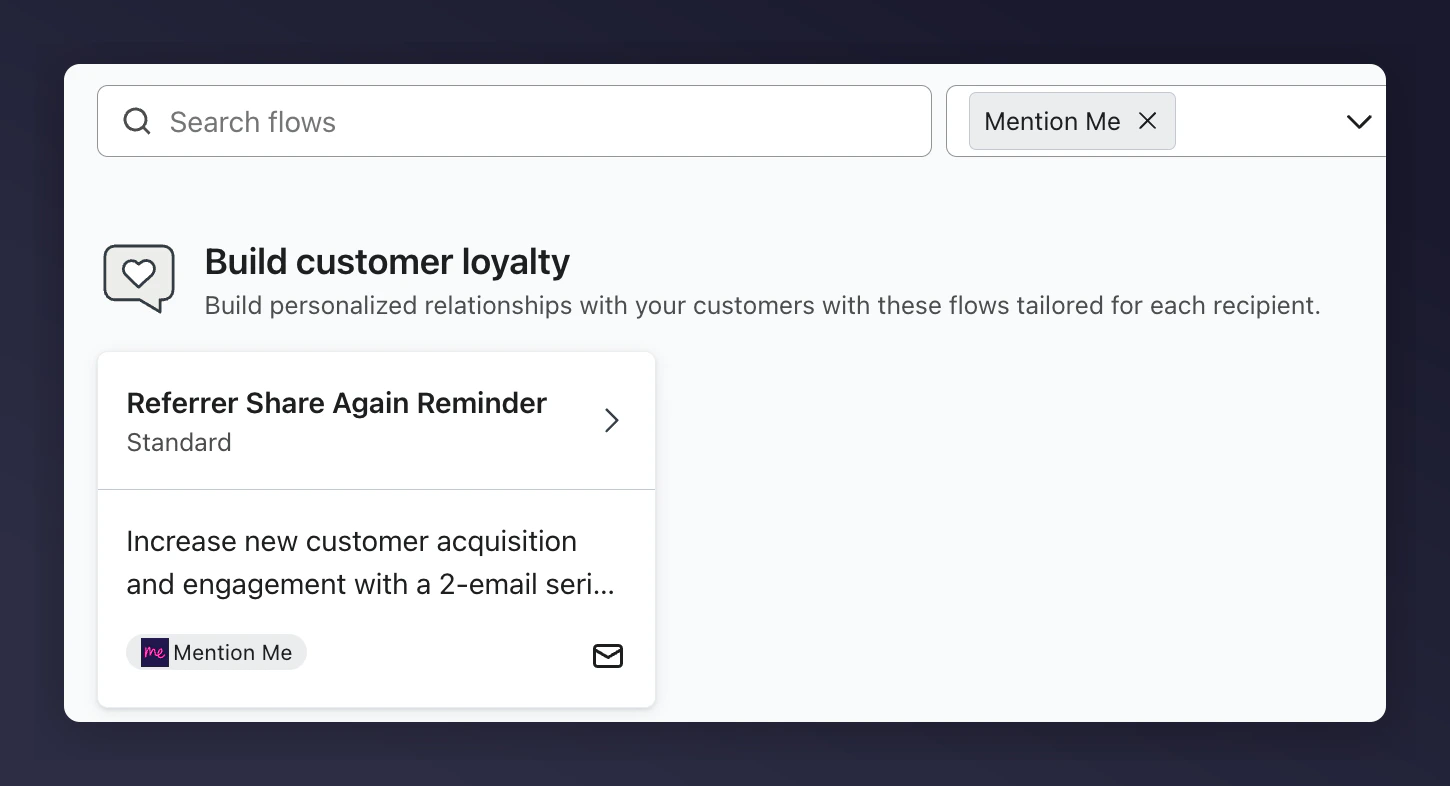
The Klaviyo flow library with Mention Me Referrer Share Again Reminder selected.
Step 2: Add Content to Reminder Emails
- Update images, logos, and styles to match your brand.
- Use Mention Me recommended variables where possible.
Reminder Examples
Populated Email Examples
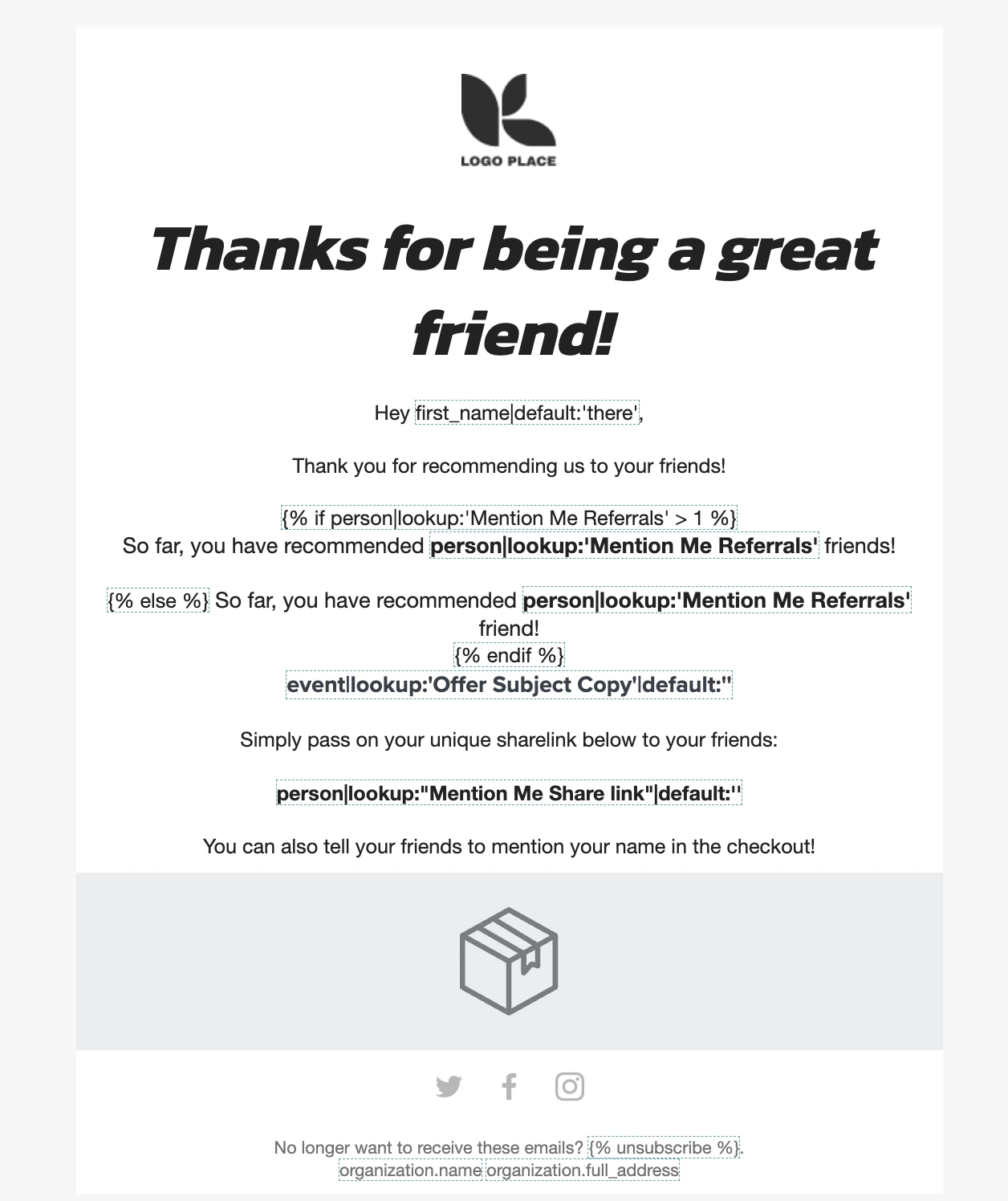
A populated share again reminder email at the first reminder stage.

A populated share again reminder email at the second reminder stage.
Personalisation Variables
Step 3: Test the Preview
1
Preview and test
Click Preview & Test.
2
Select a matching profile
Select a profile who matches the trigger criteria.

Klaviyo Preview and Test for the first share again reminder.
Klaviyo Preview and Test for the second share again reminder.
Step 4: Activate the Flow
Once everything is tested and finalised, click Review and Turn On in the flow design screen.
The Klaviyo Review and Turn On button to activate the share again flow.