

About the Integration
Activate your biggest fans by feeding first-party advocacy data directly into Klaviyo to deliver higher engagement, retention, and revenue across your customer base.Integration Capabilities
- Send contact data and opt-ins from Mention Me referred customers to Klaviyo in real-time
- Use referral data to create coupon email reminders
- Enhance other marketing channels by using referral and advocacy data to segment and target high-value customers
Prerequisites
- Mention Me - Access to the Mention Me platform. If you do not have access, reach out to your Mention Me CSM or submit a support request.
Step 1: Set Up the Integration in Mention Me
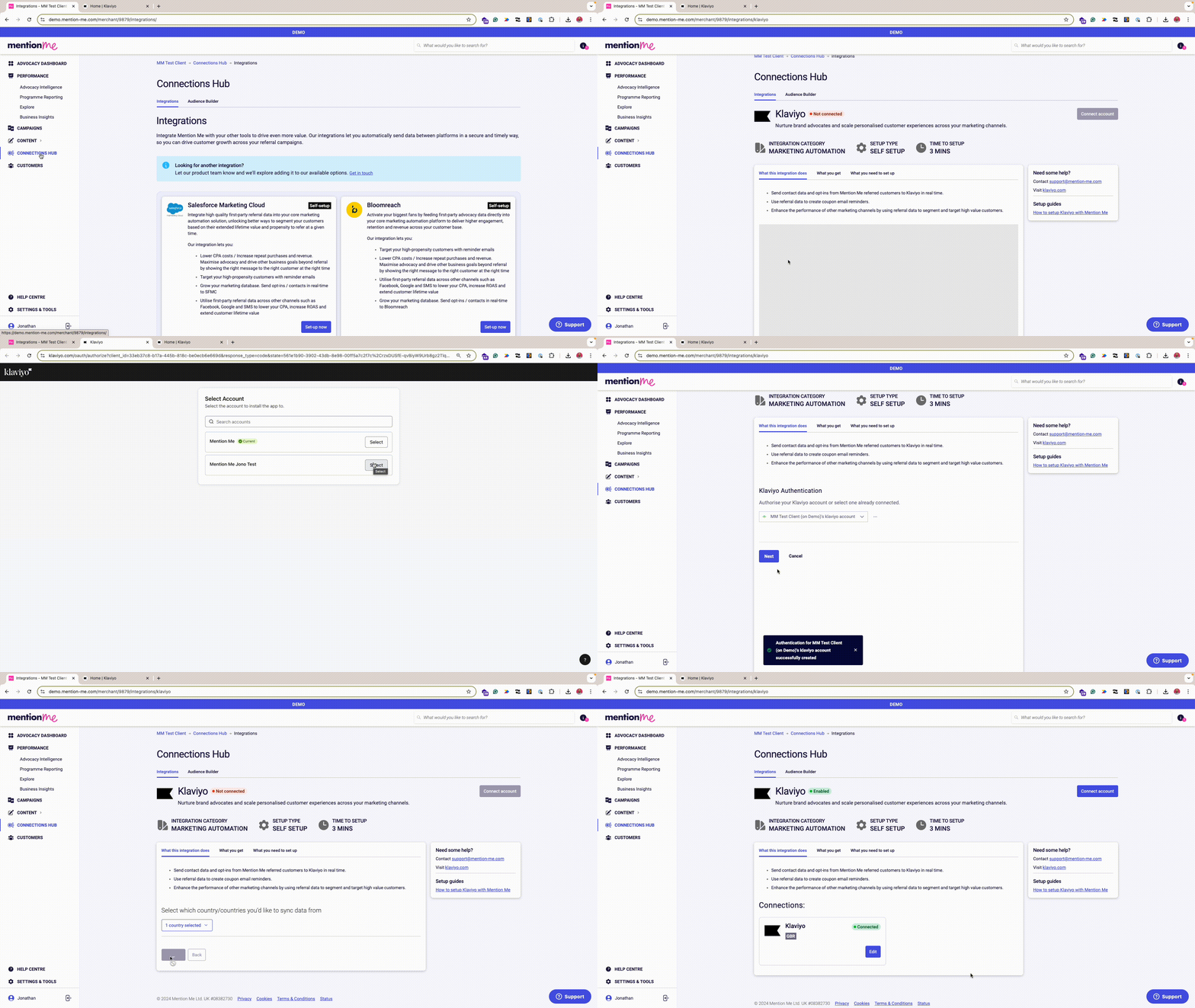
Overview of the Klaviyo integration setup process.
Log into Mention Me
Click Connect to begin setup
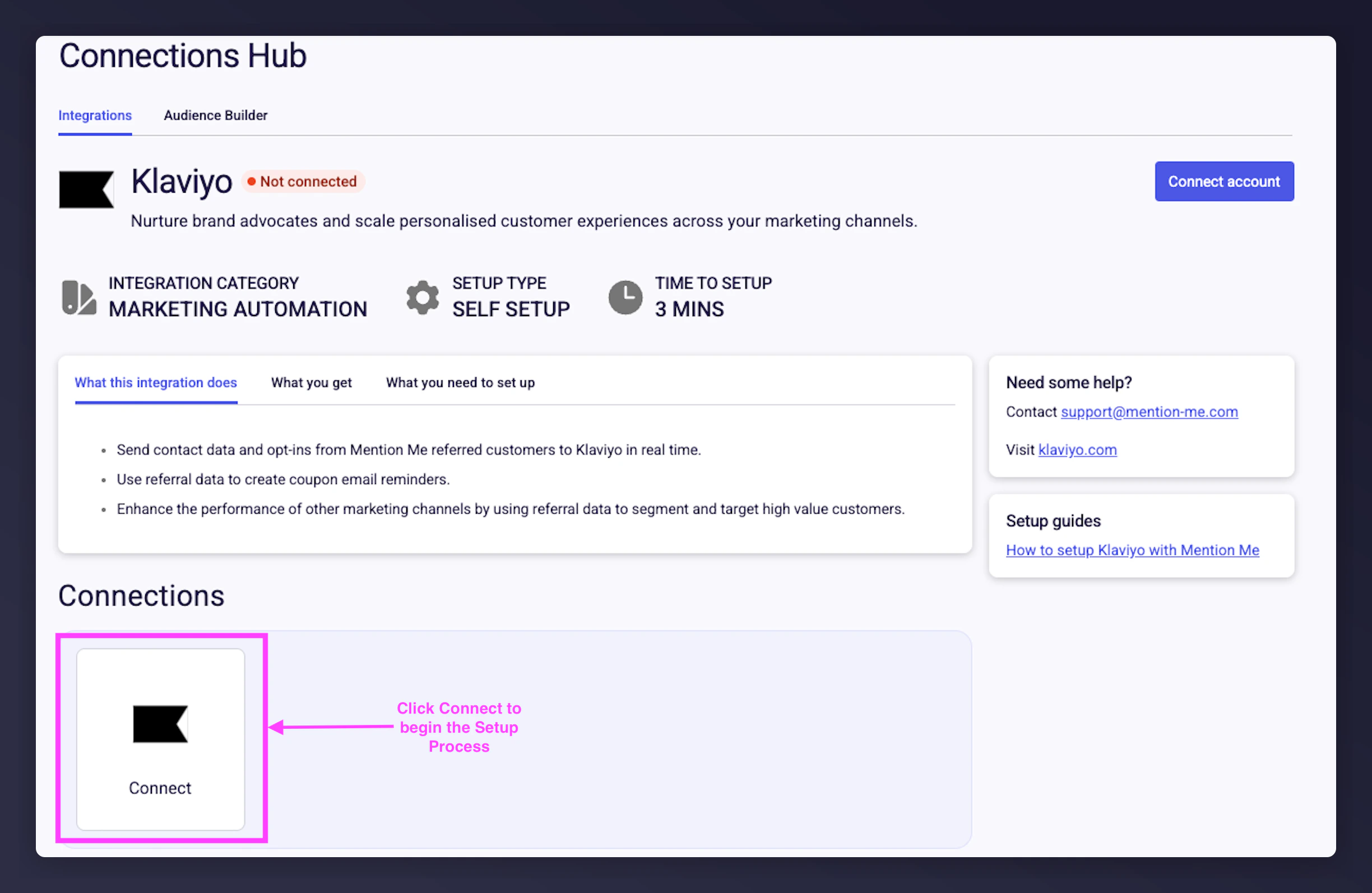
The Mention Me Klaviyo integration page showing the Connect button.
Agree to Terms and Conditions
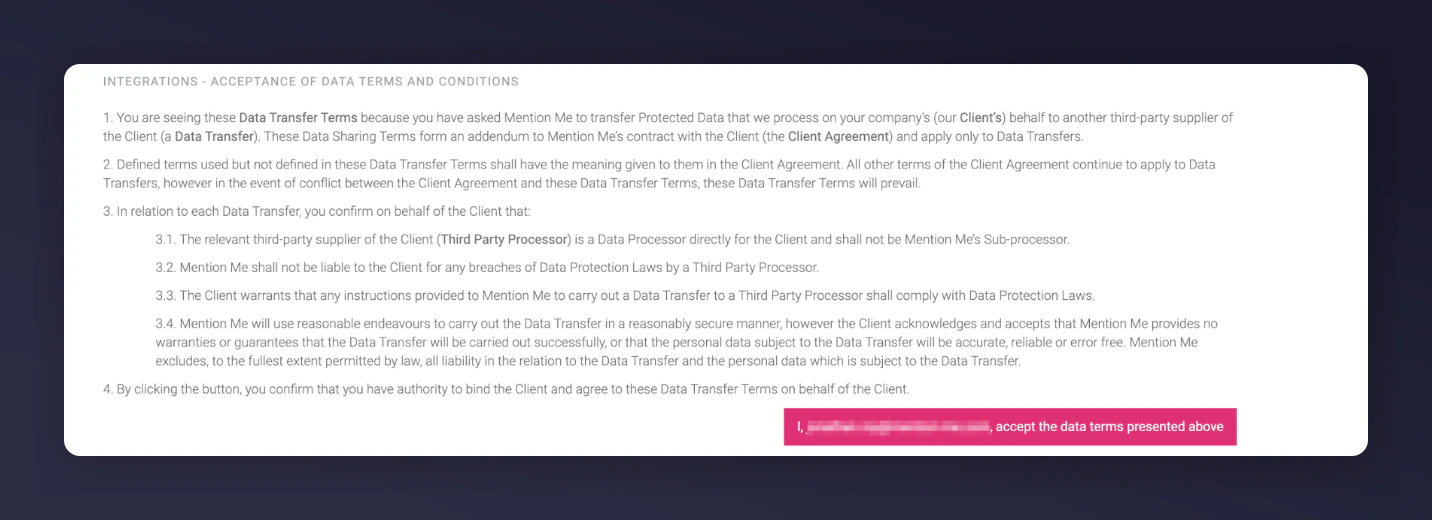
The Mention Me terms and conditions acceptance screen for the Klaviyo integration.
Click New authentication
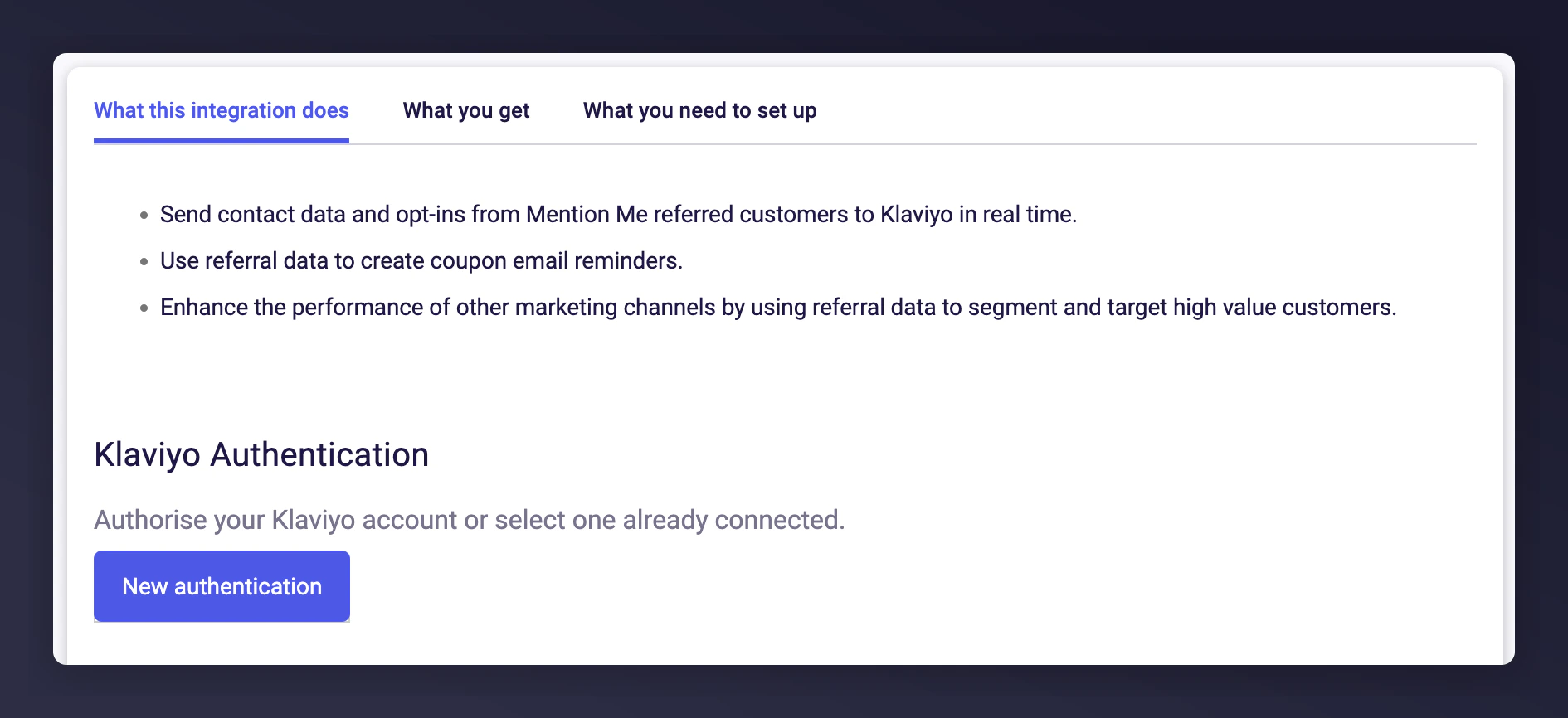
The Mention Me New Authentication button for Klaviyo.
Name your authentication
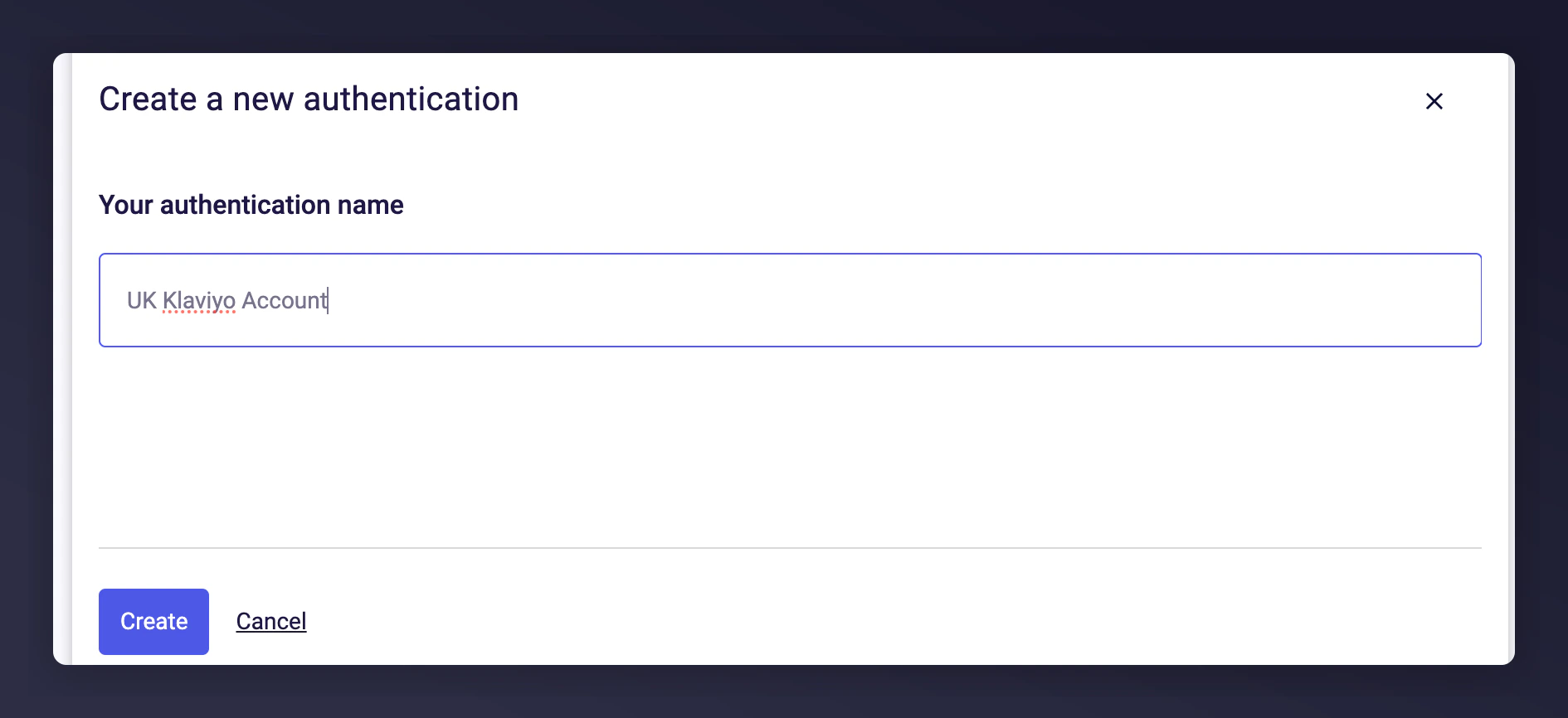
The authentication name input field in Mention Me.
Log in with Klaviyo details
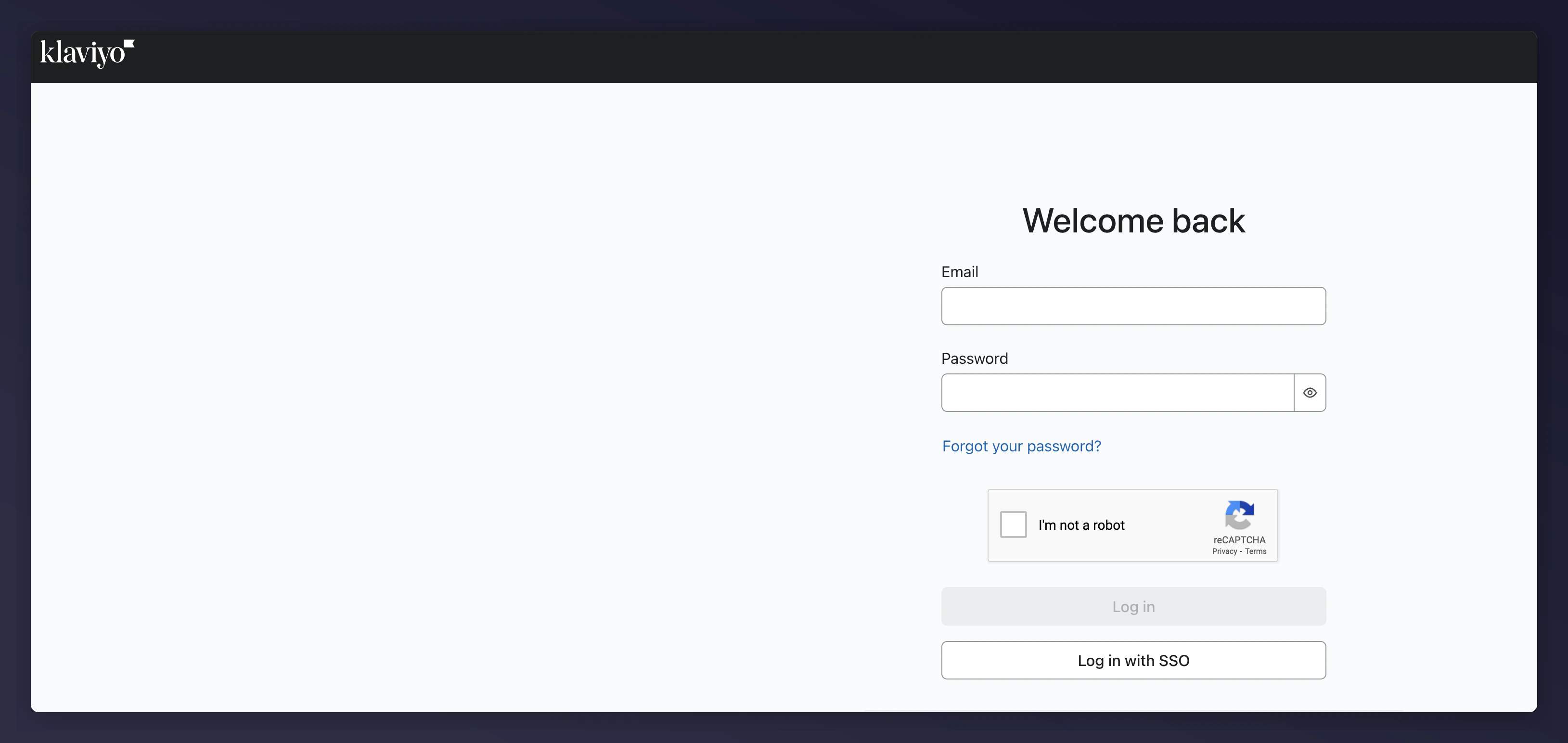
The Klaviyo login page for authentication.
Select the account to link
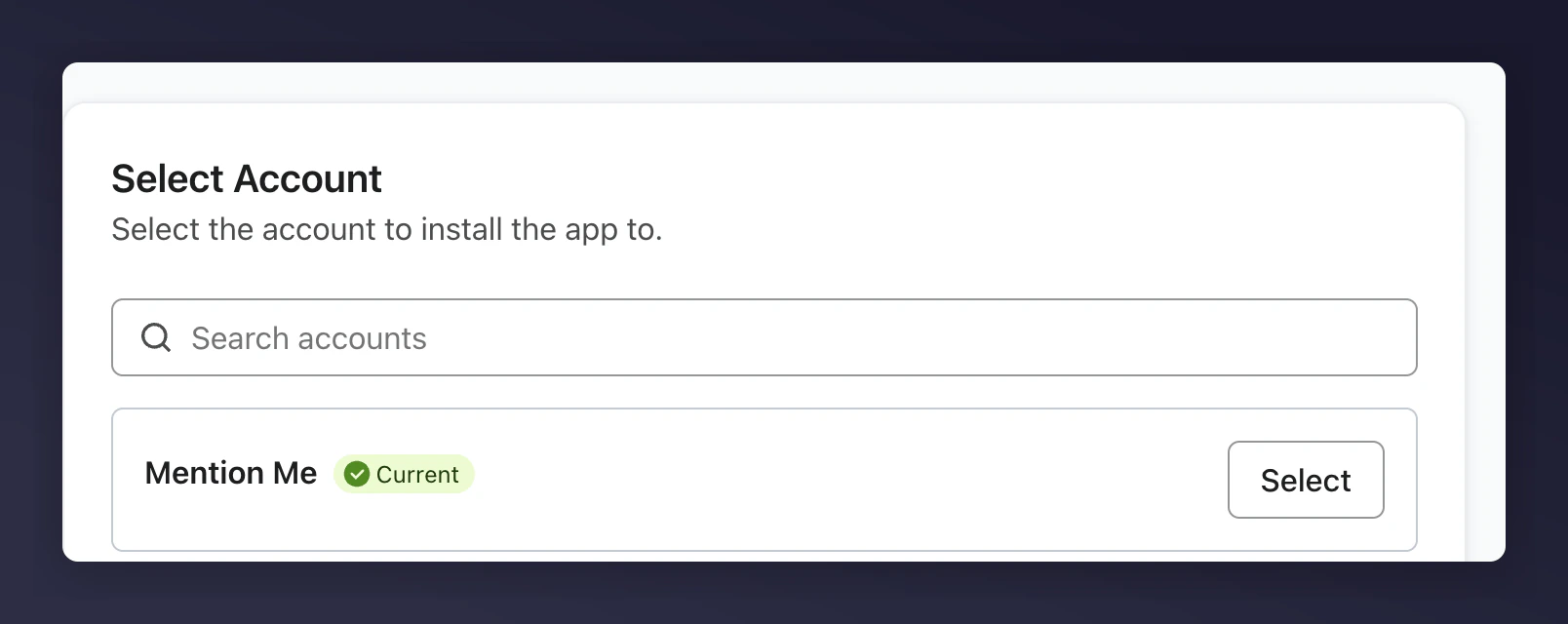
The Klaviyo account selection screen for the Mention Me integration.
Grant Mention Me permission
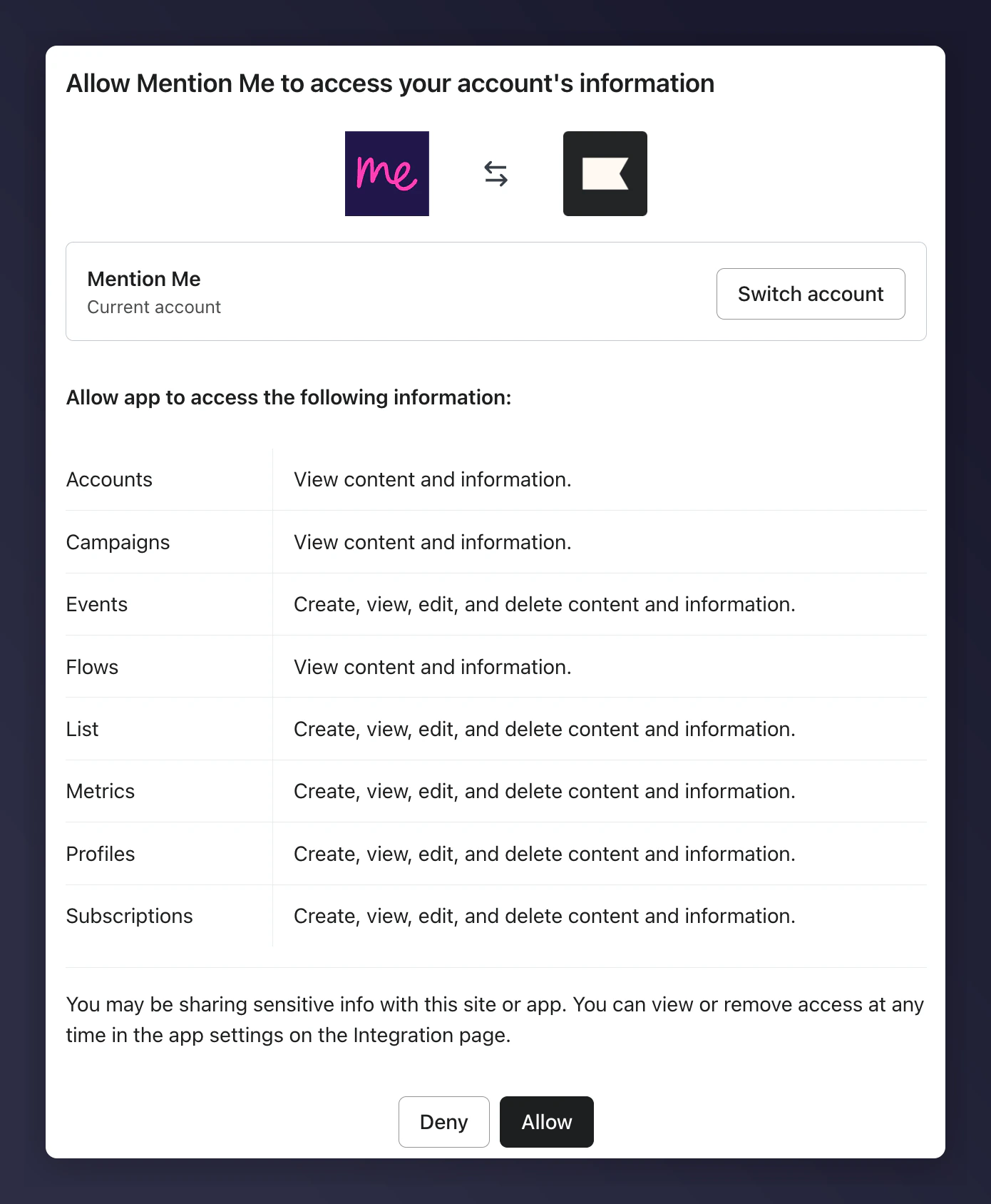
The Klaviyo permissions grant screen for Mention Me access.
Select the newsletter list
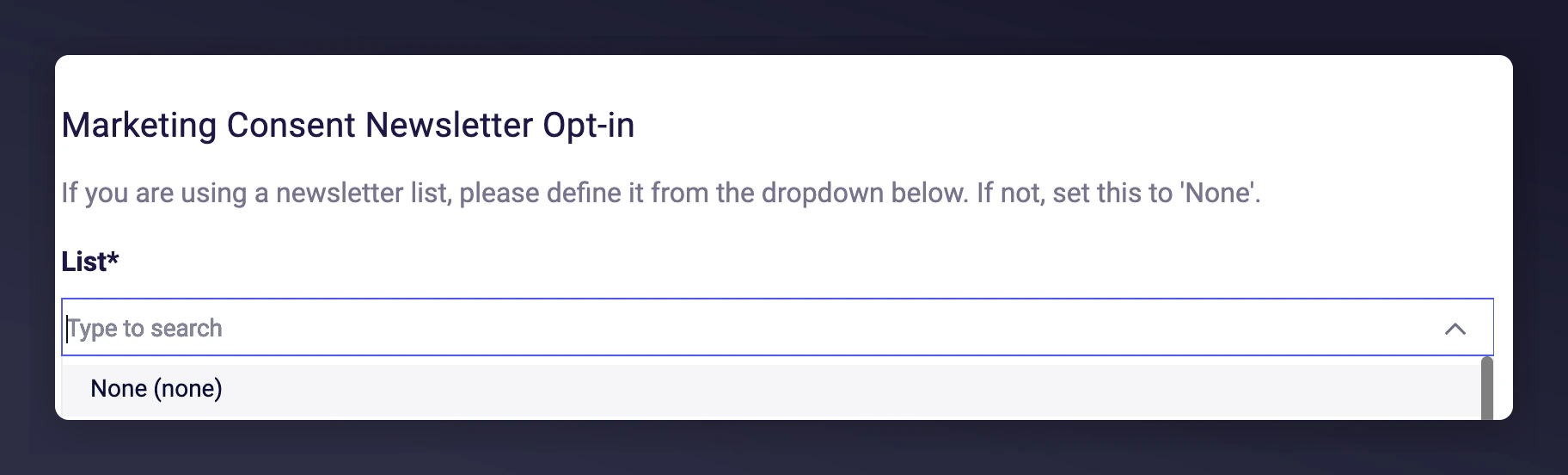
The newsletter list selection screen for Klaviyo opt-ins.
Choose or create a list for opt-ins
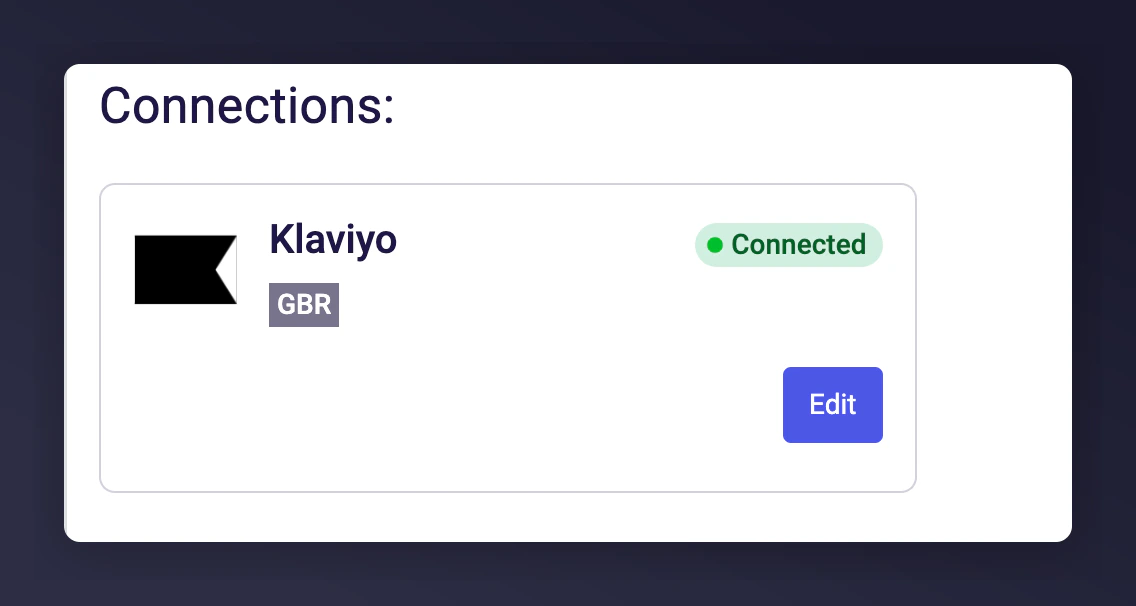
A Klaviyo list showing Mention Me as the contact source.
Verify the contact source
$source for contacts will show as Mention Me.Select countries to sync
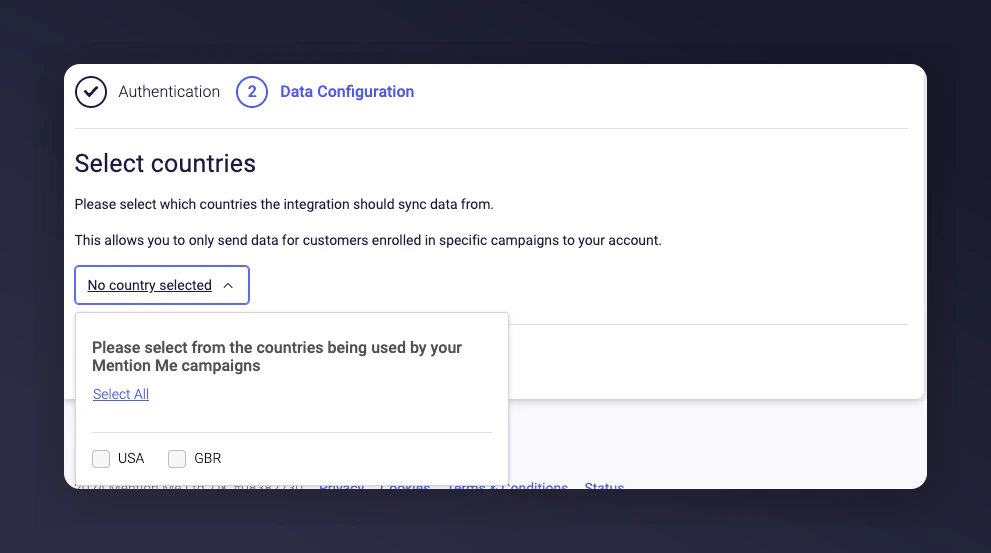
The country selection screen for Klaviyo data sync in Mention Me.
Click Connect to finish setup
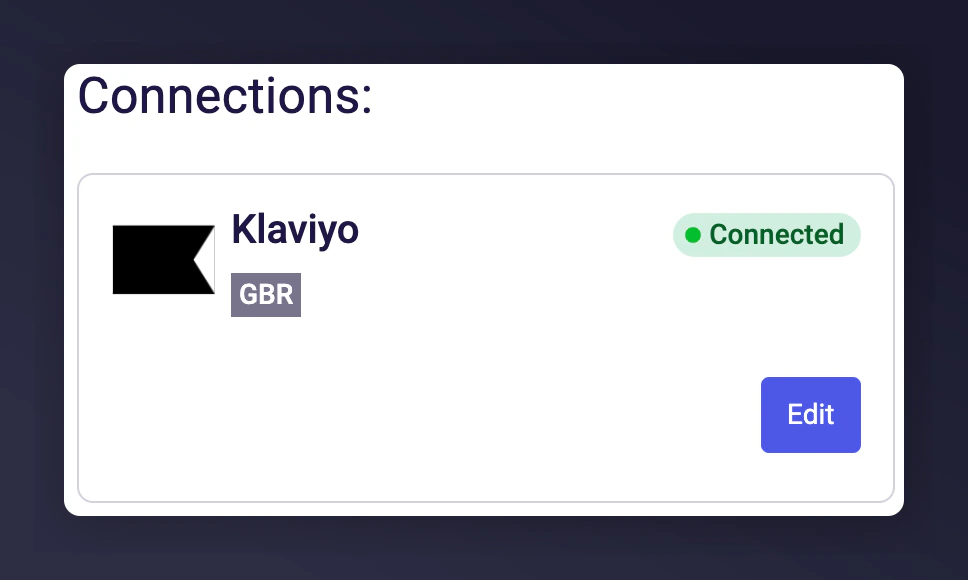
The Mention Me Klaviyo integration setup confirmation screen.
Confirm events are syncing
Contact support if needed
Multiple Account Setup (Optional)
To integrate a second Klaviyo account, click Connect Another Account and repeat the setup steps.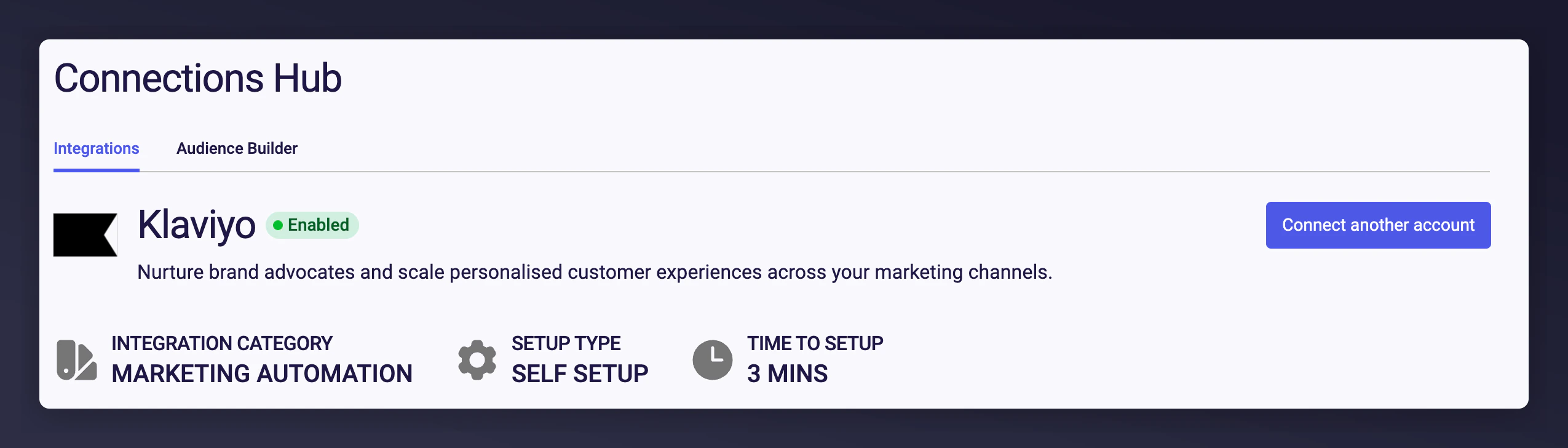
The Mention Me Connect Another Account option for linking multiple Klaviyo accounts.
Step 2: Enable Pre-Configured Flows
Mention Me provides pre-built flows with email templates you can activate in Klaviyo:- Referee Coupon Reminder - 3-email series encouraging referees to use their first-purchase coupon.
- Referrer Coupon Reminder - 3-email sequence nudging referrers to redeem their reward.
- Reminder to Share Again - 2-email flow motivating past customers to refer again.
Supplying Klaviyo Credentials for Opt-In Triggering Rules (Optional)
Use this section if you have requested to enable checking of customers’ opt-in status before showing a newsletter sign-up overlay. This is separate from the full Klaviyo integration above.Prerequisites
- Klaviyo - Ability to create private API Keys.
- Mention Me - Access to the Mention Me platform.
Step 1: Provide Klaviyo Private API Key
Log into Klaviyo
Navigate to API Keys
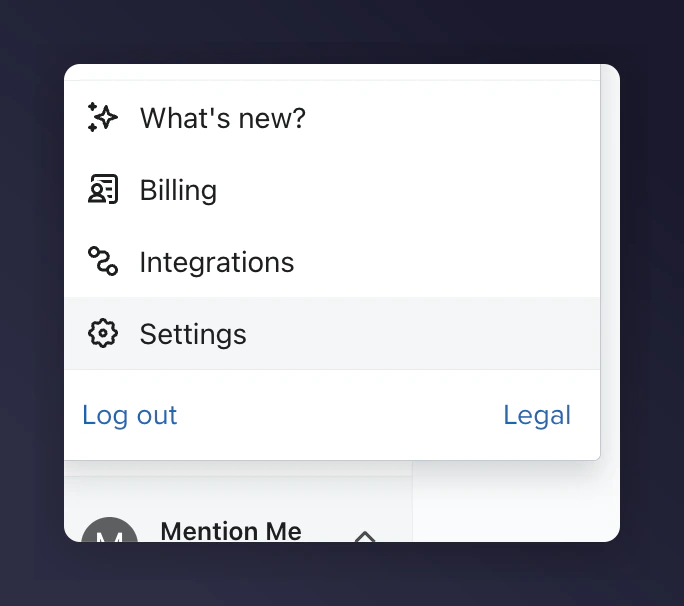
The Klaviyo Settings menu navigating to API Keys.
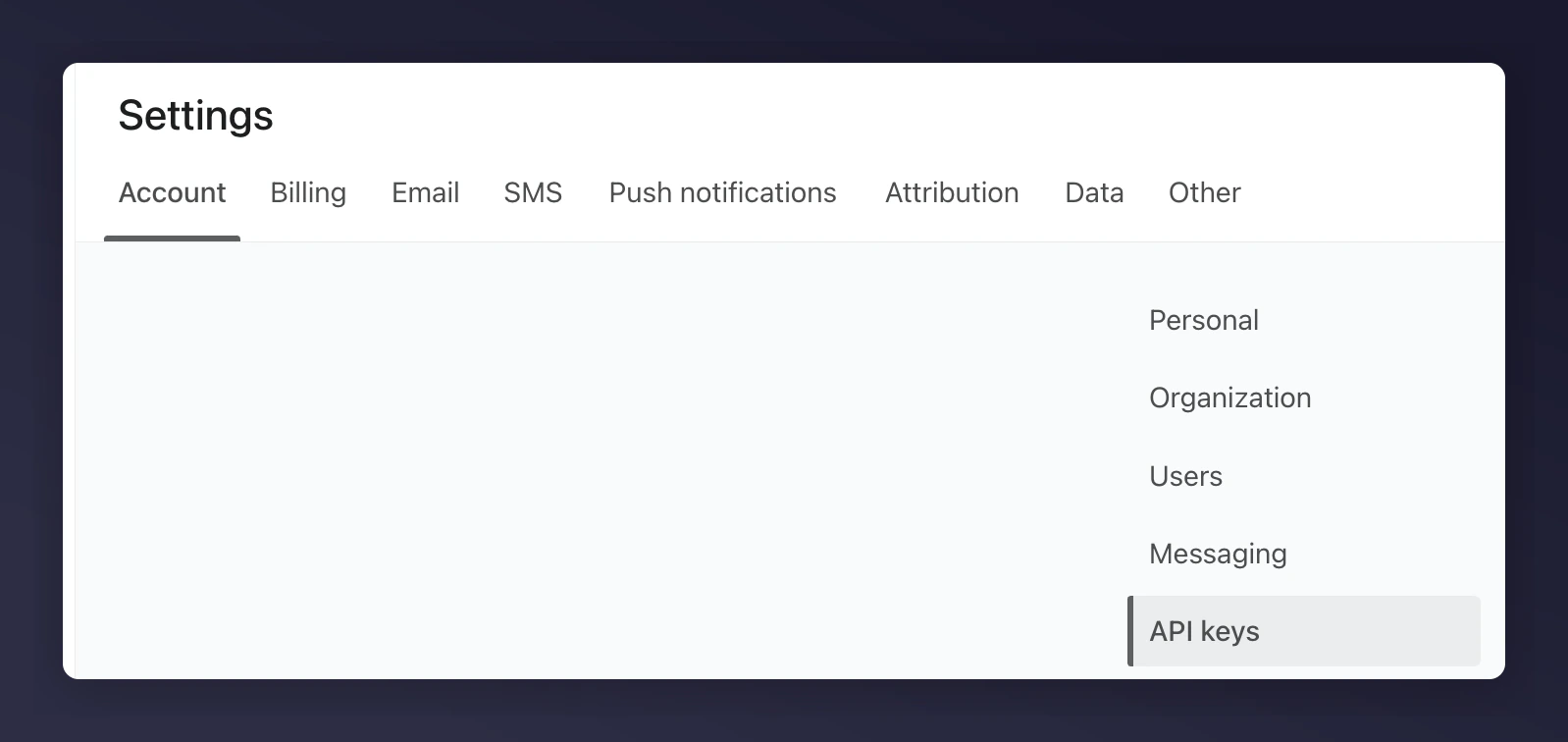
The Klaviyo API Keys settings page.
Create a Read-Only API key
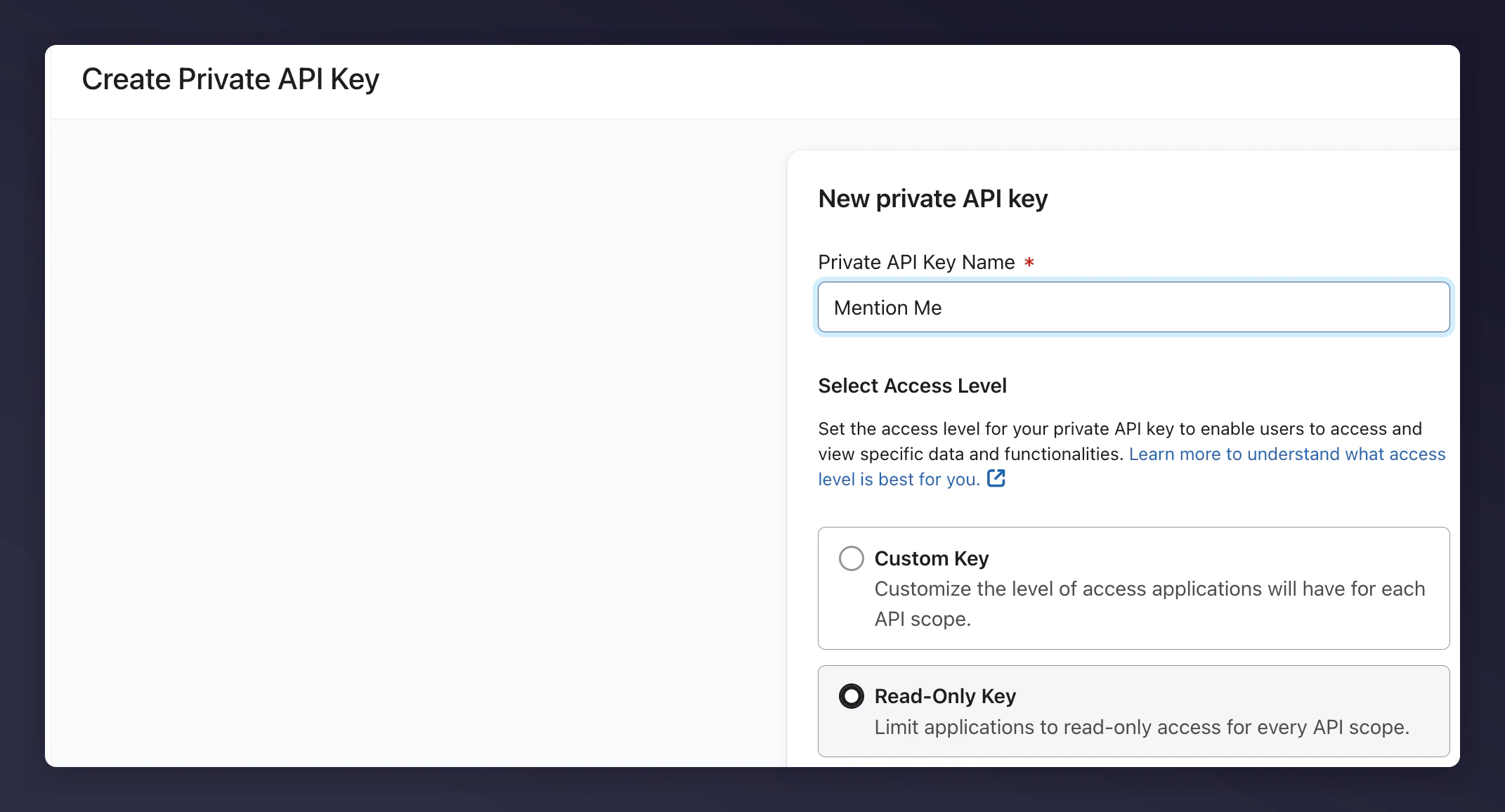
Creating a Private API Key with Read-Only permissions in Klaviyo.
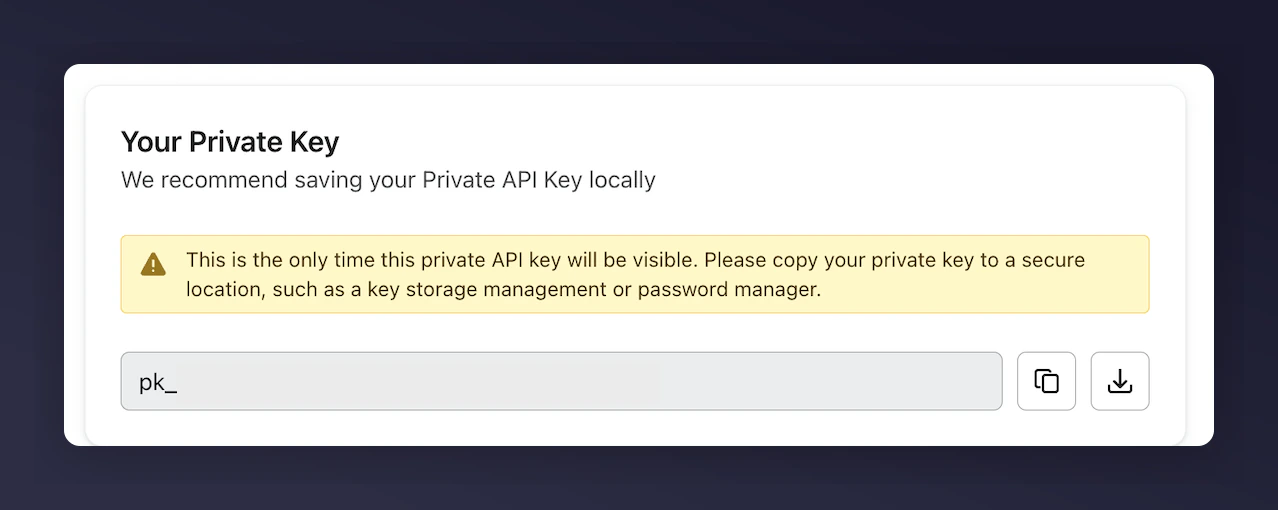
Download the credentials
Step 2: Send the API Key Securely to Mention Me
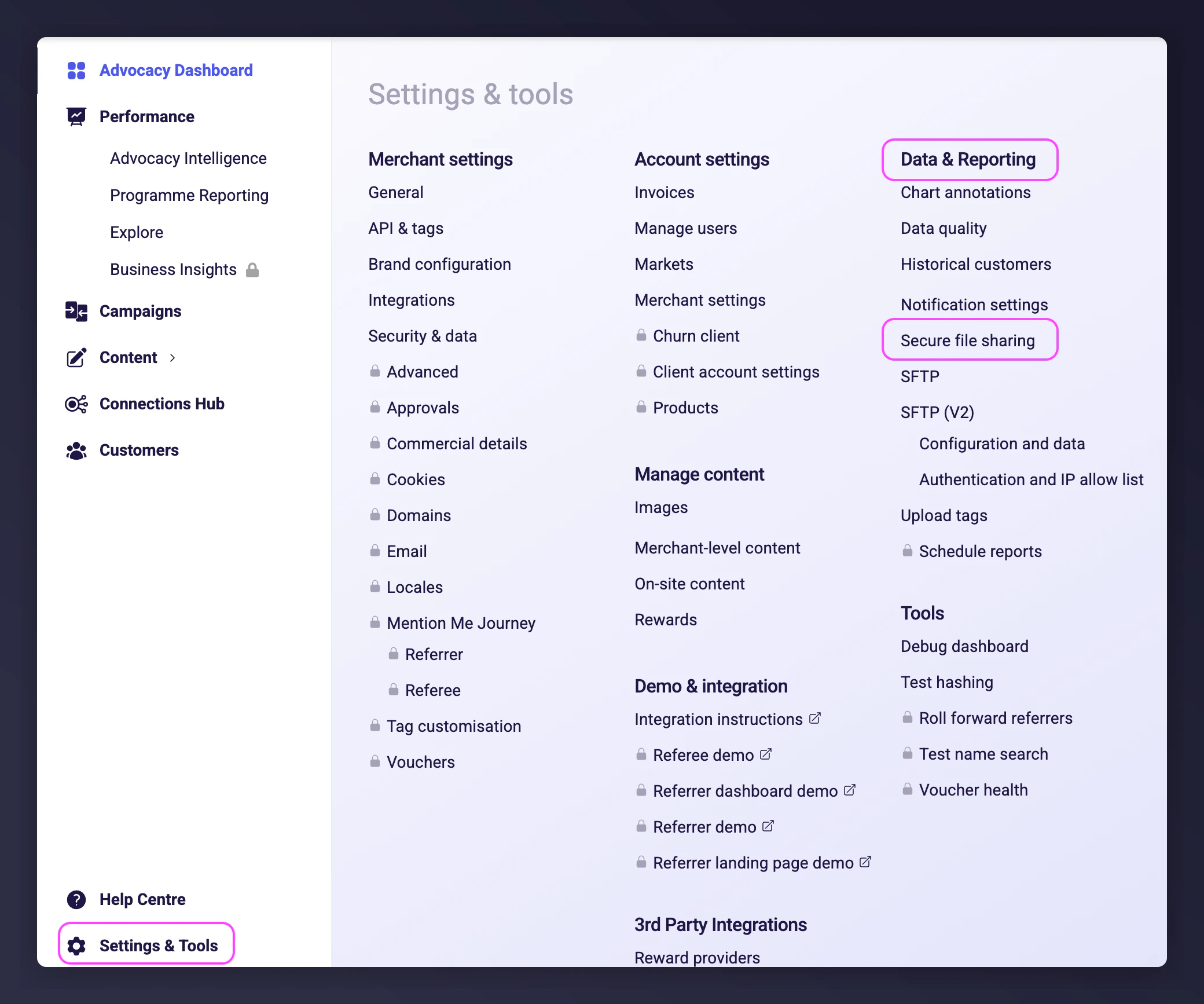
The Mention Me platform showing secure file transfer navigation.
Log into Mention Me
Navigate to Secure file transfer
The Mention Me secure file transfer page under Settings and Tools.
Upload your API key file
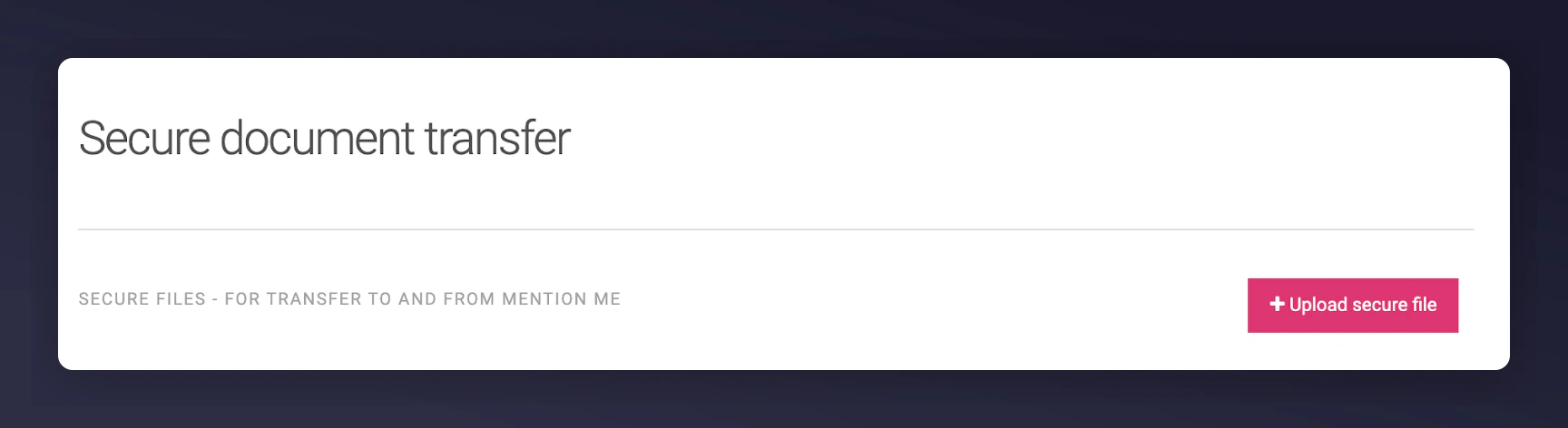
The Mention Me Upload secure file button.
Notify your CSM