

How It Works
Mention Me allows you to track promotion performance usingsituation parameters added to referral touchpoint URLs. This enables you to compare the effectiveness of various marketing channels via the Promotion Points report.
The Basics
Use the?situation= parameter on your referral URLs to define where the touchpoint took place.
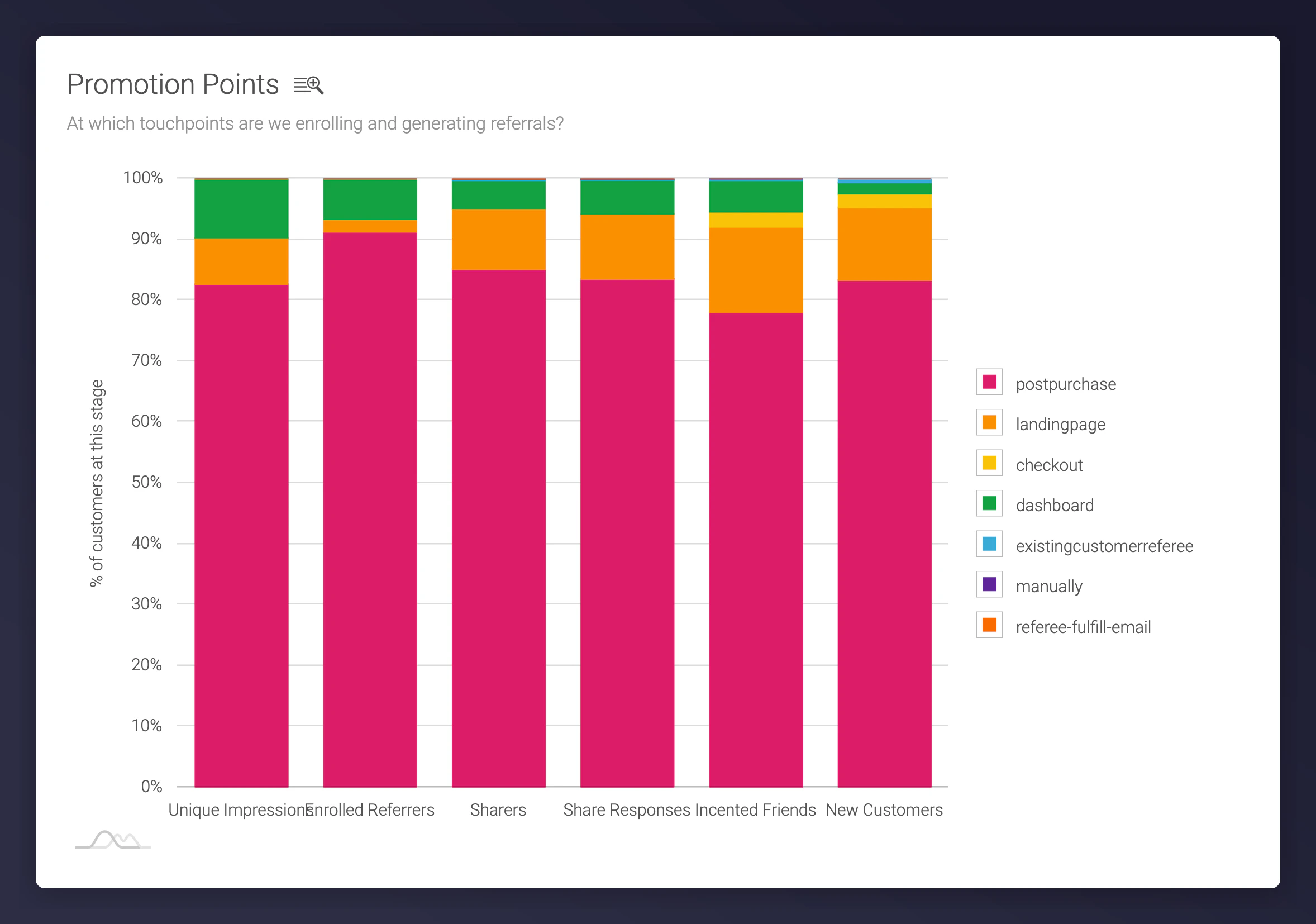
Promotion Points report in the Mention Me portal
Default Promotion Points
Common default situation parameters used within the system:- postpurchase: Customer sees the offer post-checkout
- landingpage: Promo triggered from dedicated landing page
- dashboard: Customer accesses dashboard directly
- dashboard-register: Redirected to offer page (no active campaign)
- dashboard-first-time-register: Registered and redirected to dashboard
- manually: Customer added manually (e.g. via support)
- externallink: Referral initiated via static URL (e.g. blog or FAQ page)
- [x]-parallel-campaign: User enrolled in parallel campaigns
- batch-enrolled: Customer uploaded via batch import
- tag-batch-register / tag-batch-register-silently: Batch registered via CSV/tag
- existingcustomerreferee: Customer tries to refer themselves or is already a customer
- checkout: Catch-all when no referrer can be matched
Creating Custom Promotion Points
Tailor situation names to track specific emails, banners, page sections, and other promotional touchpoints: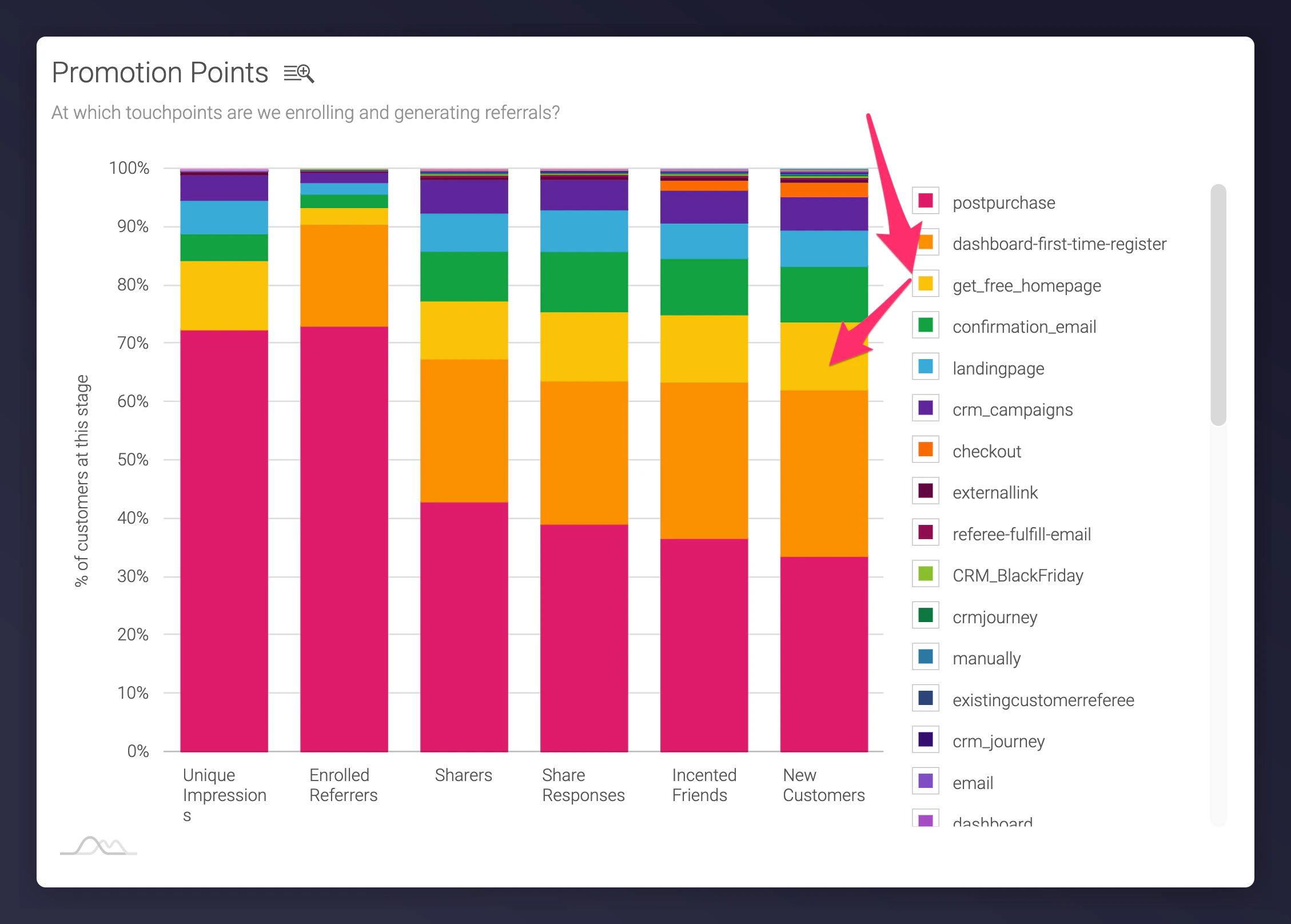
A custom promotion point being used to track a specific touchpoint.
How to Structure Situation Parameters
Use consistent and descriptive naming:Main Touchpoints
- Homepage
- Social
- Other
Recommended Secondary Touchpoints
- Homepage: Header, Footer, Banner
- Email: Newsletter, Lifecycle, Solus
- Social: Post, Ad
- Other: Insert, Catalogue, Direct Mail
Examples
situation=homepage_headersituation=email_newsletter_lapsedcustomersituation=social_ad_facebook
Full Tracking URL Example
A fully tracked referral URL might include both the situation parameter and Google Analytics (UTM) tracking:Integrating Google Analytics Parameters
For deeper insight, combine Mention Me tracking with your own GA setup. Appendutm_source, utm_medium, and utm_campaign to referral URLs.
Read the Google Analytics integration guide for more detail.