Documentation Index

Fetch the complete documentation index at: https://docs.mention-me.com/llms.txt

Use this file to discover all available pages before exploring further.

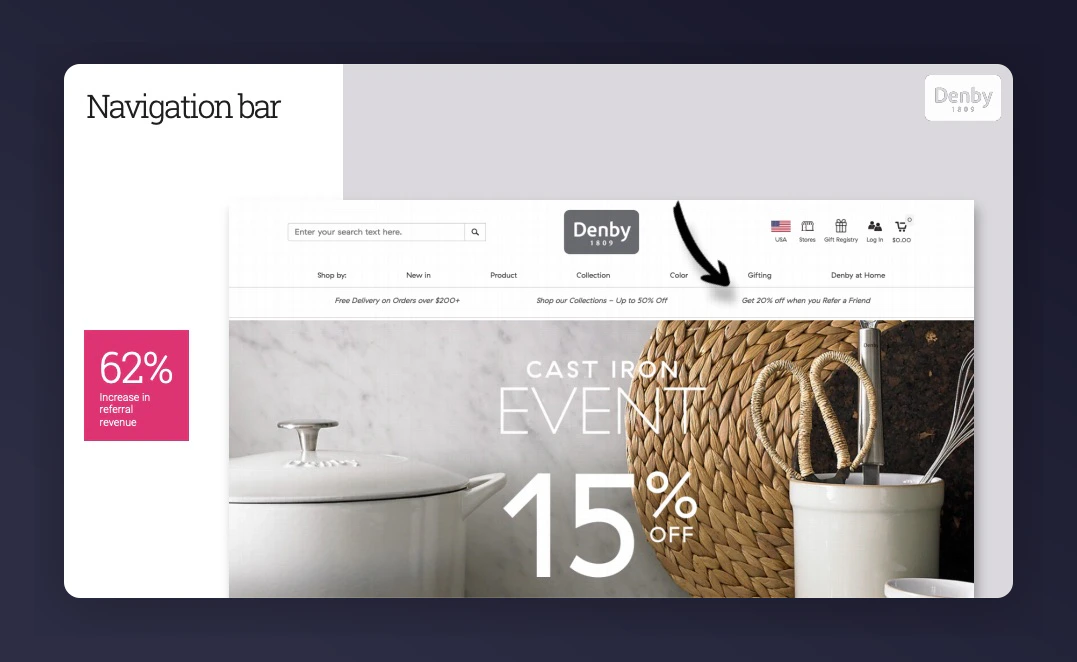
Promoting referrals on your homepage can account for up to 60% of new sign-ups. Most homepage promotion methods require a landing page where customers can register and share the referral offer. A dedicated banner below the site header is one of the easiest options. Add a link or CTA to the landing page, and enable it on other pages across your website. Site header referral banner example Referral programme header promotion If you’re running A/B tests, avoid specifying the reward in the copy. Use a generic message like “Earn rewards by sharing with friends”. To track performance, append a situation parameter:
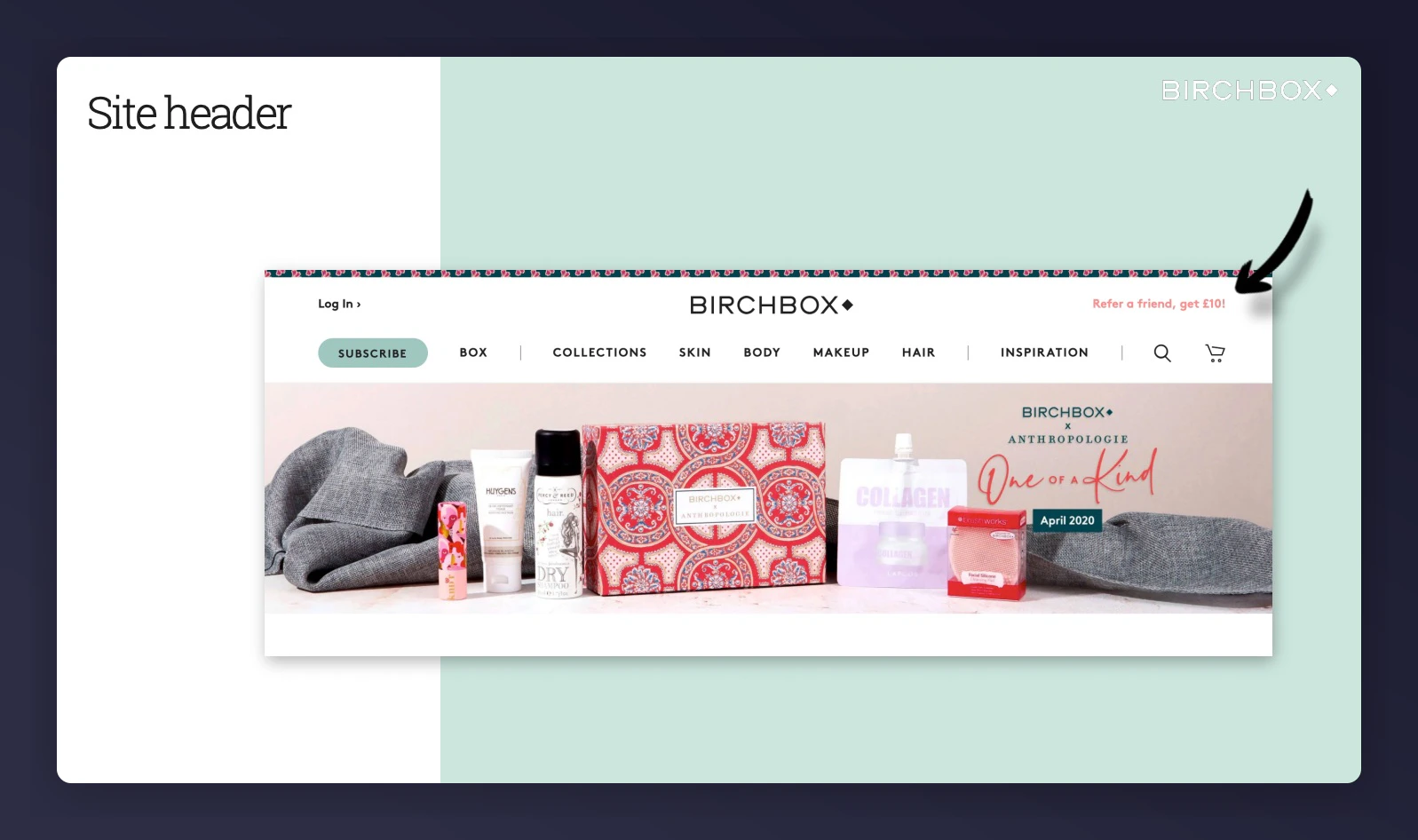
www.example.com/refer-a-friend?situation=homepage_header_promo
For multiple campaigns with different segments or locales, add those parameters too:
www.example.com/refer-a-friend?situation=homepage_banner_promo&segment=VIP&locale=en_US
No new tag required — just append a situation parameter to the landing page link:
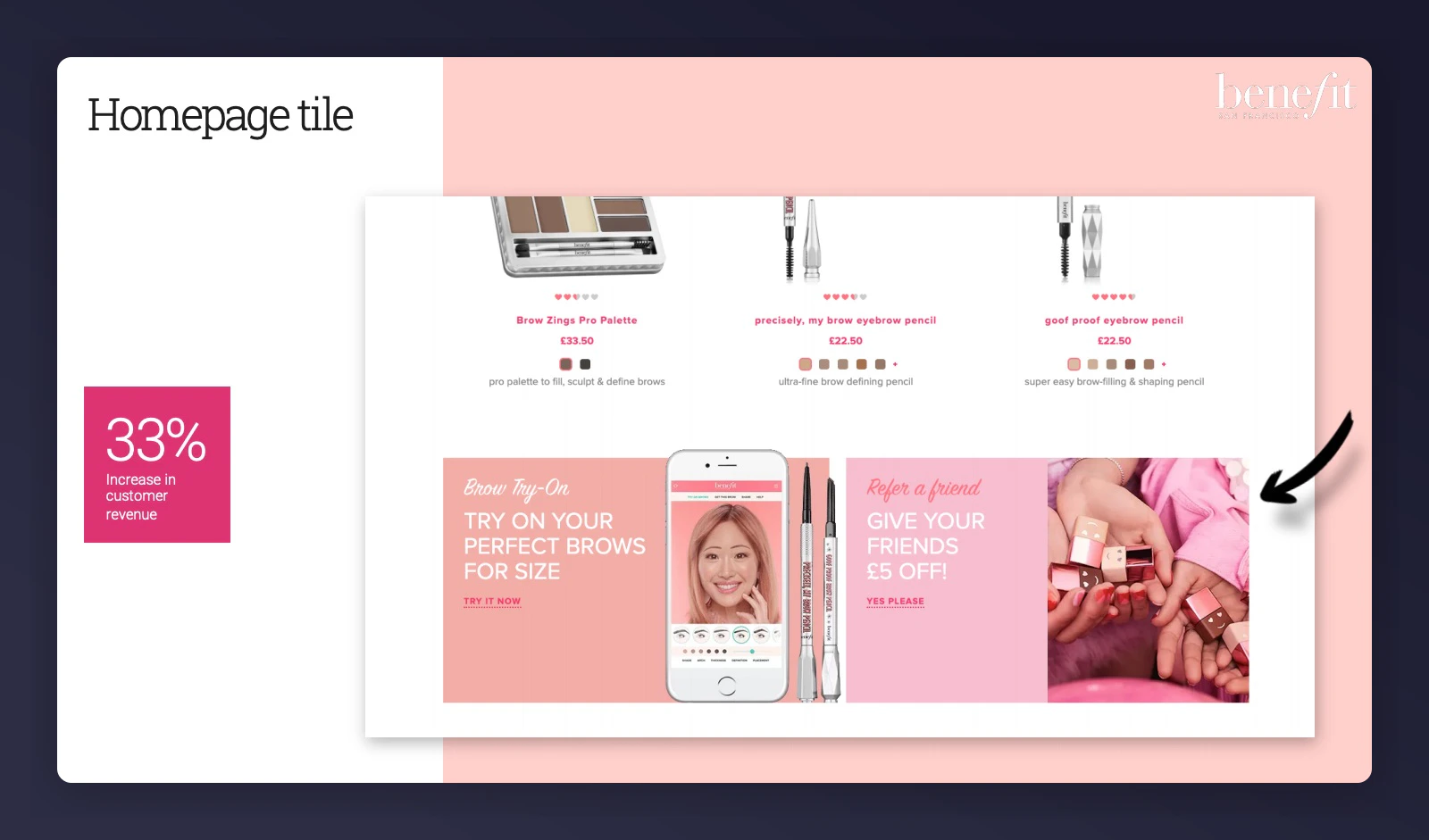
www.example.com/refer-a-friend?situation=homepage_banner_promo
Homepage tile promoting referral programme

3. Homepage Corner Peel

The corner peel is easy to implement and shows a referral overlay when clicked. It requires only a tag.
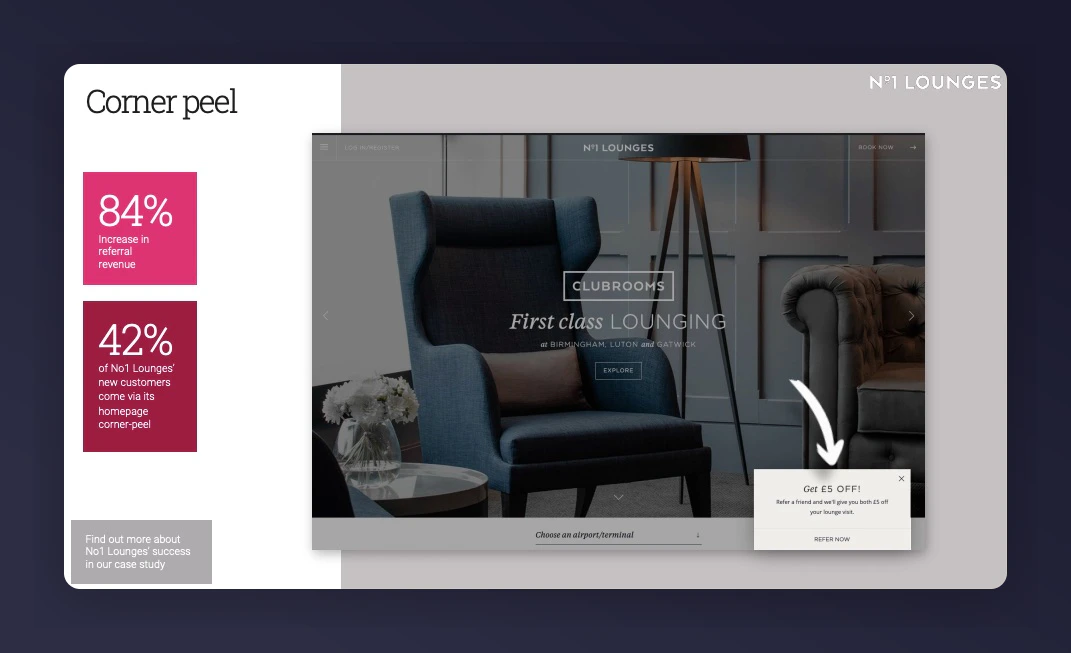
Corner peel referral overlay example
This option isn’t ideal if you have multiple campaigns triggered by segments.
  • Replace PARTNERCODE with your Mention Me partner code (found in your dashboard)
  • Mention Me will create an injection point of type “Corner Peel Overlay” and situation homepage_banner_link
  • Our design team will customise the style and position
Add this script to your homepage:
<script type="text/javascript" src="https://tag-demo.mention-me.com/api/v2/referreroffer/PARTNERCODE?situation=homepage_banner_cornerpeel&implementation=overlay&locale=<INSERT_LOCALE>"></script>
Shows the referral overlay when clicked, letting customers register without leaving the homepage. You can customise the link to look like a button, incorporate it with a banner, image, or any other element.
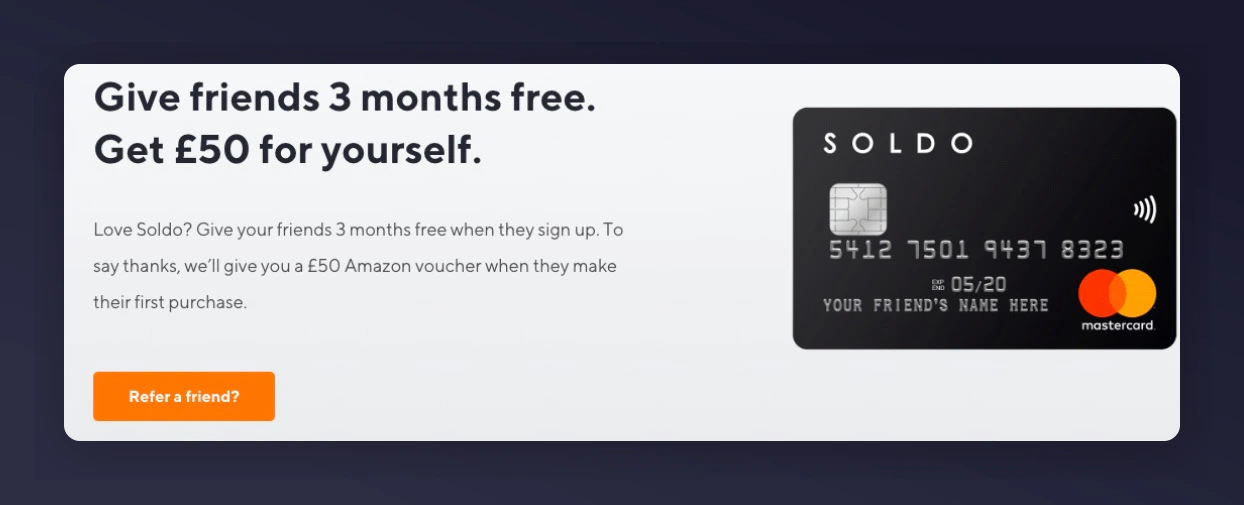
Link to overlay referral promotion example
To implement:
  1. Create an empty div with the ID mmWrapper:
<!-- Begin Mention Me referrer placeholder div -->
<div id="mmWrapper"></div>
<!-- End Mention Me referrer placeholder div -->
  1. Add the tag:
<!-- Begin Mention Me referrer integration -->
<script type="text/javascript" src="https://tag.mention-me.com/api/v2/referreroffer/PARTNERCODE?situation=homepage_banner_link&implementation=link"></script>
<!-- End Mention Me referrer integration -->
We’ll customise the link style to match your site. The CTA will display the overlay when clicked.
Last modified on March 31, 2026