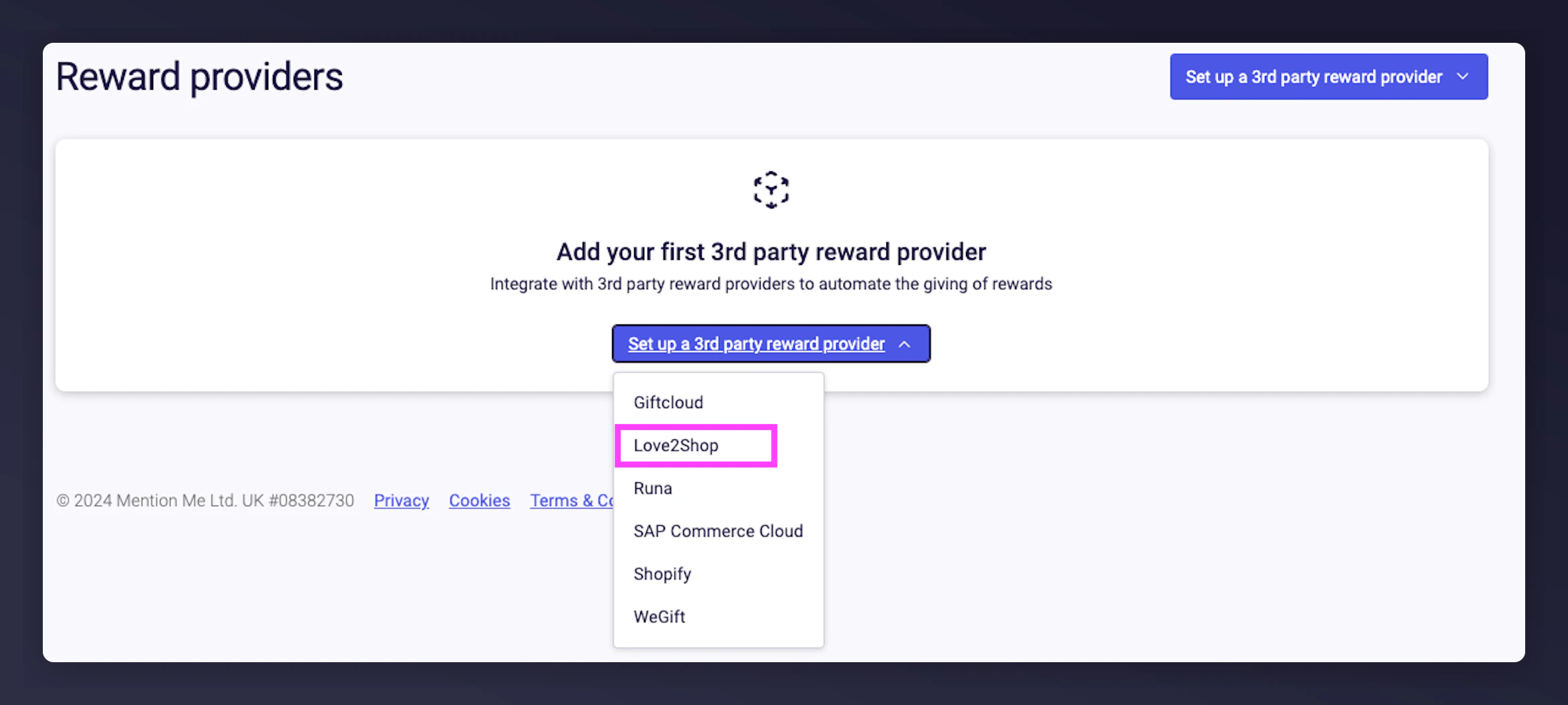
Send an email to your Love2Shop representative requesting the following credentials:
Dear Love2Shop,We hereby authorise Mention Me to call the Love2Shop voucher API to issue voucher codes in real-time.Please can you create the relevant credentials for Mention Me.Can you please supply us with the following information:
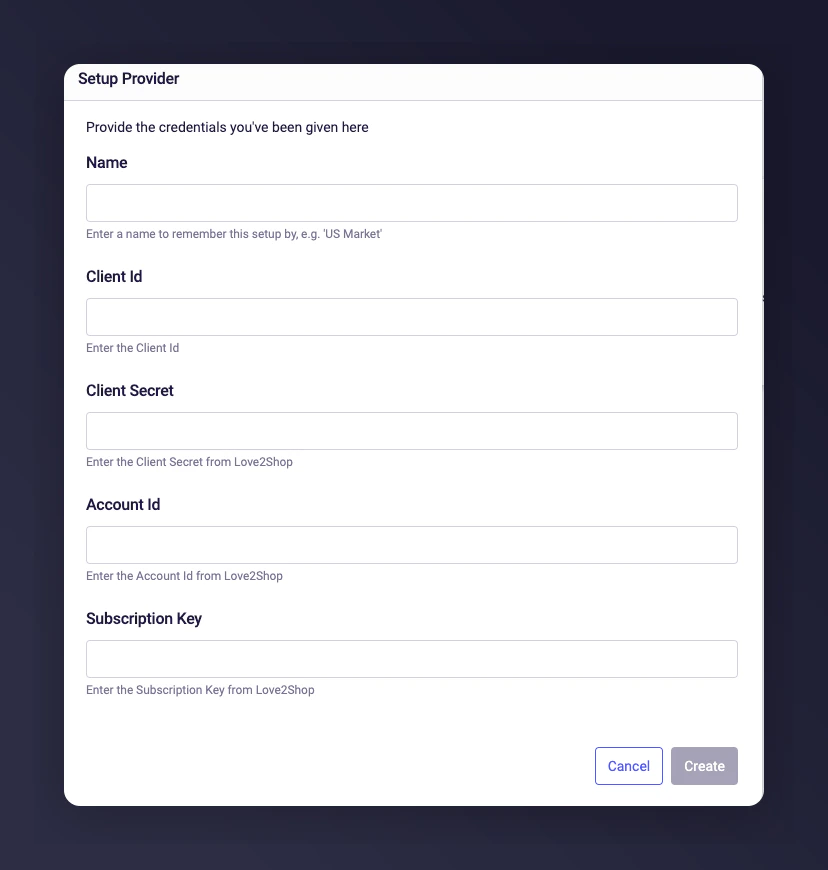
Client Id
Client Secret
Account Id
Subscription Key
Love2Shop will generate the credentials and send them via a secure method.
If you have multiple brands with Love2Shop:
Single Love2Shop account across all brands - the API credentials can be used across all brands in Mention Me.
Separate Love2Shop account per brand - credentials for each account need to be requested individually.
Love2Shop rotates its API secret every 12 months. When it’s time to update, you will receive an email from Love2Shop with a one-time link to your new secret key. Update it promptly to avoid interruptions to reward delivery.
1
Access Love2Shop on Mention Me
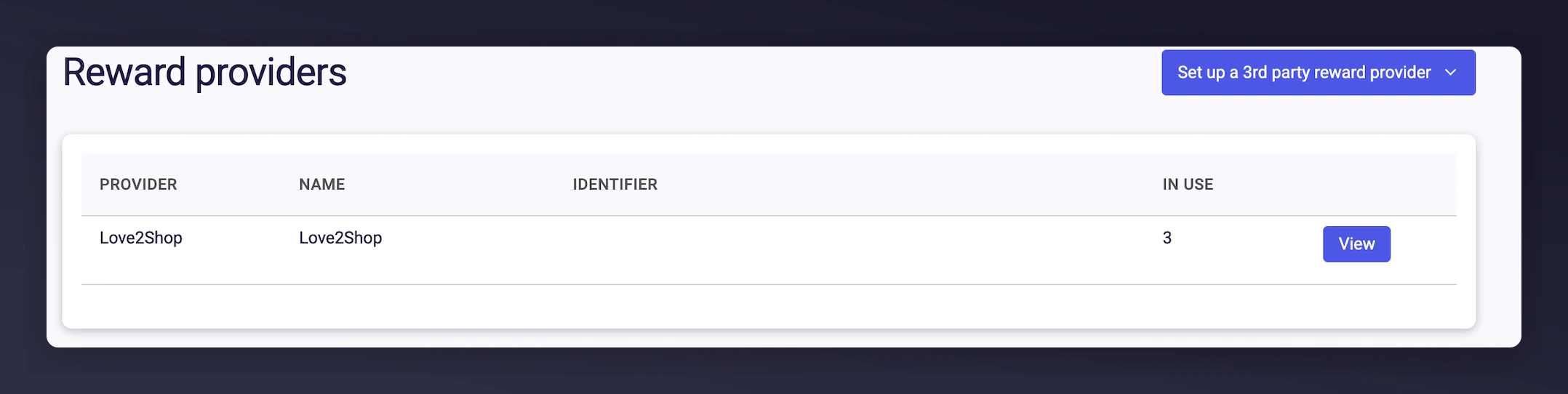
Log in to the Mention Me platform and click View next to your Love2Shop Reward Provider.
The Love2Shop Reward Provider view button on the Mention Me platform.
2
Set a new secret
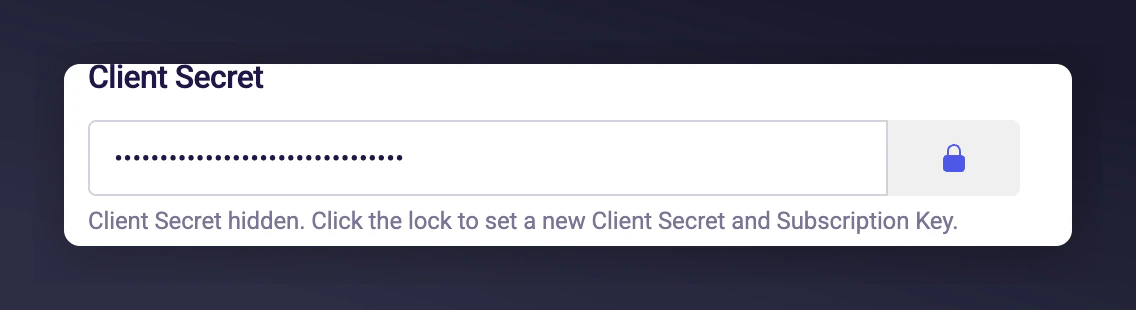
In the Client Secret section, click the padlock icon to set a new secret.
The Client Secret padlock icon used to update the secret.
3
Retrieve the new secret
Open the link from your Love2Shop email to access the new secret. This link can only be accessed once.