

- Aggregates
- Example banners
- Segments used to display voucher content based on referral activity
Aggregates
All aggregates are calculated using the last issued voucher (either to a referrer or referee) with a future expiry date.
To format expiry dates for customer-facing display:
Example Banners
Two example banners (referrer and referee) are provided with pre-inserted aggregates.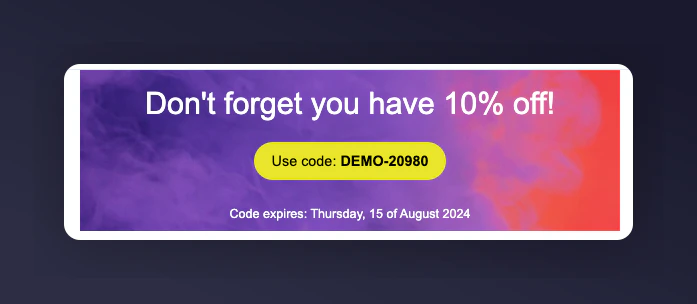
An example referrer banner in Bloomreach with pre-inserted aggregates.
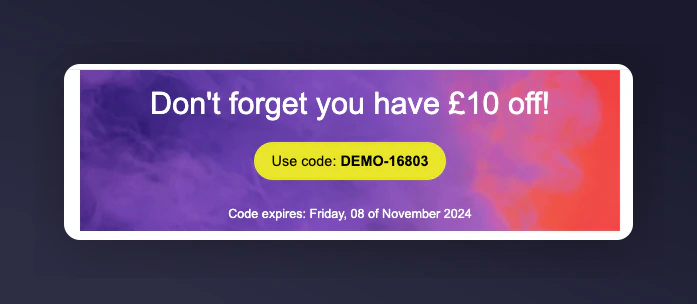
An example referee banner in Bloomreach with pre-inserted aggregates.
Pre-Built Segments
These segments control banner visibility and only display content to customers with voucher rewards.Prerequisites
- An active Mention Me referral programme that rewards referees and referrers
- Mention Me and Bloomreach integration enabled
- Email Service Provider (ESP) integrated with your Bloomreach account
- Understanding of Bloomreach Jinja
Step 1 - Download Banner Aggregates
Download the JSON file linked at the bottom of this guide.Step 2 - Import Into Bloomreach
1
Log in to Bloomreach
Log in to Bloomreach.
2
Navigate to Initiatives
Navigate to Initiatives.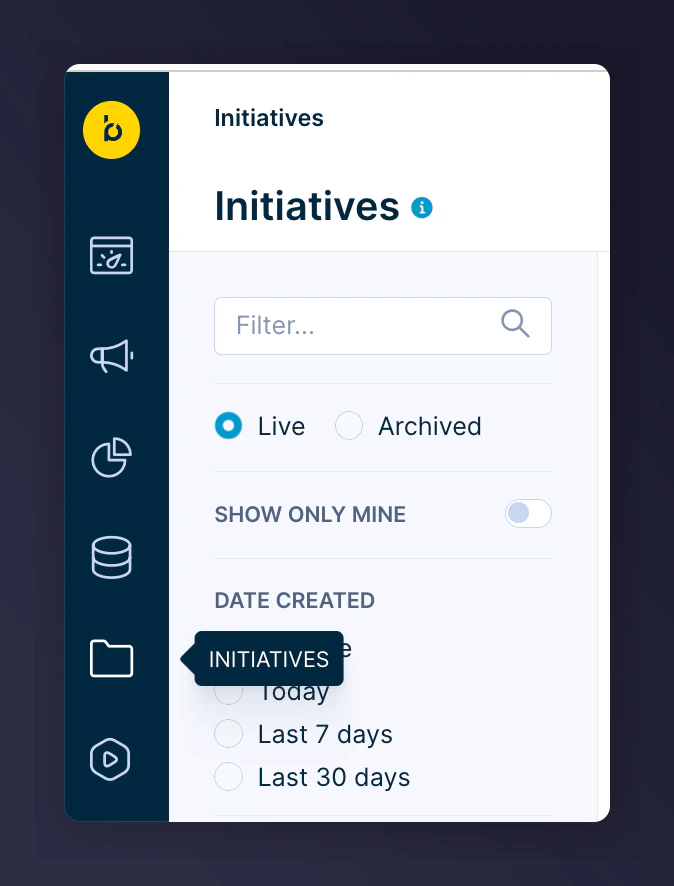
The Initiatives navigation in Bloomreach.
3
Click Import
Click Import.
The Import button in Bloomreach.
4
Upload and import the file
Upload the downloaded file and click Import.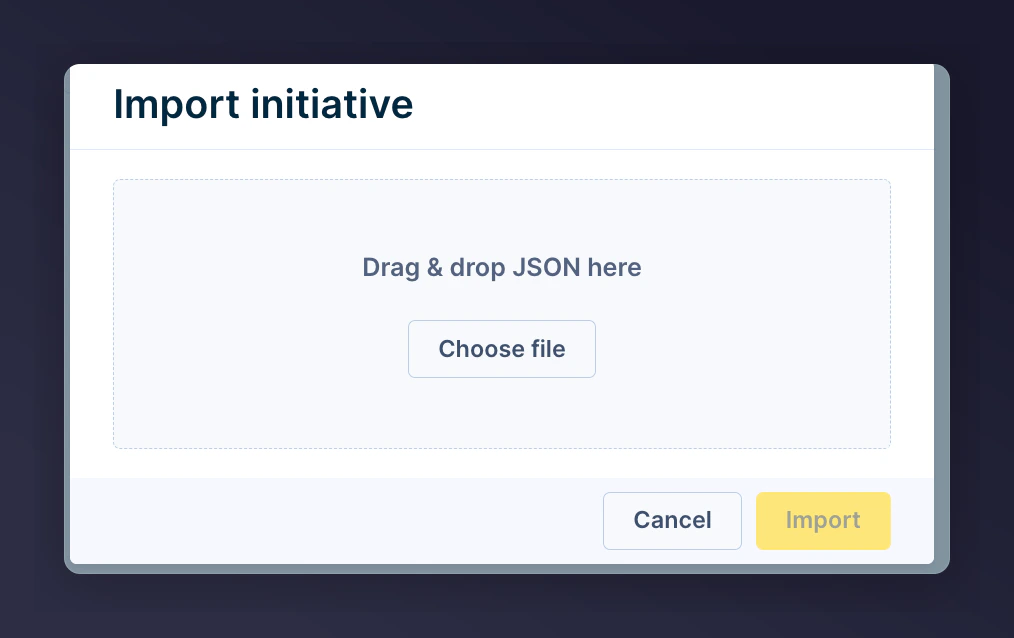
The file upload and import dialog in Bloomreach.
Step 3 - Add a Banner to Emails
You have two options:Using the Pre-Built Banner
1
Add a custom row
Add a new row in your email design and choose Custom.
2
Insert a banner
Insert either the referrer or referee banner.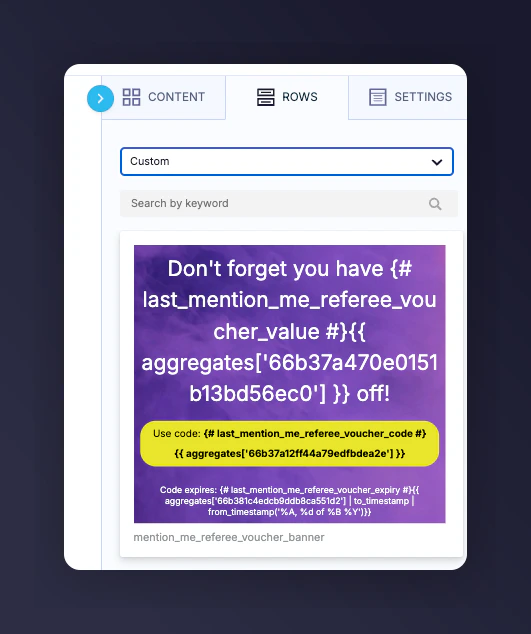
Adding a custom banner row in Bloomreach email design.
3
Customise the banner
Update banner copy and imagery to match your brand.
Using Your Own Banner with Aggregates
1
Add a personalisation tag
In your email, add a new personalisation tag using Customer attribute.
2
Select a Mention Me aggregate
Select an aggregate starting with 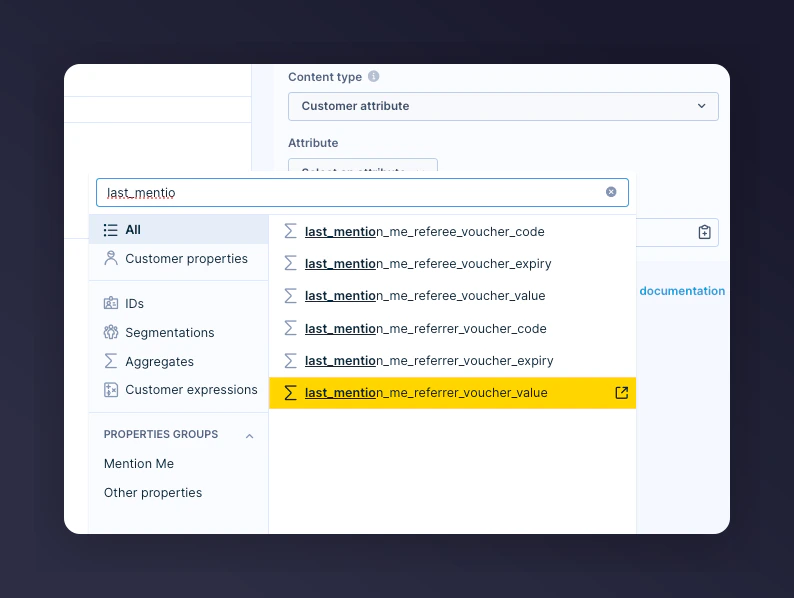
last_mention_me.Selecting a Mention Me aggregate as a personalisation tag.

A Jinja formatted expiry date shown in Bloomreach.