


The influencer login page customisation panel.
Edit the Styles
You can adjust all colours, buttons, and text colours to suit your brand guidelines. Select the relevant option and choose a new colour from the picker. You can switch back to the original styling at any time.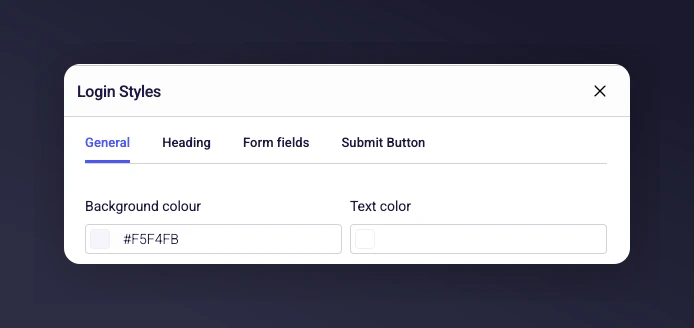
The style editor with colour and button customisation options for the login page.
Upload an Image
Add an image to the right-hand side of the login form. This lets you include a branded or relevant picture for your influencers.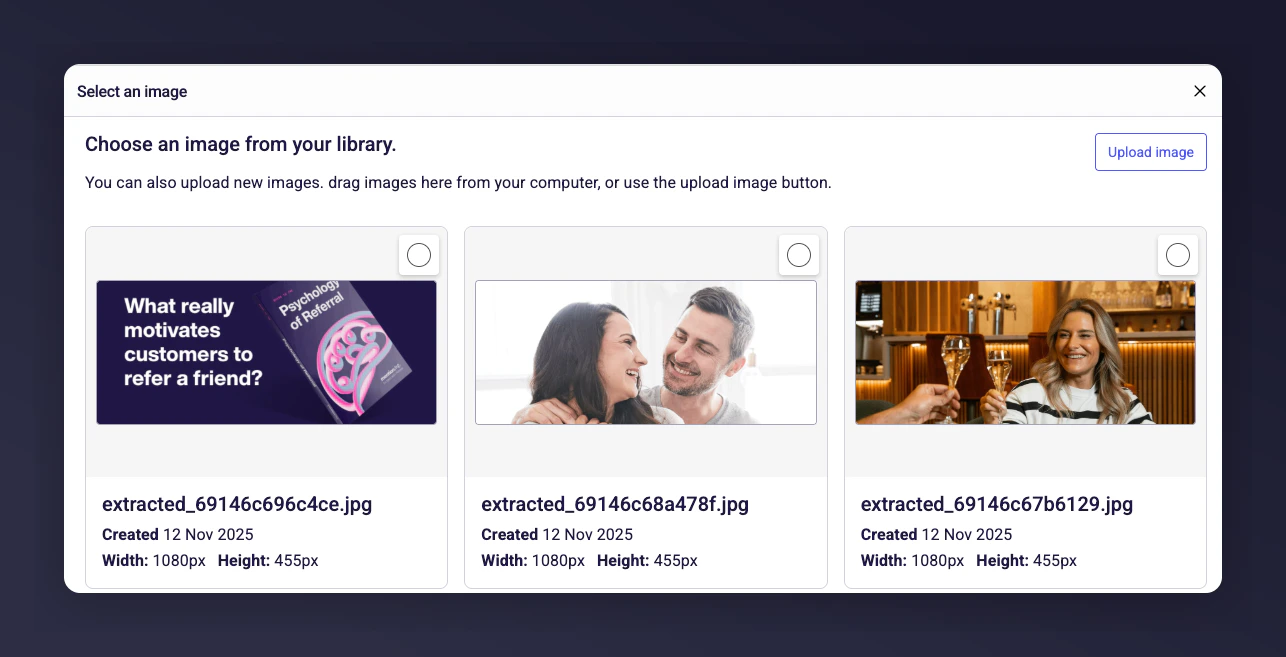
Login page with a branded image on the right-hand side.
Edit the Content
You can configure all text on the page, including:- The main title
- The heading
- The page description
- Button text

The content editor for login page title, heading, description, and button text.
Setting Up the Confirmation Page
The confirmation page includes default copy with a link that sends an email to the influencer. This email contains the magic link required for them to log into the platform.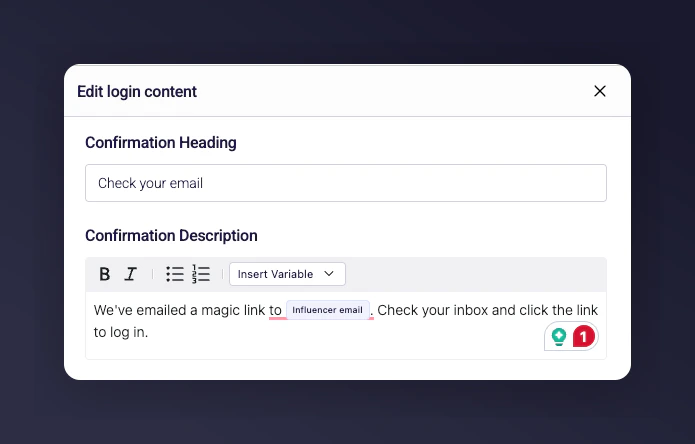
The confirmation page settings with magic link email trigger.