

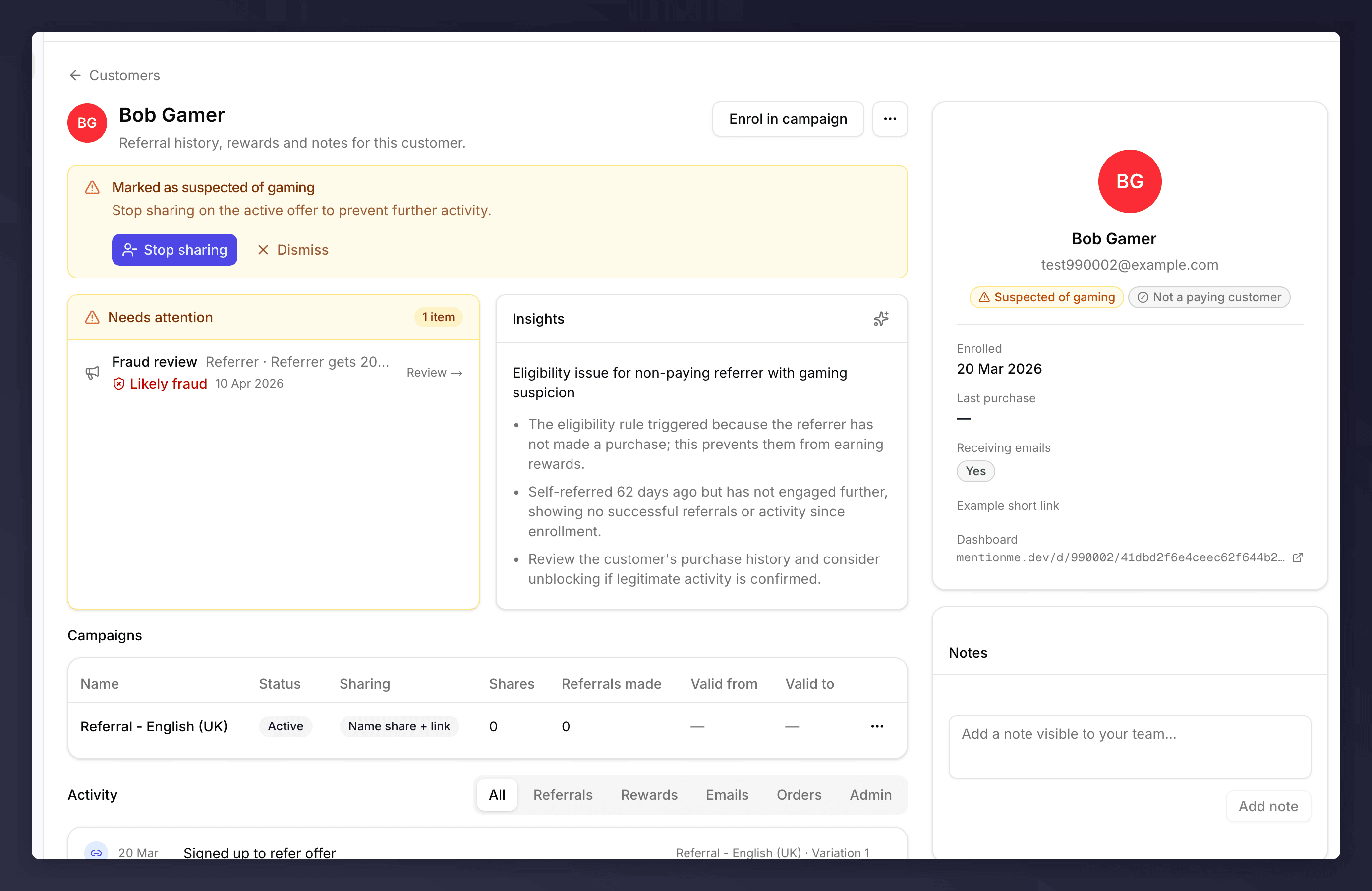
A referrer's profile with a gaming-suspicion banner, Needs attention card, AI insights, campaign list, side panel, and notes
Page Anatomy
The layout has three columns:- Main (left). Banners, attention queue, AI insights, campaigns, activity timeline.
- Side panel (right). Identity, status, key dates, programme URLs.
- Notes (bottom right). Free-form team notes.
Top Banner: Signal
A coloured banner appears at the top of the profile whenever the customer is flagged. Today there are two flavours:- Suspected of gaming (yellow). Comes with Stop sharing to disable the active offer immediately and Dismiss to clear the banner without acting.
- Generic signal (yellow). Customer is flagged but no recommended action is auto-attached. Use the … menu to decide what to do.
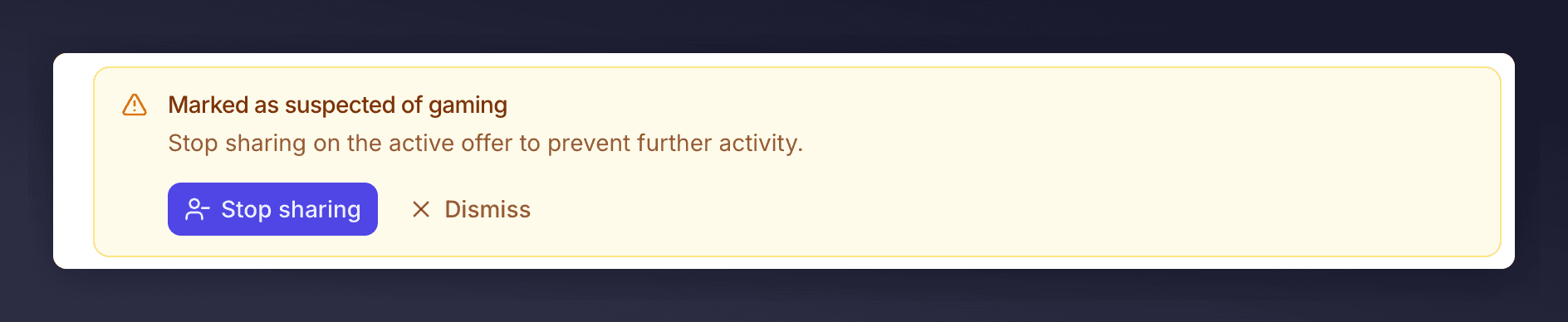
Gaming banner on a suspected referrer
Needs attention
The card lists every open item that needs a human decision: pending rewards, fraud reviews, and unconfirmed referee purchases. A counter in the header shows how many items are open (“1 item”, “3 items”), and each row carries a verdict pill (Likely fraud, Possible fraud, Manual review, etc.) so you can triage at a glance. Some rows link out to the right approval queue with the customer pre-filtered; others (like Confirm a purchase) are inline actions you complete on the profile itself.Insights
A short AI-generated read of who this customer is and what they’ve been doing. Use it as a first pass before you dig into the activity timeline. Click About AI insights to see how the summary is generated.Insights are generated by a third-party LLM (OpenAI) from anonymised profile data only. We send counts, flags, status enums, and approval-rule labels. No names, emails, customer IDs, order numbers, coupon codes, or note content leave the system. Output may be inaccurate or out of date, verify before acting.
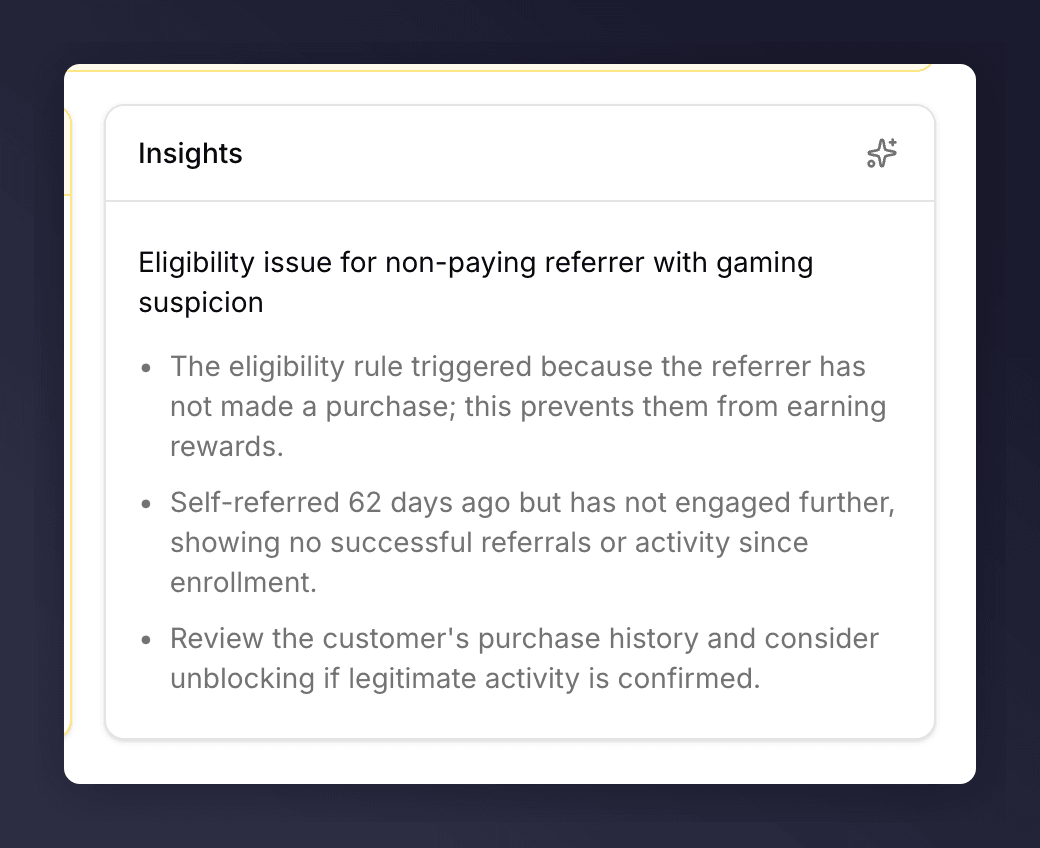
AI-generated Insights summary
Campaigns (Referrers Only)
The Campaigns table lists every campaign this customer is sharing in. Columns:
Each row has a … menu with the campaign-level actions: Add a friend, Copy share link, Move to latest offer, Stop sharing, and Add a friend from duplicate search match (used when the friend already exists under a similar-looking record).
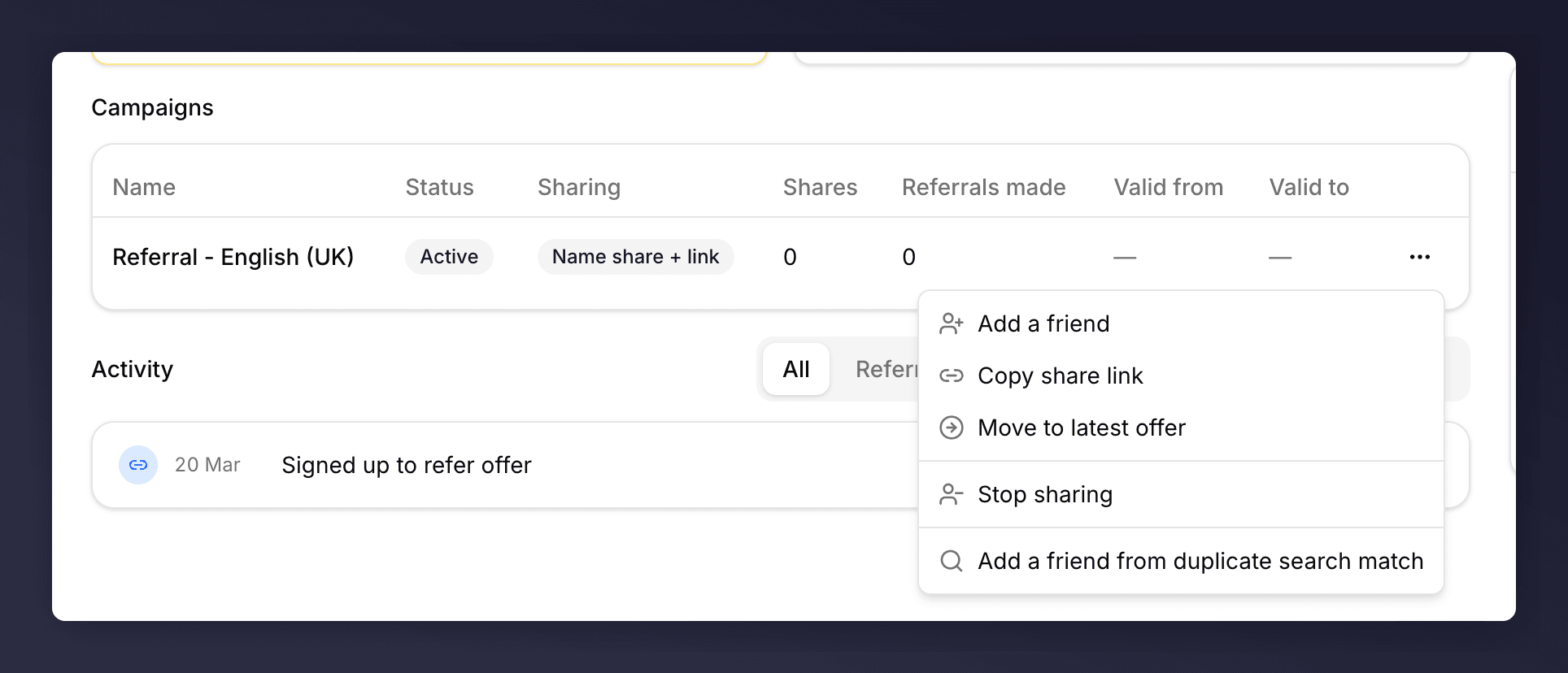
Campaign row menu
Activity Timeline
Below the campaigns, the Activity heading sits to the left and six tabs sit to the right. The tabs scope the timeline:
Activity tabs
Side Panel
Status Pills
A profile may show one or more pills under the name. Each pill maps to a specific flag on the customer record.Notes
Free-form notes visible to anyone on your team with access to this customer. Use them to record decisions, context, or escalations.Profile Actions Menu
The … to the right of Enrol in campaign holds the customer-level destructive or status-changing actions. Every item flips between two labels (or appears/hides) depending on the customer’s current state: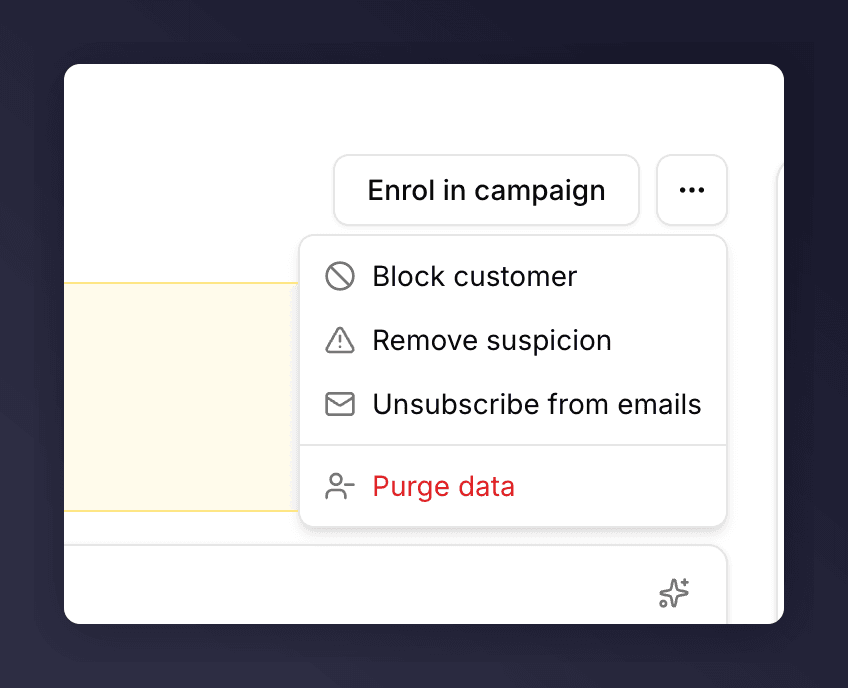
Profile actions menu