

Duplicate a Campaign
On the campaigns list, open a campaign’s actions menu and choose Duplicate. Mention Me creates a new draft campaign from it.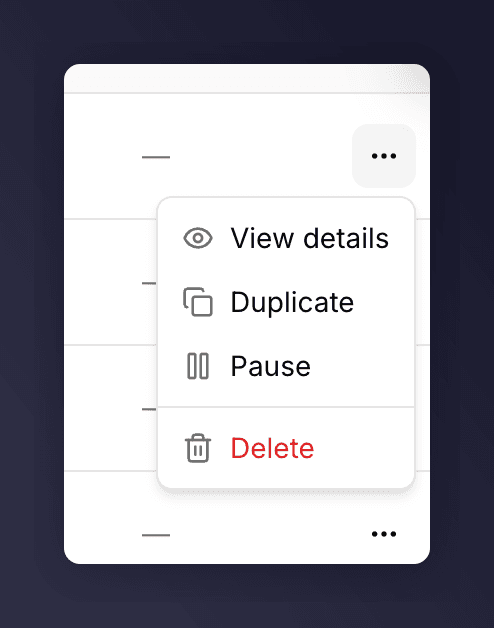
Duplicating a campaign from its row actions.
Duplicate a Version
Inside a campaign, open the version picker, find the version, and choose Duplicate from its actions menu. The copy is created as a new draft.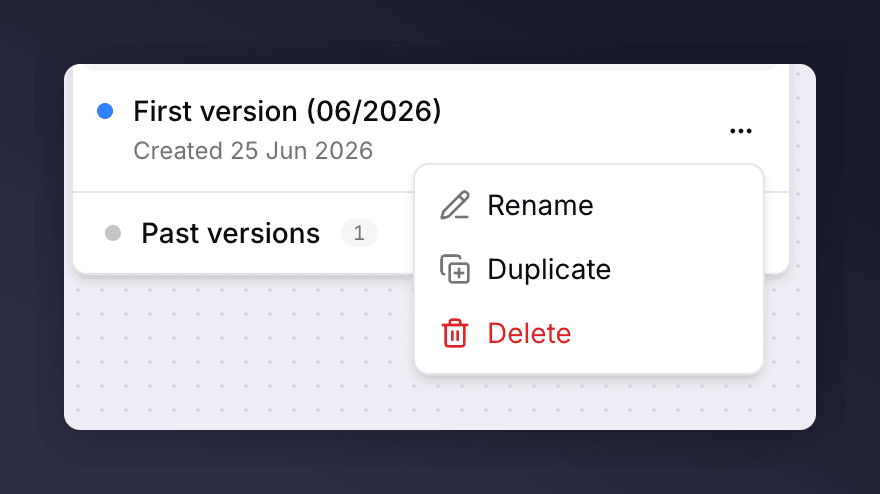
Duplicating a version from its actions menu.
You can also start a new version from an existing one when you create it: pick A previous setup in the Create version dialog. See set up a version.