

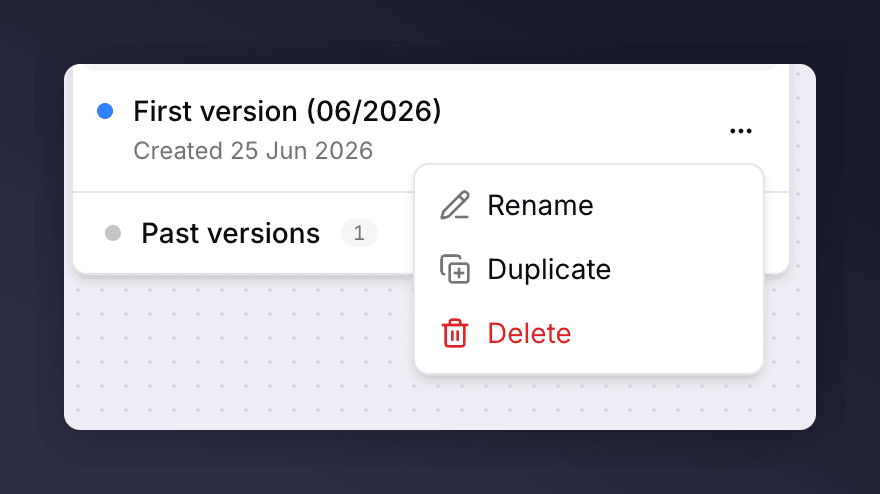
A version's actions menu in the version picker.
- Rename. Change a version’s internal name. This name is for your team only and never shown to customers.
- Delete. Remove a draft you no longer need. Only drafts can be deleted.
- Cancel schedule. Take a queued version out of the launch order so it no longer goes live as scheduled. You can schedule it again later.