

1
Open the Create Dialog
On the campaigns list, click Create campaign.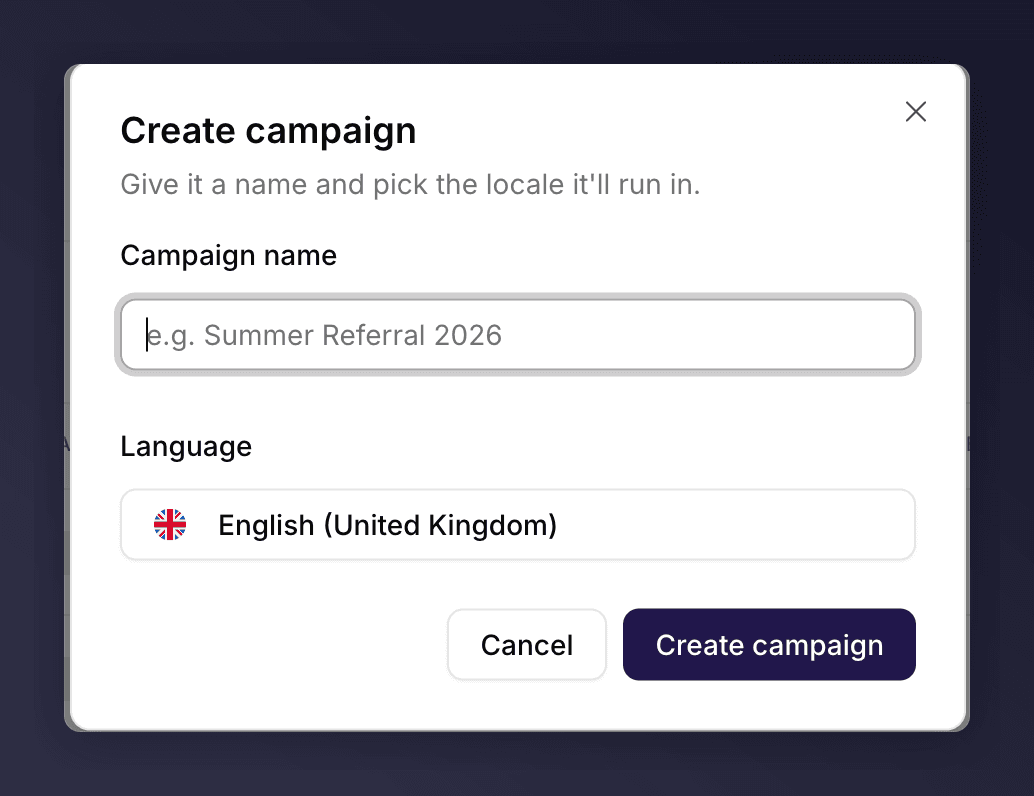
Creating a campaign.
2
Name It and Pick a Locale
Enter a Campaign name and choose the Language (locale) it will run in. The locale sets the language and region for the campaign.
3
Create
Click Create campaign. Mention Me creates the campaign with a first draft version and opens it in the editor, ready to build.
Next Steps
Set up a version
Set up a version.
Campaigns, versions and promotions
New to the model? Learn how campaigns, versions and promotions relate.