Documentation Index

Fetch the complete documentation index at: https://docs.mention-me.com/llms.txt

Use this file to discover all available pages before exploring further.

The following instructions are for Brand Referral, which is not currently available on the free Tier of the Shopify App. Contact us to know more.
These optimisations are recommended for all clients using Shopify Checkout Extensibility on their Checkout or Post-Purchase pages.

Display Mention Me on Both Thank You and Order Status Pages

Shopify App Blocks allow you to place the Mention Me experience across multiple checkout areas. We strongly recommend including it on both the Thank You and Order Status pages. The Order Status page can account for up to 30% of post-purchase referrals and improve enrolment rates by up to 20%. See step-by-step setup in the installation guide.

Optimise Placement of App Blocks

Place the Mention Me block at the top left of the Thank You and Order Status pages, ahead of other content. Moving the block “above the fold” and positioning it top-left led to a 130% boost in referral performance in tests. Avoid placing the block in the sidebar — sidebars don’t appear on mobile, reducing effectiveness. Shopify currently doesn’t allow different placements for desktop vs. mobile, or built-in A/B testing for block position.

Promote Referral in Shopify’s Announcement Banner

Shopify’s announcement banner prominently appears in checkout pages (Thank You and Order Status) and helps increase referral conversions.
Mention Me announcement banner on Shopify checkout page
This process takes less than 5 minutes per store and requires no technical expertise. See step-by-step setup in the announcement guide.

Update Default Copy

Mention Me provides default copy to help you launch quickly, but we recommend tailoring the message to match your brand’s tone of voice. Personalised copy aligned to brand tone has been shown to be 2x more effective, boosting performance by 114%. Test “Give” vs. “Get” messaging — depending on whether the emphasis is on the new customer or the referrer. “Give” vs. “Get” message focus can result in a performance swing of up to 25%.

How to Update the Copy

  • Copy is editable inside the Mention Me platform
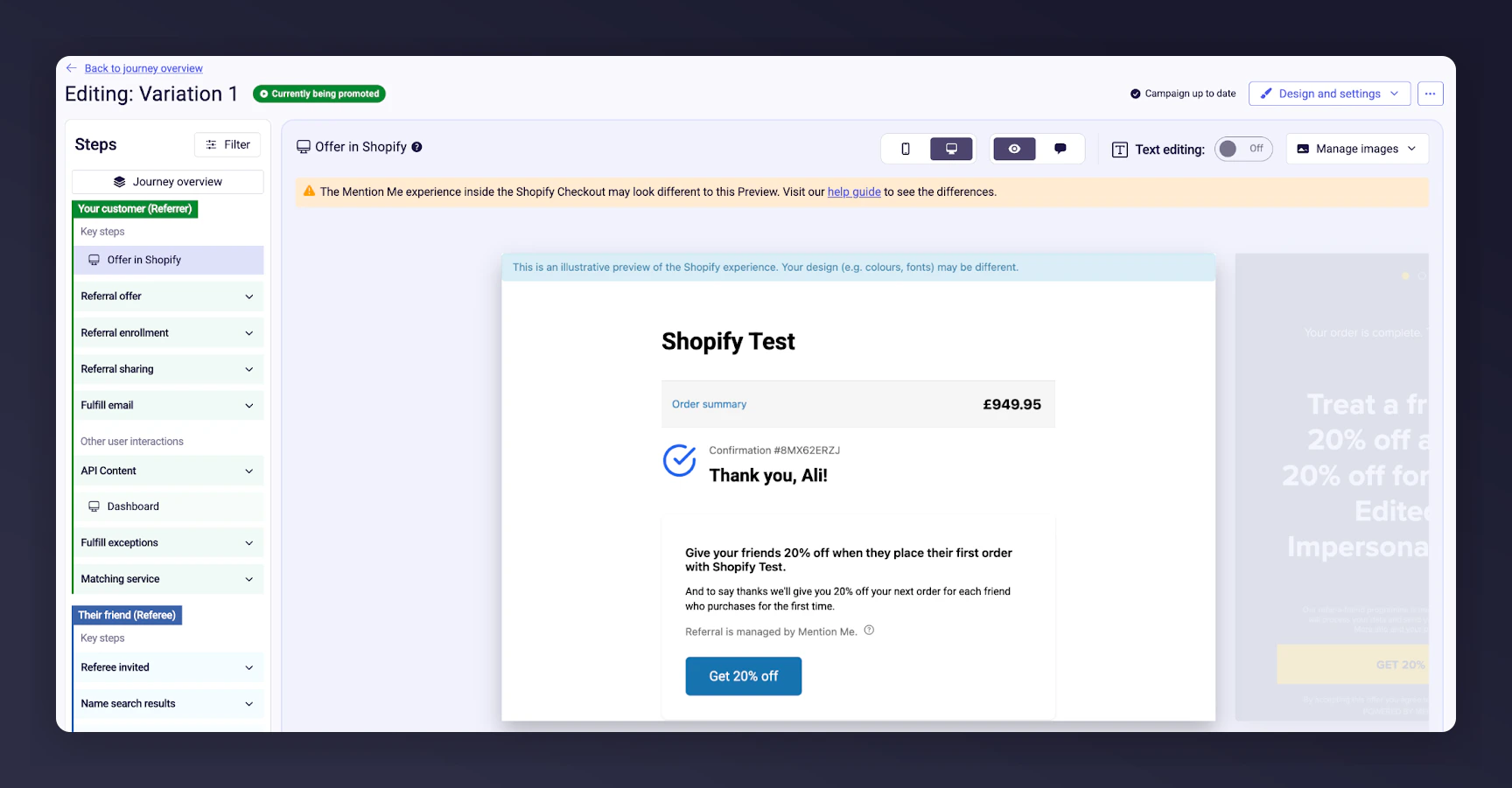
  • Find the copy under the Offer > Preview section of your campaign
Mention Me platform offer preview with copy editing
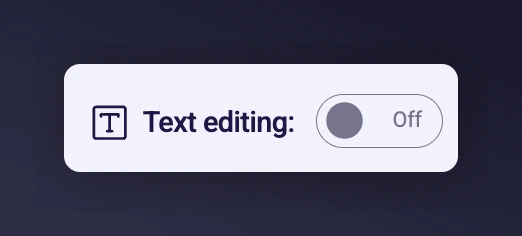
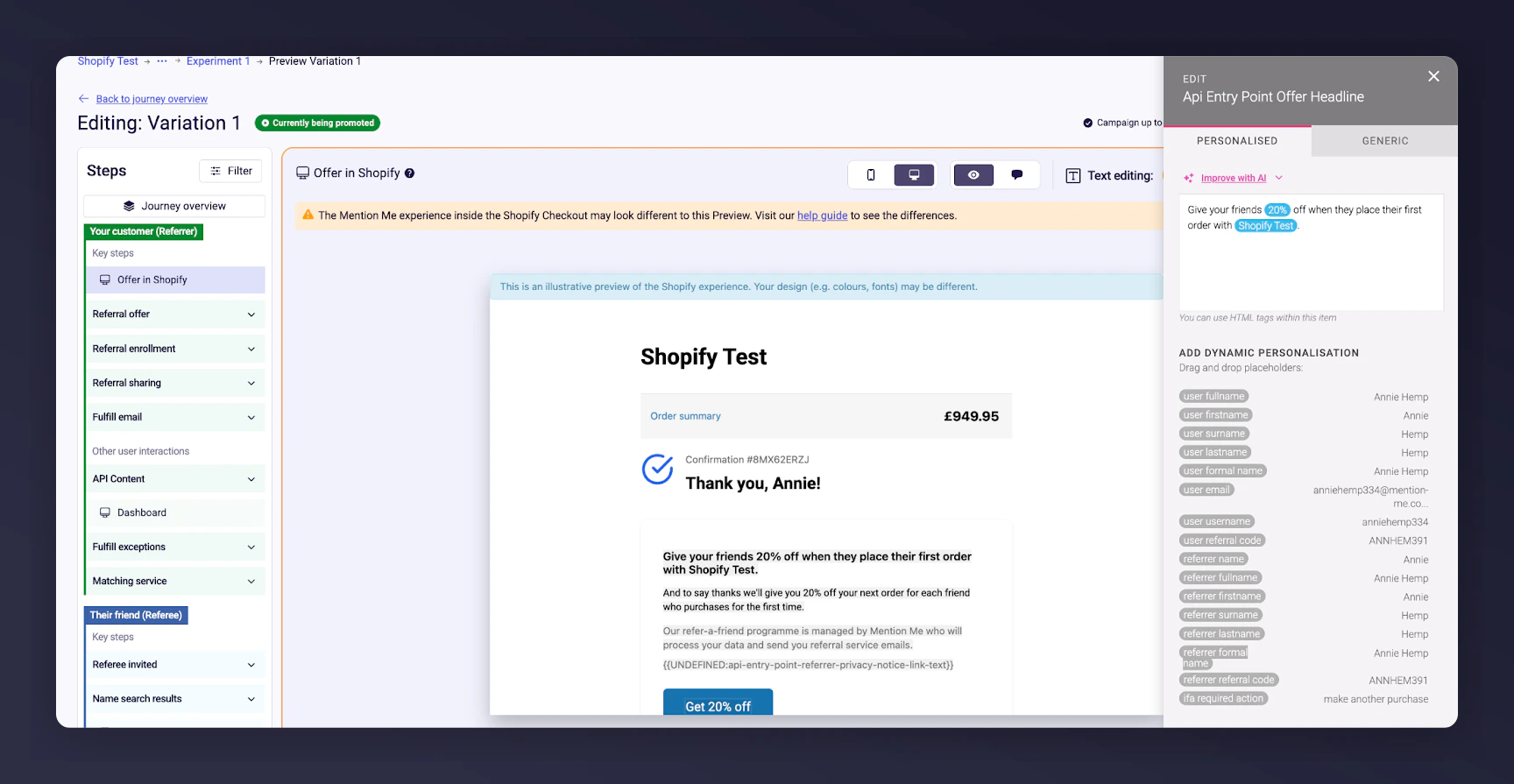
  • Use “Text editing mode” toggle, select the sections to amend, and click Save & Preview
  • Configure both Personalised and Generic tabs
Text editing mode toggle in Mention Me platform Personalised and Generic copy tabs in offer preview You can run A/B tests comparing brand-aligned copy with Mention Me default messaging. Learn how to set up an A/B test.
Last modified on March 31, 2026