

Installing the App
Visit the Mention Me App in Shopify and click Install. This may prompt you to log in to your Shopify store. After logging in, you will see the app permissions screen.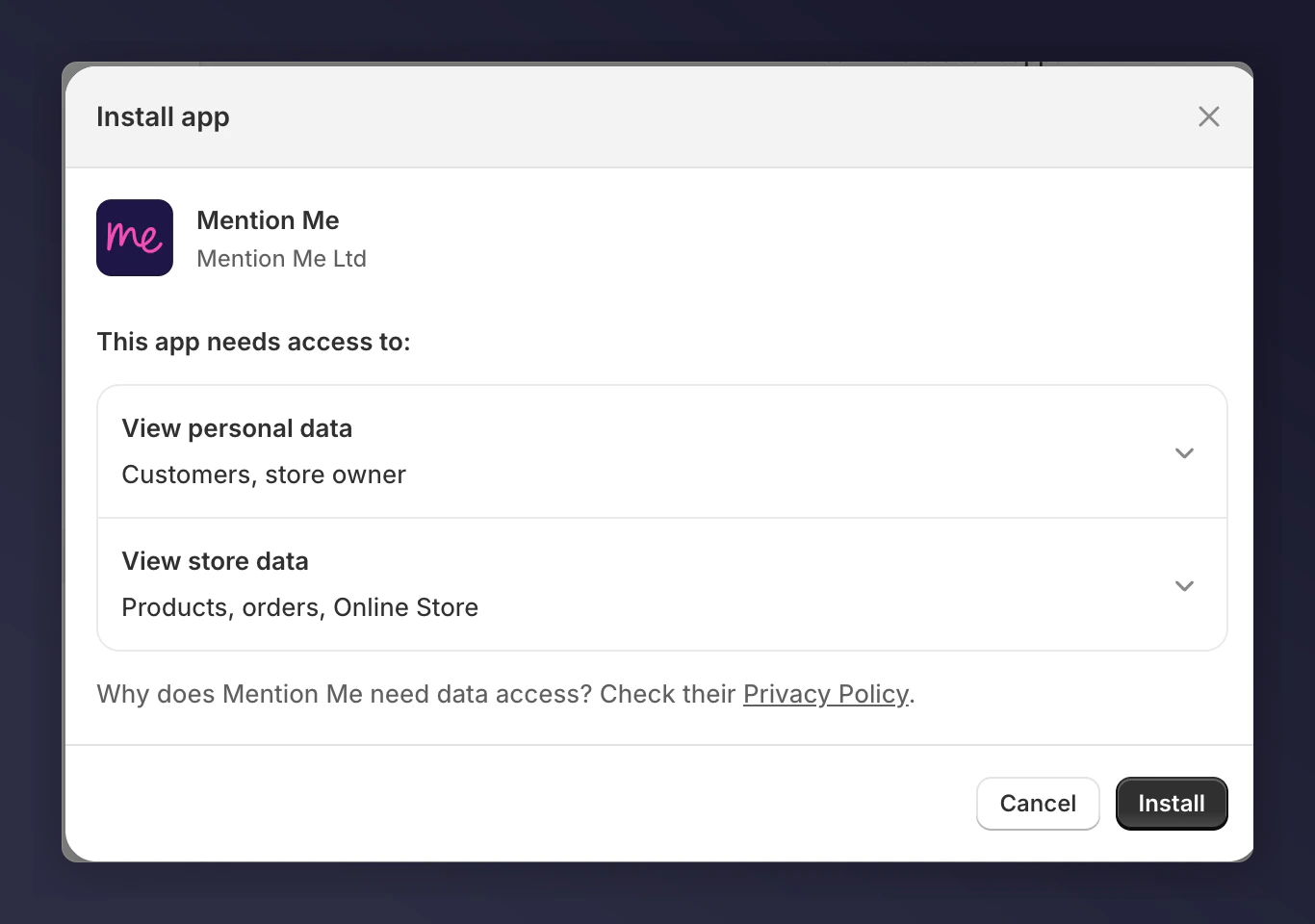
The Shopify app permissions screen, shown before installation completes.
Click Install
Get Started
Connect to Mention Me
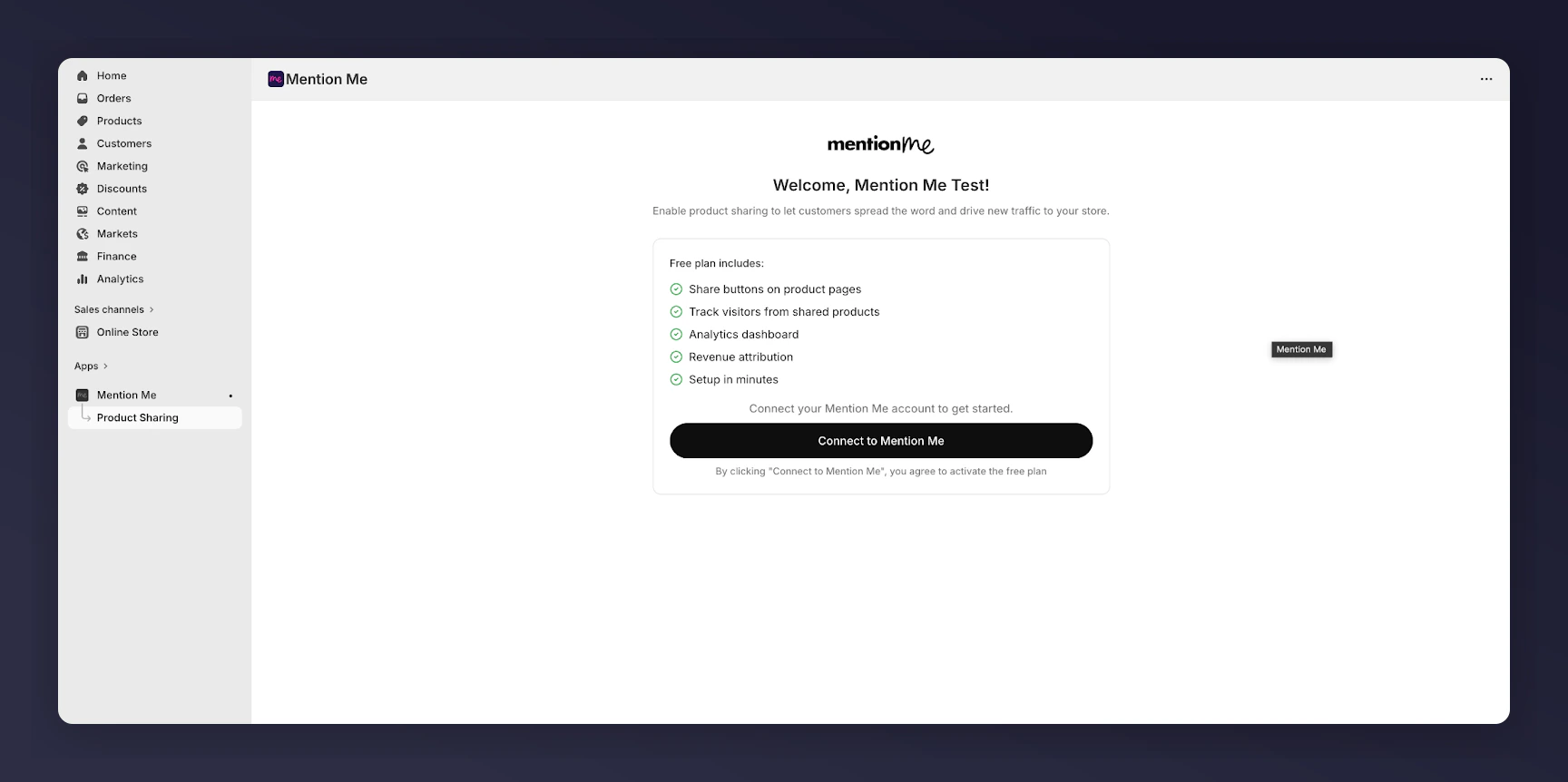
The Mention Me app Connect to Mention Me screen.
Sign In or Create an Account
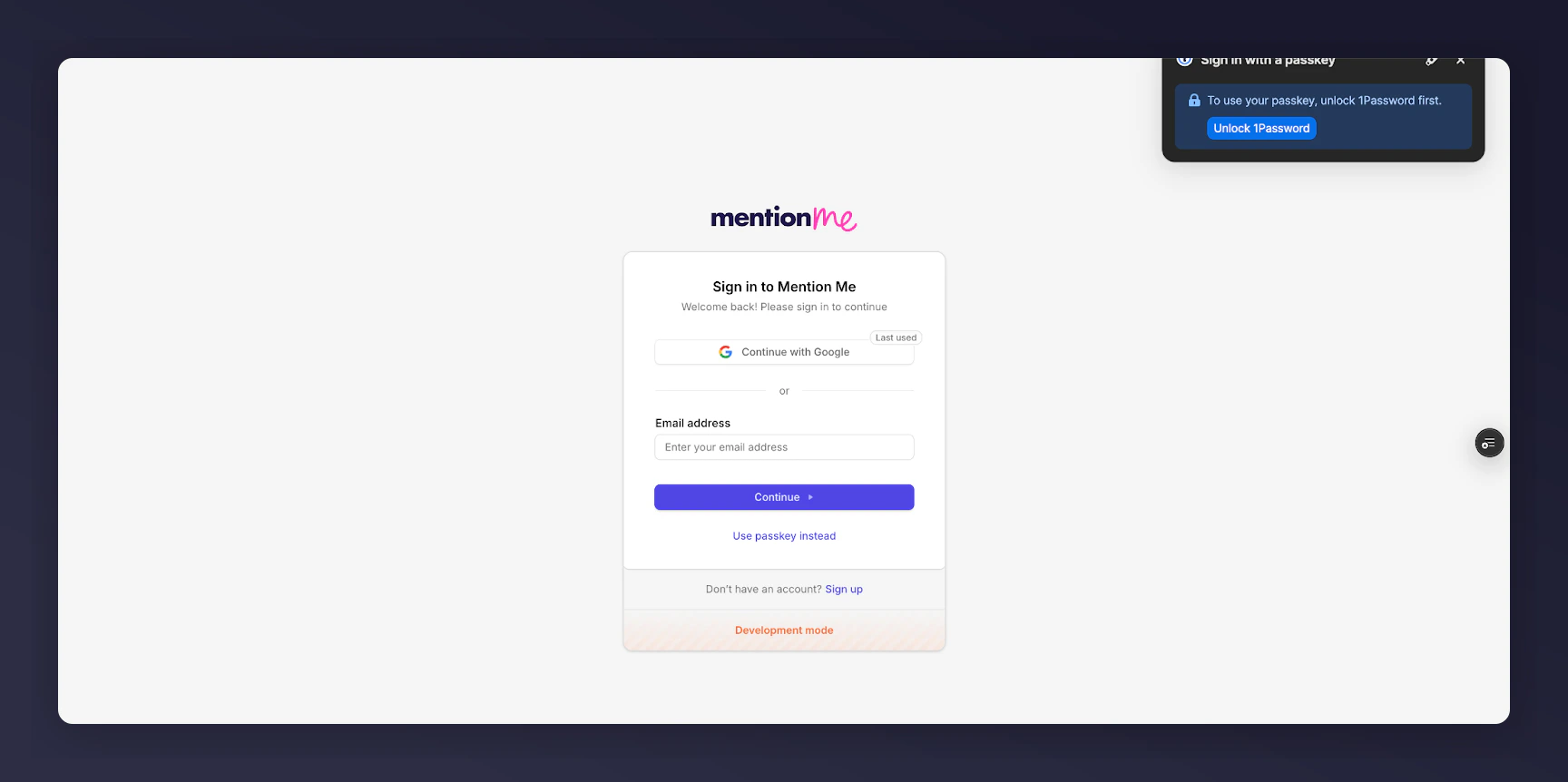
The Mention Me sign in or create account screen.
Connect Your Account and Organisation
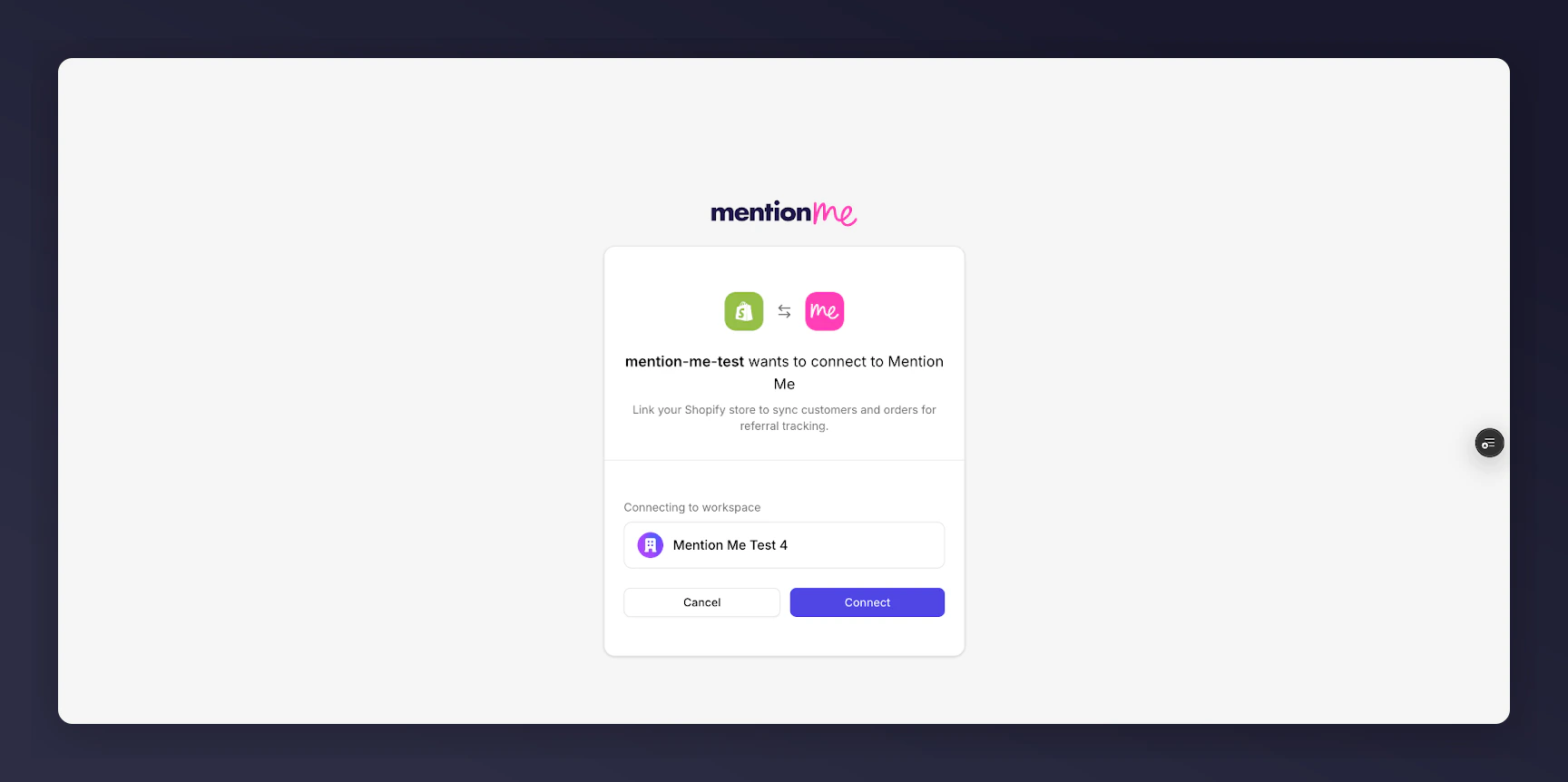
The Connect Account and Organisation screen.
Setup Complete
Configuring Your Shopify Checkout
There are three locations within the checkout where you can add Mention Me:- Checkout — for the “Been referred by a friend?” experience
- Thank You — post-purchase confirmation page
- Order Status — for returns and tracking
Open the Checkout Editor
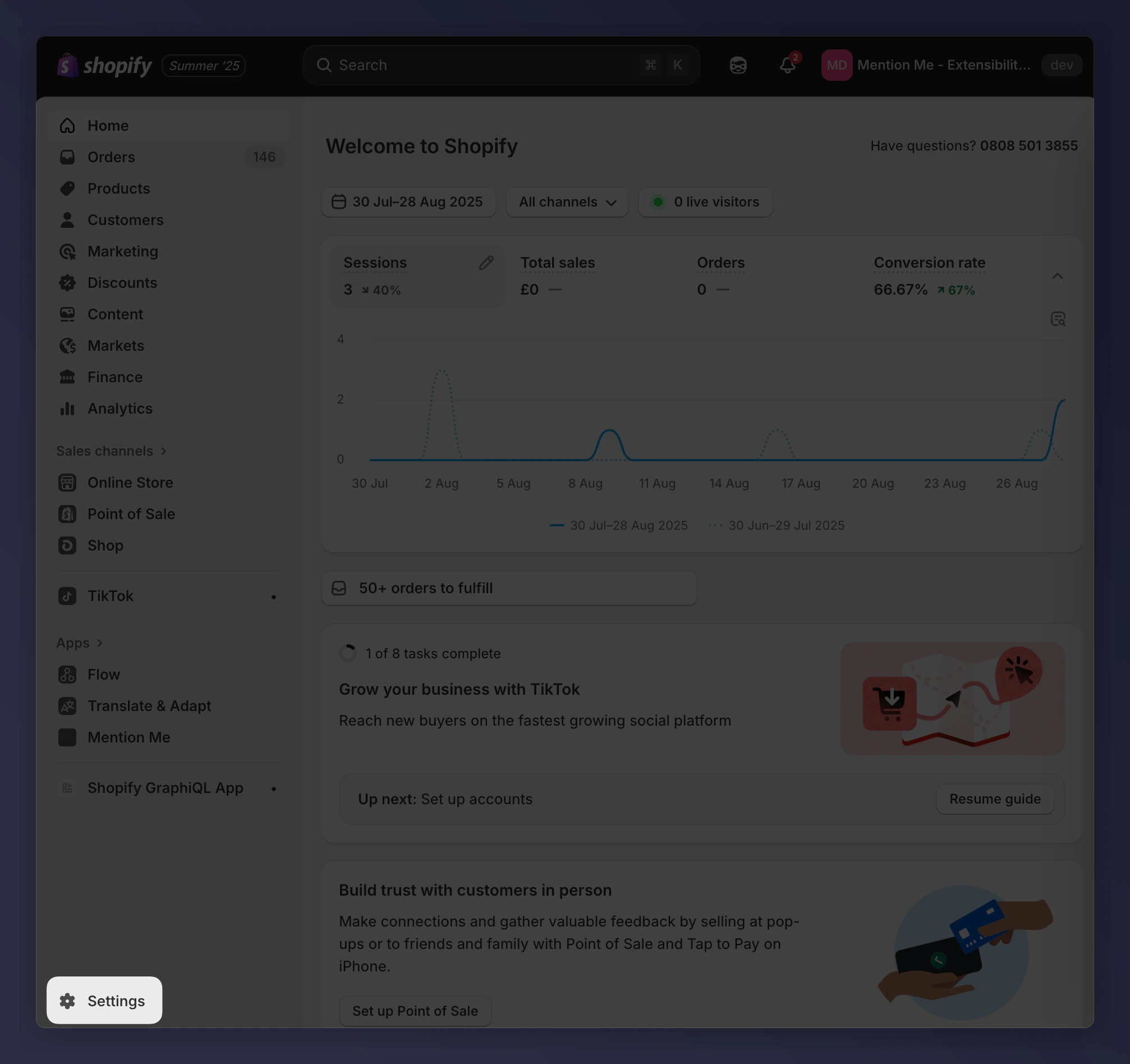
The Settings navigation in the Shopify admin.
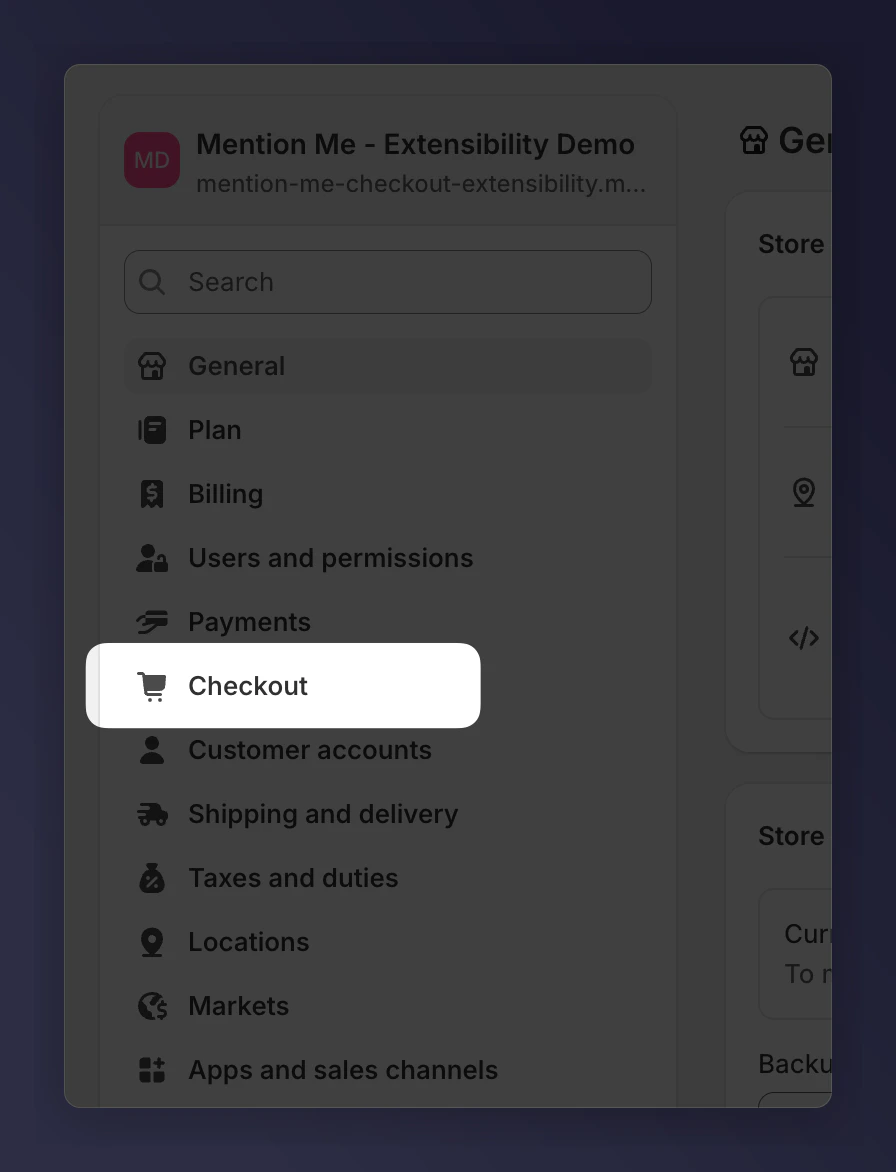
The Checkout settings page in the Shopify admin.
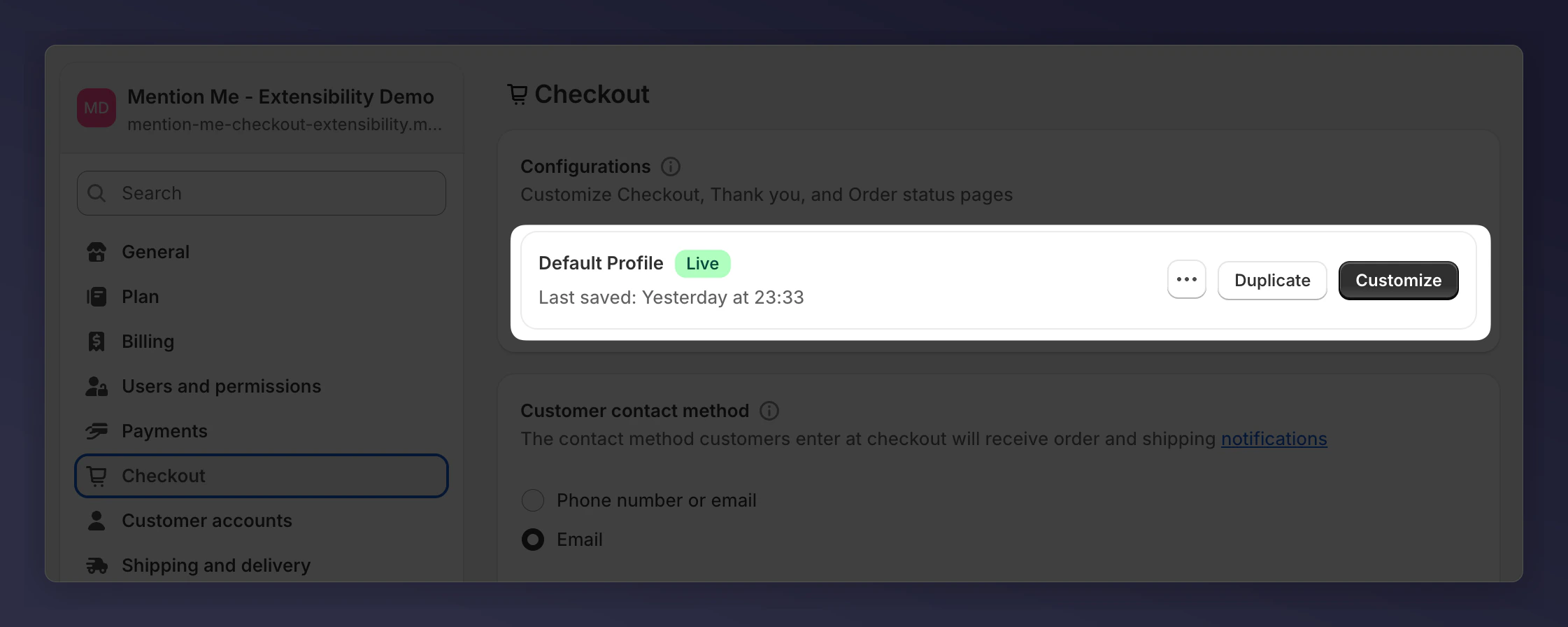
The Checkout page with the Customise button.
Add to the Checkout Page
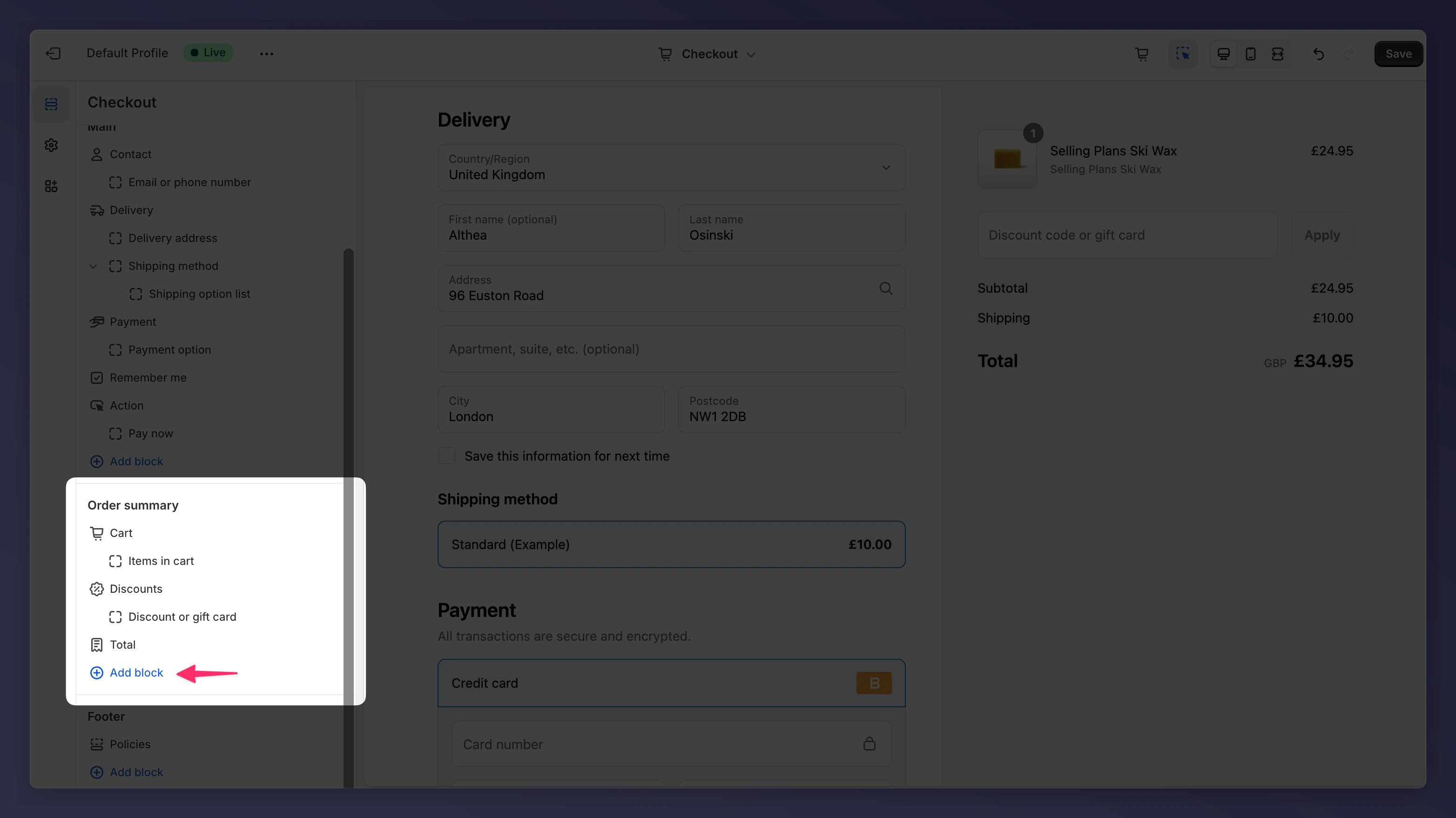
Adding the Mention Me Checkout Journey block to the Order Summary section.
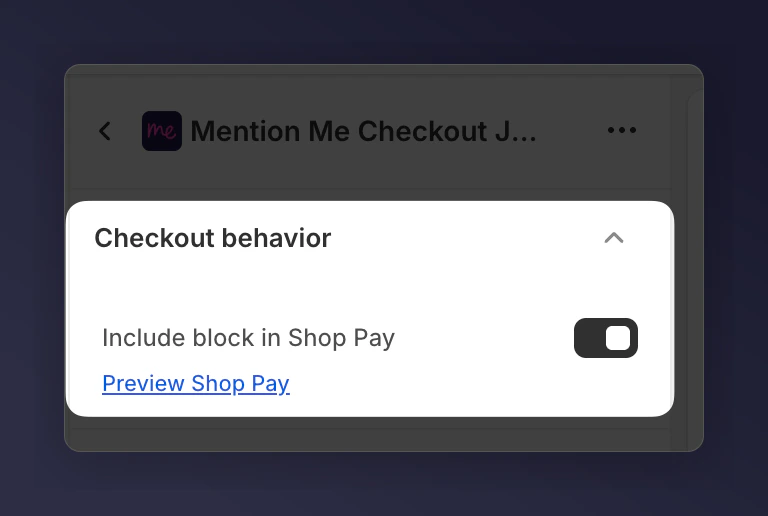
The Include block in Shop Pay checkbox.
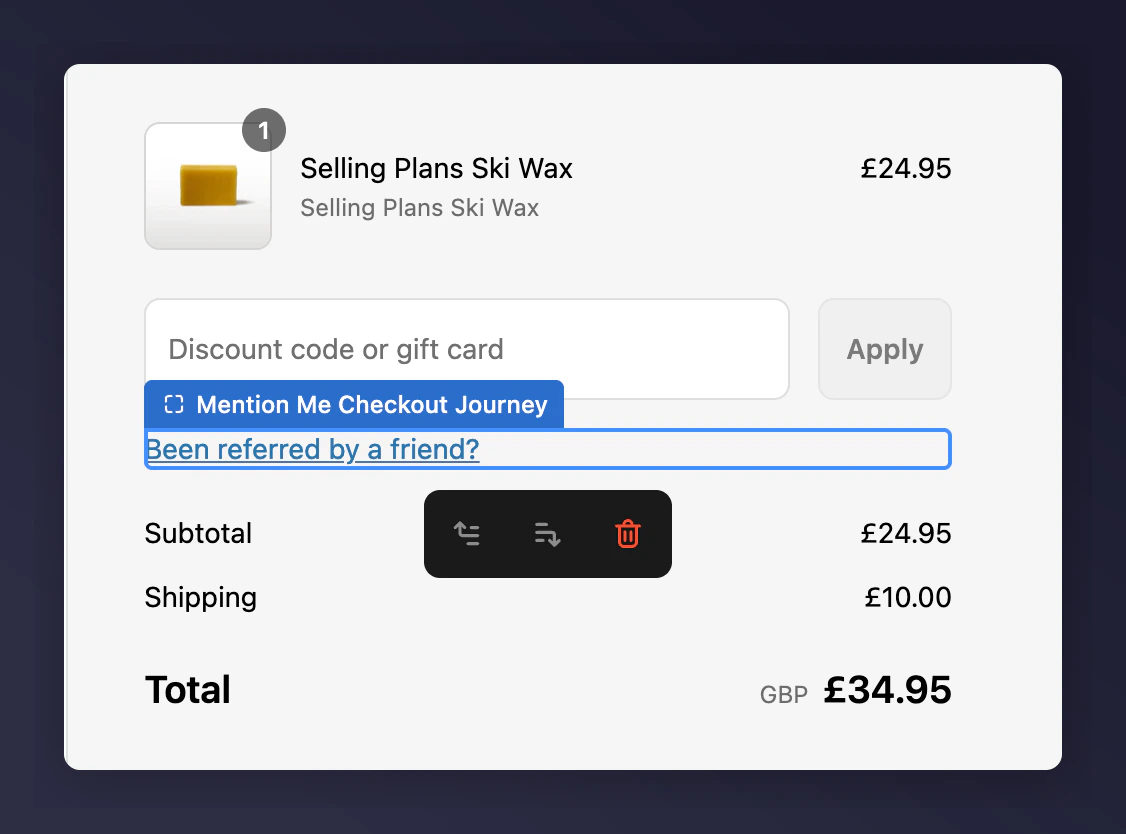
The Mention Me field appearing under the discount box in checkout.
Add to the Thank You Page
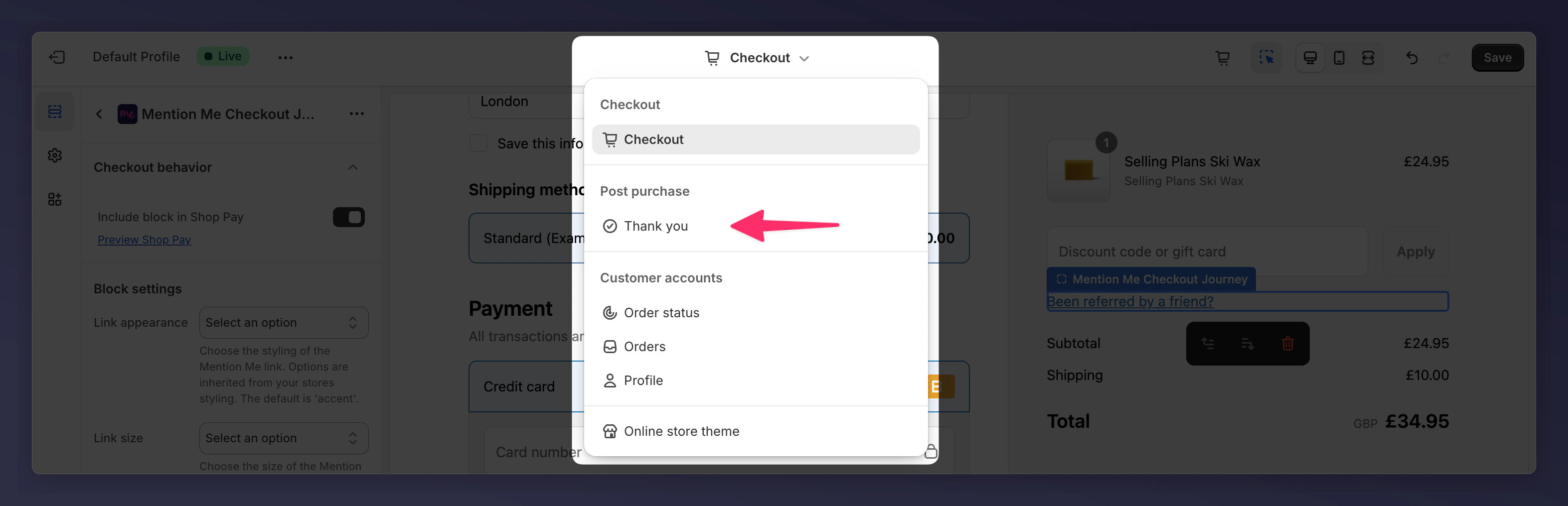
The checkout editor page selector showing the Thank You page.
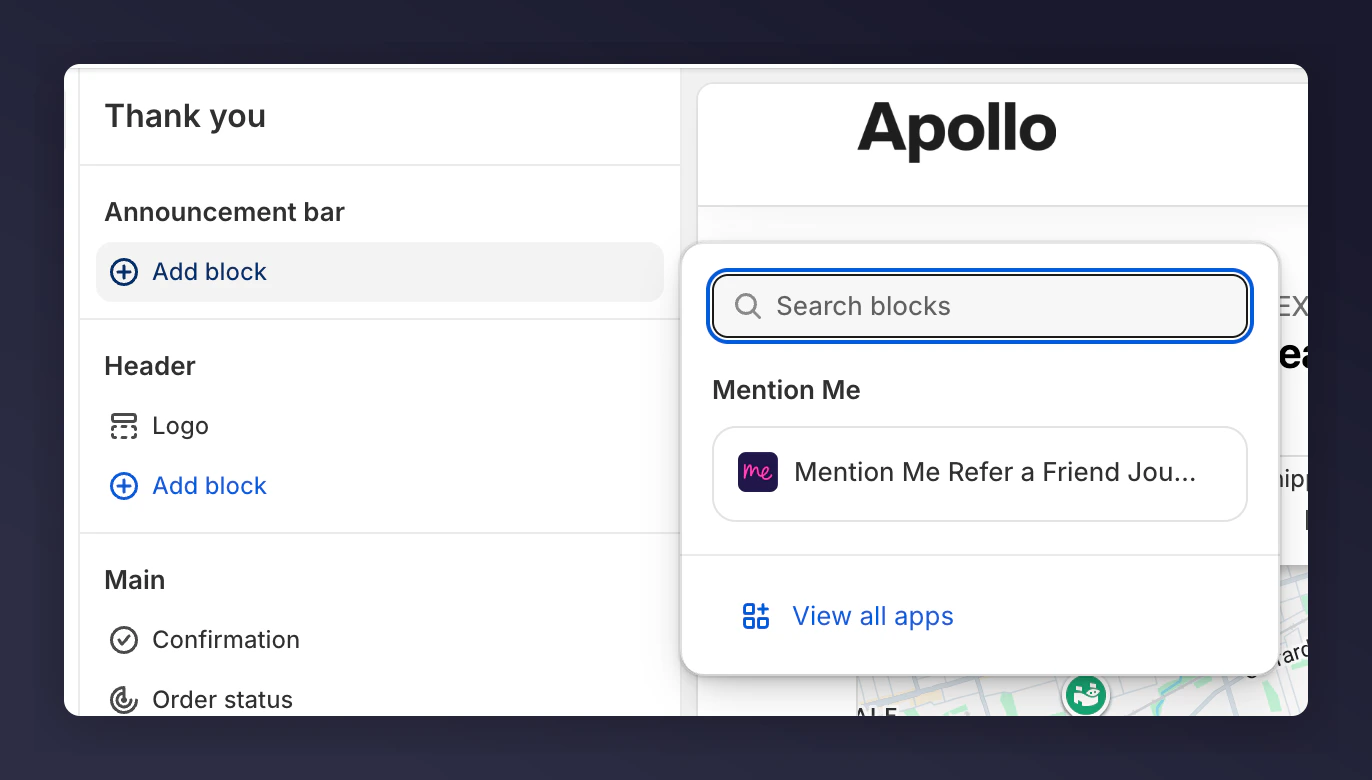
Adding the Mention Me Refer a Friend Journey block to the Announcement bar.
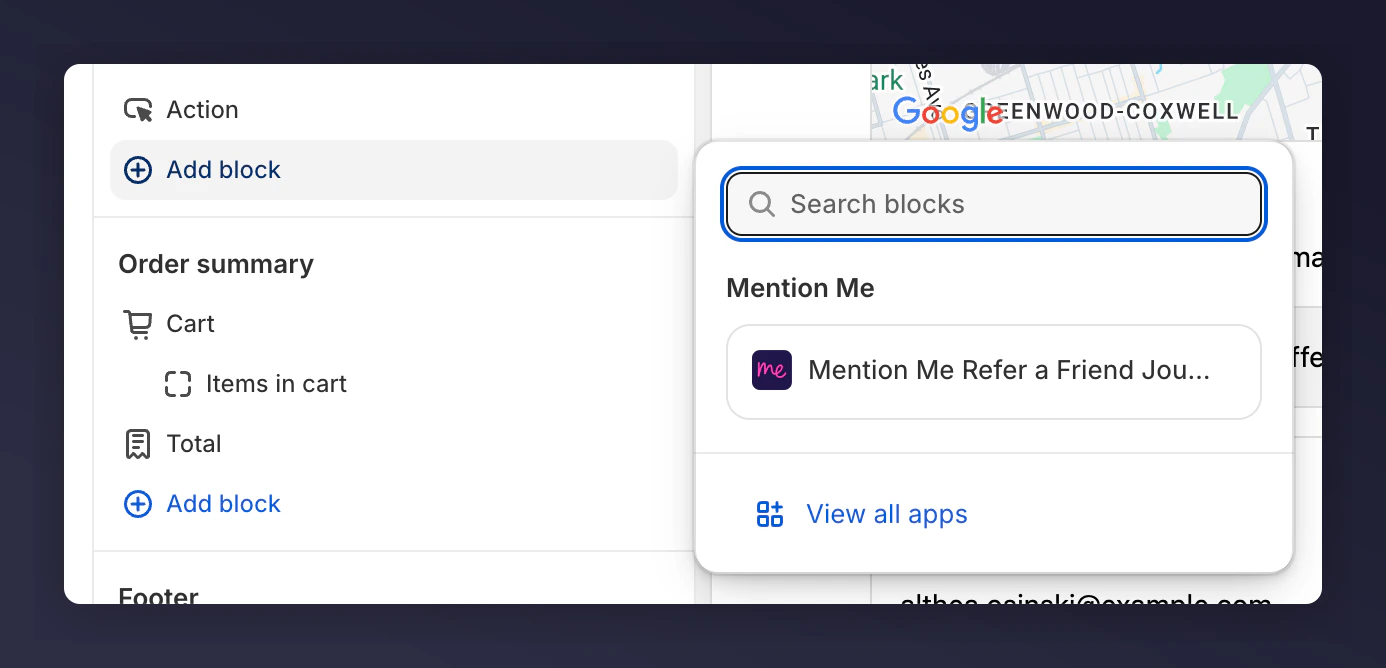
Adding the Mention Me Refer a Friend Journey block to the Main section.
Add to the Order Status Page
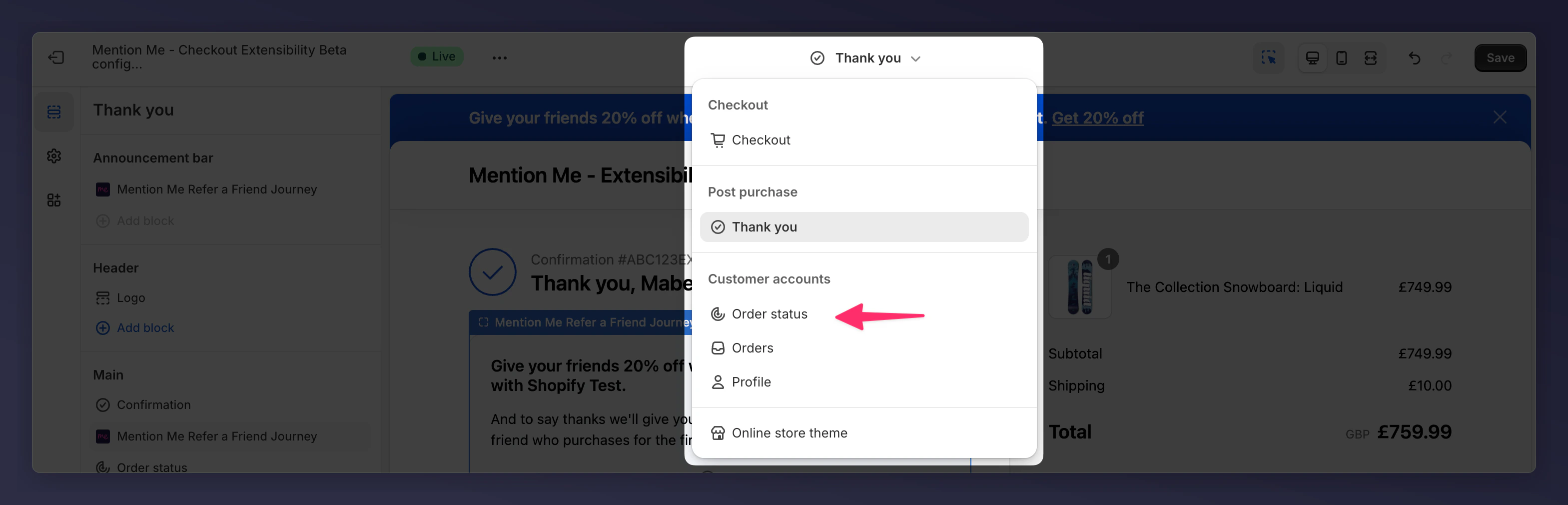
The checkout editor page selector showing the Order Status page.
Add the referral dashboard to customer accounts
Customers can open their referral dashboard from the Profile page in new customer accounts. No theme code.Open the customer account editor
Add the Profile block