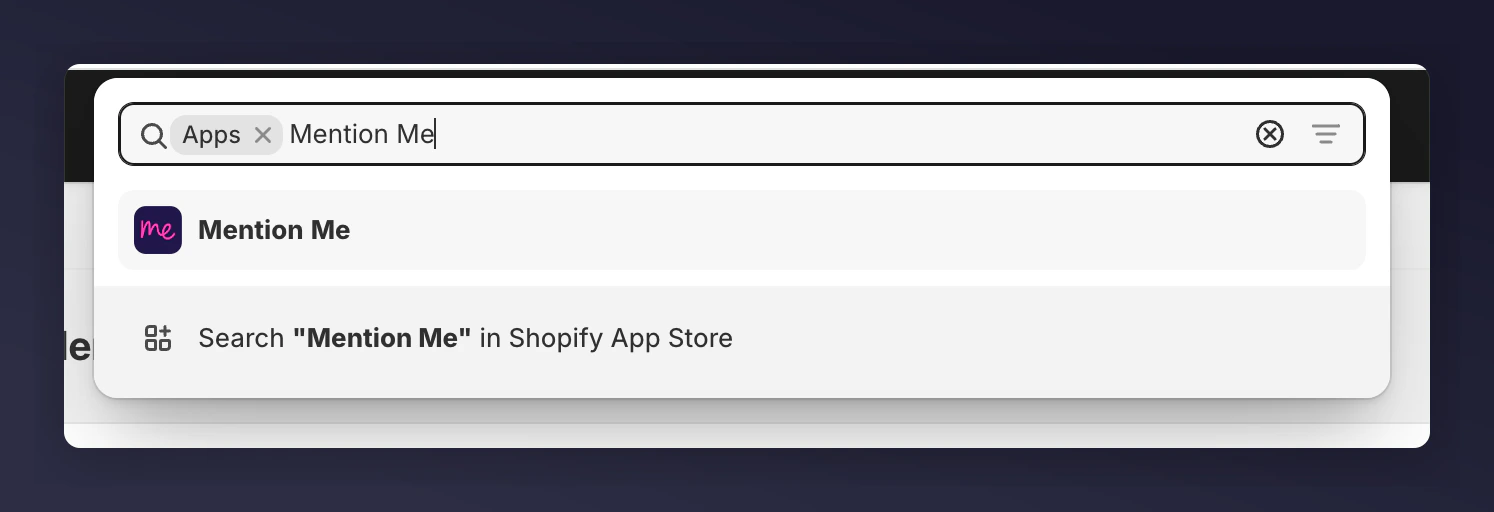
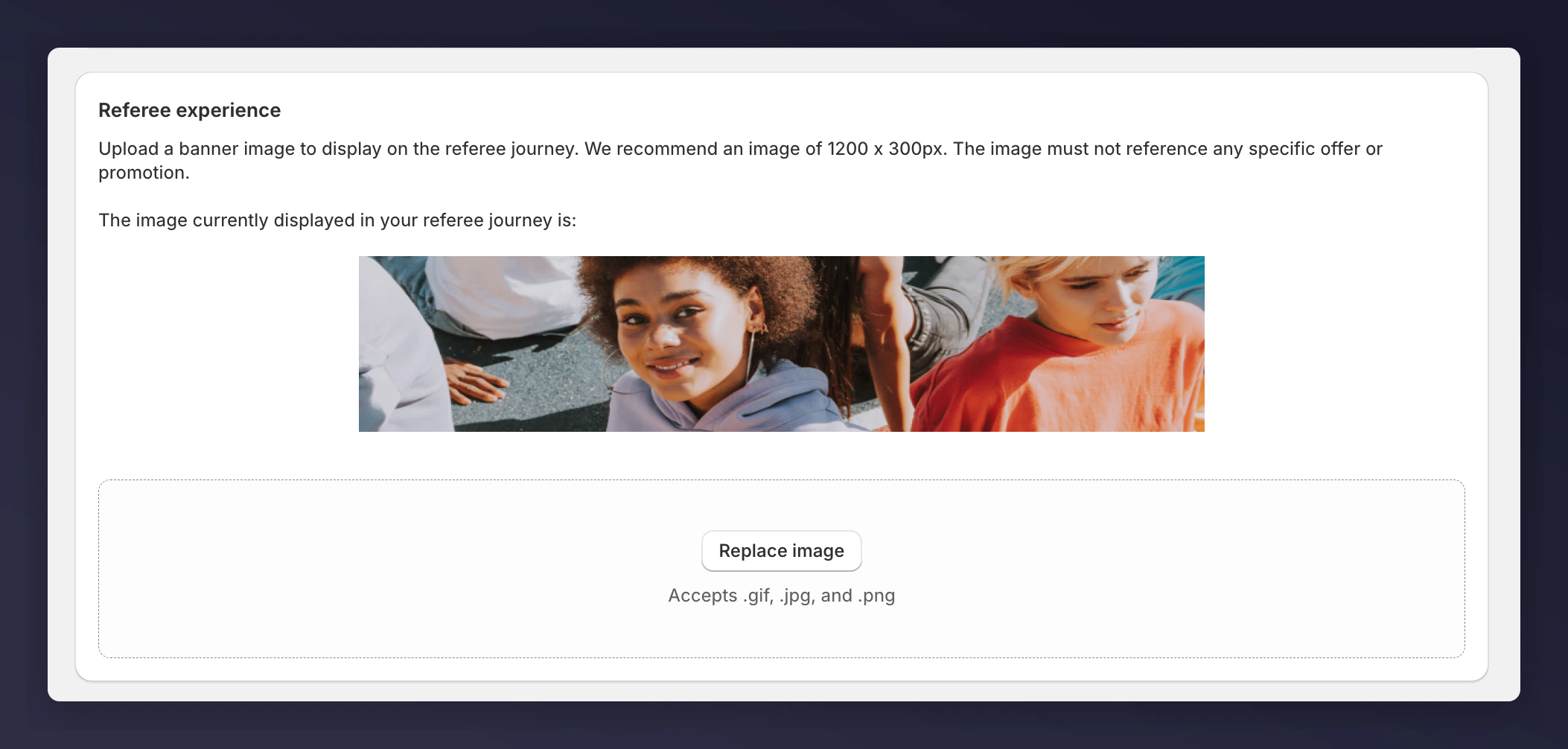
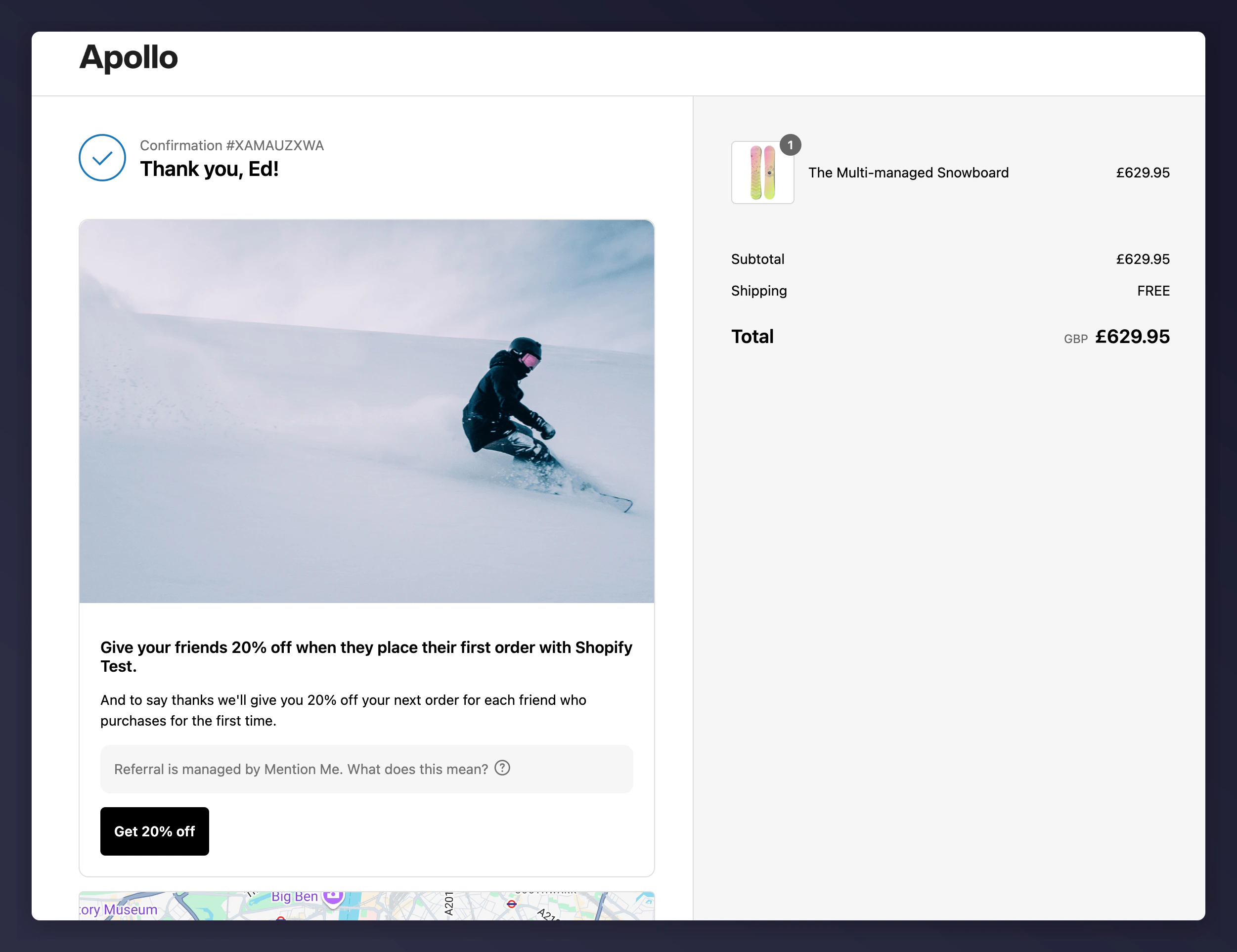
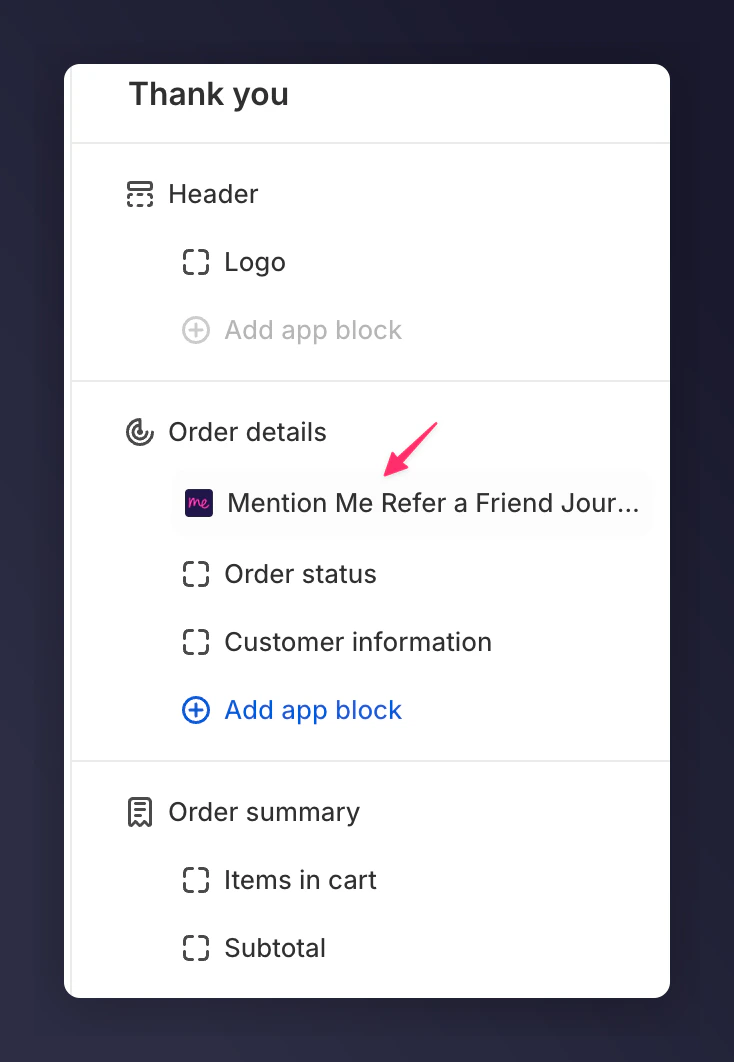
How to manage images for referee and referrer journeys when using Mention Me with Shopify.
The following instructions are for Brand Referral, which is not currently available on the free Tier of the Shopify App. Contact us to know more.
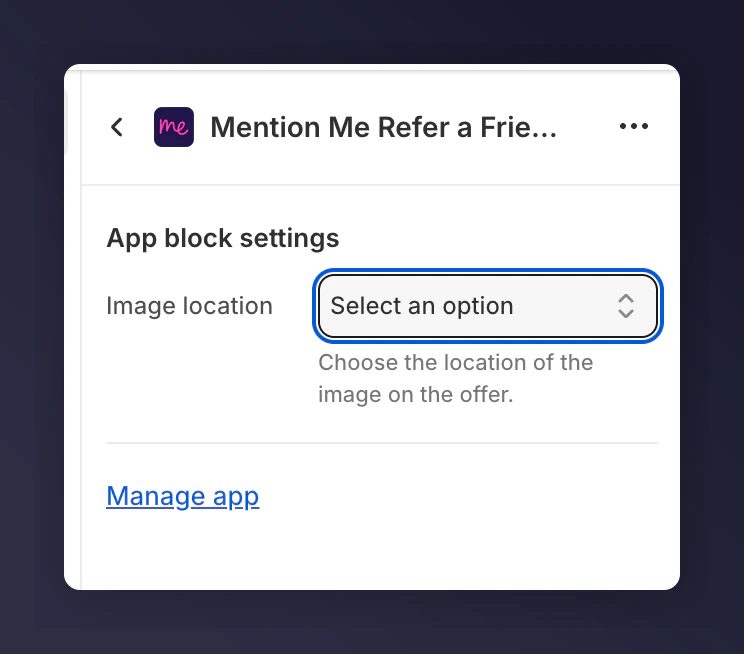
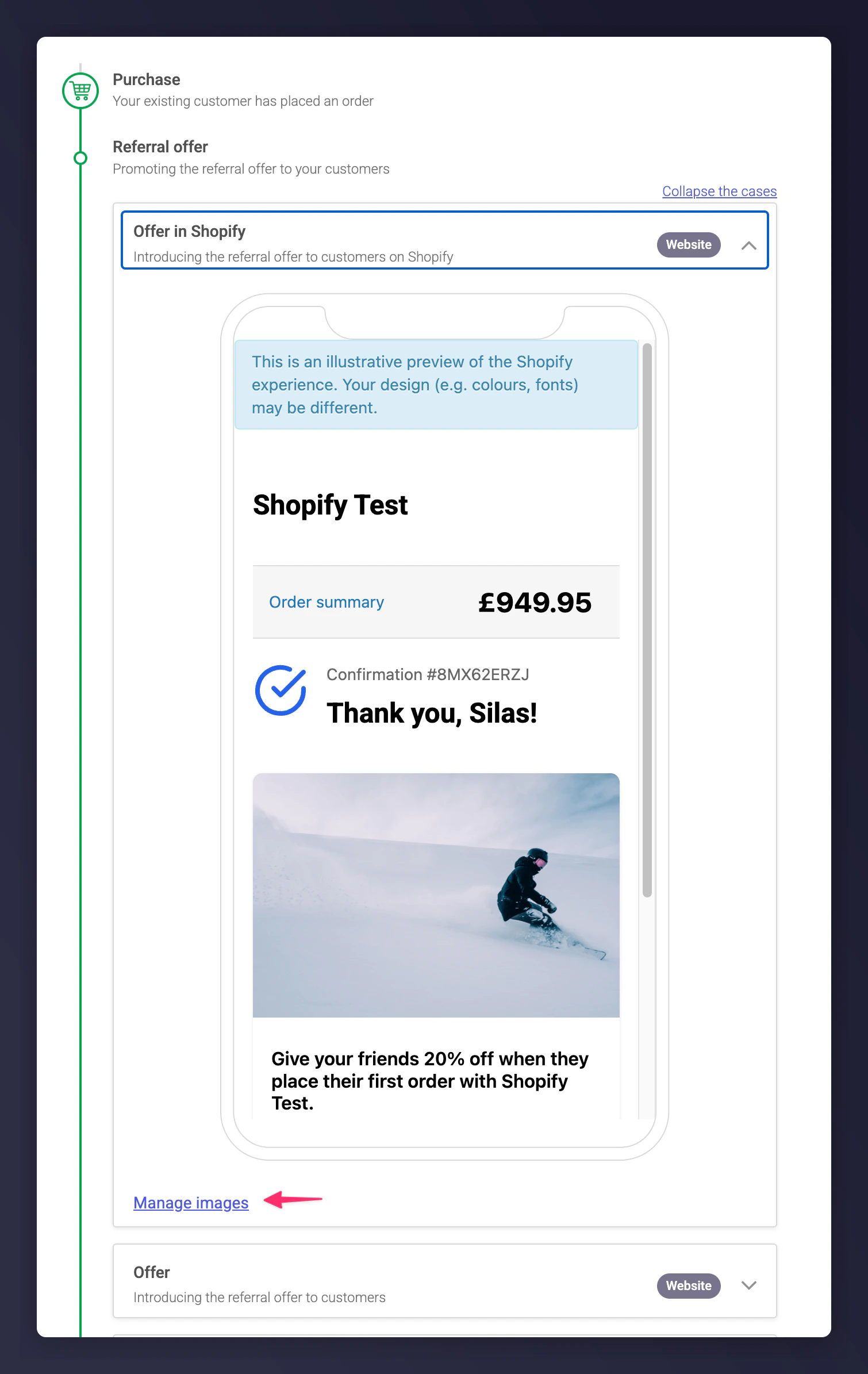
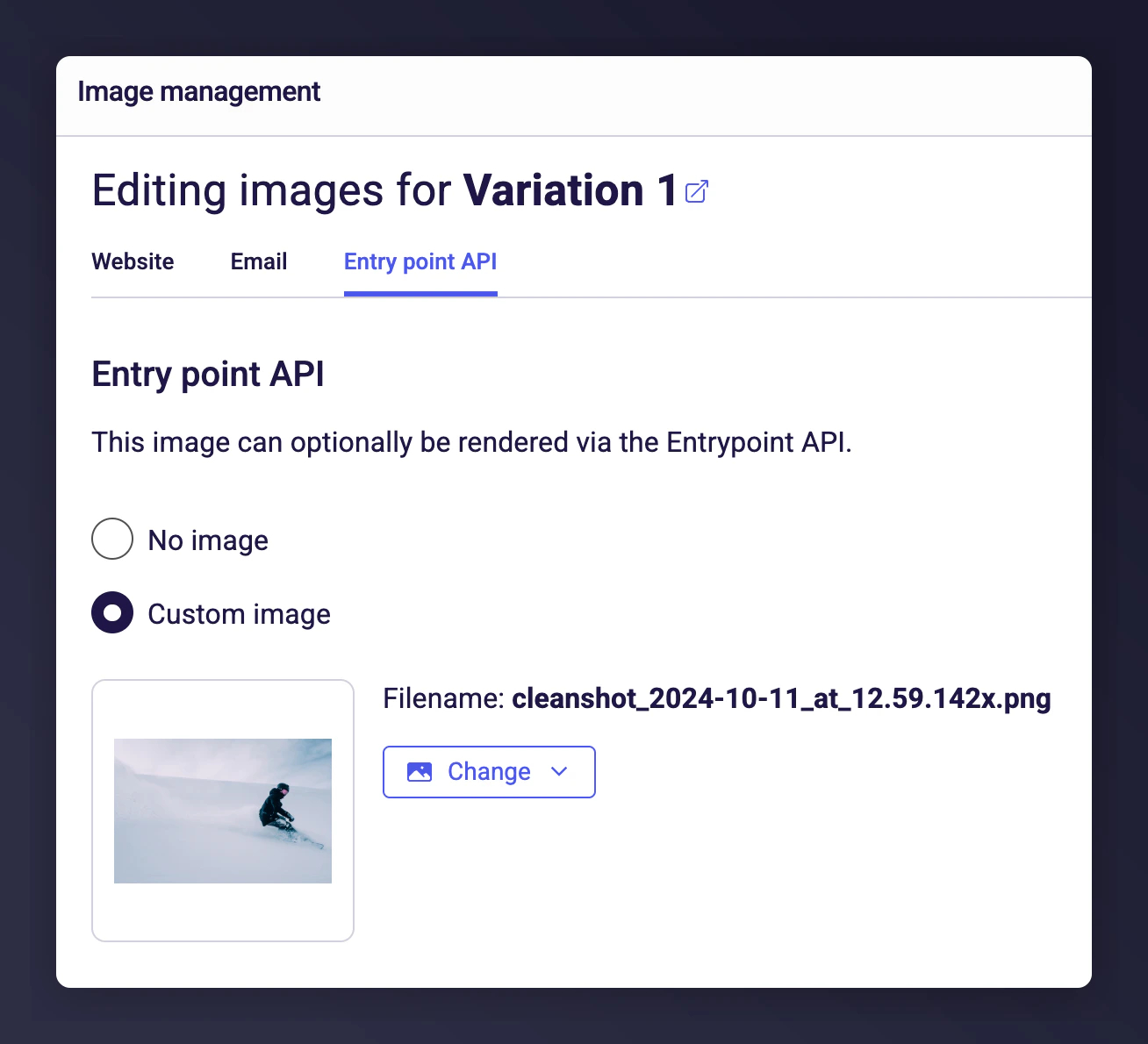
When using Mention Me with Shopify, image configuration differs slightly from standard setups. This guide covers managing images for both Referee and Referrer journeys.
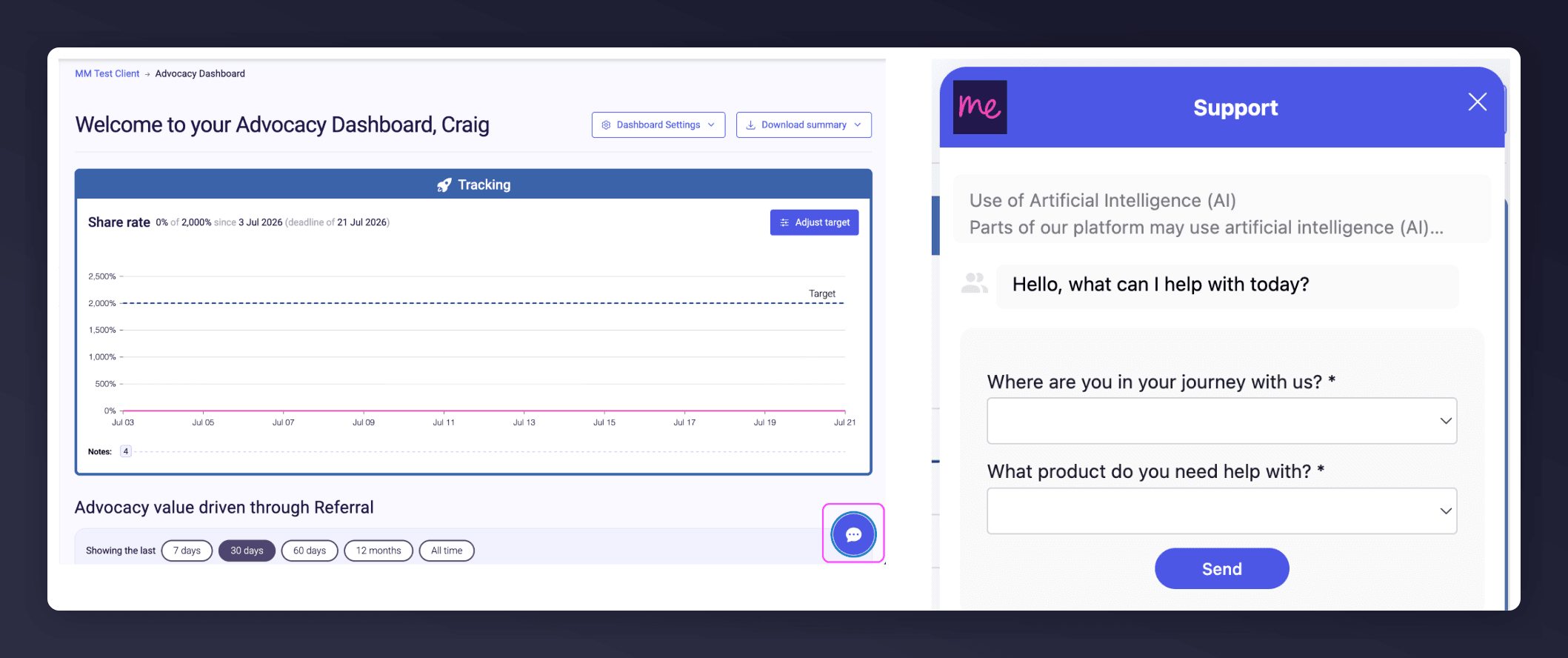
Start a conversation with the in-platform Support widget in the bottom-right corner of your dashboard - it can usually answer this straight away. If it can’t, raise a request via the request form.
The in-platform Support widget starting an AI-assisted conversation.
Last modified on August 7, 2026
Was this page helpful?
Assistant
Responses are generated using AI and may contain mistakes.