

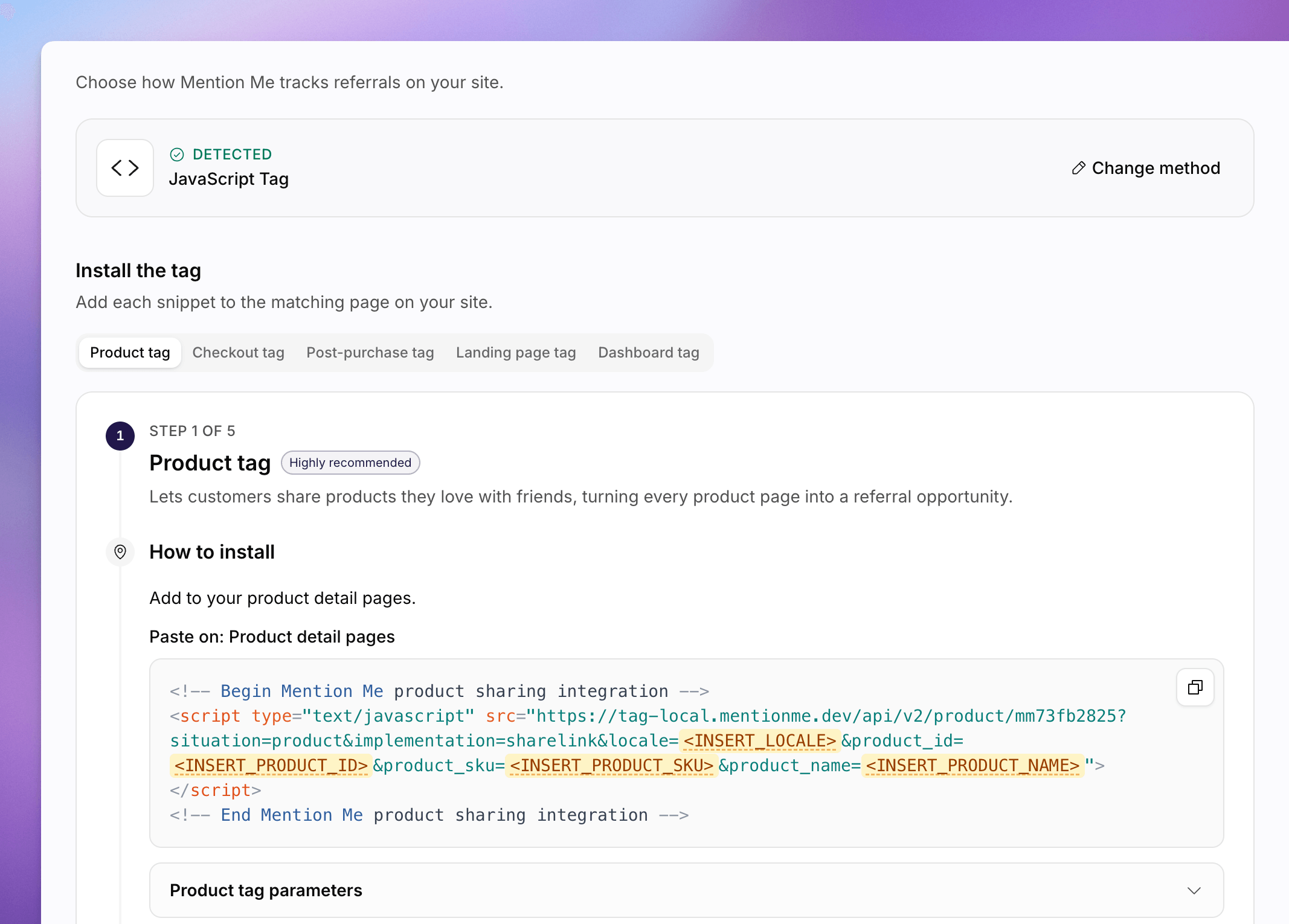
The Tracking setup page, with Shopify, Google Tag Manager, JavaScript Tag, and Mention Me API.
Choose a Method
1
Open Tracking Setup
Go to Settings > Tracking setup.
2
Pick a Method
Under Choose your integration method, pick how you want to install Mention Me:
3
Change Later
If a method is already detected, you will see a Detected banner. Click Change method to pick a different one.
After You Choose
- Shopify. Verify the app on Verify your Shopify installation. Manage or Connect opens Settings > Integrations.
- Google Tag Manager and JavaScript Tag. Work through the tabbed tag cards and copy the snippets.
- Mention Me API. Follow Use the Mention Me API. API reference opens the API introduction. Tracking-log verification for this method is still coming.
See Also
How to Set Up Tracking
First-time install from the Onboarding Hub, including the tag list.
How to Use the Integration Logs
Inspect tag fires, orders, and errors after install.
Where and Why to Place Tags
Classic documentation for tag placement.
API Reference
Server-side integration reference.