

Early access. Default copy is rolling out gradually. If you do not see
Settings > Default copy, it is not enabled for your workspace yet.
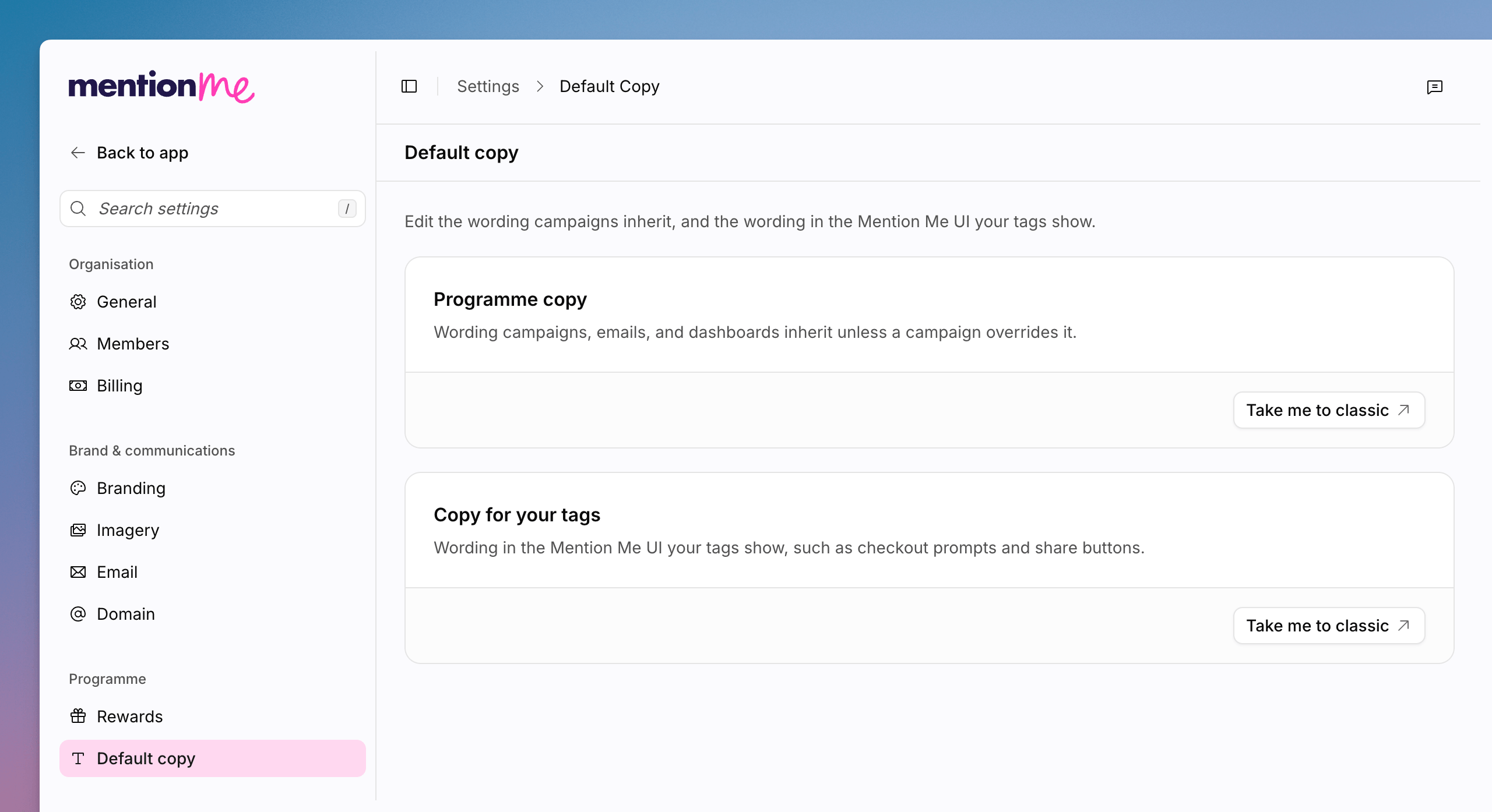
The Default copy page, with Programme copy and Copy for your tags cards.
Open Programme Copy
Programme copy is the wording campaigns, emails, and dashboards inherit unless a campaign overrides it.1
Open Default Copy
Go to Settings > Default copy.
2
Go to Classic
On Programme copy, click Take me to classic.
Open Copy for Your Tags
Tag copy is the wording in the Mention Me UI your tags show, such as checkout prompts and share buttons.1
Open Tag Copy
On Copy for your tags, click Take me to classic.
See Also
How to Manage Branding
Themes and fonts that sit alongside default copy.
Managing Copy
Classic documentation for programme and journey copy.