

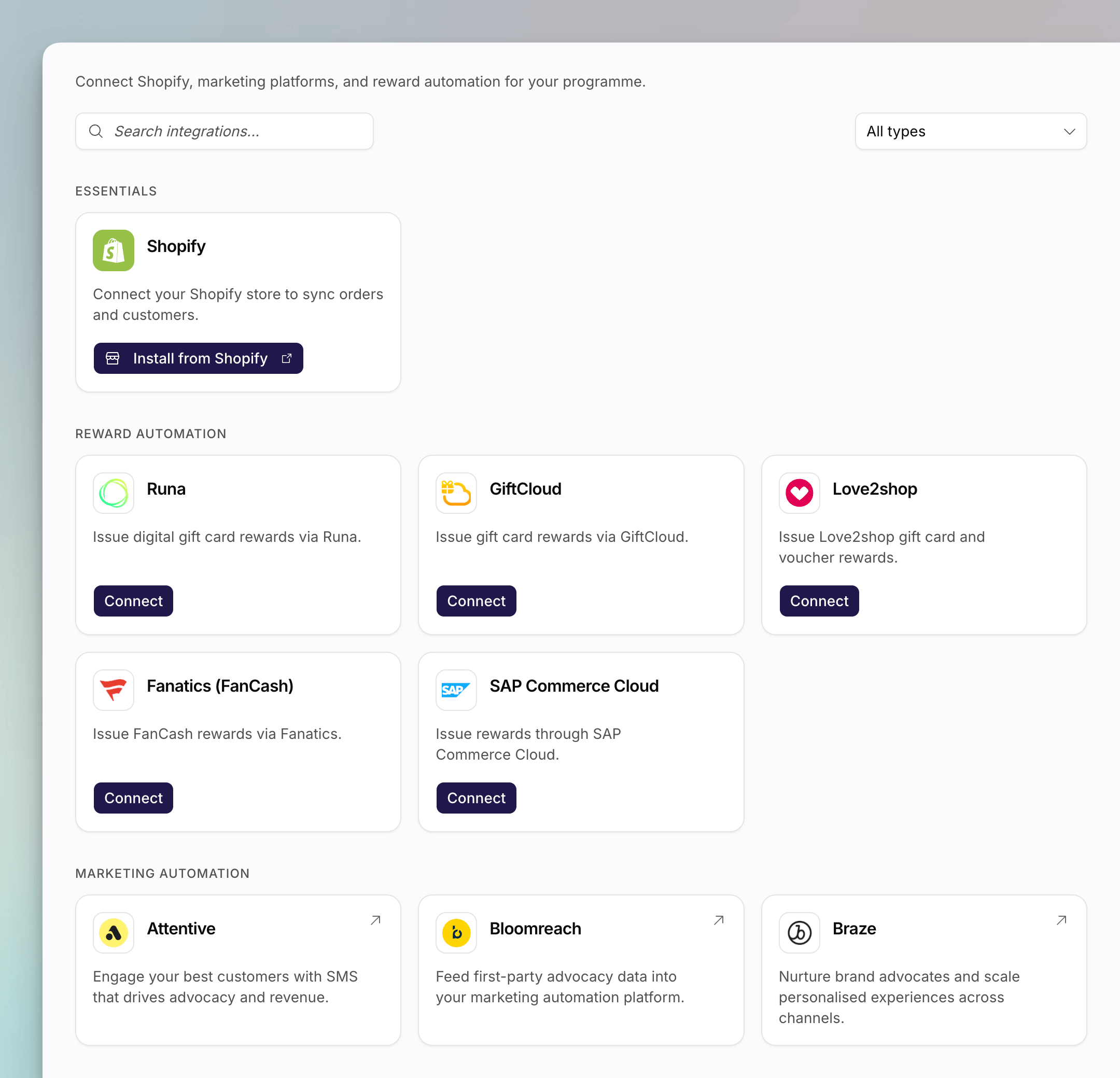
The Integrations directory in Settings, with Essentials, Reward automation, and Classic catalogue sections.
Three Kinds of Integration
Shopify
Native. Connect a store, import existing customers, and fulfil rewards in
Shopify.
Gorgias
Native. Connect Gorgias so agents can see a customer’s referral status in
the ticket sidebar.
Reward automation
Native. Connect GiftCloud, Love2shop, SAP Commerce Cloud, Runa, or Fanatics
so they can fulfil rewards, or Recharge to duplicate an already-created
Shopify referrer discount into a customer’s Recharge portal.
Configured in Classic
Catalogue cards for ESPs, ads, and reviews. Clicking one opens Classic for
setup.
Essentials: Shopify
Shopify lives in the Essentials section. The card shows whether a store is connected, and an admin can install the Mention Me app or disconnect it. You can connect more than one store. Each extra store is another install of the Mention Me Shopify app, then the same OAuth round-trip back to app.mention-me.com. See Understanding Shopify in Mention Me.Essentials: Gorgias
Gorgias also lives in the Essentials section. Connecting it is self-serve: enter your Gorgias domain, user email, and API key, and Mention Me completes the rest of the setup automatically. See How to Connect Gorgias.Reward Automation
Reward automation is a row of provider cards: Runa, GiftCloud, Love2shop, Fanatics (FanCash), SAP Commerce Cloud, and Recharge. Connect adds the first set of credentials. Manage opens the list of connections for that provider, where you can edit one or add another. There is no delete for most providers. To stop using a connection, stop pointing rewards at it. See How to Connect a Reward Automation Provider. For how fulfilment fits the reward model, see Understanding Rewards and Vouchers.Configured in Classic
When Classic links are on for your account, the directory also lists marketing automation, customer data platform, paid social, and reviews integrations. Each card is a Classic round-trip: clicking it opens that integration’s page on mention-me.com.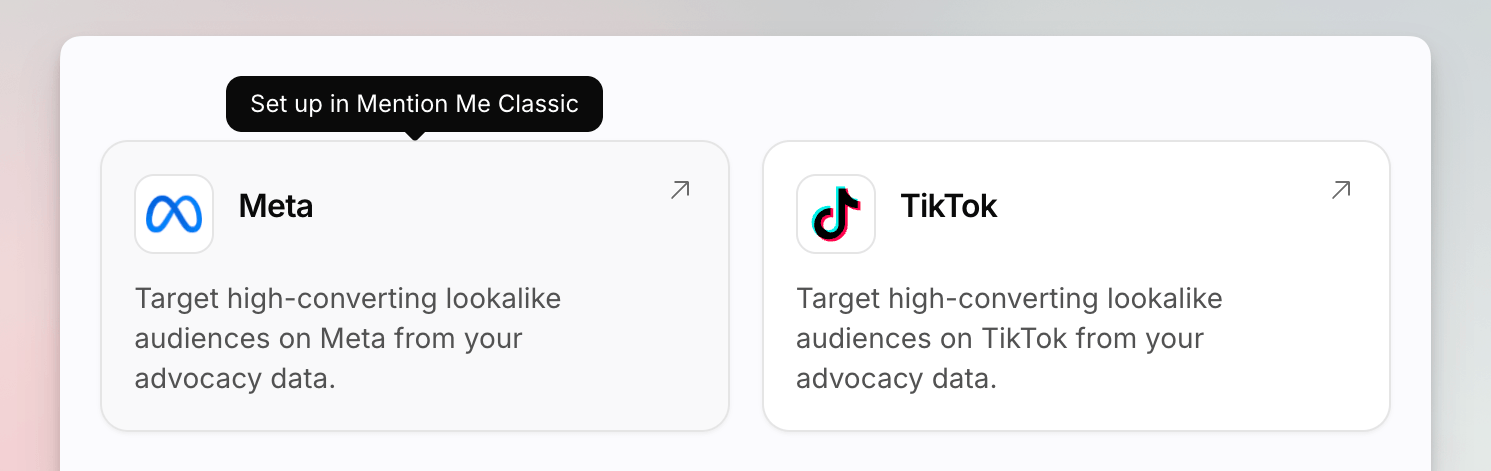
Paid social catalogue cards, with a Set up in Mention Me Classic tooltip on Meta.
How the Classic Round-Trip Works
- You click a catalogue card (or Connect) on Settings > Integrations.
- Classic opens on that integration’s details page.
- You finish setup there, using the Classic guide linked from the Mention Me docs article.
- You return to Mention Me. The directory is unchanged: Classic still owns those credentials.
Where to Go Next
How to Connect Shopify
Link a store from Settings > Integrations.
How to Connect a Reward Automation Provider
Add and edit credentials for GiftCloud, Love2shop, SAP Commerce Cloud, Runa,
Fanatics, or Recharge.
Klaviyo
A typical Classic catalogue page: what it does, then the Classic setup
guide.
Understanding Rewards and Vouchers
How reward automation sits next to voucher batches.