

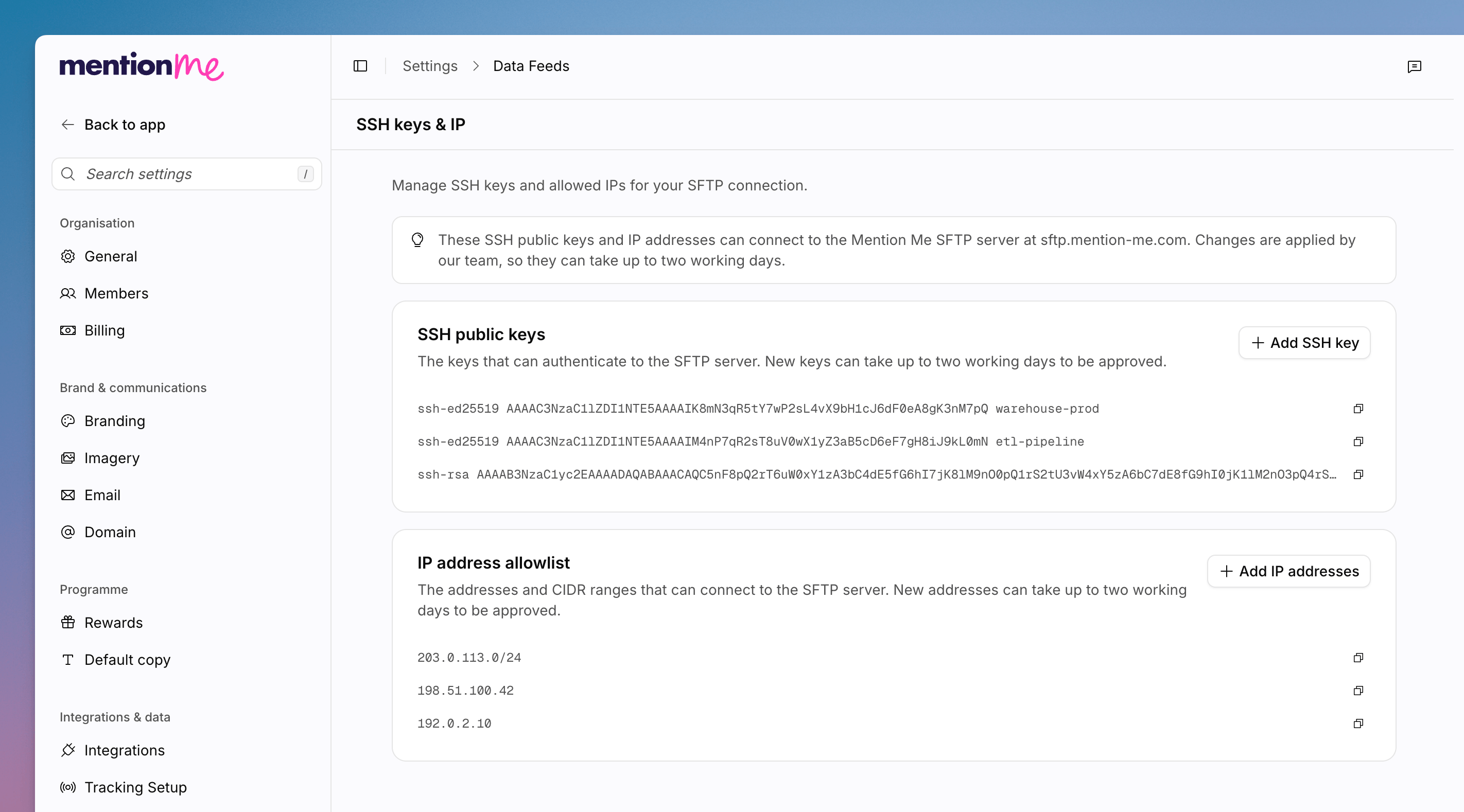
The SSH keys and IP page, with public keys and the IP allowlist.
sftp.mention-me.com. Changes are applied by the Mention Me team, so they can take up to two working days.
1
Open SSH Keys and IP
Go to Settings > Data feeds, then SSH keys & IP.
2
Add an SSH Key
Under SSH public keys, click Add SSH key. New keys can take up to
two working days to be approved. Use Copy SSH key when you need the
value elsewhere.
3
Add IP Addresses
Under IP address allowlist, click Add IP addresses. You can add
addresses or CIDR ranges. New entries can take up to two working days to be
approved. Use Copy IP range when you need the value elsewhere.
See Also
How to Set Up Data Feeds
Add inbound and outbound SFTP folders.
How to Manage Encryption Keys
PGP keys for encrypted feeds.