

Cart / Basket Page
Add a<div> where the link should appear, then add the JavaScript snippet after it. Locate and edit your cart template (e.g., cart.liquid).
1
Add the Div
2
Add the Script
INSERT_PARTNERCODE with your actual Mention Me PartnerCode. For locale configuration, see Shopify: Locales.Sidecart / Popout Cart
If using a slide-out or pop-up cart (e.g., sidecart.liquid):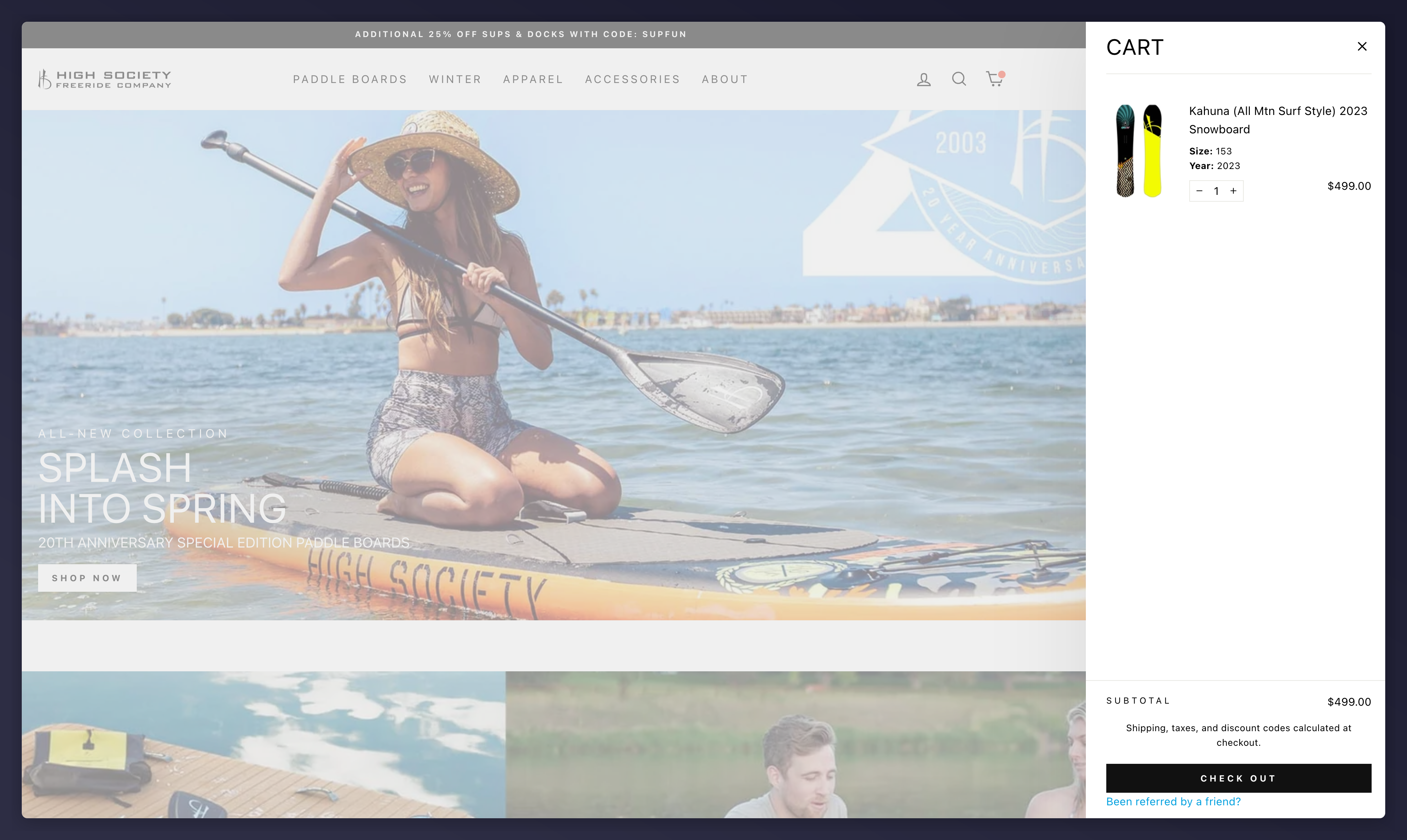
Sidecart with the 'Been referred by a friend?' link
Checkout (Shopify Plus Only)
Shopify Plus merchants can modifycheckout.liquid:
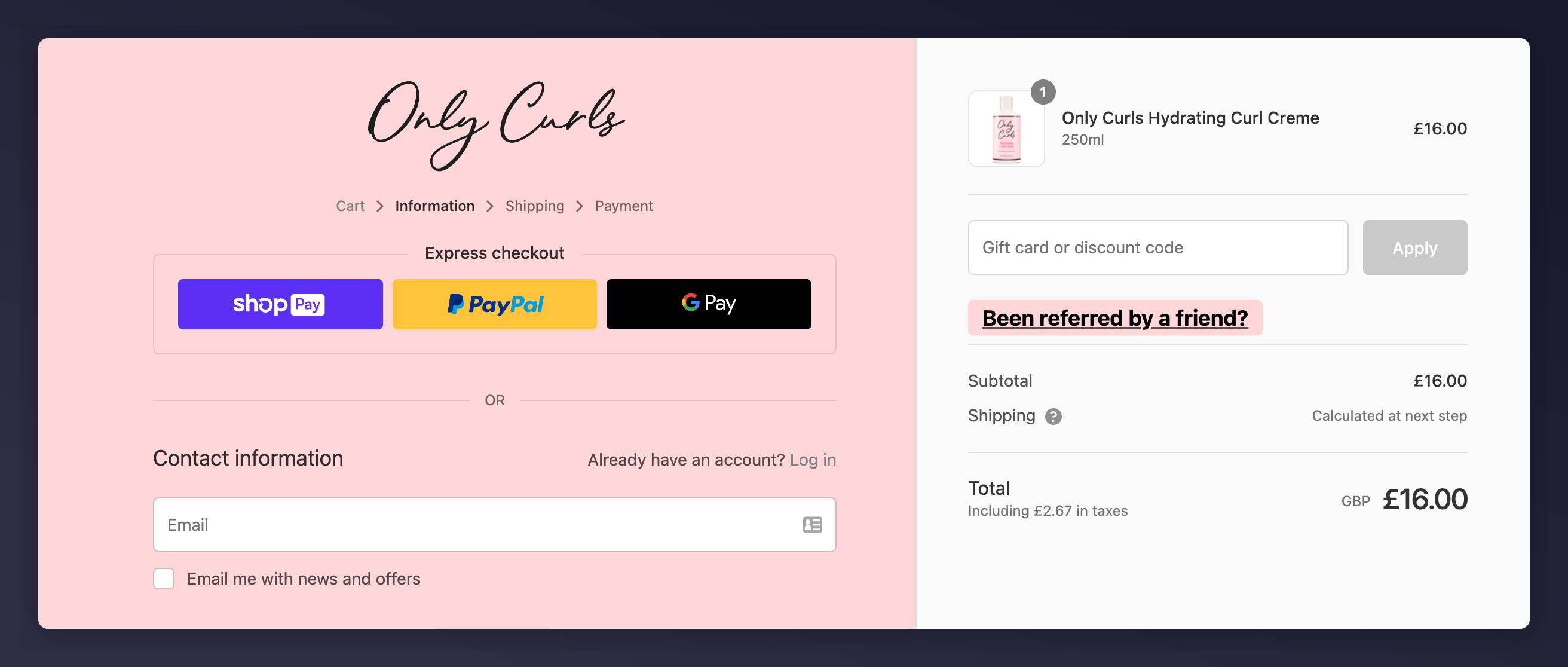
The checkout.liquid editor in the Shopify Plus theme code editor.
checkout.liquid? Review the checkout extensibility guide.