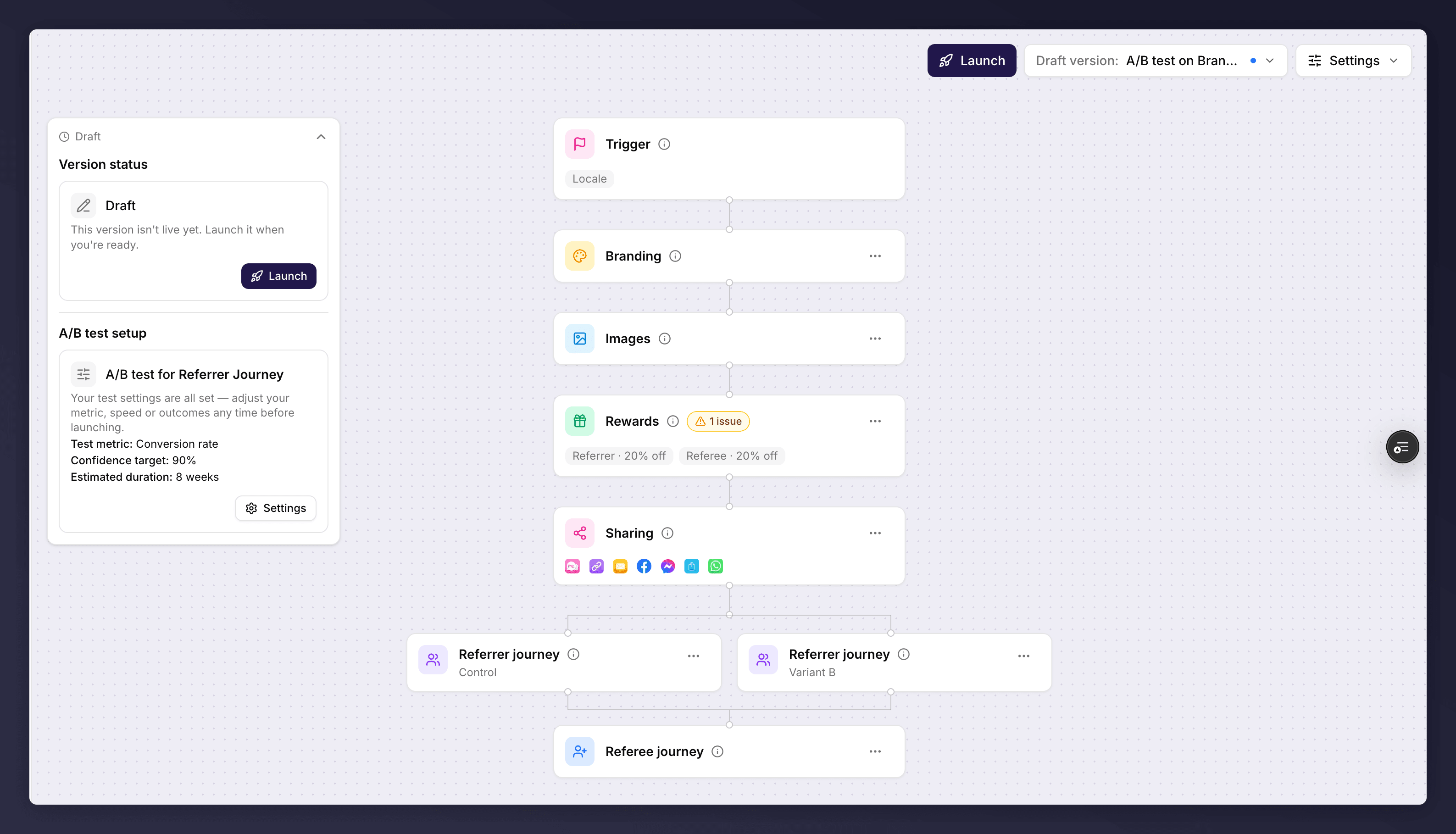
Differentiate your variants, review the differences, and adjust or remove a test before it launches.
Once you’ve set up a test, the work is making the two variants meaningfully different, then refining the test before you launch. You manage all of this from the section the test runs on.
A test only produces a clear result if the variants actually differ, and if they differ in one way. Change a single thing (the reward, the imagery, the copy, or the share methods) so you can attribute any change in performance to that one difference. If you change several things at once, you won’t know which one moved the needle.
The control variant is view-only: “The control variant is view-only as it’s the baseline of your test. Make changes on the other variant to avoid skewing the test results.” Edit Variant B instead.
A section split into Control and Variant B.
Edit Variant B on the relevant section just as you would any other. For ideas on what to change, see A/B testing best practices.
When the variants differ, a View differences option shows exactly what has changed between them. Use it to confirm you’ve changed only what you intended before launching.
On a draft version, the section’s manage menu lets you Adjust test settings to reopen the wizard and change the test metric, speed or outcomes. Make these changes before you launch: once the test is live, you cannot edit it.
Choose Remove A/B test to revert the version to a single variant. Removing a test keeps your baseline (the prior offer) on the version, so if you add a test again later the power analysis still works without re-selecting it.