

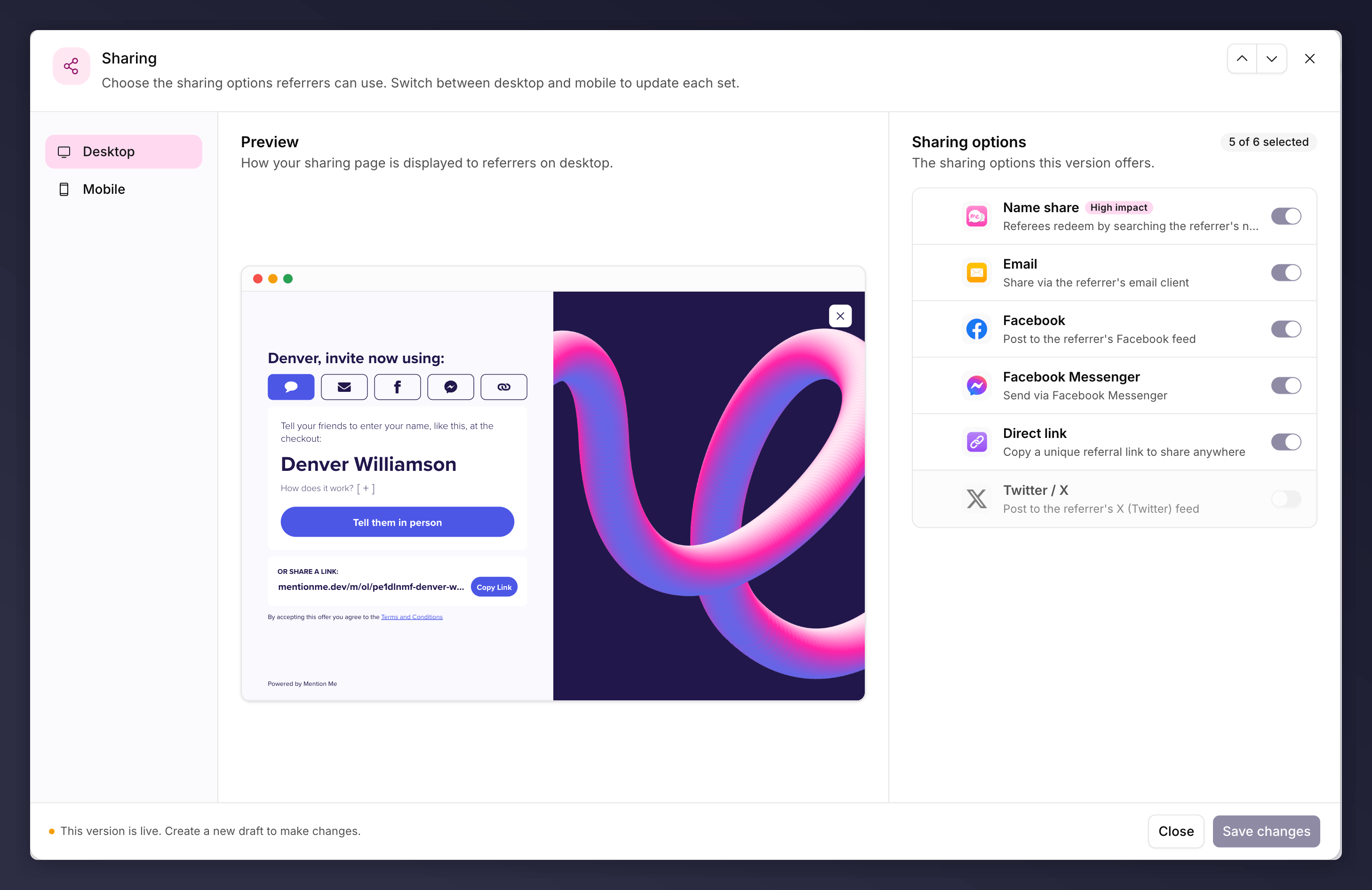
The Sharing node, with the device nav, a preview of the sharing page, and the options list.
A product referral campaign also has a node called Sharing, but it is a
different thing: the share link injected on your own product pages. See the
share link.
Choosing and Ordering Options
The node opens as three columns:- The device nav on the left. Switch between Desktop and Mobile. Each device carries its own set, so configure both.
- The preview in the middle, showing the sharing page as customers see it.
- The options list on the right, one row per sharing option.
The preview updates when you save, not as you toggle. Saving keeps the editor
open so you can check the result and carry on.
The Sharing Options
Name share and Native share are marked as recommended in the list.
A few options are marked Legacy and are no longer offered as new additions: Referral code, Name + code and LINE. An offer that already has one keeps its row so you can switch it off. Referral code and Name + code are mutually exclusive, so switching one on switches the other off.
How Many You Can Select
The list shows a readout of how many options are selected out of the maximum for that device.- Desktop has five positions in the sharing bar, plus Direct link, which renders as a copyable link below the bar rather than taking a position. So a desktop offer showing five options can still add Direct link, for six in total.
- Mobile has six positions and no exemption. Every option counts.
Don’t Offer Everything
Picking a few high-performing options for your audience usually beats showing every one, which can overwhelm customers and dilute your strongest routes. Performance varies by sector and device, so this is a good thing to A/B test.Referrals from Name share and similar word-of-mouth routes often aren’t visible
in tools like Google Analytics (they show as direct or search traffic). Mention
Me identifies them by matching the customer, so they are still attributed as
referrals.
The Sharing node can be A/B tested, for example reducing the number of options
or adding WhatsApp on mobile. See set up an A/B
test.