

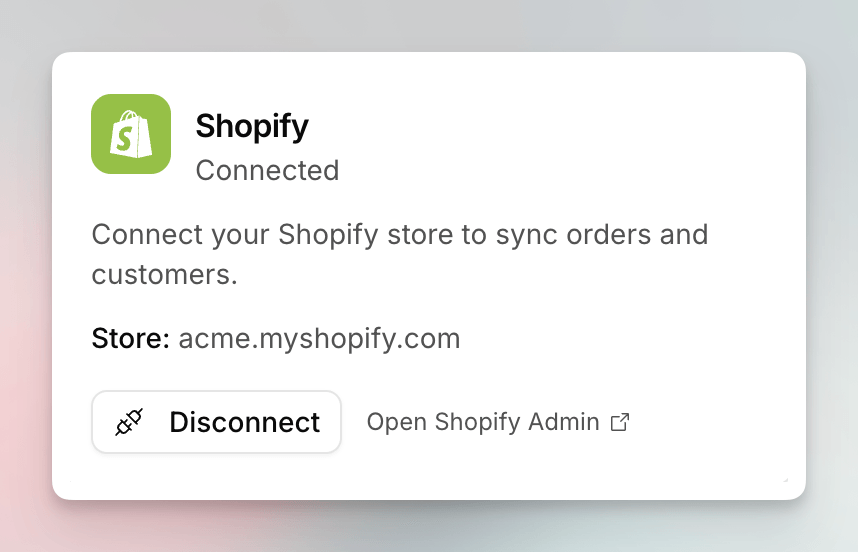
The Shopify card in Essentials, showing a connected store.
What the Connection Does
Once a store is connected, Mention Me can:- Sync orders and customers from that store
- Import existing customers, with an order-date window, from Settings > Uploads
- Fulfil referral rewards as Shopify discounts, including an early-access path where Mention Me creates the discount in your store
Multiple Stores
You can connect more than one Shopify store to the same Mention Me merchant. Each extra store is a separate install of the Mention Me app on that shop, then the same OAuth round-trip back to app.mention-me.com. The Shopify card shows the store that is currently linked on the directory. Import and Shopify-managed rewards let you pick which connected store to use.Connecting
Install and place the app with the Shopify app installation guide. Then link the store from Settings as in How to Connect Shopify.Early Access
Two Shopify features are behind flags and are marked Early access on their articles:- Import existing customers from Shopify, including the order-date window
- Shopify-managed rewards, where Mention Me creates the discount in your store
See Also
How to Connect Shopify
Link the store from Settings after the app is installed.
How to Import Existing Customers from Shopify
Pull existing buyers from a connected store, with an order-date window.
Understanding Shopify-Managed Rewards
Let Mention Me create the discount in your store, including scope and
eligibility.
Installing the Mention Me Shopify App
Classic guide for checkout, thank you, and customer account placement.