

Workspaces That Require 2FA
Each workspace has a setting that controls whether its members must use 2FA. New workspaces require it from the start. Workspace admins can turn it on or off in Settings > Security. See How to Require Two-Factor Authentication. If a workspace requires 2FA, every member must set it up before they can use that workspace. The requirement belongs to the workspace, but 2FA belongs to your account. When you set it up once, it works in every workspace you belong to.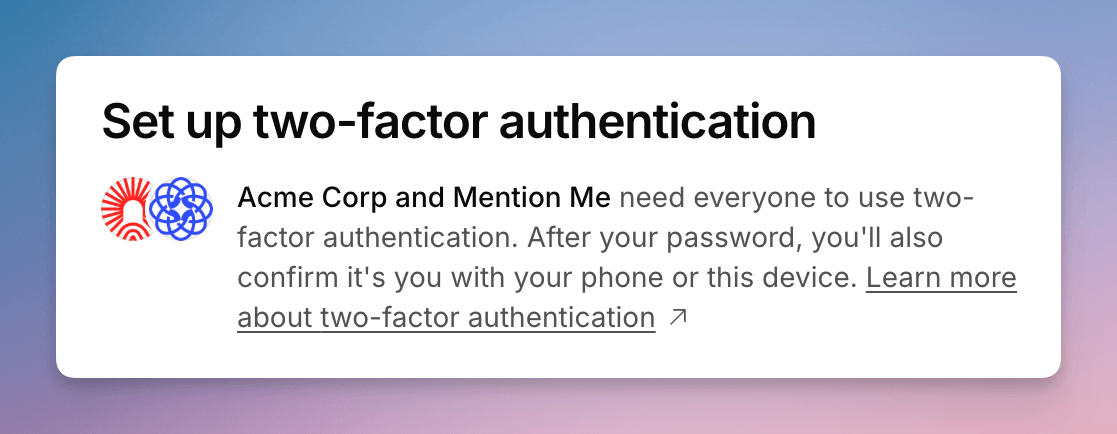
The setup page names the workspaces that require two-factor authentication.
Who Doesn’t Need to Set It Up
- People who sign in with single sign-on (SSO). Your company’s identity provider checks who you are, so Mention Me doesn’t ask again.
- New workspaces in the setup wizard. You finish the wizard first, then you set up 2FA before you reach the onboarding hub.
Authenticator App or Passkey
Both methods meet the requirement, and you can have both.
If you sign in with SSO, you can’t add a passkey. A passkey would still let you sign in after your company removes you from its identity provider.
Why You Can’t Always Turn It Off
While any workspace you belong to requires 2FA, you must keep at least one method. This applies even when you are working in a workspace that doesn’t require it, because your 2FA covers every workspace you belong to. Account settings shows the workspaces that require 2FA. To change methods, add the new one before you remove the old one. If you leave every workspace that requires 2FA, you can turn it off.See Also
How to Set Up Two-Factor Authentication
Set up, replace or remove an authenticator app or passkey.
How to Manage Account Security
Password, active sessions and passkeys.