

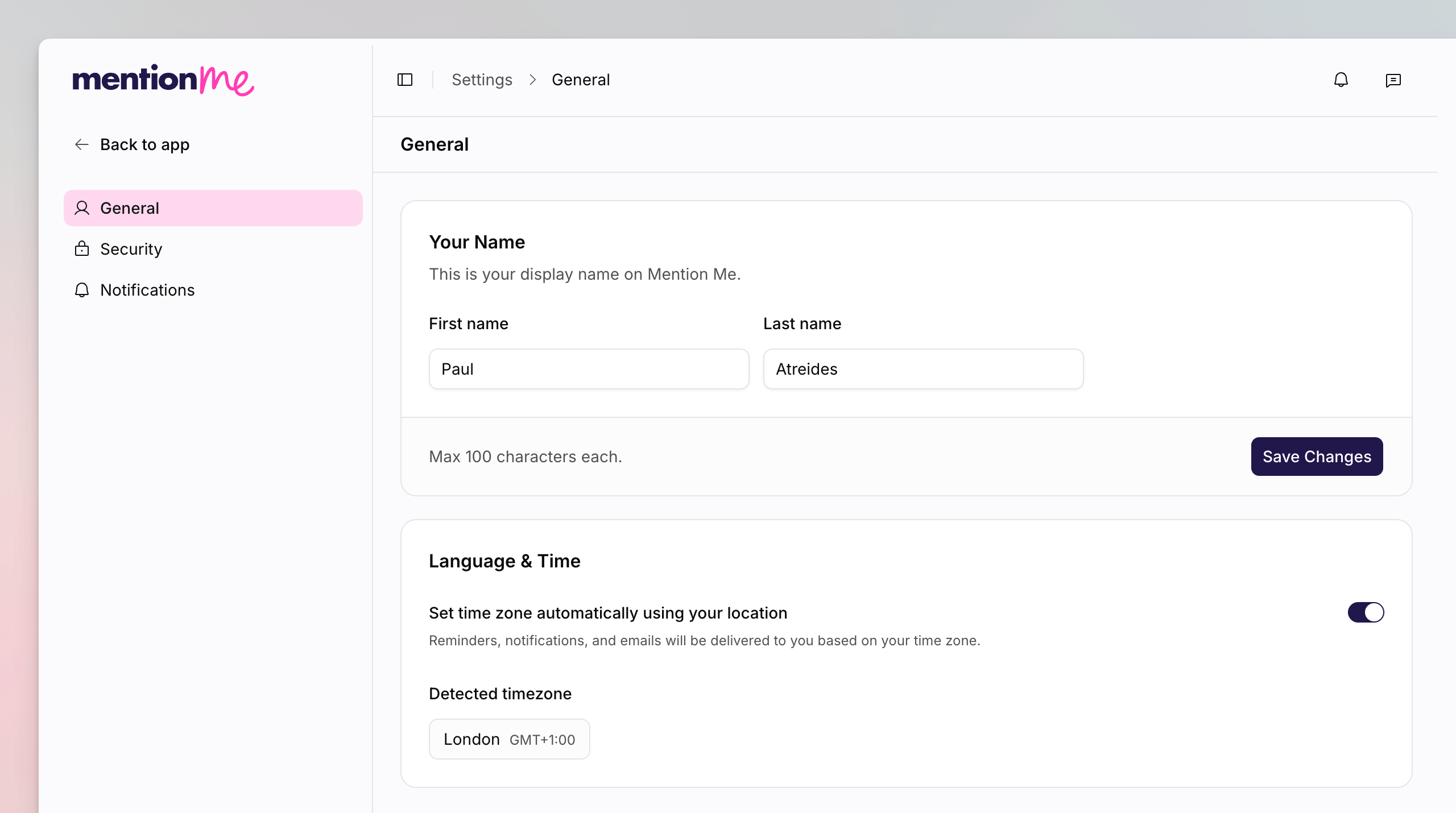
Account General settings, with Your Name and Language & Time cards.
Change Your Name
1
Open Account General
Click your avatar, then Account settings. You land on General.
2
Edit Your Name
In Your Name, enter your first and last name. This is your display name
on Mention Me. Maximum 100 characters each.
3
Save
Click Save Changes.
Set Language and Time
1
Choose Automatic or Manual
On Language & Time, leave Set time zone automatically using your
location on to use Detected timezone. Turn it off to pick a
Timezone yourself.
See Also
How to Manage Account Security
Password, passkeys, and two-factor authentication.
How to Update Organisation General Settings
Workspace name and slug, which apply to one organisation.