

Early access. Notification preferences are rolling out gradually. If you
do not see Account settings > Notifications, it is not enabled for your
account yet.
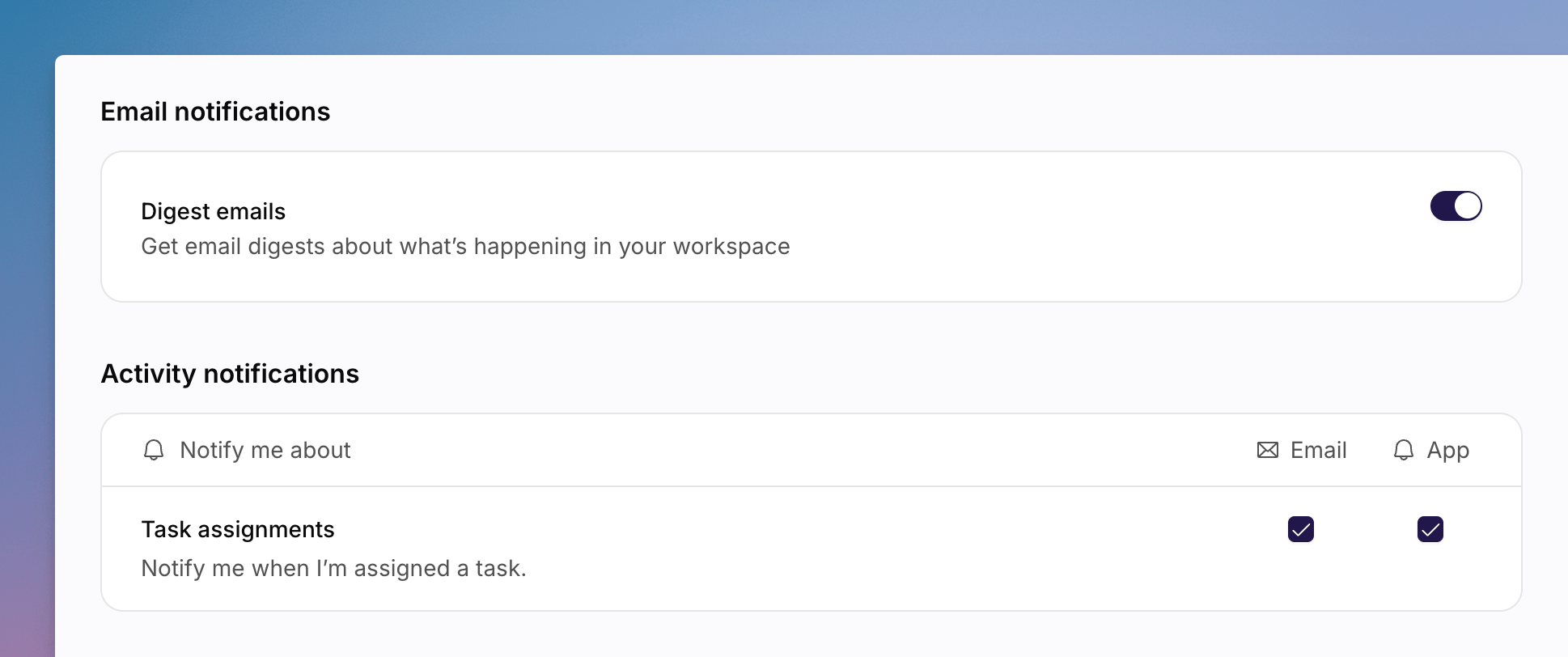
Account Notifications settings, with email digest and activity notification options.
Email Notifications
Turn on Digest emails to get email digests about what is happening in your workspace.Activity Notifications
The Activity notifications table has columns Notify me about, Email, and App. For Task assignments, tick Email and/or App to be notified when you are assigned a task.See Also
How to Update Your Account
Display name and time zone, which also follow you across workspaces.
How to Manage Account Security
Password, passkeys, and two-factor authentication.