

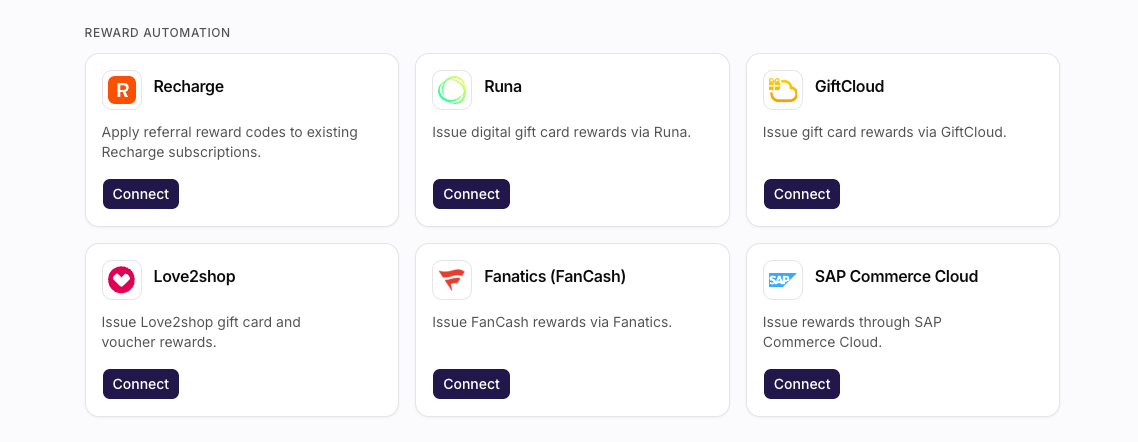
The Reward automation section, with a card per provider.
What You Can Do
- Connect a provider you have not used yet. That opens a dialog for the first set of credentials.
- Manage a provider that already has connections. The sheet lists each connection. From there you Edit one, or Add another.
- Hold several connections per provider. Use that for separate territories or accounts.
- You cannot delete most connections - to stop using one, stop pointing rewards at it.
See Also
How to Connect a Reward Automation Provider
Steps and credentials for every provider, including Recharge.
Integrations
The directory these cards live in.
Understanding Rewards and Vouchers
How reward automation fulfils a campaign reward.
Rewards
Point a campaign reward at a connected provider.