

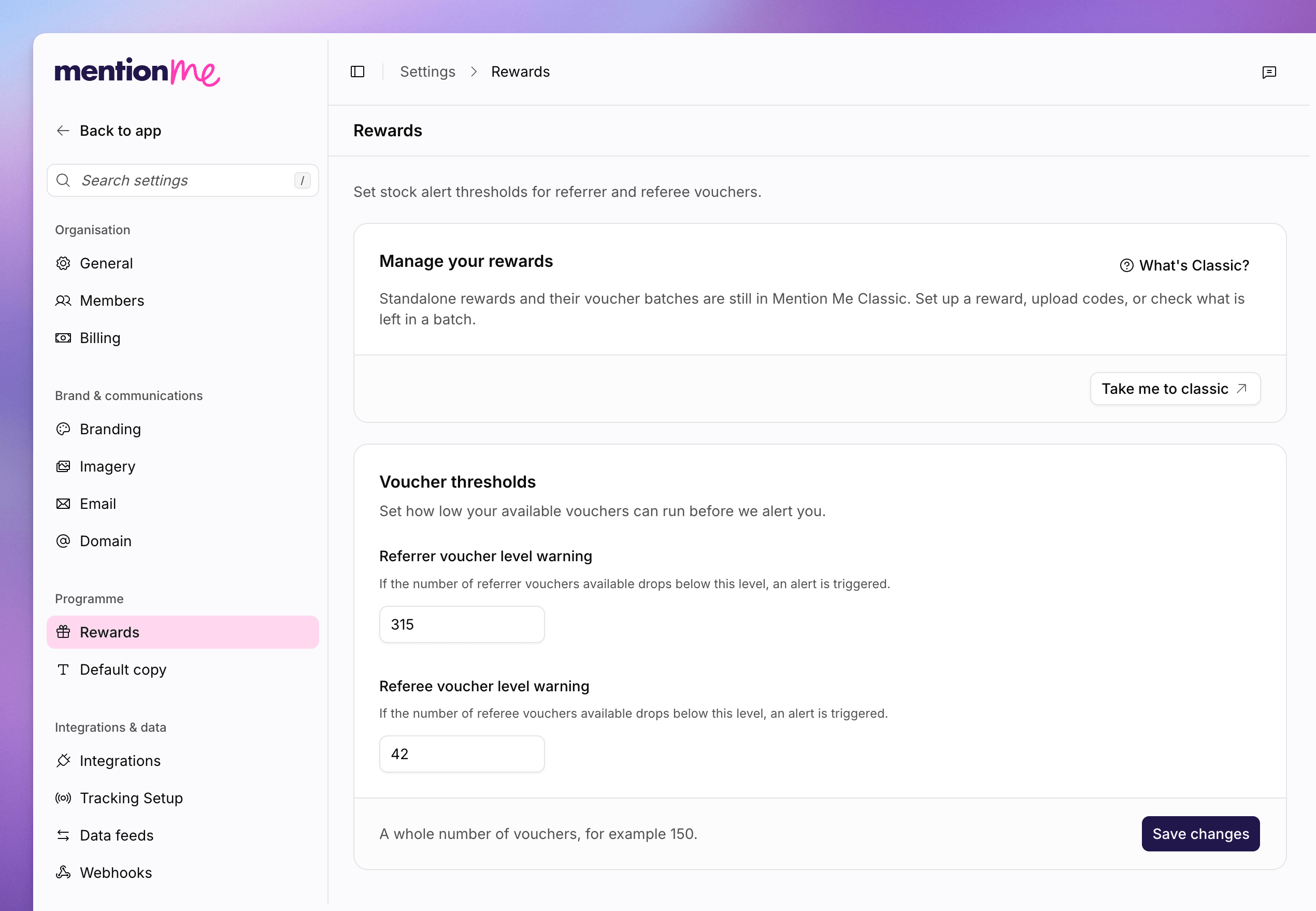
The Rewards page, with voucher threshold fields and the Classic card.
Set Thresholds
Use a whole number of vouchers, for example150. If the backend has no value yet, Mention Me suggests 200 for referrer stock and 150 for referee stock.
1
Open Rewards
Go to Settings > Rewards.
2
Set Referrer Stock
In Referrer voucher level warning, enter the count that should trigger
an alert for referrer vouchers.
3
Set Referee Stock
In Referee voucher level warning, enter the count that should trigger an
alert for referee vouchers.
4
Save
Click Save changes.
See Also
Understanding Rewards and Vouchers
How referrer and referee rewards fit the programme.
How to Upload a CSV
Bulk-upload voucher codes from Settings.